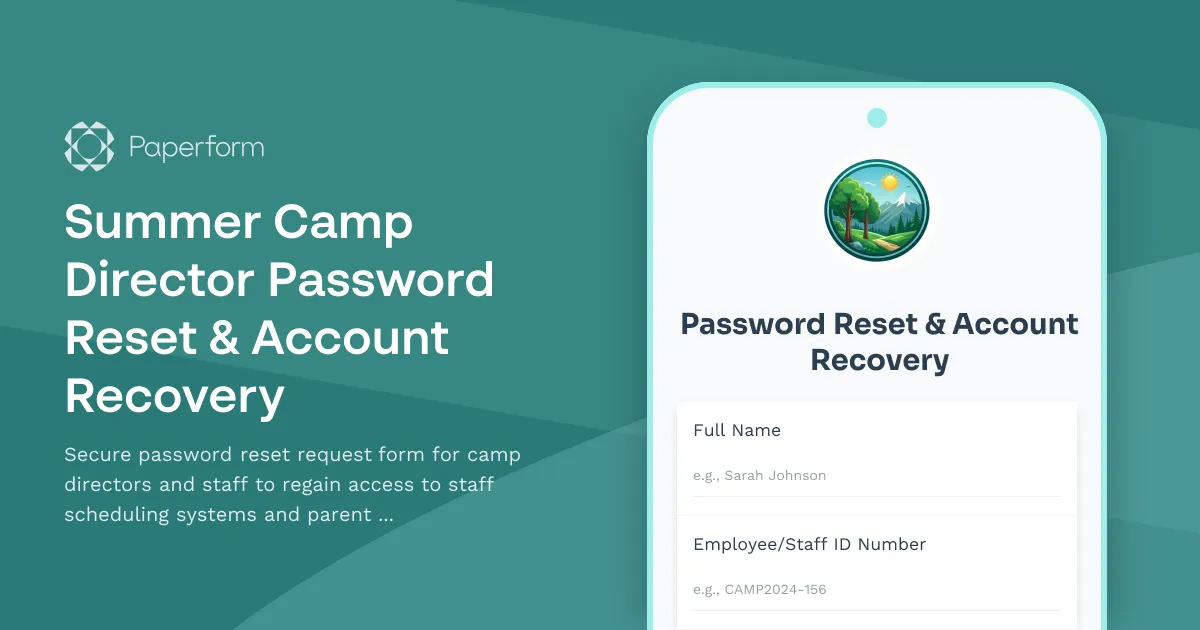
Summer Camp Director Password Reset & Account Recovery Form
Running a summer camp means juggling dozens of responsibilities—from coordinating staff schedules to keeping parents informed about daily activities. When camp directors or staff members lose access to critical systems like your staff scheduling platform or parent communication portal, every minute counts. This Summer Camp Director Password Reset & Account Recovery Form provides a secure, streamlined way for authorized personnel to regain access quickly while maintaining proper security protocols.
Why Summer Camps Need Dedicated Password Reset Forms
Summer camps operate in a unique environment where access to digital systems is mission-critical but often managed by seasonal staff with varying levels of technical expertise. Whether you're running a day camp, overnight camp, or specialty program, your team needs reliable access to:
- Staff scheduling and shift management systems to coordinate counselors, specialists, and support staff
- Parent communication portals for updates, photo sharing, and emergency notifications
- Camper management databases with medical information, permissions, and activity tracking
- Administrative systems for registration, payments, and compliance documentation
When password issues arise—especially during the busy camp season—a well-designed reset process ensures your team can quickly resolve access problems without compromising security or creating bottlenecks for your IT coordinator or camp administrator.
Perfect for Camp Directors, Administrators & Seasonal Staff
This form template is specifically designed for:
- Camp directors who need immediate access to all systems for operational oversight
- Assistant directors and program coordinators managing specific areas like aquatics, arts, or sports
- Administrative staff handling registrations, communications, and billing
- Head counselors and group leaders who need scheduling and communication access
- Seasonal staff coordinators supporting large teams during peak camp season
The form captures all necessary verification information while remaining user-friendly for staff members who may not be tech-savvy, ensuring your camp operations continue smoothly even when technical hiccups occur.
Key Features for Camp Operations
Identity Verification & Security The form includes multiple verification fields to confirm the requestor's identity—employee ID, work email, direct phone number, and department information. This multi-factor approach ensures that only authorized staff members can request password resets, protecting sensitive camper and family data.
System Access Specification Staff members can clearly indicate which systems they need access to—whether it's the staff scheduling platform, parent communication portal, or both. This helps your IT support prioritize requests and ensure the right access is restored quickly.
Urgency Level Assessment Understanding the priority of each request helps your technical team respond appropriately. A director locked out during check-in requires immediate attention, while a counselor planning next week's schedule can wait a bit longer.
Alternative Contact Methods The form collects personal email and phone numbers so your IT team can reach staff members through channels other than their locked accounts, speeding up the verification and resolution process.
How This Form Improves Camp Administration
Reduces IT Support Burden By collecting all necessary information upfront in a structured format, this form eliminates the back-and-forth emails and phone calls that typically slow down password reset requests. Your IT coordinator or administrator can process requests efficiently with all the details they need in one place.
Maintains Security Standards Summer camps handle sensitive information about children and families, making security paramount. This form ensures proper verification steps are followed for every password reset, creating an audit trail and reducing the risk of unauthorized access.
Supports Seasonal Staffing With new staff joining each season and high turnover between years, password issues are common in camp environments. This form provides a consistent, documented process that works regardless of who's requesting access or who's handling IT support.
Keeps Operations Running Smoothly When a program coordinator can't access the schedule or a director can't send emergency updates to parents, camp operations suffer. Quick, secure password resets mean your team stays connected and productive throughout the busy camp season.
Enhance Your Workflow with Paperform + Stepper
While this form captures and organizes password reset requests beautifully, you can take your camp's IT support to the next level by connecting it to automated workflows:
Automated Notifications Use Stepper to instantly notify your IT coordinator or camp administrator when urgent password reset requests come in, ensuring time-sensitive issues get immediate attention.
Multi-Step Approval Process For enhanced security, set up a workflow where password reset requests trigger verification steps—sending confirmation emails, requiring manager approval for high-privilege accounts, or creating temporary access codes.
Ticketing System Integration Connect submissions to your help desk or project management system, automatically creating support tickets with all the necessary information and tracking resolution times.
Staff Communication Automatically send confirmation messages to staff members acknowledging their request and providing estimated resolution times, reducing follow-up inquiries and anxiety.
Perfect for All Types of Summer Camps
This form template works seamlessly across different camp environments:
- Day camps with local staff needing daily scheduling access
- Overnight camps where directors need 24/7 emergency communication capabilities
- Specialty camps (sports, arts, STEM) with program-specific system requirements
- Multi-location camp organizations managing access across different facilities and programs
- Faith-based camps balancing community atmosphere with professional administrative systems
Built on Paperform: Secure, Accessible & Customizable
Powered by Paperform's intuitive platform, this form delivers the professional functionality camps need with the ease-of-use that works for busy, non-technical staff members. The clean, straightforward interface works perfectly on any device—whether your staff is requesting access from home on a laptop or from their phone during a break between activities.
As a SOC 2 Type II compliant platform trusted by over 500,000 organizations worldwide, Paperform provides the security infrastructure summer camps require when handling staff and camper information. You get enterprise-grade data protection with a tool that's simple enough for seasonal staff coordinators to manage.
The form is fully customizable to match your camp's specific systems and terminology. Add your camp's logo, adjust field labels to match your internal system names, or include additional verification questions based on your security policies. Everything adapts to your needs without requiring any coding skills.
Getting Started
Deploy this password reset form as part of your camp's staff onboarding documentation, link it from your staff portal, or include it in your pre-season training materials. When password issues inevitably arise—especially during those hectic first weeks of camp—your team will know exactly where to go and what information to provide.
With this form handling the intake process and your IT support team equipped with all the necessary details, you'll minimize downtime and keep your focus where it belongs: creating amazing summer experiences for campers.
Whether you're a small single-session camp or a large organization running multiple programs across an entire summer, this Summer Camp Director Password Reset & Account Recovery Form ensures your staff always has the access they need to keep your camp running smoothly and safely.



More templates like this
Summer Camp Registration Form
A complete summer camp registration form with session selection, activity preferences, medical information, emergency contacts, and automatic sibling discount pricing.
Marine Biology Camp Registration Form
A comprehensive registration form for marine biology summer camps featuring snorkeling certification, boat safety protocols, ocean research project selection, and field trip permissions.
Minor Child Activity Consent and Medical Release Form
A comprehensive consent and medical release form for schools and camps to collect parental authorization, emergency contacts, medical information, medication permissions, and liability waivers for minor participants.

Summer Camp Counselor Password Reset & Account Recovery Form
A secure password reset form for summer camp counselors to regain access to camper records, activity schedules, and camp management systems.
Blacksmithing Camp Registration Form
Complete registration form for blacksmithing camps including heat tolerance assessment, safety training consent, project selection, and optional art show entry.
Chess Camp Registration Form
Register students for chess camp with skill assessments, tournament experience tracking, and coaching preferences. Perfect for chess camps, academies, and summer programs.

Children's Summer Painting Workshop Registration Form
Register your child for our summer painting workshops with easy online signup, automatic sibling discounts, and secure payment processing.
Circus Russian Bar Camp Registration Form
A specialized registration form for circus Russian bar training camps featuring skill assessments, team routine development, performance opportunities, and professional audition preparation.
Coding Bootcamp Campus Visitor Registration Form
Welcome visitors to your coding bootcamp campus with a professional check-in form that captures contact details, visit purpose, curriculum interests, and partnership opportunities while protecting student privacy.
Community College Continuing Education Enrollment Form
A comprehensive enrollment form for community college continuing education programs with course waitlist management, prerequisite verification, and automatic senior citizen discount application.
Cybersecurity for Healthcare Specialization Course Registration
Comprehensive registration form for healthcare cybersecurity specialization programs featuring HIPAA compliance training, penetration testing labs, and HCISPP certification preparation.
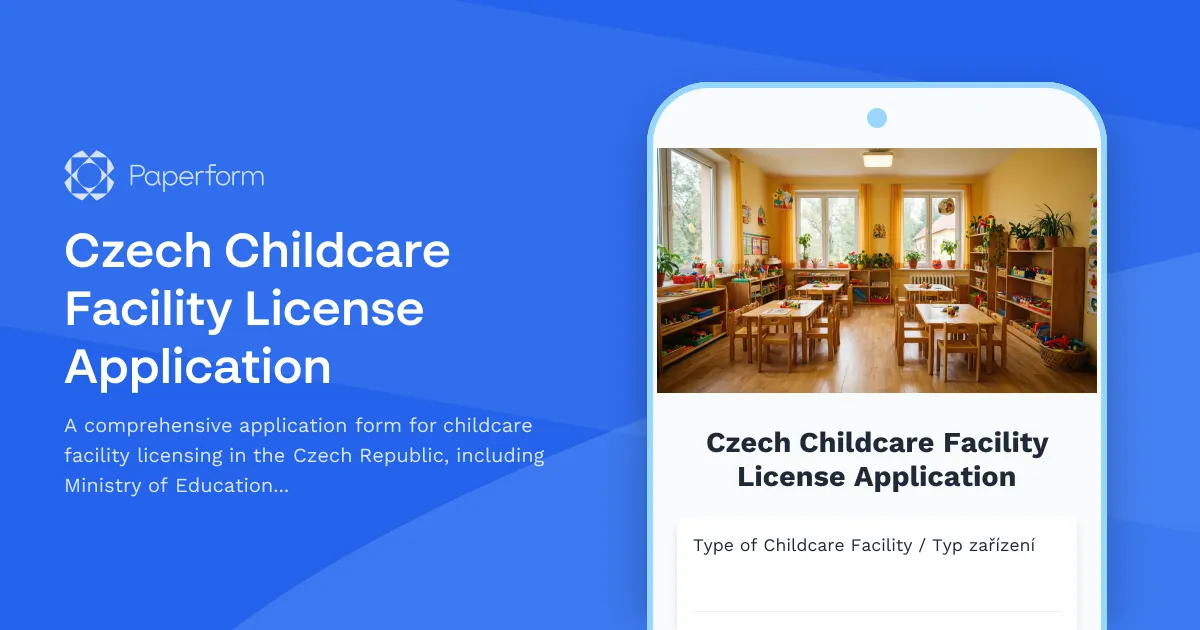
Czech Childcare Facility License Application
A comprehensive application form for childcare facility licensing in the Czech Republic, including Ministry of Education requirements, safety standards, and regulatory compliance documentation.