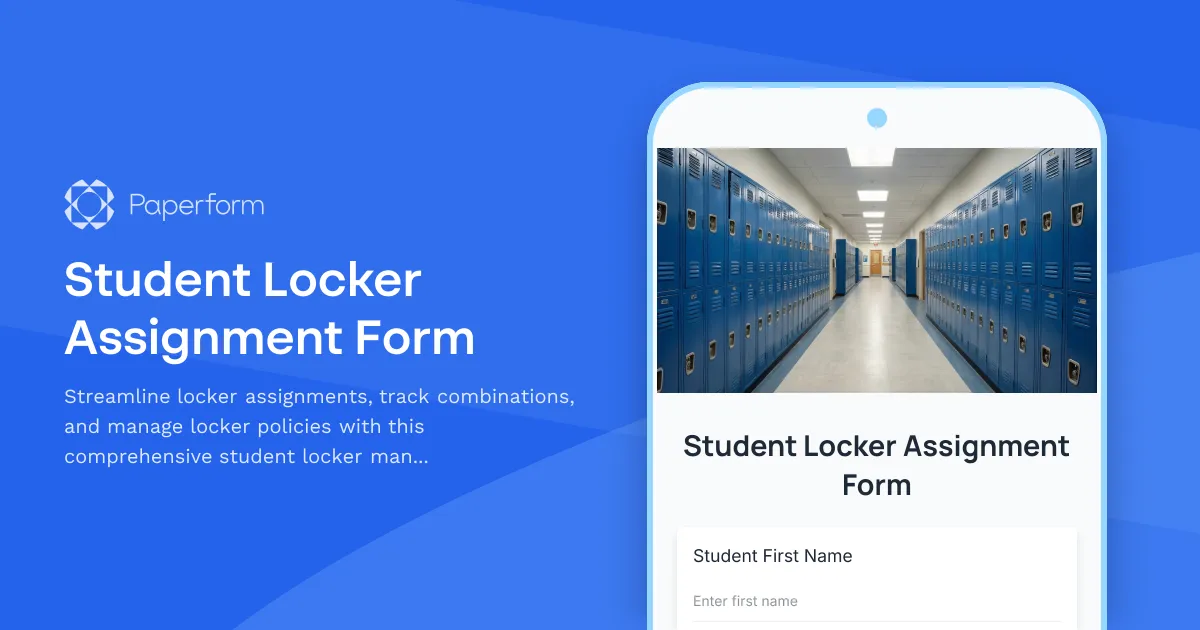
Simplify Student Locker Management with Paperform
Managing student lockers shouldn't mean drowning in paperwork, manual tracking, and lost combination slips. Whether you're a middle school administrator, high school facilities manager, or athletic director, Paperform's Student Locker Assignment Form template gives you a centralized, digital system to assign lockers, issue combinations securely, document condition, and ensure policy compliance—all in one streamlined form.
Why schools need a digital locker assignment solution
Traditional paper-based locker systems create headaches for everyone involved. Students lose combination slips, administrators can't track which lockers are assigned, damage disputes arise at year-end, and important policy acknowledgments get buried in filing cabinets. A digital locker assignment form solves these challenges by creating a clear paper trail, automating notifications, and keeping all locker-related information organized and accessible.
With Paperform, you can customize this template to match your school's specific needs—whether you're assigning academic lockers, PE lockers, or specialized storage for band instruments and athletic equipment. The form captures everything from student information and emergency contacts to locker condition documentation and policy agreements, ensuring nothing falls through the cracks.
What makes this locker assignment template essential
This template includes all the critical components for effective locker management:
Student and guardian information collection ensures you have accurate contact details and emergency information associated with each locker assignment. This becomes invaluable when you need to reach parents about locker issues, unpaid damage fees, or policy violations.
Locker condition inspection and documentation protects both students and your school. By having students acknowledge the locker's condition at assignment—noting any existing damage, graffiti, or mechanical issues—you eliminate end-of-year disputes about who's responsible for what. Consider adding photo upload fields so students can document the locker's initial state.
Secure combination issuance happens through the form itself, creating an automatic record of when combinations were provided. You can set up automated email confirmations that include locker numbers and combinations, eliminating the need for printed slips that students inevitably lose.
Clear prohibited items policy acknowledgment ensures students and parents understand what cannot be stored in lockers. From weapons and illegal substances to perishable food and flammable materials, having documented agreement protects your school legally and reinforces safety protocols.
End-of-year cleanout reminders and procedures can be built right into the form and follow-up communications. Use Paperform's submission data to track which students have or haven't completed end-of-year locker cleanouts, and send targeted reminder emails to those who need them.
Perfect for schools of all sizes and types
This locker assignment form adapts to various educational environments:
Middle and high schools can manage hundreds or thousands of locker assignments across multiple buildings and floors, using the form's conditional logic to route different locker types to different administrative teams.
Athletic departments can create separate workflows for team locker assignments, tracking which athletes have keys or combinations for shared locker rooms and ensuring equipment doesn't go missing.
Performing arts programs can assign instrument storage lockers to band and orchestra students, with special fields for instrument serial numbers and insurance information.
Private schools and boarding schools can customize the form to include dormitory locker assignments, with additional fields for residential life policies and room-specific storage rules.
Automate your entire locker management workflow
The real power comes when you connect this form to your broader school systems. Using Stepper (stepper.io)—Paperform's AI-native workflow automation platform—you can transform each locker assignment into a complete workflow:
- Automatically create locker assignment records in your student information system or school database
- Generate and send personalized confirmation emails with locker numbers, combinations, and location maps
- Route damage reports to facilities management for repair scheduling
- Update inventory spreadsheets in Google Sheets or Airtable with current locker availability
- Send automated end-of-year cleanout reminders based on the school calendar
- Flag high-priority issues (like prohibited items acknowledgment refusal) to administrators via Slack or email
- Create maintenance tickets in your facilities management system when students report locker damage
This automation eliminates manual data entry, reduces administrative workload, and ensures consistent communication with students and parents throughout the school year.
Built for busy school administrators
Paperform understands that school staff wear multiple hats and don't have time for complicated software. This locker assignment form template is designed to be:
Immediately deployable: Customize the school name, logo, and specific policies, then share the form link or embed it directly on your school website within minutes.
Mobile-friendly: Students and parents can complete the form on any device, making it easy to handle locker assignments during orientation days, registration events, or even remotely.
Accessible and compliant: Paperform meets accessibility standards, ensuring all students can complete the form regardless of ability, and offers data residency controls to meet educational data privacy requirements.
Branded to your school: Apply your school colors, fonts, and imagery to create a cohesive experience that feels like an official part of your school ecosystem, not a generic third-party tool.
Security and privacy for student data
Schools must take student data protection seriously, and Paperform provides the security infrastructure you need. With SOC 2 Type II compliance, secure data storage, and granular permission controls, you can confidently collect student information knowing it's protected. Set up role-based access so guidance counselors see different data than facilities staff, and use encrypted submissions to protect sensitive information like emergency contacts and medical notes.
Integrate with the tools you already use
Most schools already use a mix of student information systems, Google Workspace, Microsoft 365, and communication platforms. Paperform connects seamlessly:
- Push locker assignment data to Google Sheets for real-time tracking and reporting
- Store records in Airtable for sophisticated database management with views and filters
- Send notifications through Slack or Microsoft Teams to keep facilities and administrative teams in the loop
- Connect to HubSpot or other CRMs if you're an independent school tracking prospective student engagement
- Use webhooks to integrate with custom school databases and student information systems
Save time, reduce errors, improve accountability
Schools using Paperform's locker assignment forms report dramatic improvements in administrative efficiency. What used to take hours of manual data entry, combination distribution, and paper filing now happens automatically. Disputes about locker damage decrease because there's clear documentation from day one. Lost combination requests drop because students receive automatic email confirmations they can reference all year.
Most importantly, your administrative team can focus on supporting students and teachers instead of managing paperwork—which is why you got into education in the first place.
Get started in minutes
Ready to modernize your school's locker management? This Student Locker Assignment Form template includes everything you need to start accepting assignments today. Customize the questions to match your school's specific policies, add your branding, and share the link with students and families. Within minutes, you'll have a professional, automated system that scales from dozens to thousands of locker assignments.
Trusted by over 500,000 teams worldwide and fully GDPR compliant, Paperform provides the reliability and professionalism that educational institutions need, with the flexibility and ease-of-use that time-strapped administrators appreciate.



More templates like this
504 Plan Accommodation Request Form
A comprehensive form for parents and guardians to request Section 504 accommodations for students with disabilities, including documentation uploads and professional recommendations.
Dual Language Program Enrollment Form
Enroll students in dual language programs with home language surveys, bilingual assessments, and parent commitment agreements for successful multilingual education.
Homework Modification Request Form
A parent request form for homework accommodations and modifications to support students with learning differences, disabilities, or special circumstances requiring adjusted workloads, extended deadlines, or alternative assignments.
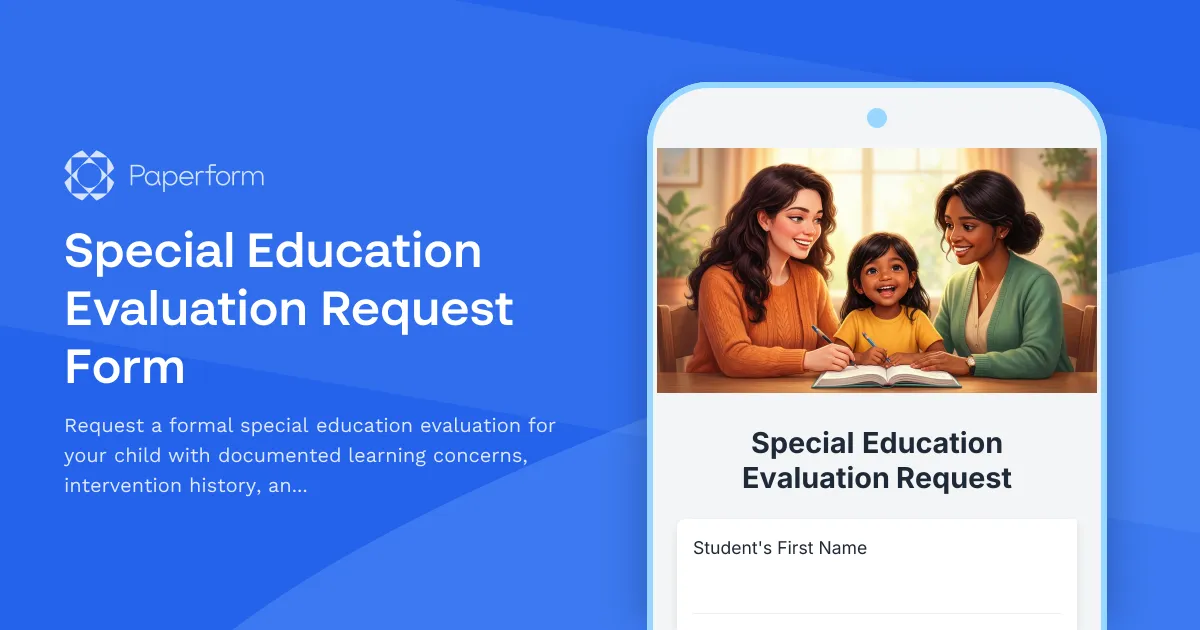
Special Education Evaluation Request Form
Request a formal special education evaluation for your child with documented learning concerns, intervention history, and assessment consent.
Back to School Parent Portal Account Activation Form
A complete parent portal registration form for schools that handles account creation, email verification, student linking, notification preferences, and consent—all in one streamlined experience.
Campus Closure Decision & Continuity Form
Comprehensive form for educational institutions to assess emergency situations, make campus closure decisions, coordinate student safety measures, and plan academic continuity with structured parent communication protocols.
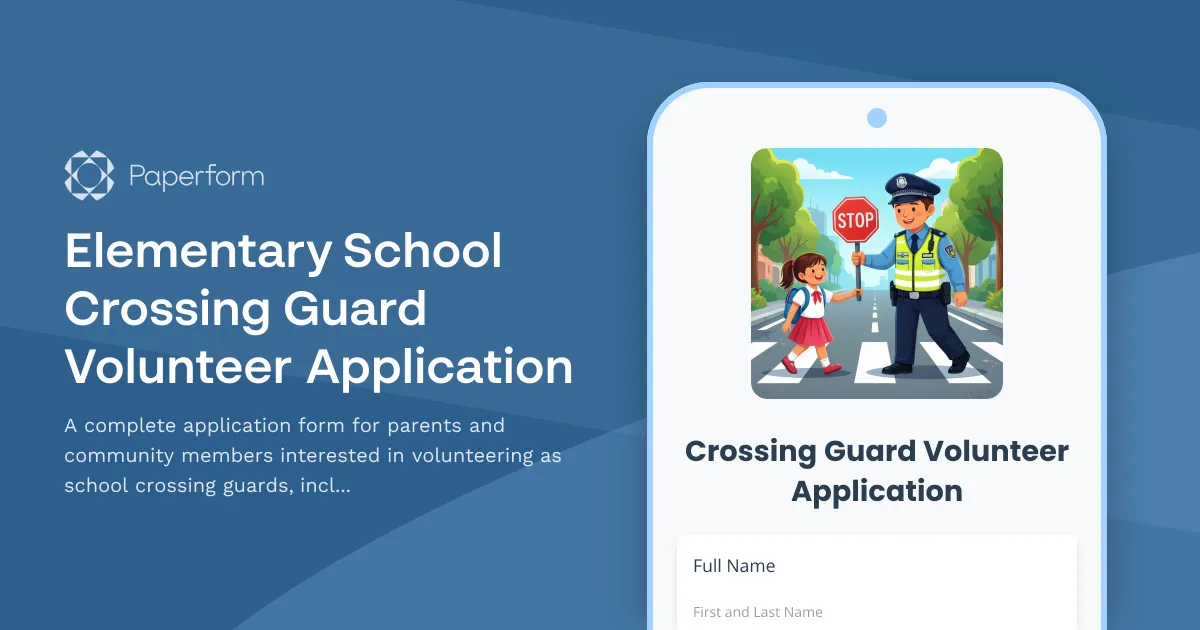
Elementary School Crossing Guard Volunteer Application
A complete application form for parents and community members interested in volunteering as school crossing guards, including shift preferences, availability, and safety requirements.
Free and Reduced-Price School Meals Application
Apply for free or reduced-price school meals based on household income, participation in assistance programs, or foster child status. Quick, confidential application for eligible families.
GDPR Student Information System Consent Form
Collect GDPR-compliant consent for student data processing, educational records management, parent portal access, and third-party educational tool integration in EU schools.
High School Credit Recovery Enrollment Form
A streamlined enrollment form for high school students seeking to recover credits for failed courses through flexible online or in-person learning options.
High School Parking Permit Application
A comprehensive parking permit application for high school students to register their vehicles, verify insurance, declare traffic violations, and select parking preferences.
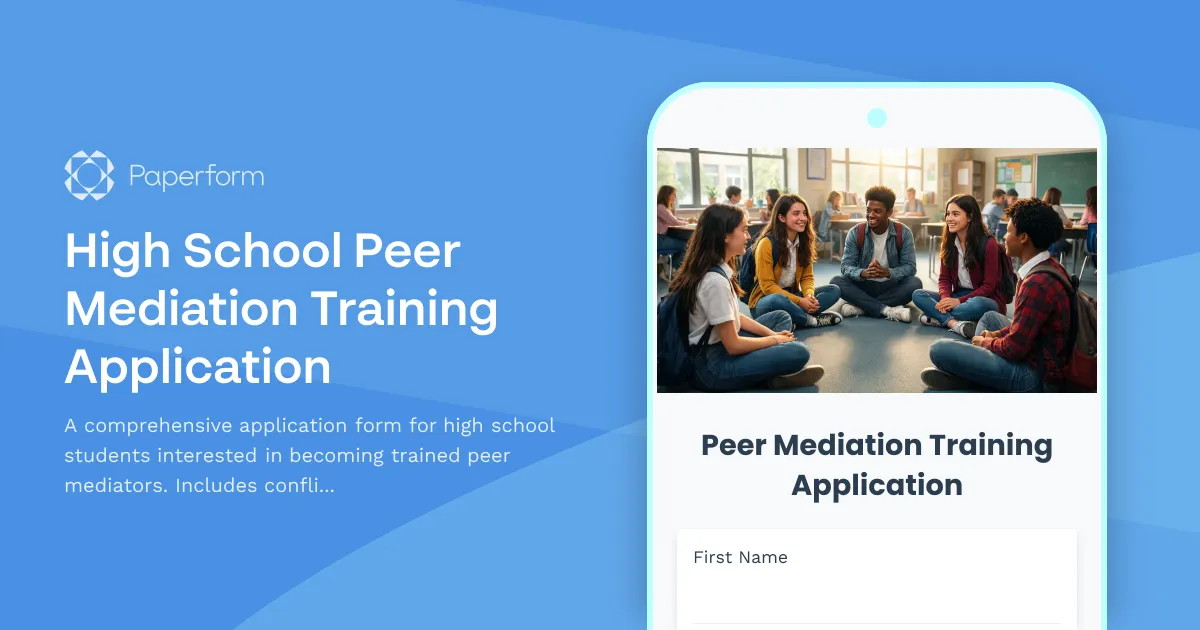
High School Peer Mediation Training Application
A comprehensive application form for high school students interested in becoming trained peer mediators. Includes conflict resolution interest assessment, neutrality commitment, scenario responses, and training certification acknowledgment.