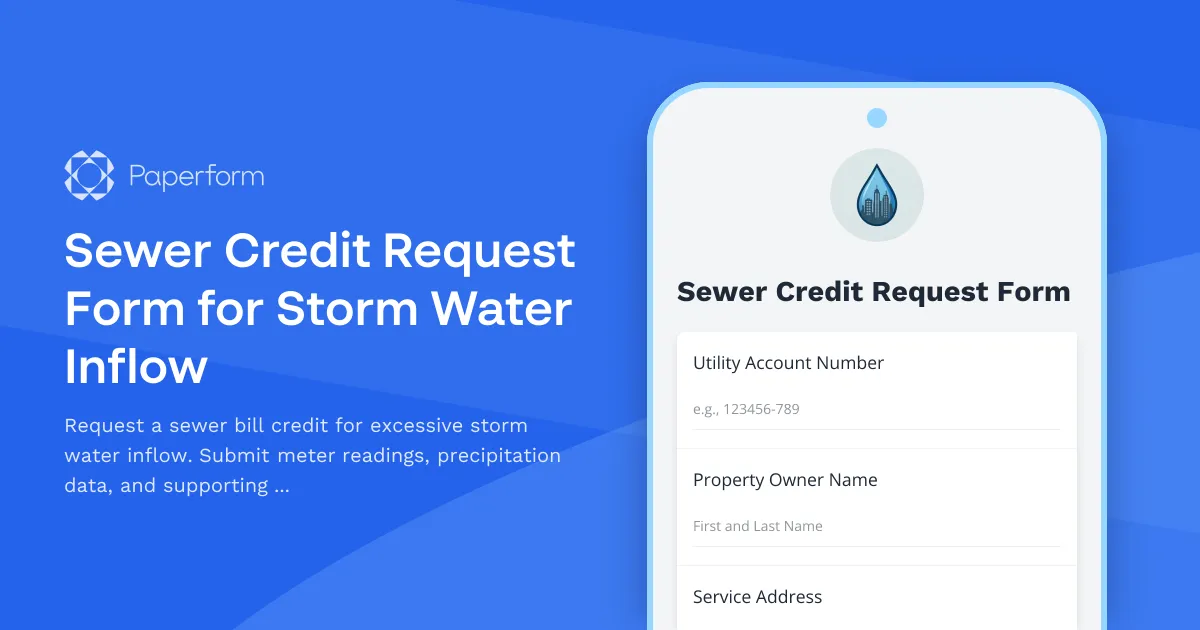
Professional Sewer Credit Request Forms for Municipal Utilities
When heavy storms cause excessive water inflow through sump pumps, foundation drains, or roof runoff, property owners may see significant increases in their water bills—but that water never enters the sewer system. Municipal utility departments across the country recognize this issue and offer sewer credit programs to ensure residents and businesses aren't charged for water that bypasses the wastewater treatment system.
This Sewer Credit Request Form for Storm Water Inflow template makes it easy for utility billing departments, public works offices, and municipal administrators to collect all the documentation and calculations needed to process credit requests fairly and efficiently.
Why This Form Template Works for Municipal Utilities
Processing sewer credit requests can be time-consuming and inconsistent when handled via email, phone calls, or paper forms. This Paperform template brings structure and transparency to the process by:
- Collecting meter readings and precipitation data in one standardized submission
- Automating credit calculations based on your municipality's methodology
- Requesting supporting documentation like photos, receipts, or plumber statements upfront
- Reducing back-and-forth by capturing all required information in a single form
The form guides applicants through the request process step-by-step, reducing errors and incomplete submissions that slow down your review process.
Built for Public Works and Utility Billing Teams
This template is designed for:
- Municipal utility billing departments processing residential and commercial sewer credit requests
- Public works offices managing storm water and wastewater programs
- City and county administrators streamlining citizen service requests
- Water and sewer authorities handling customer billing inquiries
The form includes conditional logic that adapts based on property type (residential vs. commercial) and request reason, ensuring you collect only the relevant information for each case.
Automate Your Workflow with Stepper
Once a sewer credit request is submitted, you can use Stepper to automate your review and approval workflow:
- Route requests to the appropriate billing specialist based on property type or credit amount
- Send automatic acknowledgment emails to applicants with expected processing timelines
- Create tasks in your project management system for field verification if needed
- Update your utility billing software when credits are approved
- Notify applicants of approval or denial via automated email with full audit trail
By connecting your form submissions to downstream processes, you can handle higher volumes of requests without adding staff.
Key Features of This Template
Applicant and Property Information: Collects account numbers, service addresses, property owner details, and contact information to ensure proper billing account identification.
Billing Period and Meter Data: Captures the specific billing cycle in question, current and previous meter readings, and comparative usage data to establish baseline consumption.
Storm Event Documentation: Requests dates of heavy precipitation, rainfall amounts, and allows applicants to reference local weather station data or attach documentation from weather services.
Credit Calculation Methodology: Includes fields for average consumption, excess usage during the storm period, and applies your municipality's credit formula—which can be customized based on your billing policies.
Supporting Documentation Upload: Allows applicants to submit photos of sump pump discharge, plumber statements, foundation drain diagrams, or other evidence that supports their claim.
Declaration and Certification: Includes an acknowledgment section where applicants certify the accuracy of their information and understand the credit review process.
Customization for Your Municipality's Policies
Every municipality calculates sewer credits differently. This template uses Paperform's calculation fields to implement common methodologies, such as:
- Credits based on excess usage above historical average
- Percentage-based credits for documented storm events
- Tiered credit structures based on precipitation levels
- Fixed credit amounts for verified sump pump installations
You can easily adjust the formulas in the calculation fields to match your specific billing policies and credit rules.
Mobile-Friendly for Citizen Self-Service
Residents and business owners can submit credit requests from any device—desktop, tablet, or smartphone. The form's clean, document-style layout makes it easy to understand requirements and complete the submission without calling your office.
By offering online self-service, you reduce phone volume at your utility billing counter and give citizens a faster, more convenient way to request credits.
Data Collection and Reporting
All sewer credit requests flow into Paperform's submission inbox, where you can:
- Filter and search by account number, property address, or billing period
- Export data to Excel or your utility billing system
- Use AI Insights to identify patterns—like which neighborhoods submit the most requests or which storm events trigger the highest volume
- Generate reports for city council or budget planning purposes
This centralized data makes it easier to analyze program costs, identify infrastructure issues, and justify budget requests for storm water improvements.
Secure, Compliant, and Trusted
Municipal forms need to meet high standards for data security and privacy. Paperform is SOC 2 Type II compliant and offers data residency controls, so you can ensure citizen information is handled securely. While Paperform is not HIPAA compliant, it's well-suited for utility billing, permits, public records requests, and other civic services that require trust and transparency.
Get Started with This Template
Whether you're digitizing paper-based credit request processes or replacing outdated email workflows, this Sewer Credit Request Form template gives your utility department a professional, efficient way to manage storm water inflow credits. Customize the questions, calculations, and branding to match your municipality's policies, then embed the form on your city website or share it directly with customers.
With Paperform, you'll spend less time chasing missing information and more time serving your community.



More templates like this
Combined Sewer Overflow Notification Signup
Register for CSO alerts and water contact advisories for waterfront properties. Receive timely notifications about combined sewer overflow events and water quality warnings.
Dutch Municipal Waste Collection Registration Form
Register for municipal waste collection services in the Netherlands with address verification and bin size selection. Complete your KVK and BSN details for seamless service activation.
Fire Hydrant Meter Deposit Refund Application
Request a refund of your fire hydrant meter deposit after equipment return. Submit final meter readings, confirm equipment condition, and reconcile outstanding usage charges.
Irrigation System Leak Adjustment Request
Request a water bill adjustment for irrigation system leaks with automated credit calculation based on usage comparison and repair documentation.
PFAS Water Quality Testing Results Notification Signup
Sign up to receive timely alerts about PFAS water quality testing results, detection thresholds, health advisories, and treatment updates from your local water utility.
Septic to Sewer Conversion Application
Apply to connect your property to the municipal sewer system. Submit property details, request connection timeline, and explore financing options for your septic system conversion.
Sewer Lateral Inspection Request Form
Request a sewer lateral inspection for home sale compliance. Schedule your preferred inspection date, submit property details, and pay the inspection fee—all in one streamlined form.
Sewer Lateral Repair Cost-Share Program Application
Apply for municipal assistance to repair or replace your sewer service lateral. Income-qualified homeowners may receive up to 50% cost reimbursement for eligible repairs.
Sewer Odor Complaint Form
Report sewer odor issues to your municipal utility department. Provide detailed information about the affected area, occurrence frequency, and environmental conditions to help expedite investigation and resolution.
Utility Billing Dispute Form
Submit a dispute for water, sewage, or municipal utility billing charges. Upload supporting documents and request a payment hold while your dispute is reviewed.
Utility Budget Billing Enrollment Form
Enroll in budget billing to spread your utility costs evenly throughout the year with predictable monthly payments based on your 12-month usage history.
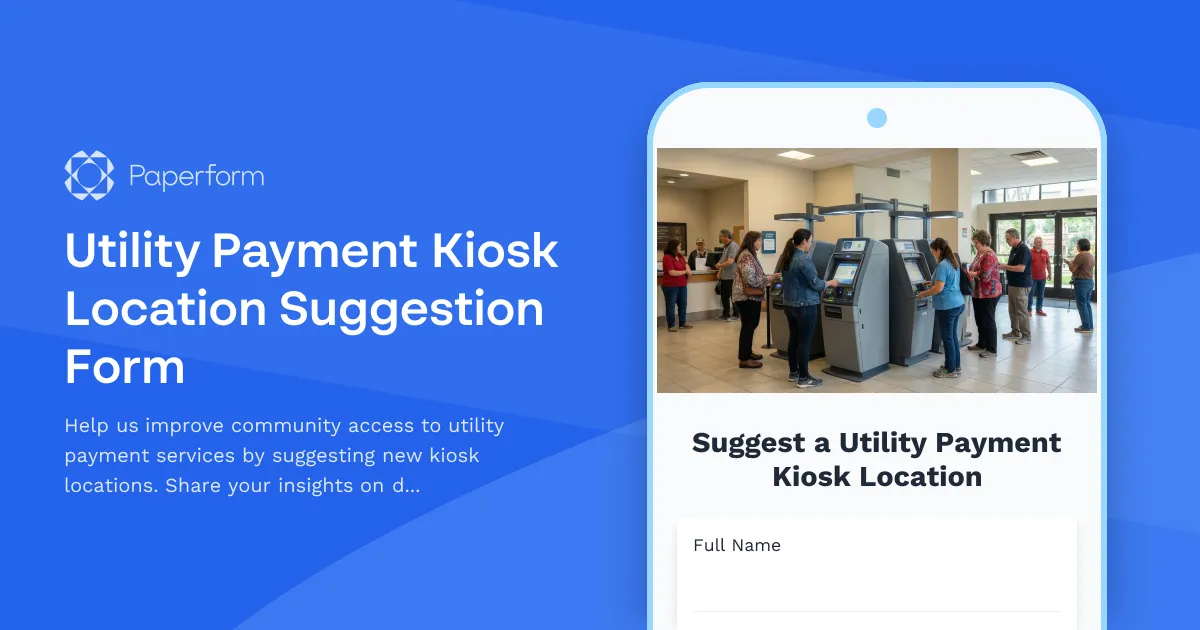
Utility Payment Kiosk Location Suggestion Form
Help us improve community access to utility payment services by suggesting new kiosk locations. Share your insights on demographics, accessibility needs, and site feasibility to make utility payments more convenient for everyone.