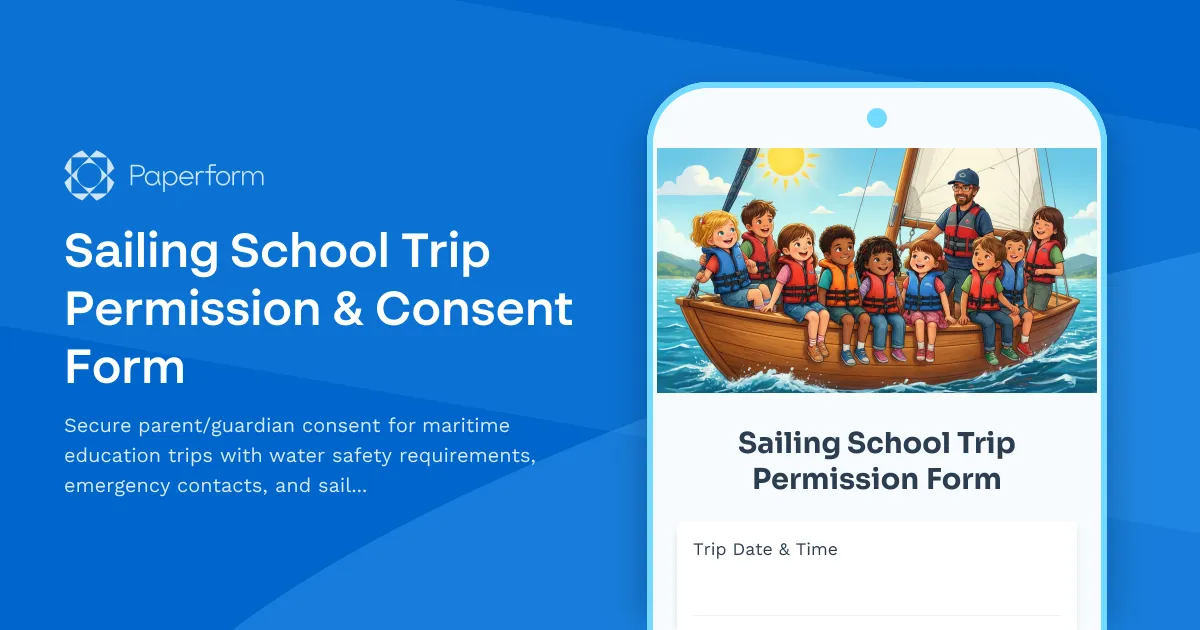
Get Students Safely on the Water with Professional Sailing Trip Permission Forms
Planning a sailing school excursion or maritime education program? This Sailing School Trip Permission & Consent Form template helps schools, youth sailing programs, and maritime education centers collect comprehensive parental consent while ensuring every water safety requirement is documented before students step aboard.
Why Sailing Programs Need Specialized Permission Forms
Unlike standard field trips, maritime education experiences require detailed safety documentation. Parents need to understand the unique risks of on-water activities, confirm their child's swimming ability, and provide critical health information that could affect participation. This template captures everything from medical conditions and medication to emergency contacts and photo release permissions—all in one professional, easy-to-complete form.
Built for Schools, Sailing Clubs & Maritime Centers
Whether you're running a one-day introductory sailing experience, a week-long youth regatta, or an ongoing ocean literacy program, this form adapts to your needs. It's designed for:
- Schools organizing sailing field trips as part of STEM or physical education programs
- Youth sailing clubs offering learn-to-sail courses and competitive training
- Maritime education centers providing hands-on ocean science experiences
- Summer camps with sailing, kayaking, or maritime adventure components
- Community sailing programs serving diverse youth populations
What This Template Includes
This comprehensive permission form covers all the essentials for safe maritime education:
Participant & Parent Information – Collect student details, parent/guardian contact information, and multiple emergency contacts who can make decisions if primary contacts are unavailable.
Trip Details & Program Information – Clearly outline the sailing trip date, location, departure/return times, and what activities students will experience on the water.
Medical & Health Screening – Gather critical information about swimming ability, medical conditions, allergies, medications, dietary restrictions, and any physical limitations that could affect participation.
Water Safety Requirements – Confirm understanding of safety protocols, life jacket requirements, and behavioral expectations while on vessels and around water.
Consent & Authorization – Secure permission for participation, emergency medical treatment, transportation, and use of photographs or videos for program promotion.
Liability Waiver – Include standard acknowledgment of inherent risks in water-based activities (consult with your legal advisor to ensure compliance with local requirements).
Why Paperform for Maritime Education Permission Forms
Paperform makes it effortless to collect and manage sailing trip permissions:
Mobile-Friendly for Busy Parents – Parents can review details and sign permission forms from their phones, making it easy to get consent even from families on the go.
Conditional Logic for Smart Forms – If a student indicates a medical condition or can't swim, the form automatically reveals follow-up questions to gather the necessary details, keeping forms concise while capturing critical information.
Secure Data Collection – Paperform is SOC 2 Type II compliant with robust data protection, giving parents confidence that sensitive medical and contact information is secure.
Papersign for Digital Signatures – Need a legally binding signature? Use Papersign to turn submitted forms into formal documents that parents can eSign, creating a complete audit trail for your records.
Automated Confirmations – Set up custom success pages and confirmation emails that provide parents with trip details, packing lists, and what to expect—reducing last-minute questions.
Streamline Your Entire Trip Workflow with Stepper
Once permission forms are submitted, Stepper can automate everything that happens next:
- Roster Management – Automatically add approved participants to your trip roster in Google Sheets or Airtable
- Team Notifications – Alert instructors and safety officers when new students are registered, especially flagging any medical concerns
- Parent Communications – Trigger reminder emails with pre-trip instructions, weather updates, and last-minute details
- Waitlist Management – Move students from waitlist to confirmed when spots open up
- Payment Processing – If you charge trip fees, connect Stripe or PayPal to collect payments alongside permissions
Best Practices for Maritime Education Permission Forms
Send Forms Early – Give parents at least 2-3 weeks to review, complete, and return permission forms. This provides time to address medical concerns or arrange alternative activities for students who can't participate.
Be Clear About Requirements – Specify swimming ability requirements, clothing needs (water shoes, sun protection), and what students should/shouldn't bring aboard.
Include Weather Contingencies – Let parents know your plan if weather makes sailing unsafe, including alternative dates or activities.
Collect Multiple Emergency Contacts – On the water, you may be out of cell range. Having multiple backup contacts increases the likelihood of reaching someone in an emergency.
Review Forms Before Trip Day – Flag any medical concerns, swimming limitations, or dietary needs so instructors can plan accordingly and have necessary accommodations ready.
Designed for Education, Built for Safety
This template balances comprehensive safety documentation with a parent-friendly experience. The conversational tone helps families understand why each question matters, while the professional structure ensures you meet insurance requirements and duty of care obligations.
Maritime education opens students' eyes to ocean science, environmental stewardship, and lifelong water sports. With proper permission and safety protocols in place, you can focus on delivering transformative on-water experiences that students will remember for years to come.
Get Started in Minutes
This template is ready to customize and share immediately. Add your organization's logo, adjust trip details, include your specific safety protocols, and embed the form on your website or share via email or social media. Parents can complete it in just a few minutes, and you'll have all permissions organized in one secure location.
Trusted by schools, sailing clubs, and maritime education programs, this Paperform template helps you manage risk while making it simple for families to get students safely on the water.



More templates like this
Amusement Park Field Trip Consent Form
Permission slip for school trips to amusement parks and theme parks with ride restrictions, buddy system agreements, and safety protocols.
Beach or Lakefront Field Trip Permission Slip
A comprehensive permission form for school beach and lakefront excursions, including water safety rules, sun protection requirements, and activity supervision details.
Cheerleading Squad Parental Consent Form
A comprehensive parental consent form for cheerleading squads covering stunt participation, competition travel, uniform costs, and injury assumption of risk.
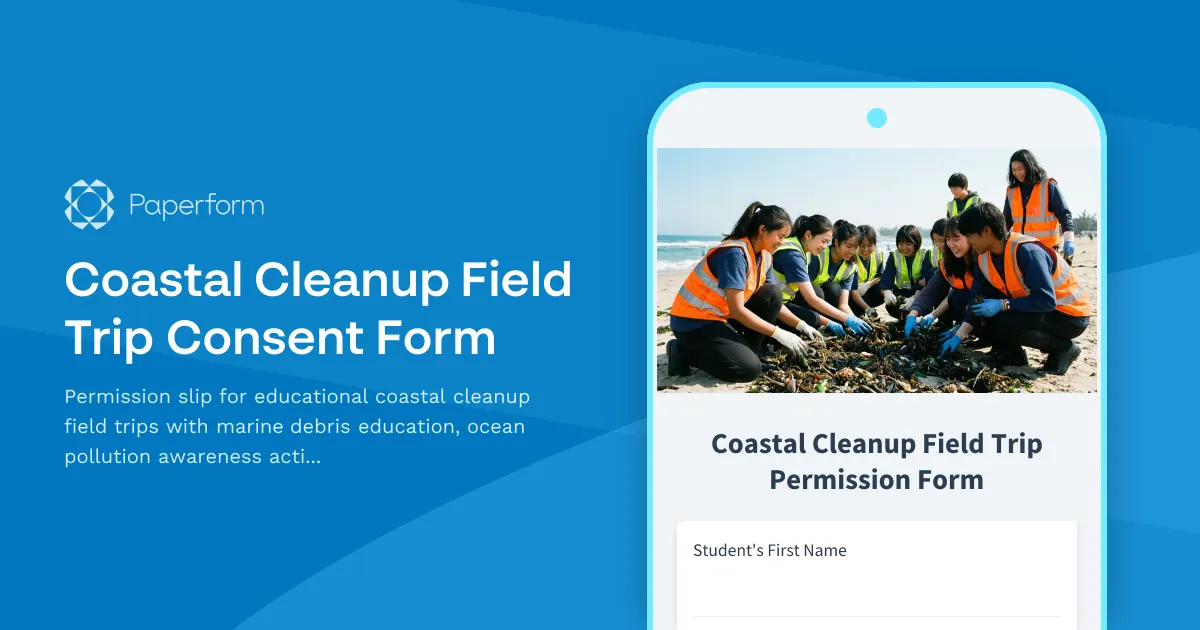
Coastal Cleanup Field Trip Consent Form
Permission slip for educational coastal cleanup field trips with marine debris education, ocean pollution awareness activities, and environmental service opportunities for students.
Youth Sports Team Photo and Video Consent Form
A comprehensive consent form for youth sports teams to obtain parental permission for photographing and filming players during games and team activities, with specific permissions for social media and promotional use.
Acrobatics Studio Performance Video Release Form
A comprehensive video release form for acrobatics studios to obtain consent for recording performances, training sessions, and using footage for promotional purposes.
Competitive Jump Rope Athlete Photo & Video Consent Form
A comprehensive media release form for competitive jump rope athletes that covers performance footage, skill documentation, and promotional materials for alternative athletics.
Competitive Jump Rope Team Video Release Form
A comprehensive media release form for competitive jump rope teams to obtain consent for recording and using routine footage, synchronized performances, and youth athletics promotional materials.
Dance Studio Field Trip & Performance Consent Form
A comprehensive permission slip for dance studios and performing arts schools to obtain consent for student field trips involving movement activities, performance observation, and arts appreciation experiences.
Danish School Field Trip Authorization Form
A comprehensive parental consent and authorization form for Danish school field trips, including CPR-linked identification, emergency contact details, medical information, and activity permissions.
Extracurricular Activity Permission & Enrollment Form
A comprehensive permission form for enrolling students in extracurricular activities including sports, clubs, and performing arts. Collect consent, emergency contacts, schedule acknowledgment, transportation preferences, and activity fees.
Film Festival Field Trip Permission Form
Permission slip for student attendance at film festival or independent cinema screenings with media literacy education and cinematic arts appreciation components.