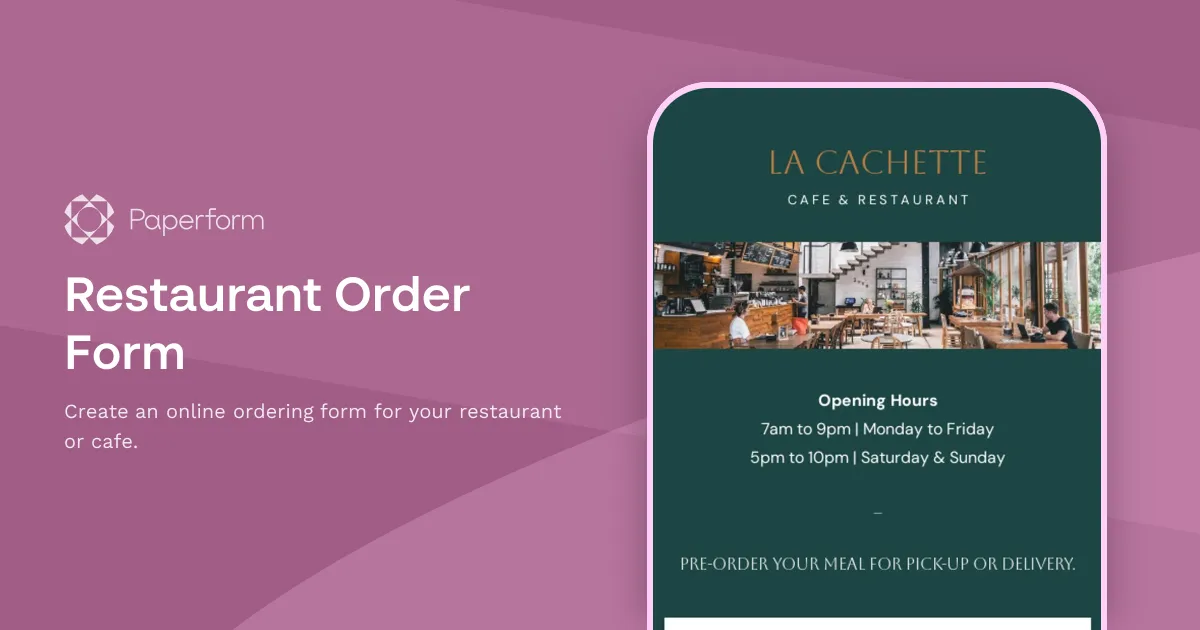
Restaurant Order Form Template
Get your restaurant or cafe up and running with online food ordering.
This Restaurant Order Form Template is here to help you expand your restaurant's online presence, provide a convenient ordering experience for your customers, and keep you updated on your stock levels.
The flexible form is split into three parts: selecting the menu items, adding delivery and order details, and finally, making an online payment. The first page resembles an online version of your restaurant's food menu and lets you add your menu items with photos and unit prices. Your customers can choose what they want to order and add any special requests or notes they might have.
The next page collects all important customer info, like their name, email, phone number, and delivery or pickup instructions. If you're selling gift cards or want to get feedback on your menu, you can add that too. Finally, the form asks customers to make the payment which then automatically confirms their order, and even sends them a confirmation email with an order summary and a receipt.
All the form fields, design elements and smart functions are customizable, so you can modify the form to fit your cafe's or restaurant's needs. Once you're happy with your form, add it to your website, and watch the orders start rolling in!
[FAQ]
Can I use the Restaurant Order Form Template for online groceries, a bakery, or a cafe?
Absolutely! The form's features, like the ability to manage stock levels and payment options, make it a great fit for any business that sells products or services online. You can also customize the form's design and branding to match your business's style, so the possibilities are endless here!
Can I make changes to this Restaurant Order Form Template?
This template is fully customizable so you can make changes to the form's layout, colors, typography, images, and even add or remove fields to suit your restaurant's specific needs. For example, you can:
Add fields to gather information such as customers' dietary preferences, delivery instructions, or preferred payment methods.
Replace all product photos to showcase your menu items and help customers make their selections.
Modify the payment options. The template supports payment gateways such as Stripe, PayPal, Square, or Braintree, but you can customize it to support any payment method that works for your business.
Use conditional logic to show or hide fields: You can set up the form to show or hide fields based on certain criteria. For example, you can hide fields related to dine-in orders for customers who select delivery.
How can I add an online food ordering form to my website?
First, publish the form you created using the template. You can do this from the "Publish" button in the top-right corner of the form editor.
Once the form is published, copy the embed link provided by Paperform. This is the link that you'll use to add the form to your website.
Next, embed the form to your website. If you're using a website builder like Squarespace or Wix, you can use an "embed" block to add the form to your page. For WordPress, you can use a plugin like WPForms or Gravity Forms to embed the form. If you're comfortable with HTML, you can paste the code directly into your website's HTML code.
Once the form is embedded on your website, your customers will be able to access it directly from your site.
How can I send automatic confirmation emails for my online restaurant orders?
Setting up automatic confirmation emails for your food order form through Paperform is easy. Here's how:
Start by creating a confirmation email that will be sent to customers after they submit an order. You can customize the email to include details such as the order total, estimated delivery time, or other information that customers need to know.
In the form builder, click on "Emails & Redirects" in the left-hand menu. From there, you can set up email notifications that will be sent to you and/or your team when an order is placed. You can also customize the notification to include specific details from the order form.
Once you've created your confirmation email and set up email notifications, you can add the confirmation email to your form. To do this, go to the "Emails & Redirects" section and click "Add New Email." Select "Confirmation Email" and choose the confirmation email you created earlier.
Finally, customize the email message to include any additional information you want to provide to customers. You can include details such as the order total, estimated delivery time, or other information that customers need to know.
That's it! Once you've set up your confirmation email, customers will automatically receive a confirmation message after they submit their order. This helps to streamline the ordering process and provide customers with the information they need to know about their orders.
Key Features
This template is designed to help you collect information efficiently and professionally. It includes carefully crafted questions and fields that gather all the essential details you need.
Why Use This Template
- Save time: Start with a pre-built structure instead of creating from scratch
- Professional design: Looks polished and trustworthy to respondents
- Easy customization: Modify fields, colors, and branding to match your needs
- Mobile-friendly: Works seamlessly on all devices
How to Use This Template
- Click "Use this template" to import it into your Paperform account
- Customize the questions and fields to match your specific requirements
- Adjust the design and branding to reflect your organization
- Share the form link or embed it on your website
- Start collecting responses and managing submissions
Customization Options
Paperform's visual editor makes it easy to:
- Add or remove questions
- Change colors, fonts, and images
- Set up conditional logic to show/hide fields
- Configure email notifications and integrations
- Accept payments if needed
Get started today and create a professional form in minutes.



More templates like this
Burgers Order Form
Use this online form to collect burger orders.
Pizza Order Form
Use this online form to collect pizza delivery orders.
Pre-Order Form
Increase sales and streamline your pre-ordering process with this customizable pre-order form template! Collect customer details, payments, shipping info and more.
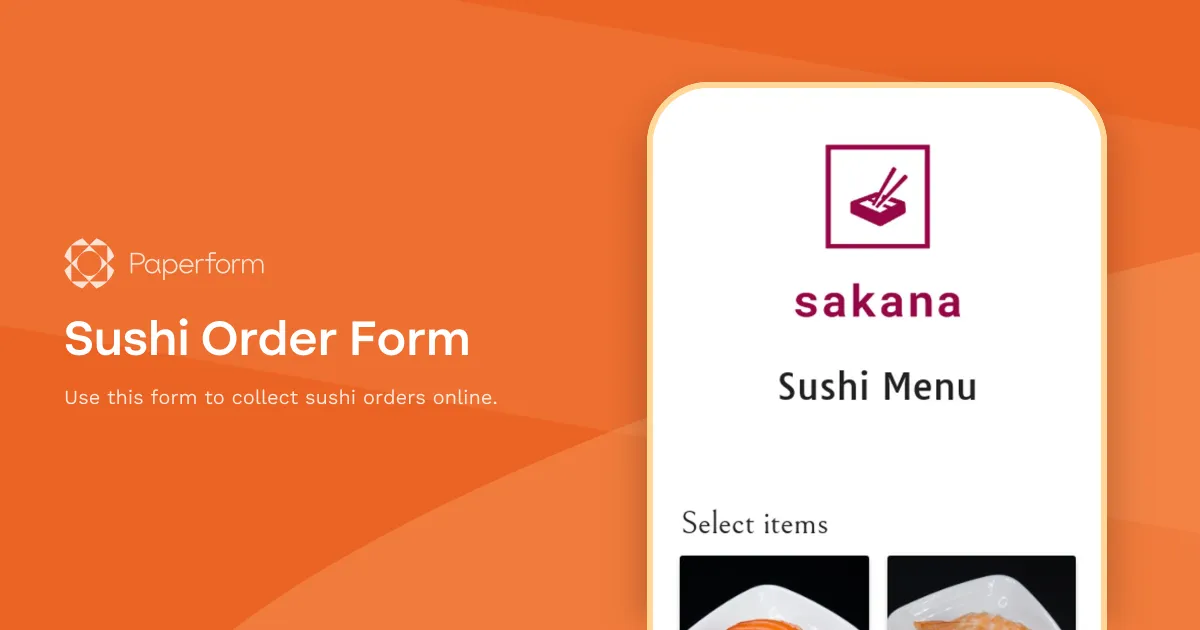
Sushi Order Form
Use this form to collect sushi orders online.
Catering Order Form
Accept catering orders online with this form template.
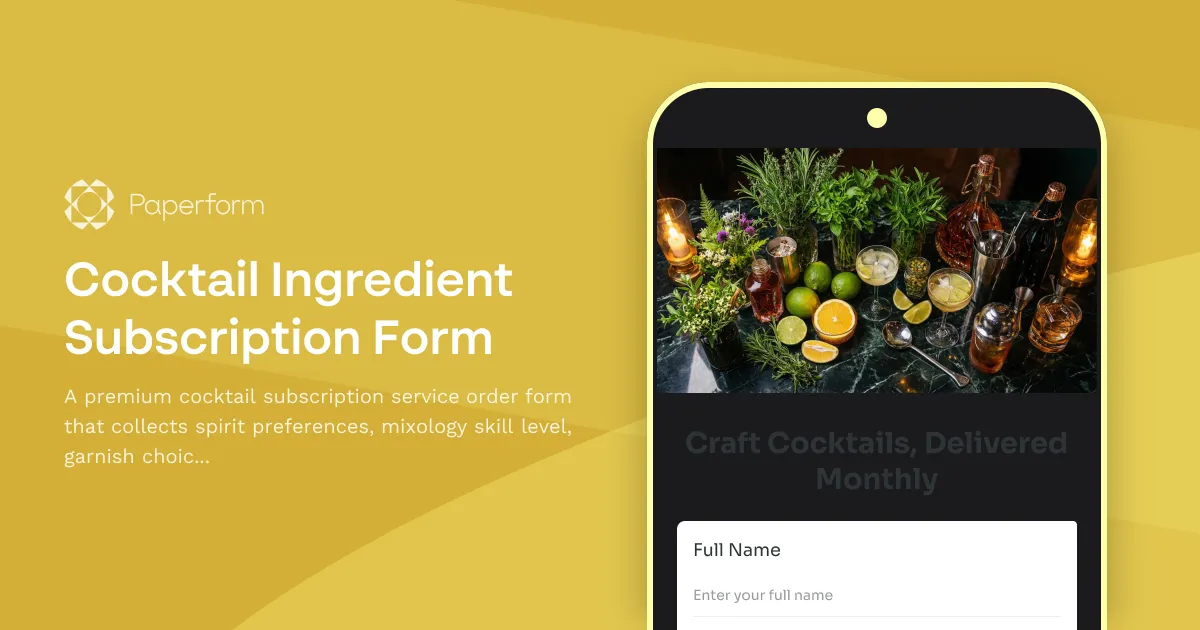
Cocktail Ingredient Subscription Form
A premium cocktail subscription service order form that collects spirit preferences, mixology skill level, garnish choices, recipe card options, and barware rental selections for monthly cocktail ingredient deliveries.
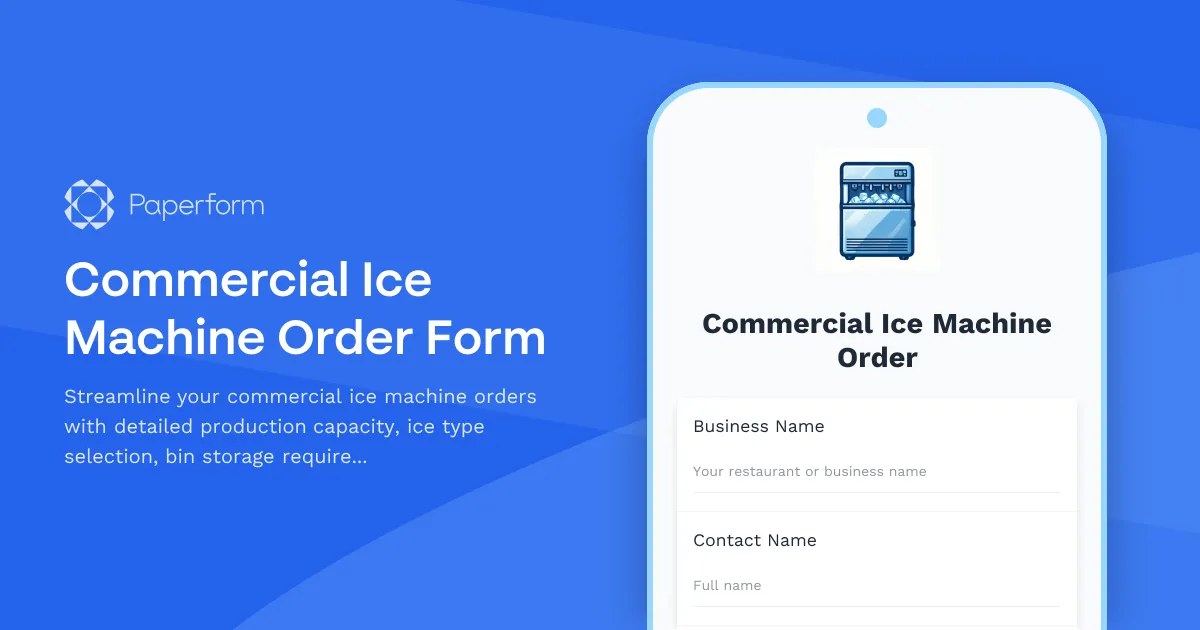
Commercial Ice Machine Order Form
Streamline your commercial ice machine orders with detailed production capacity, ice type selection, bin storage requirements, water filtration options, and cleaning schedules. Perfect for restaurants and foodservice businesses.
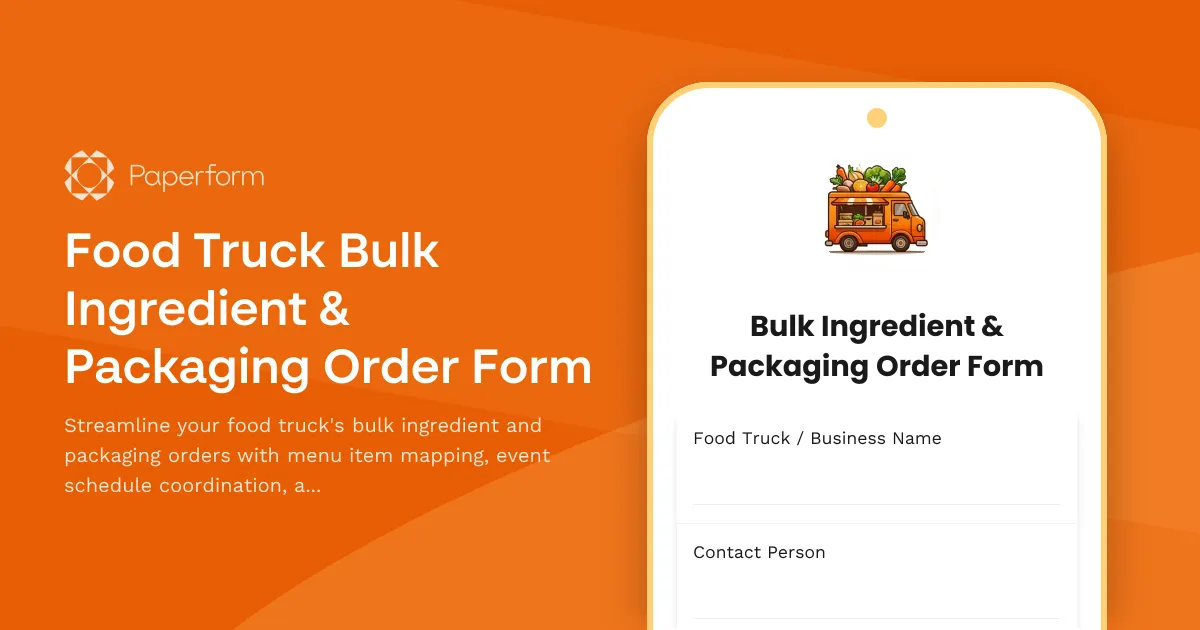
Food Truck Bulk Ingredient & Packaging Order Form
Streamline your food truck's bulk ingredient and packaging orders with menu item mapping, event schedule coordination, and automated storage capacity calculations for efficient commissary delivery.
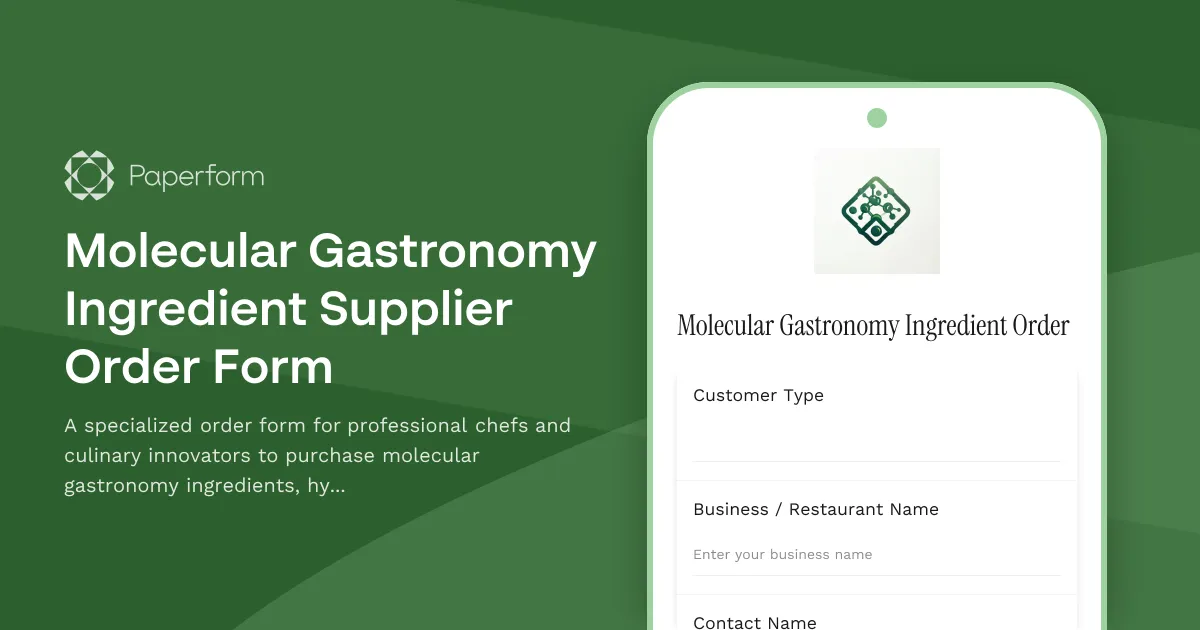
Molecular Gastronomy Ingredient Supplier Order Form
A specialized order form for professional chefs and culinary innovators to purchase molecular gastronomy ingredients, hydrocolloids, spherification kits, sous vide supplies, and specialty chemicals with bulk pricing options.
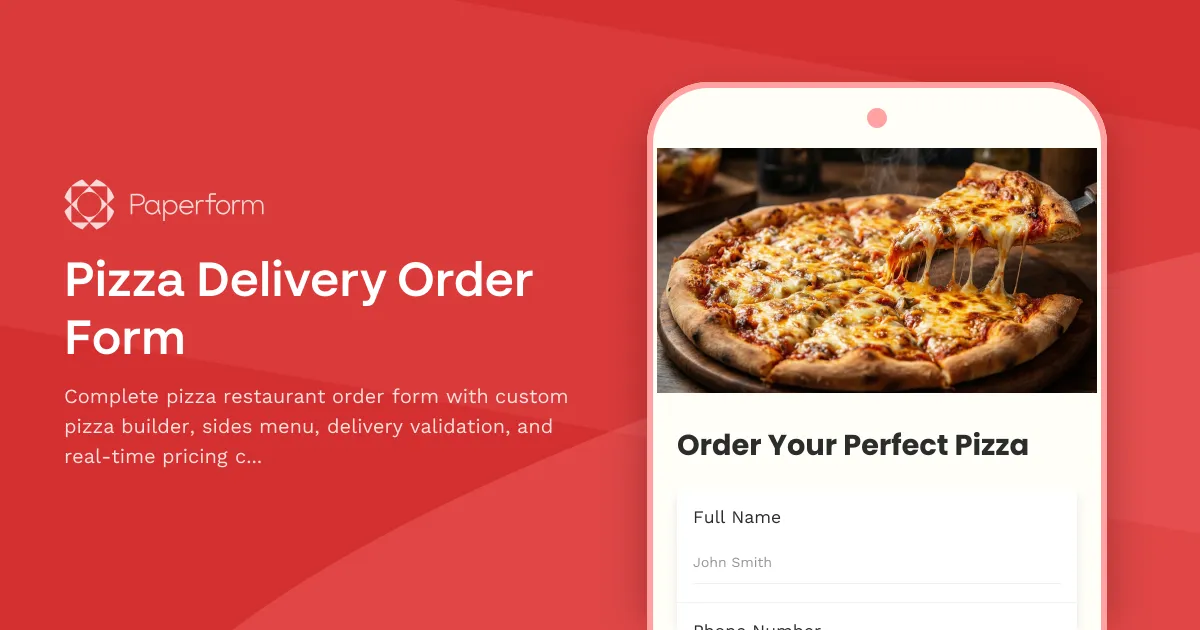
Pizza Delivery Order Form
Complete pizza restaurant order form with custom pizza builder, sides menu, delivery validation, and real-time pricing calculator for seamless online ordering.
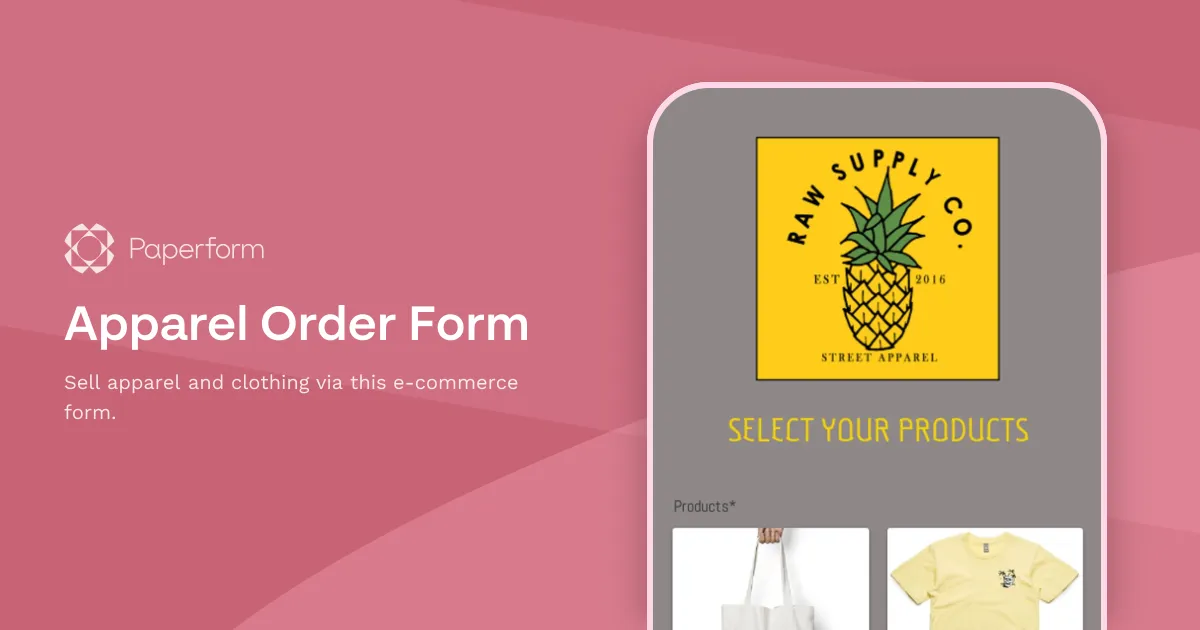
Apparel Order Form
Sell apparel and clothing via this e-commerce form.
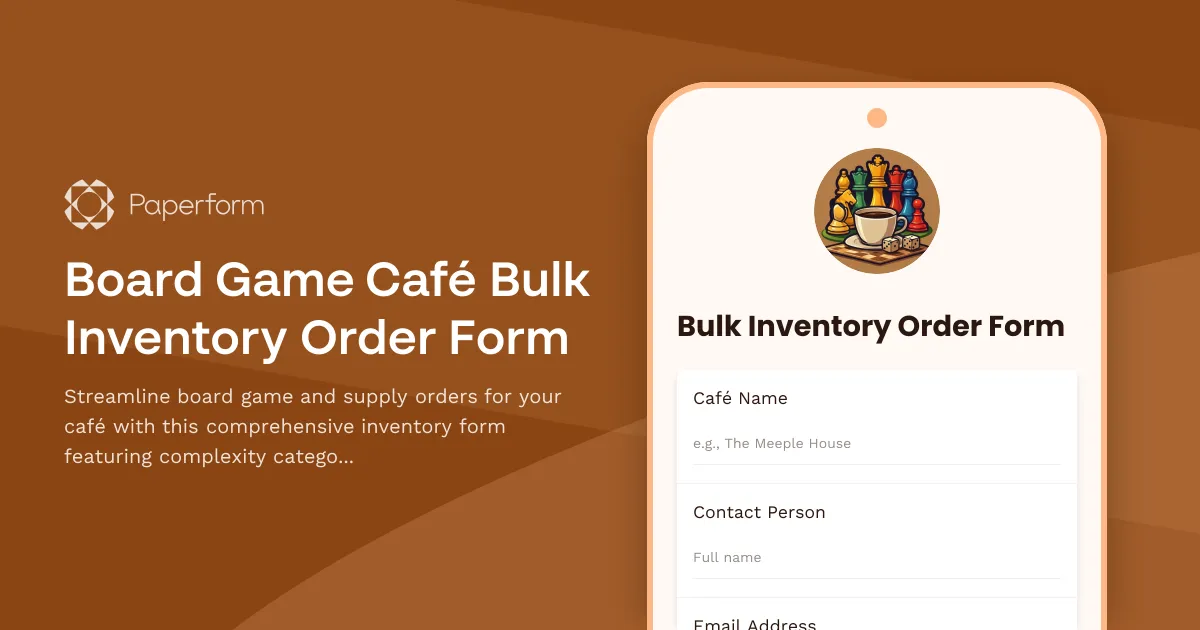
Board Game Café Bulk Inventory Order Form
Streamline board game and supply orders for your café with this comprehensive inventory form featuring complexity categorization, player optimization, and wear replacement tracking.