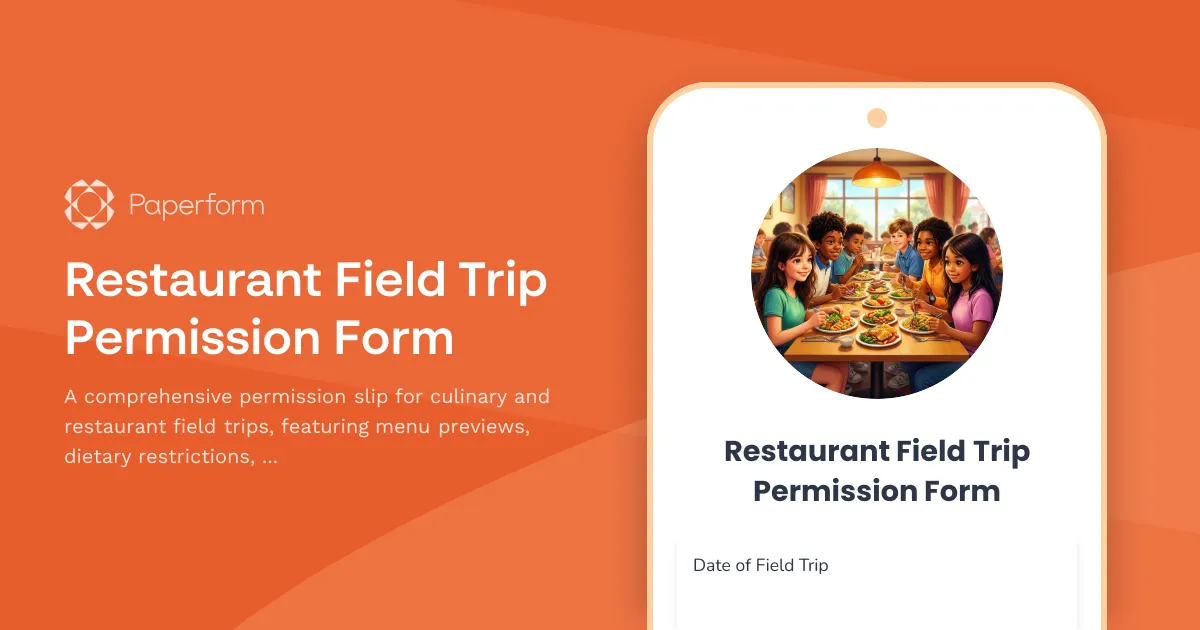
Professional Restaurant Field Trip Permission Forms Made Easy
Planning a culinary field trip? Whether you're organizing a restaurant visit for a cooking class, hospitality program, or educational dining experience, clear communication with parents and proper documentation are essential. This Restaurant Field Trip Permission Form template gives educators everything they need to collect signed consent, manage dietary needs, and set expectations for student behavior—all in one professional, easy-to-use form.
Built for Schools, Culinary Programs & Youth Organizations
This template is designed specifically for K-12 teachers, culinary instructors, homeschool co-ops, and youth program coordinators who need to:
- Collect parent/guardian consent with clear trip details and emergency contact information
- Preview the restaurant menu so families can review food options in advance
- Capture dietary restrictions and allergies to ensure every student can participate safely
- Set clear table manners and behavior expectations to prepare students for a respectful dining experience
- Gather medical and emergency information in case of allergies or incidents
Instead of wrestling with paper permission slips that get lost in backpacks or buried in email threads, Paperform makes it simple to collect, organize and access all trip permissions in one central place. You can embed the form on your school website, share it via email or Google Classroom, and view responses in a clean dashboard or spreadsheet.
What Makes This Form Different
Unlike generic permission slip templates, this form is purpose-built for restaurant and culinary field trips. It includes:
- A section to display the restaurant menu or meal options so parents can see exactly what their child will be served
- Detailed dietary restriction fields including allergies, religious requirements, and food preferences
- Clear behavior and table etiquette expectations to prepare students for a real-world dining experience
- Emergency contact and medical information capture
- Optional photo/media consent for the dining experience
The form uses conditional logic to show follow-up questions only when needed—for example, if a parent indicates their child has allergies, additional fields appear to capture specific allergen details and severity. This keeps the form clean and simple for families while ensuring you gather every detail you need for safe, successful trips.
Streamline Permissions with Paperform
With Paperform, you can customize this template to match your school's branding, add your logo, update menu items, and adjust questions to fit your specific trip. Forms work beautifully on any device, so parents can sign on their phone during pickup or at home on their laptop.
You can also use Papersign to collect legally binding electronic signatures on consent forms, keeping a clean audit trail for school records. And with Stepper, you can automate follow-ups—like sending a confirmation email when a form is submitted, adding students to your trip roster, or alerting the restaurant with a final headcount and dietary requirements.
Whether you're planning a single restaurant visit or managing culinary field trips throughout the semester, this template helps you stay organized, compliant, and confident that every student is properly accounted for.



More templates like this
Sailing Regatta Field Trip Permission Form
A comprehensive permission slip for students attending sailing regattas and waterfront competitions, covering safety protocols, maritime education, and parental consent for water-based activities.
Airport & Aviation Museum Field Trip Permission Form
A comprehensive permission slip for school field trips to airports or aviation museums, including security checkpoint procedures, flight simulation opportunities, and aerospace career introductions.
Aquatic Center Field Trip Permission Form
A comprehensive permission form for school field trips to aquatic centers and marine biology facilities, covering touch tank participation, wet environment preparation, and ocean conservation education activities.
Archery Range Field Trip Permission Form
A comprehensive permission form for school archery range field trips that includes safety acknowledgments, discipline development information, and historical sport education details.
Beekeeping Farm Field Trip Permission Form
A comprehensive permission slip for school field trips to beekeeping farms and honey production facilities, including safety protocols, allergy information, and educational activity consent.
Bowling Field Trip Permission Slip
A permission form for school bowling field trips that includes emergency contacts, shoe rental fees, skill level information, and participation preferences for both competitive and casual activities.
Career Day Workplace Visit Permission Form
A professional permission form for students attending career day workplace visits, including dress code expectations, behavioral guidelines, and networking opportunities.
Children's Museum Field Trip Permission Form
A comprehensive permission slip for school field trips to children's museums, covering consent for interactive exhibits, hands-on learning stations, supervised exploration, and emergency procedures.
Coal Mine & Mining Museum Field Trip Permission Form
A comprehensive permission slip for school field trips to coal mines and mining museums, covering safety considerations, educational objectives, and parental consent for industrial history learning experiences.
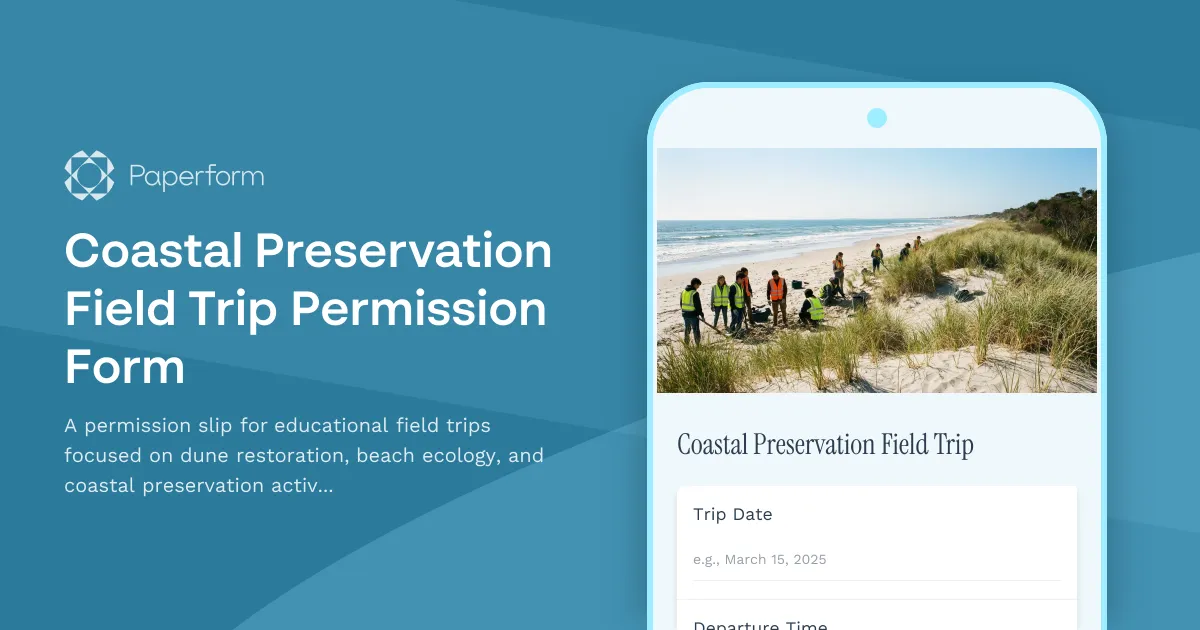
Coastal Preservation Field Trip Permission Form
A permission slip for educational field trips focused on dune restoration, beach ecology, and coastal preservation activities with student safety information and program details.
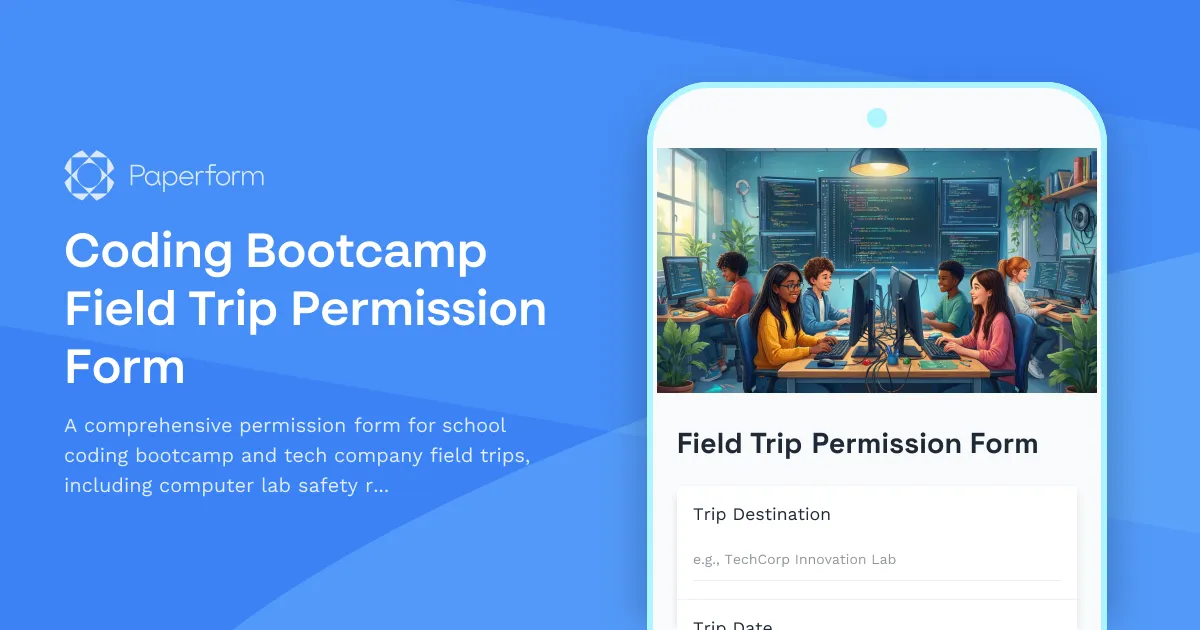
Coding Bootcamp Field Trip Permission Form
A comprehensive permission form for school coding bootcamp and tech company field trips, including computer lab safety rules, software demonstration schedules, and digital literacy learning objectives.
College Campus Visit Permission Form
A comprehensive permission form for high school students attending college campus visits, including emergency contacts, photo ID requirements, and campus tour details.