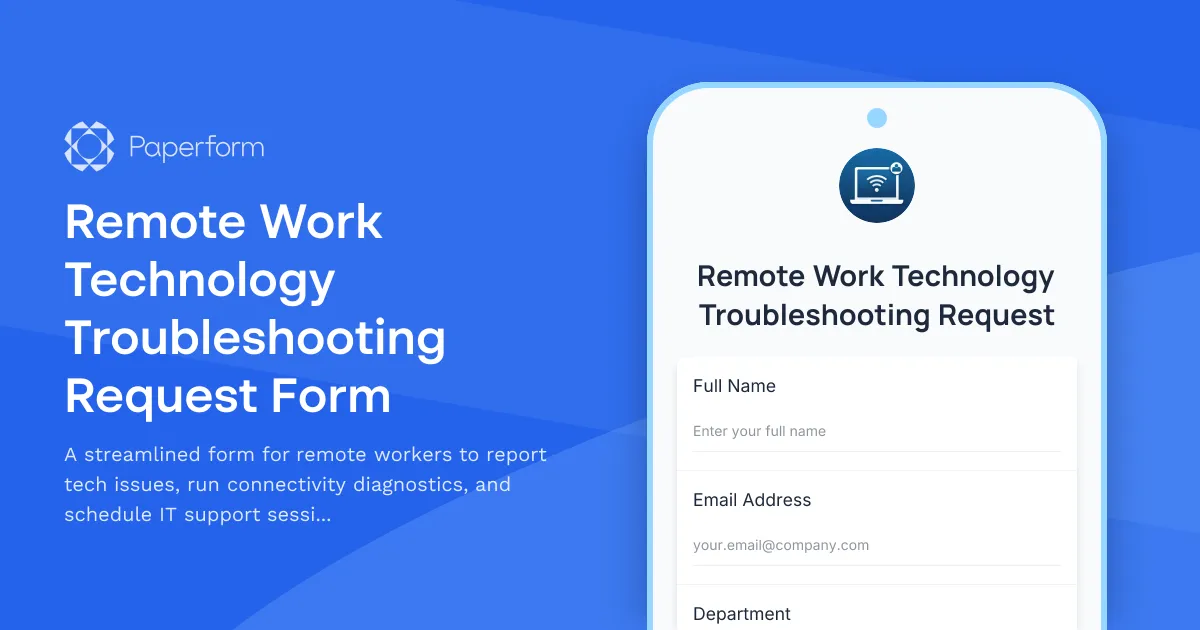
Remote Work Technology Troubleshooting Request Form
Working remotely shouldn't mean struggling alone with tech issues. This remote work technology troubleshooting request form gives your distributed team a clear, efficient way to report problems, share diagnostic information, and get the IT support they need—fast.
Built for hybrid and remote teams
Whether your team works from home full-time or follows a hybrid schedule, technical issues can derail productivity. This form streamlines the entire support process: employees describe their issue in detail, run a quick internet speed test to rule out connectivity problems, and book a time slot that works for both them and your IT team. No more back-and-forth emails or lost support tickets.
How Paperform makes remote IT support seamless
With Paperform's conditional logic, the form adapts based on the issue type—showing different follow-up questions for hardware problems versus software glitches. The built-in appointment scheduling field syncs with your IT team's calendar, so employees can see real availability and book support sessions in seconds. Confirmation emails go out automatically with troubleshooting tips or next steps, keeping everyone informed.
Connect this form to your workflow tools using Stepper to route urgent issues directly to senior techs, log tickets in your project management system, or trigger Slack notifications when critical equipment fails. You can also integrate with Zoom or Microsoft Teams to automatically generate video call links for remote troubleshooting sessions.
Perfect for IT teams, operations managers, and HR departments
This template is ideal for internal IT support teams managing remote or hybrid workforces, operations managers coordinating tech rollouts, and HR departments onboarding distributed employees. It's especially valuable for SMBs that don't have 24/7 help desks but still need a professional, trackable way to handle tech requests.
With Paperform's SOC 2 Type II compliance and data security features, you can trust that employee information and support requests stay protected. And because everything lives in one flexible platform, you can customize the form as your remote work policies evolve—no developer required.
Get your remote team back to work faster with a troubleshooting request form that actually works.



More templates like this

Corporate VPN Access Request Form
Streamline remote access requests with this corporate VPN access form. Collect employee details, device information, security clearance levels, and route for manager approval—all in one secure workflow.

Home Office Battery Backup & UPS Request Form
Request battery backup and UPS equipment for your home office to ensure business continuity during power outages. Assess your power needs, prioritize critical devices, and plan for uninterrupted remote work.

Remote Work Monitor & Display Upgrade Request
Request approval for new monitors and display equipment for your home office setup. Submit screen specifications, multiple monitor needs, and mounting requirements for budget approval.
Remote Work Productivity Tracking Consent Form
A professional consent form for remote employees to acknowledge and accept productivity monitoring tools, review privacy policies, and agree to performance tracking metrics.

Work From Home Technology Upgrade Program Application
Apply for technology upgrades and equipment refreshes for your home office setup. Request emerging tech, scalability improvements, and innovation budget for long-term remote work success.
Active Directory Access Modification Request Form
Request changes to Active Directory access, group memberships, and permission levels with built-in approval workflows and audit trail logging.

Business Intelligence & Analytics Software Request
Request business intelligence and analytics software with data connectors, user seats, dashboard requirements, and visualization needs. Streamline your BI software procurement process.
Cybersecurity Awareness Training Quiz
Test employee knowledge on phishing detection, password security, and data protection with this comprehensive cybersecurity awareness quiz designed for workplace training programs.
Disaster Recovery Test Request Form
Request and plan disaster recovery tests with recovery scenarios, RTO/RPO validation, participant coordination, and comprehensive post-test documentation requirements.
Distributed Engineering Team Onboarding Form
A comprehensive remote onboarding form for distributed engineering teams covering cloud access, repository permissions, sprint preferences, documentation standards, and on-call rotation availability.

Emergency Communication Device Allowance Request
Request reimbursement or allowance for emergency communication equipment including satellite phones, emergency radios, and backup devices for remote work locations.
Emergency VPN Access Request Form
Fast-track urgent VPN access for after-hours incidents and critical system issues. Streamline emergency approvals with incident tracking and manager authorization.