When your project management software isn't working as expected, delays can cascade across your entire organization. Whether you're dealing with task assignment errors, Gantt chart rendering issues, resource allocation problems, or time tracking integration failures, getting expert support quickly is critical to keeping projects on track.
This Project Management Software Technical Support Request form from Paperform streamlines the entire support process for IT teams, project managers, and PMO offices. Instead of juggling email threads or losing critical details in chat messages, this form captures everything your support team needs to diagnose and resolve issues efficiently—from system details and error messages to screenshots and impact assessments.
The form uses smart conditional logic to tailor the support experience based on issue type. If a user reports a critical system outage, the form automatically surfaces PMO escalation options. For integration problems, it captures API keys and third-party tool details. This intelligent routing ensures your IT support team gets exactly the information they need without overwhelming users with irrelevant fields.
Perfect for IT service desks, PMO teams, software administrators, and technical support specialists managing enterprise project management platforms like Asana, Monday.com, Jira, Microsoft Project, Smartsheet, or custom PM solutions.
Integration with your existing workflows is seamless. Connect this form to your help desk software, ticketing systems, or project management tools using Stepper to automatically create support tickets, assign them to the right technician based on issue type, update status in your ITSM platform, and send confirmation emails with ticket numbers—all without writing a single line of code.
With Paperform's calculation engine, you can implement SLA routing based on priority levels, while conditional logic ensures critical issues get immediate visibility. The form's professional design keeps your brand consistent across all support touchpoints, and the doc-style editor means your IT team can update fields, add new issue categories, or modify workflows in minutes—no developer required.



More templates like this
Workplace Collaboration Tool Support Request
Submit technical support requests for workplace collaboration tools, including access issues, file sharing errors, integration problems, and bot configuration assistance.
IT Service Desk Change Request Form
A comprehensive IT change management form for service desk workflow modifications, ticket routing updates, SLA changes, and escalation procedure adjustments with built-in approval routing.
Remote Desktop Service Configuration Change Request Form
A professional IT change request form for managing remote desktop service configurations, including access policies, performance settings, and security controls with approval workflow.
Application Version Upgrade Change Request Form
A comprehensive IT change management form for requesting application version upgrades with dependency analysis, rollback planning, and user communication strategy.
Business Continuity Planning Software Request Form
Streamline business continuity software requests with impact analysis, recovery procedures, emergency contacts, and testing schedules to ensure organizational resilience.
Cloud Backup Service Vendor Assessment
Evaluate cloud backup service providers on reliability, recovery speed, encryption standards, and retention policies to select the right vendor for your business continuity needs.

Collaboration Workspace Admin Access Request
Request administrative access to collaboration workspaces including member management, content moderation, and archive permissions for project teams.
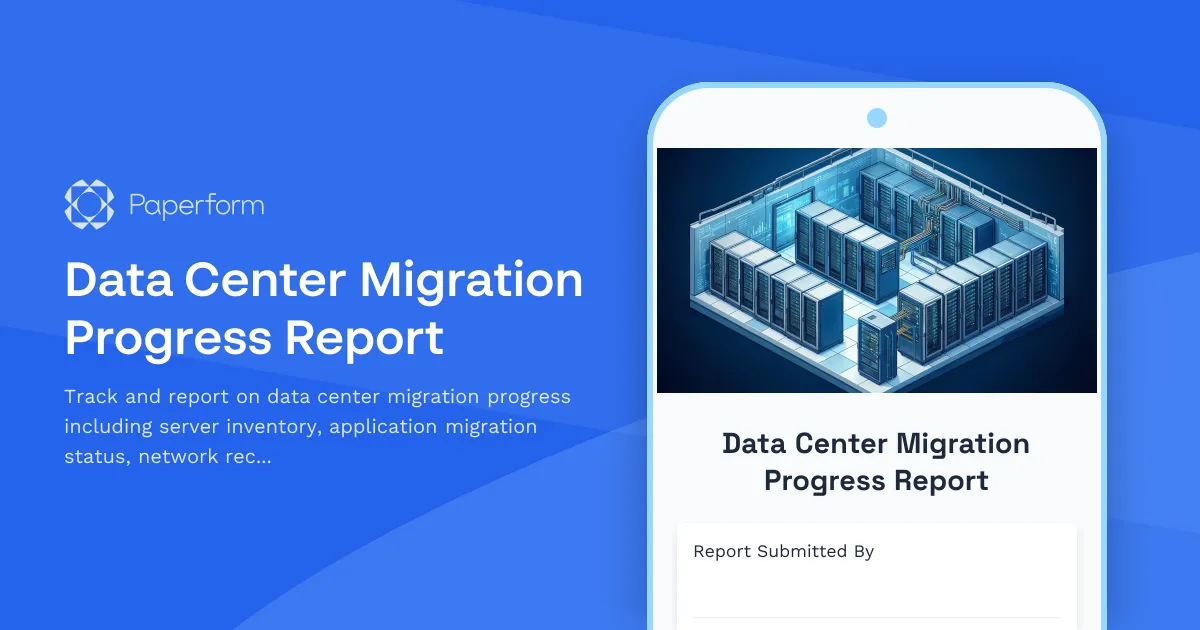
Data Center Migration Progress Report
Track and report on data center migration progress including server inventory, application migration status, network reconfiguration, and disaster recovery testing with this comprehensive weekly update form.
Disaster Recovery Test Request Form
Request and plan disaster recovery tests with recovery scenarios, RTO/RPO validation, participant coordination, and comprehensive post-test documentation requirements.
Enterprise Content Management System Rollout Progress Report
Track ECM implementation progress including document migration, taxonomy configuration, permissions setup, and training milestones for enterprise content management deployments.
ERP System Customization Meeting Cancellation Form
A professional form for managing ERP implementation meeting cancellations and rescheduling requests, with tracking for module activations, UAT schedules, and workflow approvals.
IT Infrastructure Change Request Form
Submit and manage IT infrastructure changes with comprehensive risk assessment, rollback planning, and structured approval workflow for enterprise environments.