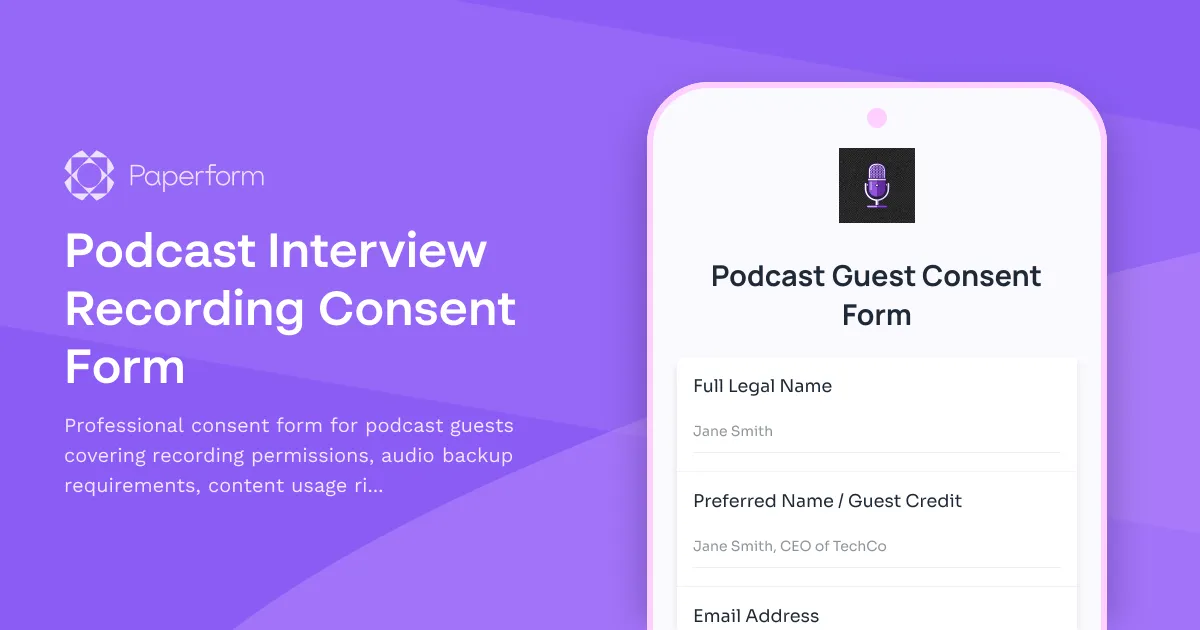
Podcast Interview Recording Consent Form: Professional Guest Release Template
Recording a podcast with remote guests requires clear, documented consent—not just for legal protection, but to ensure everyone understands how the content will be used, distributed, and promoted across platforms. This Podcast Interview Recording Consent Form is designed specifically for podcasters, media creators, and content producers who need a professional, streamlined way to secure permissions before hitting record.
Why podcasters need a recording consent form
When you bring guests onto your show—whether they're industry experts, authors, entrepreneurs, or community members—you're creating content that will live across multiple platforms: Apple Podcasts, Spotify, YouTube, your website, social media clips, and potentially in paid or promotional materials down the line. Without clear consent, you risk disputes over usage rights, syndication, and content ownership.
This template helps you:
- Document explicit consent for audio and video recording in compliance with recording laws
- Secure rights for editing, repurposing, and distributing the interview across all major podcast platforms
- Capture technical details like backup audio requirements and equipment used by the guest
- Clarify promotional permissions for social media clips, quotes, and episode marketing
- Streamline pre-interview logistics by collecting guest bios, headshots, and preferred links in one place
Whether you're running a weekly interview series, a narrative podcast with guest contributors, or a video podcast destined for YouTube and TikTok, this form ensures you have the legal and creative freedom to make the most of your content.
Built for remote recording workflows
Remote podcasting has opened up incredible opportunities to interview guests from anywhere in the world—but it also introduces technical and legal complexity. This form is designed for the realities of remote recording:
- Audio quality backup: Collect information about the guest's microphone, recording environment, and local backup recording setup to ensure you get clean audio even if the connection drops.
- Show notes and metadata: Gather guest bios, social media handles, website links, and talking points directly in the form so your show notes write themselves.
- Multi-platform syndication: Secure broad usage rights that cover audio podcasts, video podcasts, YouTube, social clips, blog posts, newsletters, and future distribution channels.
How Paperform makes podcast consent seamless
Paperform is trusted by podcasters, media agencies, and content creators because it turns clunky PDFs and email chains into smooth, on-brand experiences. Instead of sending a legal document for guests to print, sign, and scan back, you send a single link. Guests fill out the form on any device, review the terms, provide their digital consent, and you instantly have everything organized in one place.
You can embed this form directly into your podcast website, include it in booking confirmation emails, or send it as part of your pre-interview workflow. Conditional logic can show or hide fields based on whether the guest is appearing on video, needs a recording link sent, or has specific promotional preferences. And because Paperform integrates with tools like Google Sheets, Airtable, Slack, and CRMs, you can automatically log every guest consent, trigger follow-up emails, and keep your production team in sync.
Take it further with Stepper workflows: Use Stepper to automate what happens after consent is submitted—create a Notion database entry for the episode, send the guest a calendar invite with recording links, notify your editor to prep intro music, or add the guest to your CRM for future outreach. Paperform + Stepper keeps your podcast production running like a well-oiled machine.
Add eSignatures with Papersign: For higher-stakes interviews—celebrity guests, sponsored content, or co-produced series—you can send the submission to Papersign for a legally binding eSignature. This gives you an extra layer of enforceability while keeping the process fast and digital.
Designed for podcasters, creators, and media professionals
This template is ideal for:
- Independent podcasters hosting interview shows, narrative series, or panel discussions
- Media companies and agencies producing content for multiple clients or brands
- YouTubers and video podcasters who need video release permissions alongside audio
- Corporate and branded podcasts that require formal legal releases for compliance
- Event organizers recording live podcast episodes or panel sessions with multiple guests
With Paperform's doc-style editor, you can customize every detail—adjust the legal language to match your jurisdiction, add your podcast branding, include links to your content usage policy, or embed a video explaining the process. The form adapts to your workflow, not the other way around.
Get recording with confidence
Every great podcast episode starts with a great guest—and every great guest experience starts with clarity and professionalism. This Podcast Interview Recording Consent Form ensures you have the permissions, information, and technical details you need to create, distribute, and promote your content without hesitation.
Start using this template today and spend less time chasing paperwork and more time creating episodes your audience will love.



More templates like this
Podcast Guest Recording Consent Form
Secure audio recording consent from podcast guests with clear terms for distribution, promotional use, and royalty-free rights. Perfect for podcasters, media producers, and content creators.
Voice-Over Artist Recording Consent & Buyout Agreement
A professional consent form for voice-over recording sessions that captures talent details, usage rights, buyout terms, geographical restrictions, and exclusivity periods for commercial voice work.
Fan Alternate Ending Submission Form
Let your fans shape the story with their own creative alternate endings. Collect plot ideas, character fates, and story divergence submissions from your community.
Influencer Legacy Project Collaboration Form
A comprehensive form for creators planning long-form legacy projects, documentary series, and timeless content collaborations with archive creation and strategic distribution planning.
Podcast Monetization Masterclass Registration
Register for our free podcast monetization masterclass and learn proven strategies to turn your podcast into a revenue-generating business. Share your show details to get personalized insights during the session.
Tiered Membership Subscription Form
Professional membership subscription form with tiered access levels, exclusive rewards, and member onboarding for creators, influencers, and digital entrepreneurs.
Youth Podcast Production Parental Consent Form
A comprehensive parental consent form for youth podcast participation, covering content creation, recording permissions, equipment usage, editing processes, and platform distribution rights.
Athlete Video & Media Release Form for Strongman Training
A comprehensive media release form for capturing athlete consent for training videos, social media content, and marketing materials featuring strongman exercises like the Conan's Wheel and rotational endurance drills.
Branded Content Series IP Development Agreement
A comprehensive agreement form for developing original branded content series, covering intellectual property ownership, derivative rights, merchandising, licensing opportunities, and revenue sharing for sustainable long-term partnerships.
Creator Licensing Deal Agreement Form
A comprehensive licensing agreement form for creators to define content usage rights, territorial restrictions, duration, exclusivity terms, and payment schedules for brand partnerships and content collaborations.
Creator Succession Planning & Collaboration Form
A comprehensive succession planning form for creators to document knowledge transfer, audience transition strategies, content archives, and legacy preservation with collaborators or successors.
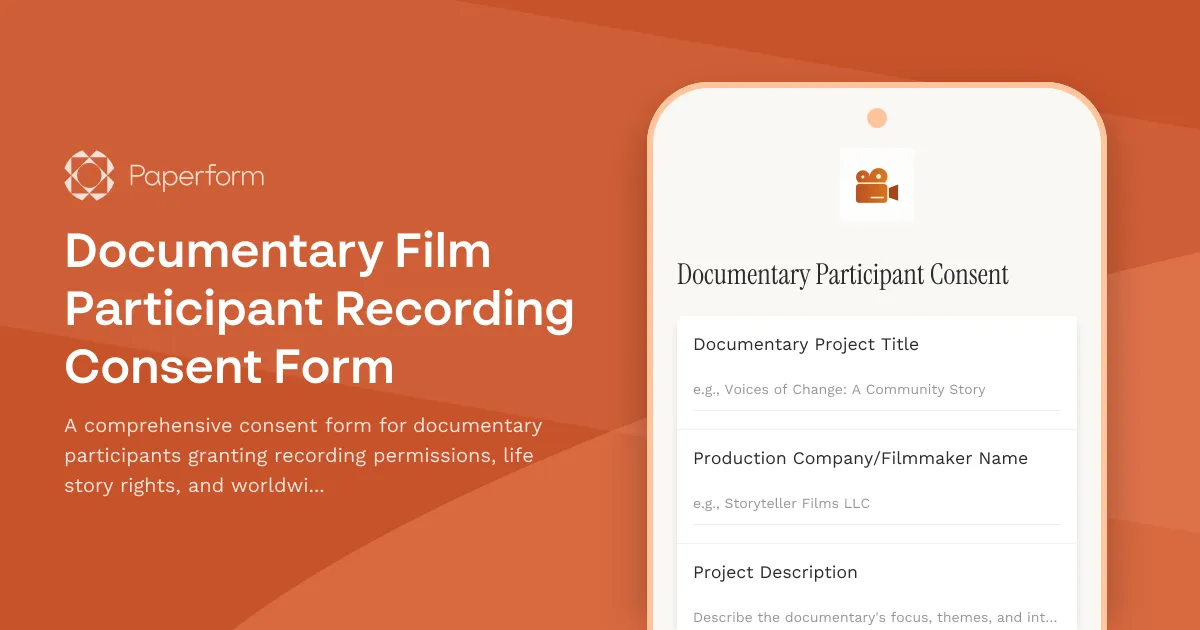
Documentary Film Participant Recording Consent Form
A comprehensive consent form for documentary participants granting recording permissions, life story rights, and worldwide distribution rights with optional final cut approval provisions.