Streamline Pest Control System Access with Secure Password Resets
When your pest control technicians are out in the field, losing access to critical systems isn't just an inconvenience—it can derail entire service routes, delay customer appointments, and create compliance gaps in chemical inventory tracking. Our Pest Control Technician Password Reset Request template gives your IT team a professional, secure way to verify identities and restore access quickly, so your technicians can get back to protecting properties and serving customers.
Built for pest control operations and field service workflows
This template is specifically designed for pest control companies, extermination services, and property maintenance businesses that rely on mobile technicians accessing route management software, chemical inventory databases, and customer relationship systems. Whether you're running a small local operation or managing a regional franchise, this form helps you maintain security while minimizing downtime.
The form captures all the verification details your IT or operations team needs—employee ID, technician license number, assigned service area, supervisor contact, and the specific systems requiring access. With conditional logic built in, the form automatically adjusts based on urgency level and system access needs, ensuring high-priority field technicians get expedited support.
Why Paperform is perfect for pest control businesses
Paperform's doc-style editor makes it simple for operations managers or IT coordinators to customize this template without technical skills. Add your company logo, match your brand colors, include safety reminders, or embed tutorial videos for common account issues—all in minutes.
The form works beautifully on mobile devices, so technicians can submit reset requests from their trucks between appointments. And because Paperform integrates seamlessly with Slack, email, Google Sheets, and helpdesk tools, your IT team gets instant notifications and can track all requests in one organized dashboard.
Automate follow-up with Stepper workflows
Once a technician submits their password reset request, you can use Stepper to automate the entire verification and recovery process. Set up workflows that:
- Send immediate acknowledgment emails with ticket numbers
- Route requests to the appropriate IT staff based on system access level
- Verify supervisor approval for chemical inventory system access
- Send temporary credentials and setup instructions via SMS
- Log all password reset activity in your security compliance database
- Schedule follow-up checks to ensure successful system access
This automation means faster resolution times for your technicians and less manual work for your IT team—critical when every minute counts during peak pest season.
Security and compliance for field service operations
Pest control businesses handle sensitive customer data, proprietary treatment protocols, and regulated chemical inventories. This template helps you maintain security best practices by collecting proper verification information before granting system access. You can require manager approval for sensitive systems, document all reset requests for compliance audits, and maintain clear records of who accessed what and when.
Paperform is SOC 2 Type II compliant and offers secure data handling that meets the standards professional service businesses require. All submissions are encrypted, and you can set up role-based access so only authorized personnel can view reset requests.
Perfect for pest control managers, IT coordinators, and operations teams
This template serves multiple roles across your pest control business:
- Field technicians get a simple, mobile-friendly way to request access restoration when locked out
- Operations managers can quickly verify technician identity and approve system access
- IT coordinators receive structured requests with all necessary verification details
- Compliance officers maintain audit trails of system access and password changes
Whether you're managing 5 technicians or 500, this form scales with your business and integrates into your existing helpdesk or IT ticketing system.
Get technicians back in the field faster
Every hour a technician spends locked out of route management or inventory systems is lost revenue and frustrated customers. This professional password reset form reduces resolution time, maintains security standards, and keeps your pest control operation running smoothly—even when technology issues arise.
Start with this template, customize it to match your specific systems and security policies, and give your team a reliable way to handle one of the most common IT requests in field service businesses.



More templates like this
Utility Field Technician Password Reset Form
A secure password reset form for utility company field technicians requiring verification of work order system access and current safety training certification.
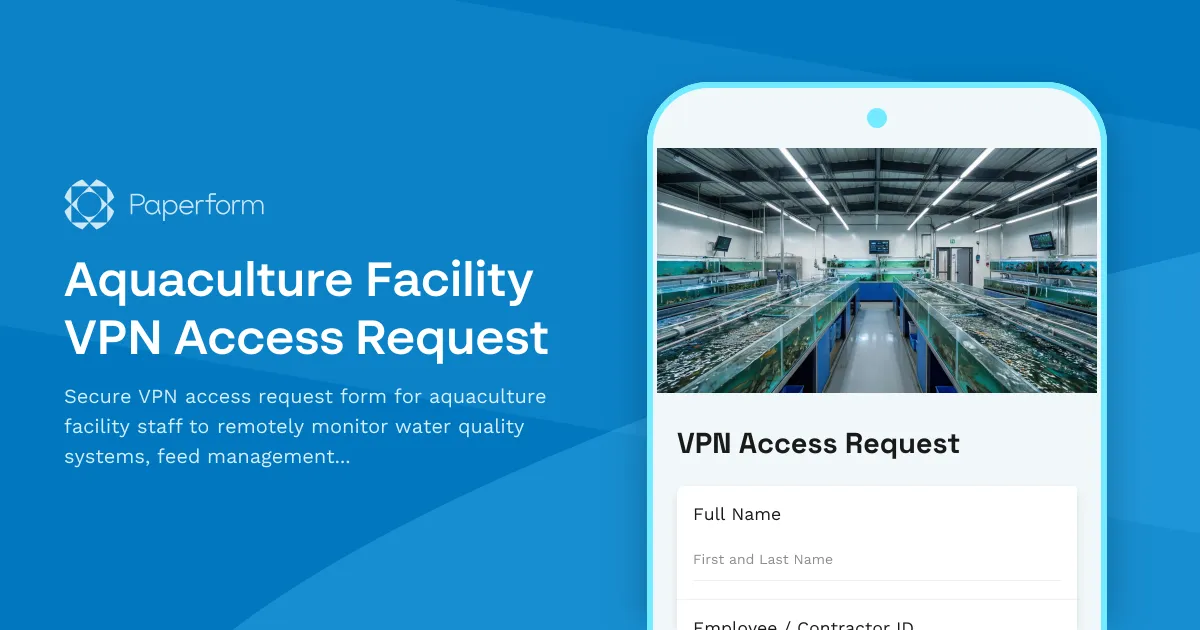
Aquaculture Facility VPN Access Request
Secure VPN access request form for aquaculture facility staff to remotely monitor water quality systems, feed management platforms, and harvest scheduling tools.

Automotive Service Advisor Password Reset Form
Secure password reset and account recovery form designed specifically for automotive service advisors to regain access to repair order systems and parts inventory management tools.
Aviation Maintenance Password Reset Form
Secure password reset form for aviation maintenance professionals with FAA certification verification and aircraft system access controls.
Contractor Portal Password Reset Form
Secure password reset form for contractor portal access with automated verification and account recovery. Restore access to project bidding, payment tracking, and contractor management features.
Cybersecurity Consultant Password Reset & Account Recovery Form
Secure password reset request form for cybersecurity consultants needing access to client networks, threat intelligence portals, and security systems.
Data Center Emergency Evacuation Form
A critical emergency evacuation checklist for data center staff to confirm evacuation status, system shutdown procedures, and backup power conditions during emergency situations.
Data Center Maintenance Request Form
Streamline data center maintenance requests with uptime SLA tracking, redundancy verification, climate control priority management, and integrated change management approval workflows.
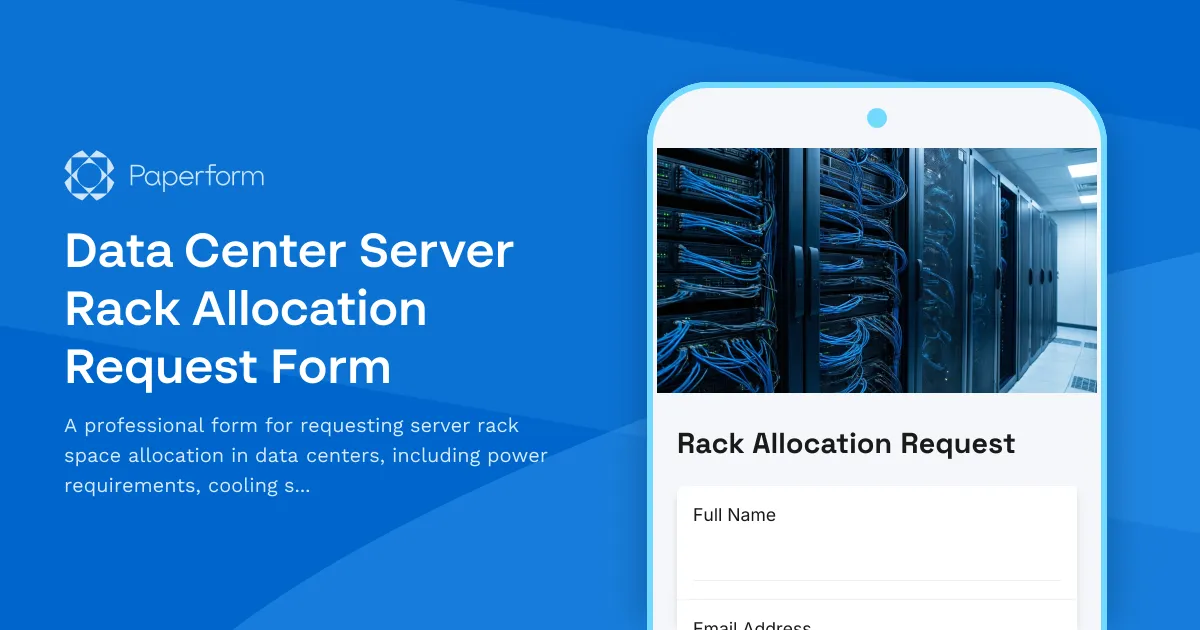
Data Center Server Rack Allocation Request Form
A professional form for requesting server rack space allocation in data centers, including power requirements, cooling specifications, network connectivity needs, and cabinet space details.
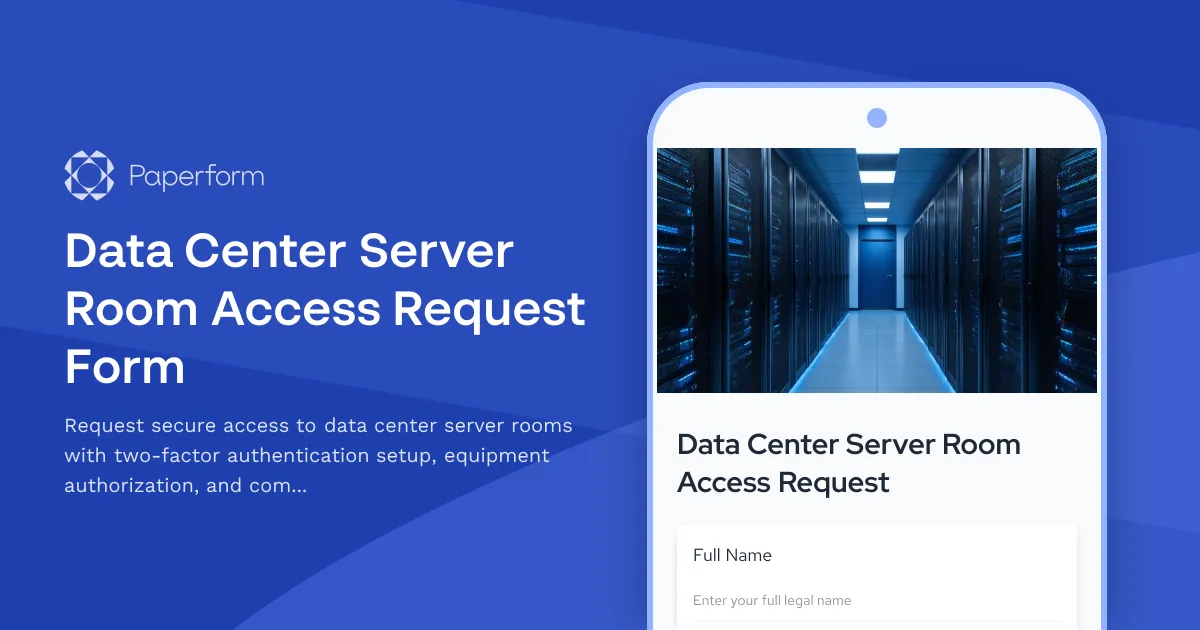
Data Center Server Room Access Request Form
Request secure access to data center server rooms with two-factor authentication setup, equipment authorization, and compliance acknowledgment for IT professionals and technicians.
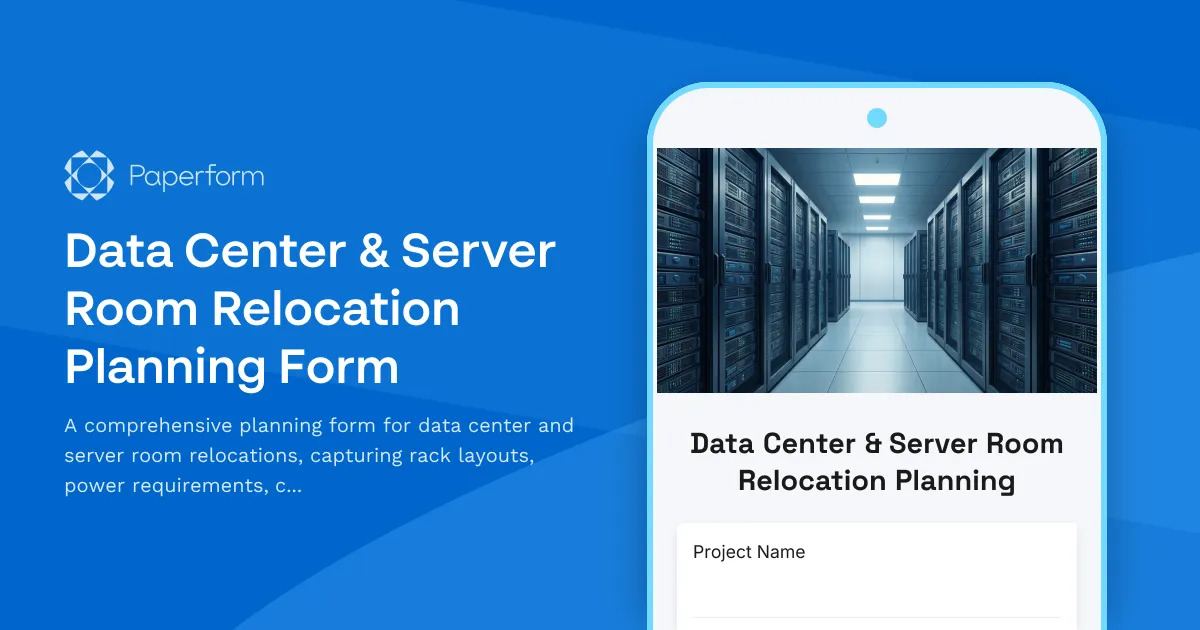
Data Center & Server Room Relocation Planning Form
A comprehensive planning form for data center and server room relocations, capturing rack layouts, power requirements, cooling specifications, network topology, security protocols, and detailed migration runbooks.

Digital Signage Technical Support Request
A technical support form designed for reporting and troubleshooting digital signage issues including display problems, content playback errors, scheduling conflicts, and network connectivity issues.