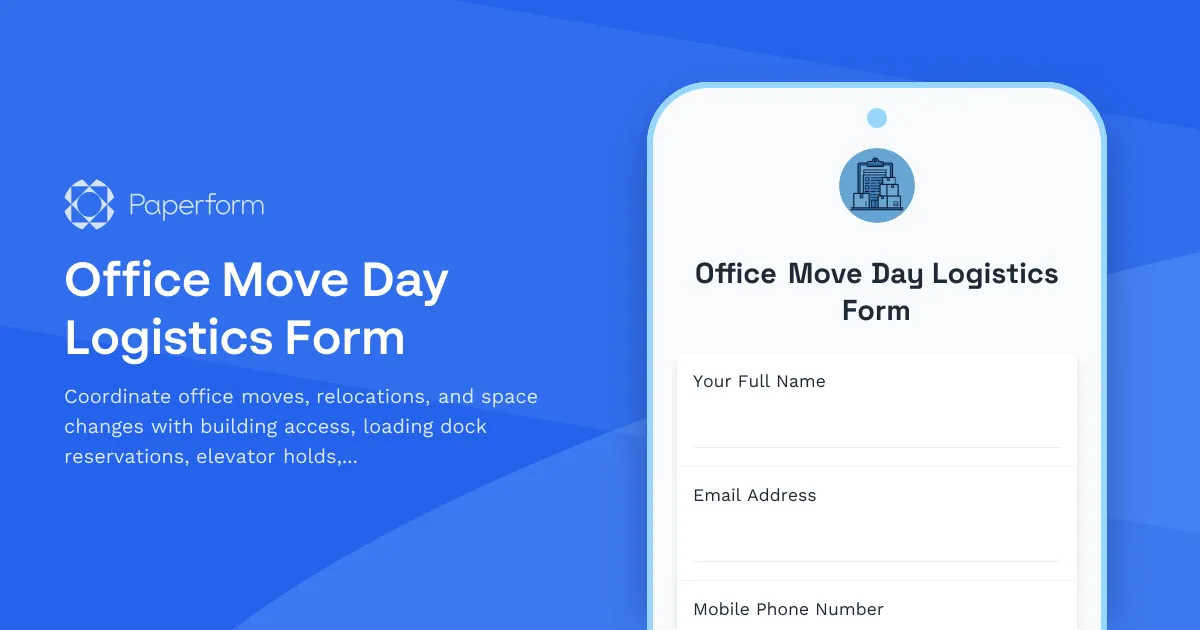
Moving offices or relocating teams can feel like orchestrating a small military operation. Between coordinating building access, securing loading docks, arranging elevator holds, managing parking permits, and ensuring everyone has the right contact information, there are countless moving parts that need to align perfectly on move day.
Why you need a dedicated office move logistics form
Whether you're relocating a single department, moving desks across floors, or coordinating a full office relocation, having a centralized system to capture all move day logistics is essential. A well-designed move logistics form ensures that facilities teams, building management, movers, and employees all have the information they need—no last-minute scrambles, no missed elevator holds, and no moving trucks stuck without loading dock access.
This Office Move Day Logistics Form template is built specifically for facilities managers, office managers, operations teams, and property management professionals who need to coordinate smooth, efficient office moves without the chaos.
What makes this template work
This template captures everything required for a successful move in one organized workflow:
- Move details and scheduling – Date, time windows, departments involved, and number of people relocating
- Building access coordination – Access codes, key card requirements, and security protocols for move day
- Loading dock reservations – Time slots, dock numbers, and special equipment needs
- Elevator hold requests – Service elevator reservations, hold durations, and alternative routes
- Parking permits and logistics – Moving truck parking, temporary permits, and loading zone access
- After-hours access approval – Weekend or evening move approvals with proper authorization
- Emergency contacts – Key personnel, building management, and vendor contact details
- Special requirements – IT equipment handling, fragile items, and furniture assembly needs
The form uses conditional logic to show relevant fields based on move type and timing, ensuring requesters only see what applies to their specific situation. After-hours moves trigger additional approval fields, while inter-building relocations surface different access requirements than same-floor moves.
Perfect for facilities teams and property managers
This template is designed for organizations managing:
- Corporate office relocations – Full company moves or expansion into new buildings
- Department shuffles – Reorganizing teams across floors or wings
- Hot desk and hybrid transitions – Moving from assigned to flexible seating
- Lease transitions – Coordinating move-out and move-in logistics
- Construction or renovation moves – Temporary relocations during building work
- Workspace optimizations – Reconfiguring layouts and team adjacencies
It's ideal for facilities managers, corporate real estate teams, office administrators, coworking space operators, and property management firms who handle move coordination regularly.
Automate your move day workflows with Stepper
Move logistics don't end when the form is submitted—that's when the real coordination begins. With Stepper, Paperform's AI-native workflow automation platform, you can turn each move request into a fully orchestrated process:
- Route approvals automatically – Send after-hours requests to building management and weekend moves to security teams
- Sync with facility calendars – Block elevator holds and loading dock slots in your scheduling system
- Generate move checklists – Create custom task lists for IT, facilities, and movers based on move scope
- Send confirmation packets – Email requesters with access codes, parking details, and day-of instructions
- Update project trackers – Log move details in Airtable, Monday, or your facility management platform
- Trigger vendor notifications – Alert moving companies, security, or cleaning crews automatically
Stepper keeps everyone aligned without manual coordination, reducing the emails, Slack messages, and phone calls that typically spiral out of control on move day.
Built on Paperform's flexible, no-code platform
This template runs on Paperform, the form builder designed for teams that need beautiful, functional forms without developer help. The doc-style editor lets facilities and operations teams customize fields, update access protocols, and adjust logic rules in minutes—no IT tickets required.
Once your move request is submitted, you can:
- Collect digital signatures with Papersign for liability waivers, building access agreements, or after-hours authorization
- Sync submissions to Google Sheets, facility management platforms, or your CRM
- Send custom confirmations with building-specific instructions, maps, and contact lists
- Track trends with Paperform's analytics and AI Insights to identify peak move periods or common issues
With SOC 2 Type II compliance and enterprise-grade security, Paperform is trusted by organizations that take facility security and data protection seriously.
Who this template is built for
This Office Move Day Logistics Form is perfect for:
- Facilities managers coordinating internal moves and space planning
- Office managers handling employee relocations and desk assignments
- Property managers overseeing multi-tenant building moves
- Corporate real estate teams managing large-scale relocations
- Coworking space operators managing member moves and space changes
- Operations teams ensuring smooth transitions with minimal disruption
Whether you're managing a Fortune 500 headquarters or a growing startup's office shuffle, this template gives you the structure and flexibility to coordinate move day logistics professionally and efficiently.
Get started in minutes
Simply customize this template with your building-specific details—access codes, loading dock procedures, contact lists, and approval workflows—then share it with your team. Paperform's intuitive editor means you can launch your move coordination system today, not next quarter.
From small desk swaps to full building relocations, this template ensures every move happens on schedule, on budget, and without the usual chaos. Because when move day goes smoothly, everyone can get back to work faster.



More templates like this
Executive Office & VIP Workspace Relocation Request Form
A comprehensive relocation request form for executive and VIP workspace moves, including privacy requirements, custom furniture specifications, secure storage, and priority scheduling.
Office Kitchen and Breakroom Relocation Inventory Form
A comprehensive form for managing kitchen and breakroom relocations, tracking appliances, utensils, refrigerator contents, and coordinating cleaning and setup in your new space.
Office Move Building Access and Security Coordination Form
Coordinate building access, badge transfers, and security system updates for office moves and relocations. Streamline employee access permissions, visitor management, and security integrations in one form.
Office Relocation Access Control & Key Inventory Form
Track and manage physical keys, keycards, and access control assignments during office moves and relocations with comprehensive security audit trails.
Office Relocation Vendor Bid Comparison Form
Streamline your office move by collecting and comparing moving company bids in one organized form. Capture quotes, insurance coverage, timelines, services, and references to make informed vendor decisions.
Office Space Requirements Form
Gather comprehensive office space requirements including headcount projections, meeting room needs, collaboration areas, storage, and amenity preferences for office relocations and space planning.
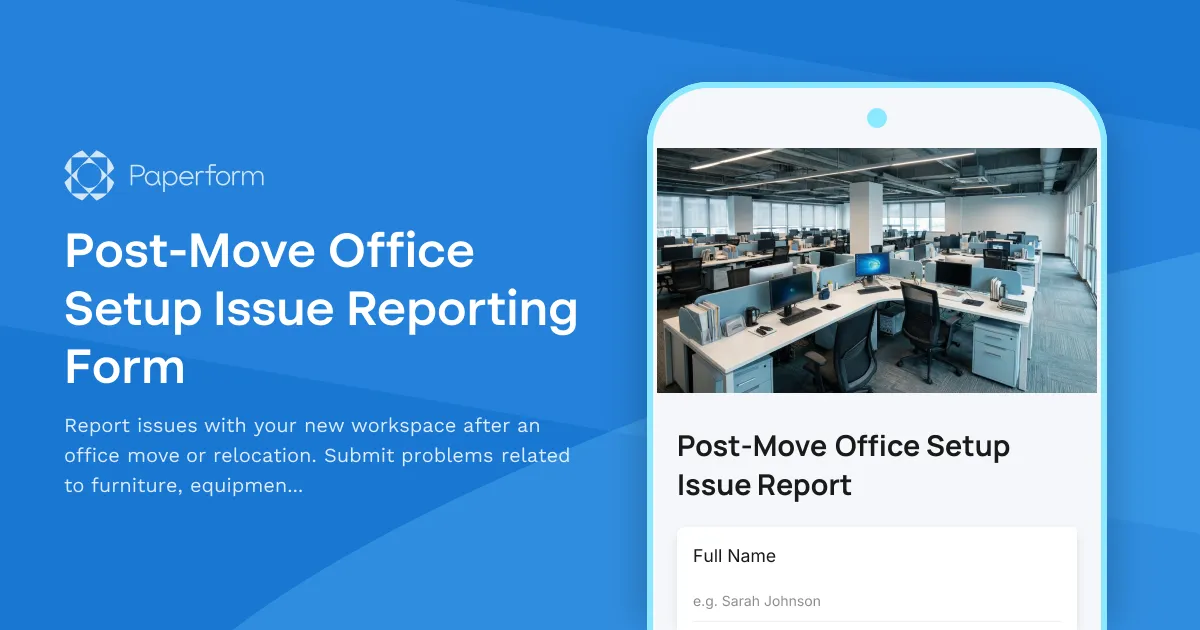
Post-Move Office Setup Issue Reporting Form
Report issues with your new workspace after an office move or relocation. Submit problems related to furniture, equipment, IT setup, or facilities with photos and urgency tracking for quick resolution.
Smart Building Technology Integration Request Form
Streamline your smart office setup with this IoT sensor deployment, occupancy tracking, energy management, and automation preferences form. Perfect for facilities managers implementing modern workplace technology.
Carpool Parking Permit Application
Apply for a discounted carpool parking permit with participant details, vehicle information, and schedule coordination to encourage sustainable commuting.
Co-working Space Visitor Desk Booking Form
A professional desk booking form for co-working space visitors that includes host information, workspace preferences, duration selection, and building access badge requests.
Collaborative Workspace Security Recording Consent Form
A comprehensive consent form for coworking spaces and shared workspaces to obtain member permission for security camera and audio recording, ensuring theft deterrence and incident investigation compliance.
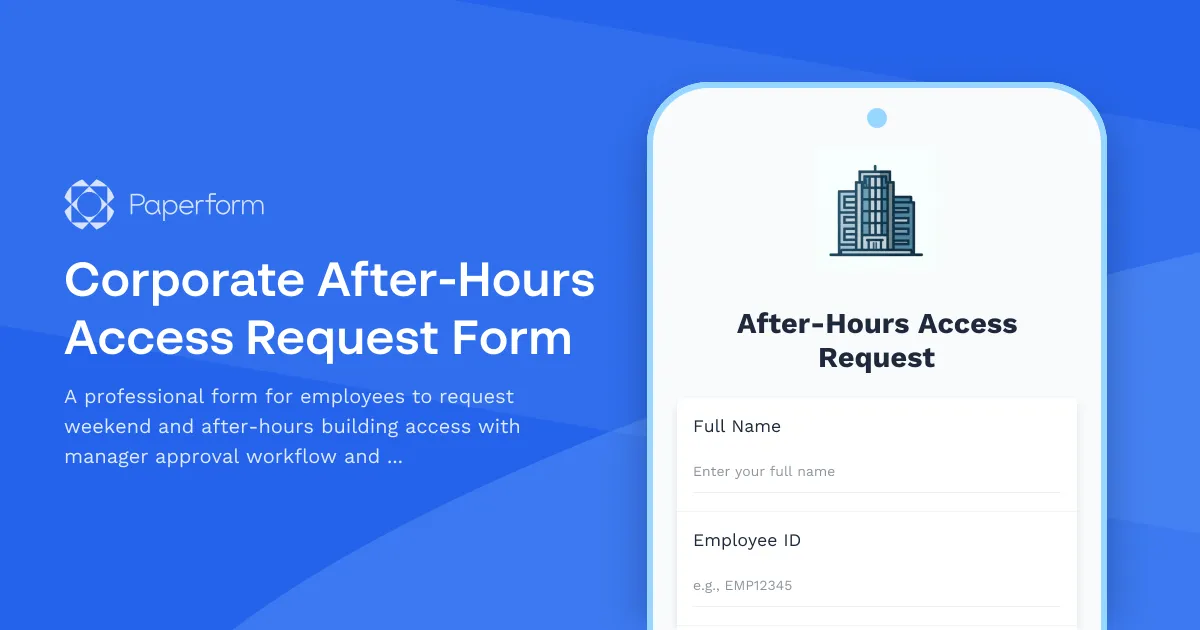
Corporate After-Hours Access Request Form
A professional form for employees to request weekend and after-hours building access with manager approval workflow and employee verification.