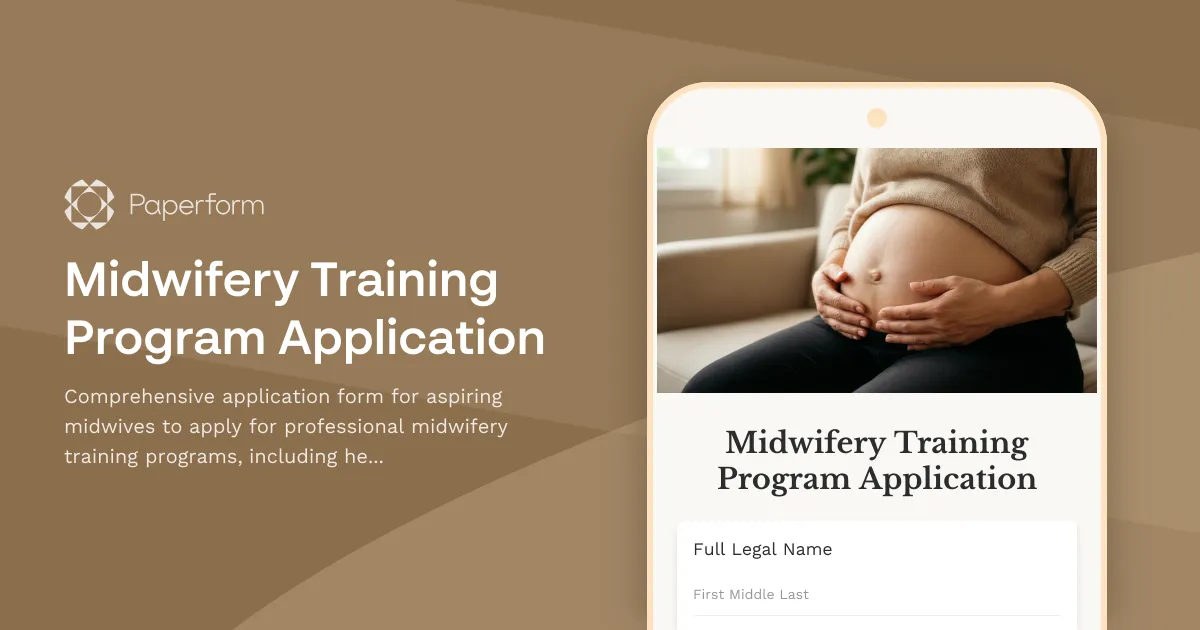
Transform Your Passion for Birth Work into a Professional Midwifery Career
Applying to a midwifery training program is a significant step in your journey to becoming a certified birth professional. Whether you're transitioning from nursing, starting fresh with a passion for maternal care, or expanding your doula practice, this Midwifery Training Program Application template helps educational institutions collect comprehensive applicant information while creating a welcoming, professional experience.
Why Paperform is Perfect for Midwifery Program Applications
Traditional PDF applications and email chains make it difficult to track applicants, verify credentials, and assess philosophical alignment with your program's values. Paperform replaces messy paperwork with a streamlined, mobile-friendly application that:
- Collects complete applicant profiles including healthcare background, education history, clinical observation hours, and professional references
- Captures birth philosophy statements through multi-line text fields that let applicants share their approach to midwifery care
- Handles document uploads for liability insurance proof, CPR certification, immunization records, and transcripts
- Enables mentorship matching by gathering preferences for learning styles, practice settings, and mentor characteristics
- Provides conditional logic to show relevant questions based on applicant background (e.g., different questions for nurses vs. non-clinical applicants)
With custom branding, embedded forms, and automated confirmation emails, your program maintains a professional image from first impression through acceptance.
Who Benefits from This Template?
This midwifery training application form is designed for:
Educational Institutions & Training Programs:
- Midwifery schools and colleges offering certified professional midwife (CPM) or certified nurse-midwife (CNM) programs
- Birth center training programs and apprenticeship coordinators
- Continuing education providers offering advanced midwifery certifications
- Professional midwifery associations managing mentorship programs
Healthcare Professionals:
- Nurses transitioning into nurse-midwifery practice
- Doulas seeking to expand their scope of practice
- Healthcare administrators managing program admissions
- Clinical coordinators assessing applicant readiness for hands-on training
Ideal for Programs That:
- Require verification of clinical observation hours and healthcare experience
- Match students with mentors based on practice philosophy and learning preferences
- Need to collect liability insurance and legal documentation
- Want to assess applicant values and commitment to evidence-based, compassionate care
Key Features That Streamline Midwifery Admissions
Comprehensive Background Assessment Gather complete healthcare experience including current certifications (RN, LPN, doula, EMT), years in practice, clinical settings, and exposure to birth work. Conditional fields adapt based on whether applicants have nursing backgrounds or are entering from non-clinical paths.
Birth Philosophy & Values Alignment Multi-line text fields and essay questions let applicants articulate their philosophy of birth, views on intervention, commitment to informed consent, and approach to supporting birthing families—helping you identify candidates whose values align with your program.
Clinical Experience Verification Collect detailed information about observation hours, births attended, clinical rotations, and hands-on experience. Track where hours were completed, types of births observed (hospital, birth center, home), and supervising practitioners.
Document Upload & Credential Verification Secure file upload fields for liability insurance certificates, CPR/NRP certification, immunization records, background checks, college transcripts, and professional references. Keep all applicant documentation organized in one place.
Mentorship Matching Intelligence Gather preferences for mentor characteristics, practice settings (home birth, hospital, birth center), learning styles, geographic location, and specific skills applicants want to develop—enabling thoughtful mentor-student pairings.
Automated Communication & Follow-Up Use Paperform's customizable success pages to provide next steps, program timelines, and contact information. Send automated confirmation emails acknowledging receipt of applications and outlining the review process.
Streamline Your Workflow with Automation
Midwifery program administrators can save hours of manual work by connecting this application form to their existing tools:
Applicant Tracking & Management Connect submissions to Airtable or Google Sheets to build an applicant database with sortable fields for review status, interview scheduling, and acceptance decisions. Track applicants through each stage of your admissions funnel.
Team Collaboration & Review Send new applications to Slack or email to notify admissions committees immediately. Use Stepper workflows to route applications to different reviewers based on applicant background or program track.
Calendar & Interview Scheduling Link accepted applicants to Calendly or use Paperform's appointment scheduling field to let qualified candidates book interview slots directly after submitting their application.
Document Management Push uploaded files to Google Drive or Dropbox folders organized by applicant name, keeping insurance certificates, transcripts, and references secure and accessible to your admissions team.
CRM & Enrollment Pipeline Sync applicant data to HubSpot or Pipedrive to manage enrollment nurturing, send program updates, and maintain relationships with waitlisted or future applicants.
Build Trust with Professional, Secure Applications
Midwifery education involves sensitive health information, professional credentials, and personal philosophies. Paperform provides the security and professionalism that both applicants and institutions require:
- SOC 2 Type II compliance ensures submitted data is protected with enterprise-grade security
- Custom branding with your school colors, logo, and imagery creates a cohesive brand experience
- Mobile-optimized design lets busy healthcare professionals complete applications on any device
- GDPR-friendly data handling with clear consent and privacy controls
- Conditional logic creates a personalized application experience that only shows relevant questions
From Application to Acceptance: The Complete Journey
With Paperform, your midwifery program can handle the entire applicant journey:
- Initial Application – Comprehensive form captures background, experience, philosophy, and documentation
- Automated Acknowledgment – Custom success page and email confirm receipt and outline next steps
- Review & Evaluation – Admissions team reviews applications in centralized spreadsheet or Airtbase
- Interview Scheduling – Qualified applicants receive booking link or can schedule directly in-form
- Acceptance & Enrollment – Accepted students receive welcome packet and onboarding forms (also built in Paperform)
- Mentorship Matching – Preferences collected in application inform thoughtful mentor pairings
Get Started in Minutes, Customize for Your Program
This template includes all essential fields for midwifery training applications, but you can easily customize it to match your specific requirements:
- Add questions about student's availability for clinical rotations and class schedules
- Include program-specific essays or scenario-based questions
- Collect payment for application fees using Stripe or PayPal integration
- Request letters of recommendation via email address collection
- Add scholarship or financial aid questions for need-based program support
Trusted by Healthcare Educators Worldwide
Whether you're running a small apprenticeship program or managing admissions for a large midwifery college, Paperform scales with your needs. Join over 500,000 teams worldwide who trust Paperform for professional forms, payments, and workflows.
Ready to modernize your midwifery program applications? This template gives you everything you need to create a welcoming, thorough, and professional application experience that honors the sacred work of midwifery education.
Start with this template and customize it to match your program's unique requirements—no coding needed.



More templates like this
Doula Certification Training Application
Professional doula certification program application form collecting experience, care philosophy, certifications, and cultural competency assessment with integrated payment processing.
Lactation Consultant Training Program Application
Apply for professional lactation consultant certification training with this comprehensive application form covering healthcare background, breastfeeding support experience, and IBCLC exam preparation.
Animal-Assisted Therapy Certification Scholarship Application
A comprehensive scholarship application for aspiring animal-assisted therapy practitioners seeking certification funding, including therapy animal handling experience, special populations interest, and professional recommendations.
Animal-Assisted Therapy Handler Program Application
Apply to become a certified animal-assisted therapy handler. This comprehensive application collects information about your animal partner, therapy experience, specialization preferences, and training requirements.
Certified Breastfeeding Counselor Application
Apply for your Certified Breastfeeding Counselor (CBC) certification. Complete application including lactation support training, peer counseling hours verification, and exam registration.
Certified Gerontological Nurse (RN-BC) Application
Apply for your Gerontological Nursing Board Certification (RN-BC) with this comprehensive application covering elderly care experience, age-related conditions competency, and exam registration.
Certified Healthcare Simulation Educator (CHSE) Application
Apply for CHSE certification with this comprehensive application form. Submit your simulation program details, debriefing competency evidence, and register for the certification exam.
Certified Nurse Assistant (CNA) Certification Application
Apply for CNA certification with skills competency assessment, clinical training documentation, and state registry exam scheduling in one streamlined application.
Certified Nurse Educator (CNE) Application
Apply for Certified Nurse Educator certification with this comprehensive application form covering nursing education experience, curriculum development, and CNE exam registration.
Certified Professional Midwife Application
Complete application form for CPM certification including birth attendance verification, education credentials, and NARM examination registration with comprehensive clinical experience documentation.
Clinical Informatics Fellowship Application for Nurses
Apply for a clinical informatics fellowship designed for registered nurses with EHR optimization experience and health IT expertise seeking to advance their careers in nursing informatics.
Clinical Nurse Educator Application Form
A comprehensive application form for clinical nurse educator positions, capturing RN credentials, specialty certifications, teaching experience, and competency assessment expertise.