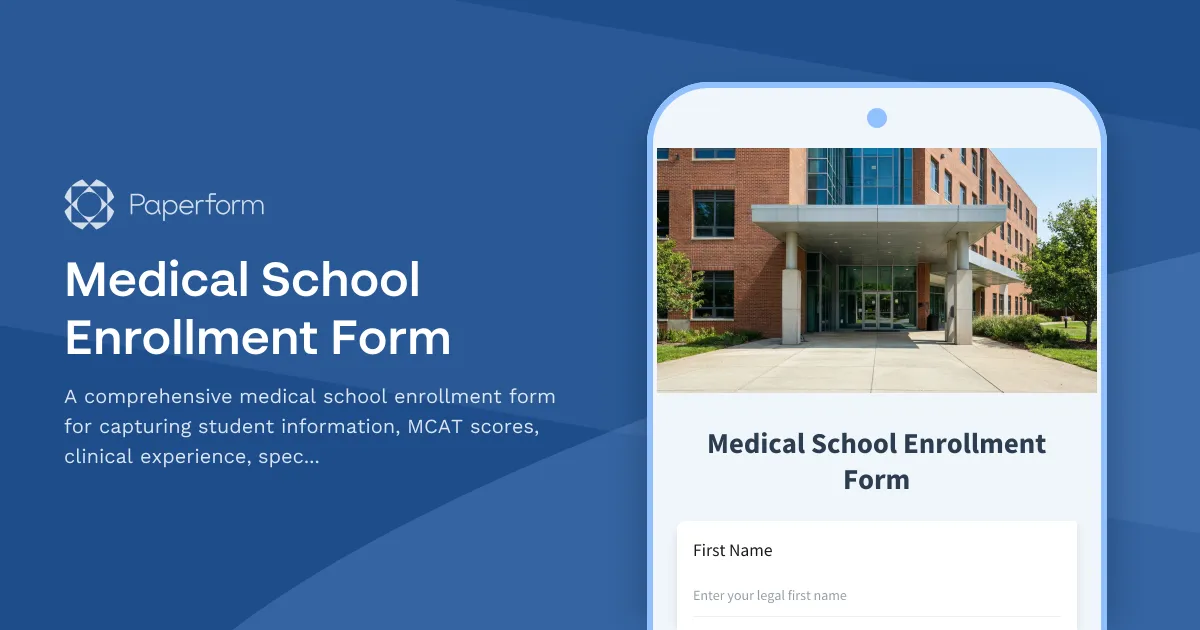
Streamline Medical School Enrollment with Paperform
Managing medical school enrollment can be overwhelming—between verifying MCAT scores, documenting clinical experience, capturing specialty preferences, and coordinating match program participation, there's a lot to keep track of. This Medical School Enrollment Form template is designed specifically for medical schools, healthcare education programs, and student affairs offices that need a professional, comprehensive intake solution.
Built for Medical Education Administrators
Medical schools face unique challenges when onboarding new students. Traditional paper forms and scattered email threads create administrative bottlenecks, increase the risk of missing critical information, and make it difficult to track enrollment status across cohorts. This template brings everything together in one streamlined, HIPAA-alternative compliant digital form that integrates seamlessly with your existing student information systems.
Whether you're managing admissions for MD programs, DO programs, or specialized healthcare tracks, this form captures all the essential details: personal information, academic credentials, MCAT performance metrics, detailed clinical experience documentation, specialty interest preferences, and match program participation status.
What Makes This Template Essential
This medical school enrollment form goes beyond basic contact collection. It's structured to capture:
- Complete Academic Credentials: Undergraduate institution, degree information, GPA, and honors
- MCAT Score Documentation: All section scores including Chemical and Physical Foundations, Critical Analysis and Reasoning, Biological and Biochemical Foundations, and Psychological, Social, and Biological Foundations
- Clinical Experience Portfolio: Detailed documentation of clinical rotations, volunteer work, shadowing hours, and research experience
- Specialty Interest Assessment: Understanding student preferences for residency specialties helps with advising and program planning
- Match Program Participation: Track whether students are participating in NRMP, SOAP, or other matching programs
- Emergency Contact Information: Essential for student safety and administrative compliance
Design That Reflects Your Institution
First impressions matter in medical education. This template uses Paperform's document-style editor to create a professional, on-brand enrollment experience that reflects the caliber of your institution. Customize fonts, colors, backgrounds, and button styles to match your medical school's branding guidelines. Add your institution's logo, welcome messages, and program-specific imagery to create a cohesive enrollment journey.
The form uses conditional logic to show relevant questions based on student responses—for example, if a student indicates they have clinical research experience, additional fields appear to capture publication details and research focus areas. This intelligent flow keeps the form concise while gathering comprehensive information.
Integration with Student Information Systems
Medical schools rely on multiple systems to manage the student lifecycle—from admissions platforms to student information systems to residency match tracking tools. This enrollment form connects seamlessly with your existing tech stack through native integrations and Stepper workflows.
Use Stepper (stepper.io) to automatically route new enrollment submissions into your student database, trigger welcome email sequences, create student accounts across campus systems, notify academic advisors of new enrollees, and generate enrollment reports for accreditation bodies. You can even connect to Salesforce Education Cloud, Slate by Technolutions, or custom medical education platforms via webhooks and API calls.
Workflows That Save Administrative Hours
After a student submits their enrollment form, your work is just beginning. With Stepper's AI-native workflow builder, you can automate the entire post-enrollment process:
- Instant Verification: Automatically send MCAT score verification requests to AAMC
- Document Collection: Trigger follow-up emails requesting transcripts, immunization records, and background checks
- Advisor Assignment: Route students to appropriate faculty advisors based on specialty interests
- Orientation Scheduling: Register students for orientation sessions based on program type and start date
- Financial Aid Coordination: Send enrollment data to financial aid offices for package processing
- IT Provisioning: Create email accounts, learning management system access, and library credentials
These automated workflows eliminate manual data entry, reduce enrollment processing time from weeks to days, and ensure no student falls through the cracks during the onboarding process.
Secure Handling of Sensitive Student Data
Medical school enrollment forms collect highly sensitive personal information—academic records, standardized test scores, clinical experience details, and personal health information for accommodations. This template is built on Paperform's SOC 2 Type II compliant infrastructure with data encryption at rest and in transit, role-based access controls for administrative teams, and secure data residency options.
Set up custom permissions so admissions staff can view submissions, registrars can access enrollment data, and faculty advisors only see specialty preference information relevant to their departments. All form submissions are stored securely with complete audit trails for compliance with FERPA and institutional data governance policies.
Perfect for Multiple Medical Education Contexts
While designed for traditional medical school enrollment, this template adapts easily for:
- DO and MD Program Enrollment: Customize fields for osteopathic or allopathic program requirements
- Dental School and Veterinary School Admissions: Adapt for DAT or other entrance exam scores
- Nursing Program Enrollment: Modify for BSN, MSN, or DNP program prerequisites
- Physician Assistant Programs: Adjust for GRE scores and PA-specific clinical requirements
- International Medical Graduate Programs: Add visa status and ECFMG certification fields
- Accelerated and Combined Degree Programs: Include fields for dual degree tracking
Mobile-Optimized for Today's Students
Today's medical students expect mobile-friendly experiences. This enrollment form is fully responsive, automatically adapting to smartphones, tablets, and desktop computers. Students can start the form on their phone during a break between clinical rotations, save their progress, and complete it later on their laptop—perfect for busy pre-med students juggling multiple commitments.
AI-Powered Insights for Enrollment Planning
Understanding trends across your incoming cohorts helps with program planning, resource allocation, and curriculum development. Use Paperform's AI Insights to automatically analyze enrollment submissions and uncover patterns: Which specialty interests are most popular this year? What's the average clinical experience hours for admitted students? How do MCAT scores correlate with specialty preferences?
These AI-generated summaries transform raw enrollment data into actionable insights without requiring manual spreadsheet analysis or statistical software.
Trusted by Educational Institutions Nationwide
Paperform is trusted by over 500,000 teams worldwide, including universities, medical schools, and healthcare education programs. With generous submission limits, predictable pricing, and no hidden fees, you can process hundreds or thousands of enrollment forms without worrying about overages or surprise charges.
Whether you're a small private medical school processing 50 enrollments per year or a large academic medical center with multiple campuses and hundreds of incoming students, this template scales with your needs.
Get Started in Minutes
Setting up your medical school enrollment process doesn't require IT support or developer resources. Simply customize this template with your institution's branding, adjust fields to match your specific program requirements, connect your integrations, and publish. You can embed the form directly on your admissions website, share it via custom domain (like enroll.yourmedschool.edu), or send it as a direct link to accepted students.
Start building better enrollment experiences today with Paperform's Medical School Enrollment Form template—because your incoming doctors deserve a enrollment process as sophisticated as the education they're about to receive.



More templates like this
Dance Therapy Program Application
A comprehensive application form for prospective dance therapy students to apply to your program, indicate clinical placement preferences, certification track, population specialization, and somatic psychology interests.
Nutrition Program Application Form
A comprehensive application form for nutrition graduate programs featuring clinical and community track options, internship preferences, RD exam preparation, and research interests.
Physical Therapy Program Enrollment Form
A comprehensive enrollment form for physical therapy programs that verifies observation hours, captures clinical site preferences, registers state licensure exam details, and records capstone project selection.

Academic Misconduct Witness Statement Form
A comprehensive witness statement form for reporting academic misconduct incidents including plagiarism, cheating, and other violations to university conduct boards.
Adult Education Enrollment Form
A comprehensive enrollment form for adult education programs featuring career goals assessment, skills evaluation, financial aid application, and flexible scheduling preferences.
Alternative Final Exam Arrangement Request Form
A comprehensive form for college and university students to request alternative final exam arrangements due to scheduling conflicts, including course documentation and instructor approval workflow.

Anonymous Academic Integrity Violation Report
A confidential form for students, faculty, and staff to report suspected academic integrity violations anonymously while providing essential details for investigation and honor code enforcement.

Anthropology Program Application Form
Apply to our anthropology program by selecting your specialization track, field school participation preferences, research interests, and capstone pathway.
Art Therapy Program Application Form
A comprehensive application form for art therapy graduate programs, including clinical rotation preferences, ATR credentialing pathway selection, population specialization interests, and capstone project options.
Astronomy Program Application Form
A comprehensive application form for astronomy programs with observatory access requests, research project preferences, telescope time allocation, and thesis advisor matching.
Athletic Training Program Application
A comprehensive application form for prospective athletic training students to indicate clinical rotation preferences, BOC exam preparation needs, practice setting interests, and graduate assistantship availability.

Biology Program Application Form
A comprehensive application form for biology program admission, including track selection, research preferences, field station opportunities, and honors thesis participation.