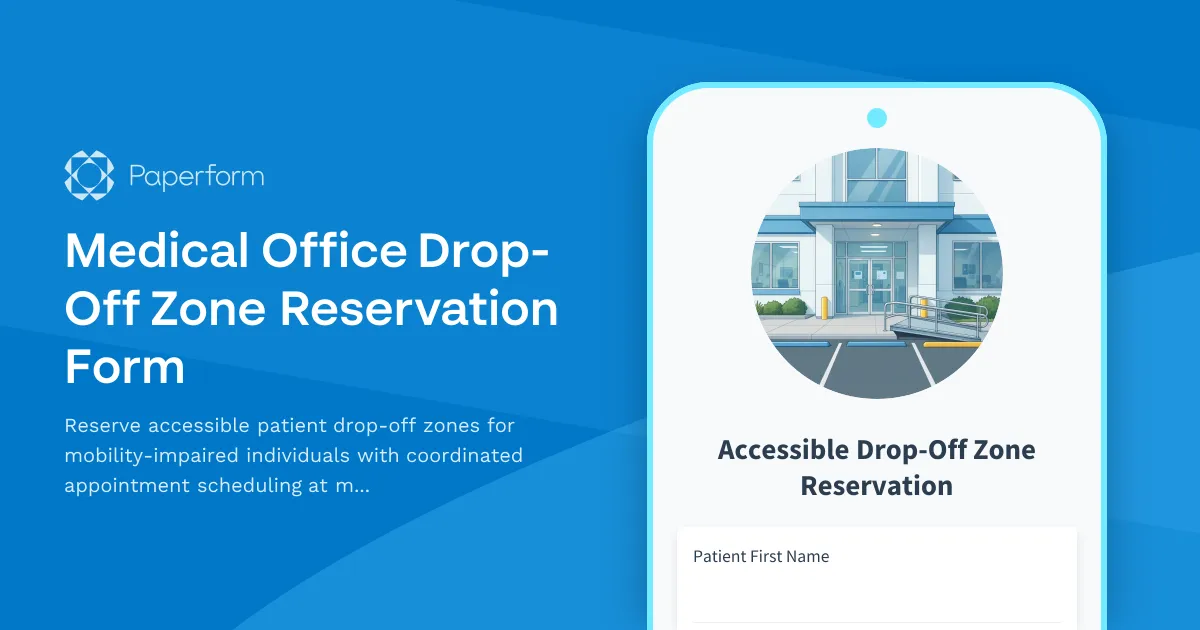
Streamline Accessible Patient Drop-Off with Paperform
Medical offices, healthcare clinics, and outpatient facilities face a daily challenge: coordinating safe, accessible drop-off zones for patients with mobility needs. Between limited accessible parking, tight appointment schedules, and the need to accommodate caregivers, managing drop-off reservations can quickly become chaotic—especially when relying on phone calls, sticky notes, or email chains.
This Medical Office Drop-Off Zone Reservation Form is designed to help healthcare providers, patient coordinators, and facility managers create a seamless, dignified experience for mobility-impaired patients from the moment they arrive.
Why healthcare facilities need a dedicated drop-off reservation system
Accessible drop-off zones are more than a convenience—they're a critical part of patient-centered care. For patients using wheelchairs, walkers, or other mobility aids, a coordinated drop-off process reduces stress, improves safety, and ensures they can access care without unnecessary barriers.
This form template helps you:
- Coordinate drop-off timing with appointments so accessible zones are available exactly when patients arrive
- Collect essential mobility and assistance details to prepare staff and ensure the right support is in place
- Reduce congestion and confusion at your facility entrance by pre-booking drop-off windows
- Improve caregiver communication with clear confirmation emails and instructions
- Maintain compliance with ADA and accessibility standards by proactively managing accessible spaces
Who this form is for
This template is ideal for:
- Medical offices and primary care clinics coordinating patient arrivals and accessible parking
- Outpatient surgical centers managing pre-op and post-op patient drop-offs
- Physical therapy and rehabilitation facilities serving patients with mobility challenges
- Specialty clinics (orthopedics, neurology, oncology) with high volumes of mobility-impaired patients
- Hospital outpatient departments looking to streamline accessible entrance coordination
- Senior care and geriatric practices prioritizing ease of access for elderly patients
What's included in this template
This form captures everything your team needs to prepare for each patient's arrival:
- Patient and appointment information to link the drop-off reservation with the clinical visit
- Mobility assistance requirements including wheelchair use, walker, cane, or other aids
- Caregiver and driver details so your team knows who to expect and can communicate instructions
- Vehicle information to help staff identify the arriving vehicle quickly
- Special accommodation requests such as extra time, assistance entering the building, or other needs
- Drop-off time coordination aligned with the appointment time to ensure accessible zones are available
With conditional logic built in, the form adapts based on the patient's specific needs—showing relevant follow-up questions only when necessary, keeping the experience simple and respectful.
How this form works in your healthcare workflow
Once a patient or caregiver submits this form, your front desk or patient coordinator receives all the details needed to:
- Reserve the accessible drop-off zone for the specified time window
- Alert staff to prepare for mobility assistance (wheelchair ramp, escort, etc.)
- Send a confirmation email with clear arrival instructions, parking location, and contact details
- Update appointment records to flag mobility needs for clinical and administrative staff
You can customize the success message to include a map of your facility, clear directions to the drop-off zone, and a phone number for day-of adjustments.
Take it further with Stepper automation
Want to eliminate manual coordination entirely? Connect this form to Stepper (stepper.io), Paperform's AI-native workflow builder, to automate the entire drop-off reservation process:
- Auto-confirm reservations by checking your drop-off zone calendar and sending confirmation emails instantly
- Sync with your EHR or scheduling system to cross-reference appointment times and patient records
- Send reminders to patients and caregivers the day before and the morning of their appointment
- Alert your team via Slack or SMS when a patient with mobility needs is scheduled to arrive
- Log each reservation in a shared Google Sheet or Airtable base for visibility across your team
With Stepper, your drop-off coordination becomes a smooth, automated experience that requires zero manual effort while still feeling personal and attentive.
Build trust and improve patient experience
Accessibility isn't just about compliance—it's about showing patients you've thought through every step of their care experience. By offering a simple, online way to reserve drop-off zones and communicate mobility needs in advance, you demonstrate respect, professionalism, and a commitment to patient-centered care.
Medical practices that prioritize accessibility see higher patient satisfaction scores, fewer no-shows, and stronger caregiver relationships. This form is a small investment that delivers outsized impact on your reputation and patient outcomes.
Get started in minutes with Paperform
With Paperform, you can customize this template to match your facility's branding, adjust questions to fit your specific workflow, and embed the form directly on your patient portal or website. No coding required—just type, format, and publish.
Whether you're a solo practitioner or part of a multi-location healthcare network, Paperform scales with you. Trusted by healthcare providers worldwide, Paperform is SOC 2 Type II and GDPR compliant, ensuring patient information is handled securely and professionally.
Start creating better patient experiences today with this Medical Office Drop-Off Zone Reservation Form—because every patient deserves a smooth, dignified arrival.



More templates like this
Medical Office Telehealth Provider Parking Request
Request parking permits for healthcare providers with hybrid telehealth schedules who need occasional on-site parking for in-person appointment days.
Healthcare Clinic HVAC Emergency Request Form
A specialized HVAC emergency request form for healthcare clinics to report temperature issues, assess patient comfort impact, and automatically dispatch maintenance contractors.
Hospital On-Call Physician Parking Request
Request priority parking access for on-call physicians with 24/7 access, emergency contact details, and designated spaces near hospital entrances.
Medical Complex Visiting Specialist Parking Application
A comprehensive parking permit application for visiting medical specialists, featuring credentialing verification, clinic schedule coordination, and temporary access badge management for healthcare facilities.
Medical Office Exam Room Scheduling Form
Streamline exam room reservations with patient details, procedure types, equipment requirements, and secure data handling for healthcare facilities.
Medical Office Supplies Request Form
Streamline medical supply ordering with NDC tracking, expiration monitoring, HIPAA compliance verification, and insurance billing integration for healthcare facilities.
Medical Practice Office Relocation Request Form
Comprehensive relocation form for medical practices with HIPAA-compliant file handling, patient record transportation, medical equipment inventory, and compliance verification protocols.
Vitamin Injection Clinic Desk Assignment & Scheduling Form
Streamline workspace booking and appointment scheduling for your vitamin injection clinic. Manage desk assignments, track vitamin inventory, and coordinate medical director consultations—all in one efficient form.
Assisted Living Facility Desk Assignment Form
A comprehensive desk assignment form for assisted living facilities to coordinate resident care stations, activity planning workspaces, and family communication areas with staff scheduling and resource management.
Dialysis Center Treatment Floor Access Request
Streamline access requests for dialysis treatment floors with integrated certification verification, infection control training validation, and medical director approval workflow.
Healthcare Facility Staff Parking Permit Renewal
A streamlined form for healthcare staff to renew parking permits with shift schedule verification, department authorization, and integrated payment processing for assigned spots and garage access.
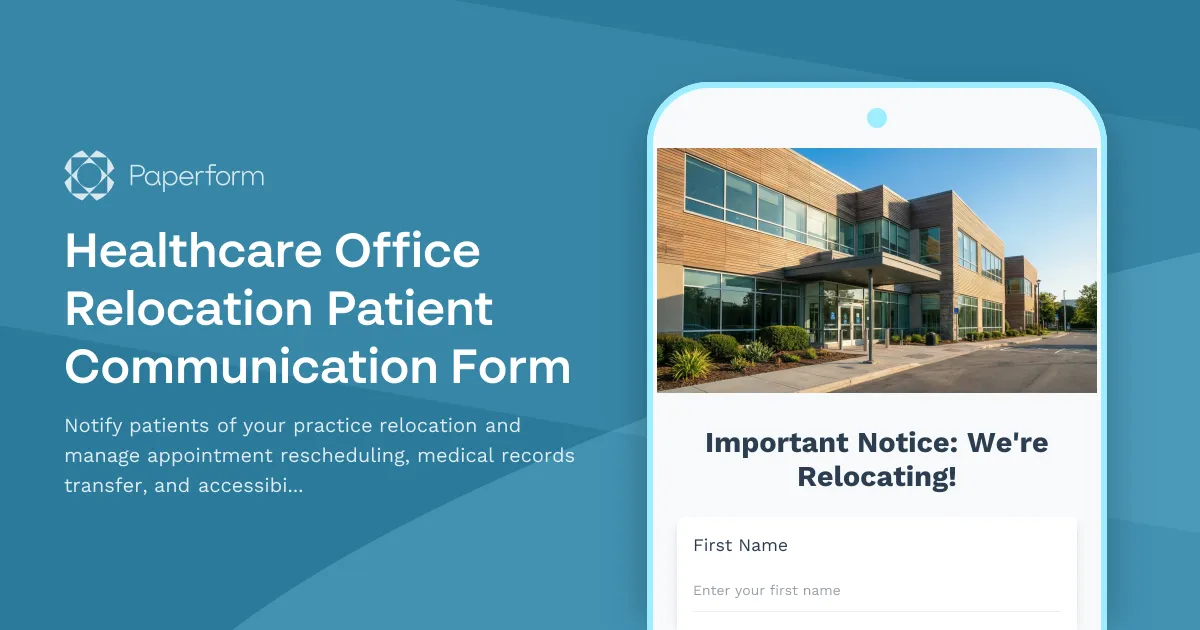
Healthcare Office Relocation Patient Communication Form
Notify patients of your practice relocation and manage appointment rescheduling, medical records transfer, and accessibility needs for a seamless transition to your new location.