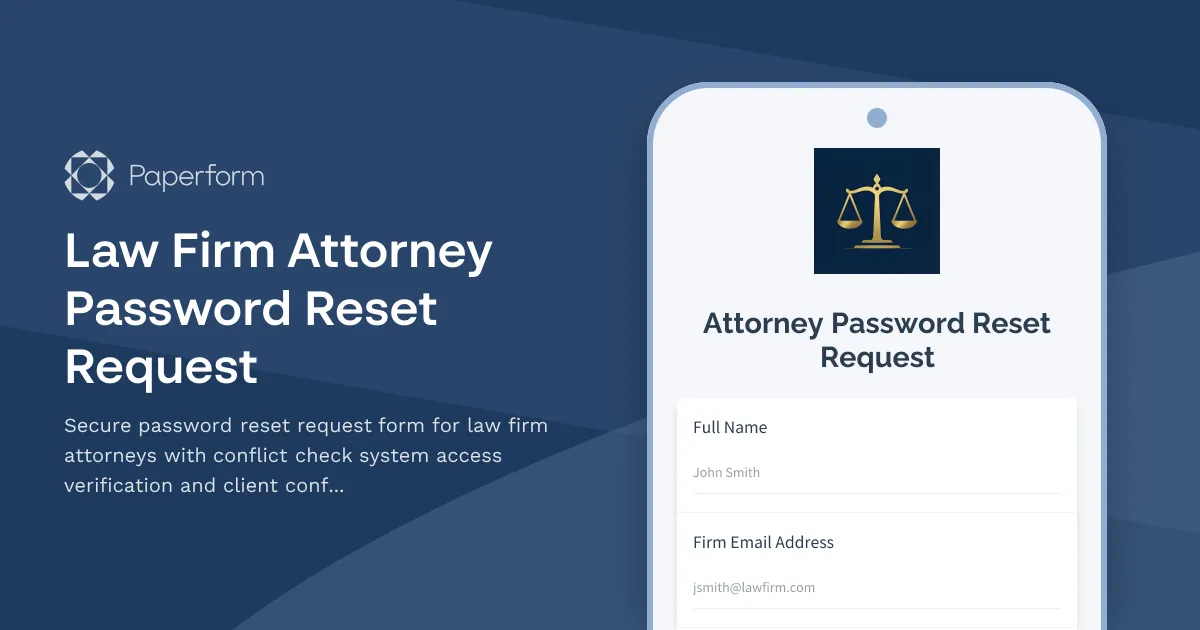
Secure Law Firm Password Reset with Conflict Check System Access
Managing password resets in a legal environment requires more than basic IT support—it demands strict verification protocols and compliance with client confidentiality standards. This attorney password reset request form is specifically designed for law firms that need to balance security, access control, and professional responsibility when restoring system access.
Built for Legal Practice Management
Whether your firm uses Clio, PracticePanther, or custom conflict check systems, attorneys need immediate yet secure access to client records, case files, and confidential communications. This template ensures IT teams can verify identity, assess system access needs, and maintain audit trails that comply with bar association requirements and client confidentiality rules.
The form captures essential verification details including bar number, practice area, and urgency level, while allowing attorneys to specify which systems require access—from document management and billing platforms to conflict check databases and secure client portals.
Streamline IT Operations with Paperform
Using Paperform, your IT department and legal operations team can create a branded, professional password reset process that works seamlessly across desktop and mobile devices. Conditional logic ensures the form adapts based on urgency and system requirements, while file uploads allow attorneys to submit identification if additional verification is needed.
Connect this form to Stepper to automate your entire password reset workflow: route urgent requests to senior IT staff, send verification emails, create tickets in your help desk system, log all requests for compliance audits, and trigger follow-up communications—all without manual data entry. You can also integrate with Slack for instant notifications and your practice management system to verify attorney credentials automatically.
Security, Compliance, and Professional Standards
Law firms operate under strict ethical obligations regarding client confidentiality and data security. This template includes conflict check system access verification and client confidentiality acknowledgments, ensuring every password reset maintains the professional standards your firm requires. All submissions are encrypted and can be stored with data residency controls to meet jurisdictional requirements.
Paperform is SOC 2 Type II compliant and trusted by professional services firms worldwide. While not HIPAA compliant, it provides the enterprise-grade security and audit capabilities legal teams need for sensitive IT operations.



More templates like this
Archive System Access Request Form
Request access to archived records and historical data with compliance tracking for legal holds and retention policies.
Immigration Case Management Software Request
Request specialized immigration case management software with visa tracking, deadline management, document checklists, and government portal integration for your legal practice or HR department.
Contract Lifecycle Management System Access Request
Request access to your organization's contract lifecycle management system with customized permissions for authoring, approvals, and obligation tracking.
Intellectual Property Management Software Request
Request access to IP management software for patent tracking, deadline management, inventor collaboration, and prior art search capabilities.
Law Firm Client Matter Data Access Request Form
Streamline data access requests for client matters while maintaining attorney-client privilege protections. Request case documents, billing records, and privileged communications with proper authorization controls.
Law Firm VPN Access Request Form
Streamline secure VPN access requests for your law firm with built-in conflict checks, client matter association, and confidentiality agreements to protect sensitive legal information.
Litigation Support Software Request Form
Request specialized litigation support software for case management, document review, depositions, and trial presentations. Streamline your legal team's workflow with the right tools.
Anti-Money Laundering (AML) Software Request Form
Request access to anti-money laundering software solutions with transaction monitoring, sanctions screening, case management, and regulatory reporting capabilities for compliance teams.
Cannabis Regulatory Compliance Data Access Request Form
Streamline data access requests for cannabis license holders, including inspection reports, violation notices, and remediation plans. Manage compliance documentation and regulatory information requests efficiently.
Chiropractic Practice Password Reset & Account Recovery Form
Secure password reset and account recovery form for chiropractic practice staff to regain access to patient treatment plans, scheduling, and insurance billing systems.
Compliance Reporting System Access Request
Request access to compliance reporting systems with role-based permissions, audit trail viewing capabilities, and regulatory report generation tools while maintaining strict confidentiality requirements.
Coworking Space Member Password Reset & Access Recovery
A streamlined form for coworking members to request password resets, access card reprogramming, and restore conference room booking rights with verification and immediate support.