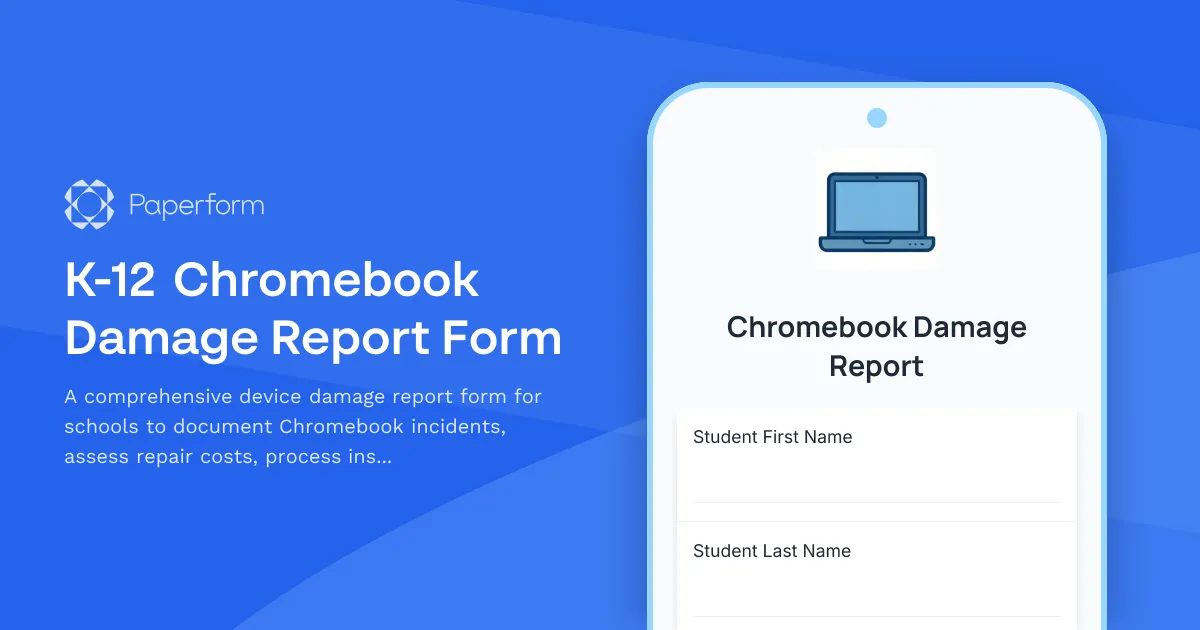
Streamline Your School's Device Management with a K-12 Chromebook Damage Report Form
Schools managing 1:1 device programs know that Chromebook damage is inevitable. Whether it's a cracked screen from a drop, water damage from a spilled drink, or wear and tear from daily use, having a clear process for reporting and documenting device damage is essential for keeping your technology program running smoothly.
This K-12 Chromebook Damage Report Form template gives elementary and secondary schools a professional, organized way to handle device incidents. Students, parents, or staff can quickly report damage with photo documentation, incident descriptions, and all the details IT teams need to assess repair costs and next steps.
Built for K-12 IT departments and school administrators
Managing device repairs shouldn't mean chasing down incomplete email reports or deciphering vague descriptions. This form template captures everything in one place: the device asset tag, the student's information, a detailed account of what happened, photo evidence of the damage, and whether insurance or warranty coverage applies.
With conditional logic built in, the form adapts based on responses—if insurance is applicable, it routes to claim information; if a loaner device is needed, it captures that request automatically. You can also provide estimated repair costs and replacement timelines right in the confirmation message, setting clear expectations from the start.
Connect to your school's workflow with Stepper
Once a damage report is submitted, you don't want it sitting in an inbox. Connect your Chromebook Damage Report Form to Stepper, Paperform's AI-native workflow builder, to automate what happens next. Route the submission to your IT ticketing system, notify the appropriate staff member, update your asset management spreadsheet, and trigger follow-up emails to parents about repair costs or insurance claims—all without manual work.
Stepper helps schools eliminate the administrative burden of device management, so your IT team can focus on keeping technology in students' hands, not stuck in repair queues.
Trusted by schools that value accountability and efficiency
Whether you're a small district or a large school system, this template is designed to bring professionalism and clarity to your device program. It's SOC 2 Type II compliant, mobile-friendly for quick reporting, and fully customizable to match your school's branding and policies.
Take control of your Chromebook program with a damage report process that's as reliable as the devices themselves.



More templates like this
Boarding School Missing Student Overnight Absence Report
A comprehensive reporting form for boarding school staff to document missing students, overnight absences, and initiate emergency protocols with detailed student information and welfare check procedures.
Child Abuse Mandatory Reporter Form
A confidential reporting form for educators and school staff to document suspected child abuse or neglect and fulfill mandatory reporting obligations to state agencies.
K-12 Bullying Incident Report Form
A comprehensive bullying incident report form for K-12 schools to document incidents, collect witness statements, gather evidence, and determine appropriate resolution steps.
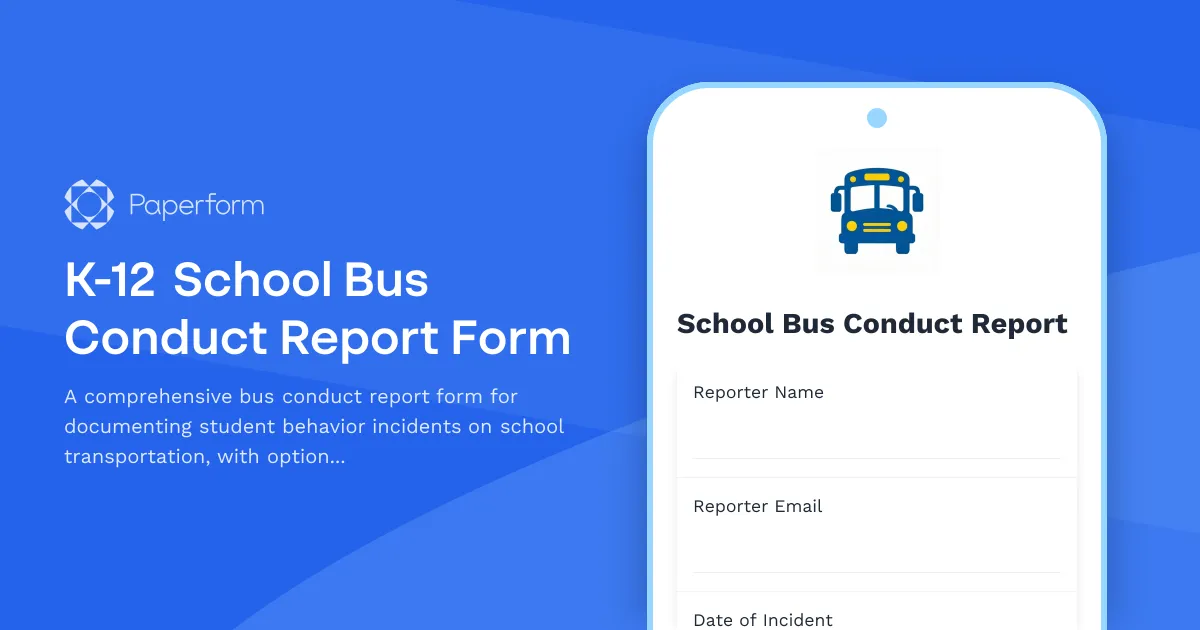
K-12 School Bus Conduct Report Form
A comprehensive bus conduct report form for documenting student behavior incidents on school transportation, with options for disciplinary actions and transportation privilege timelines.
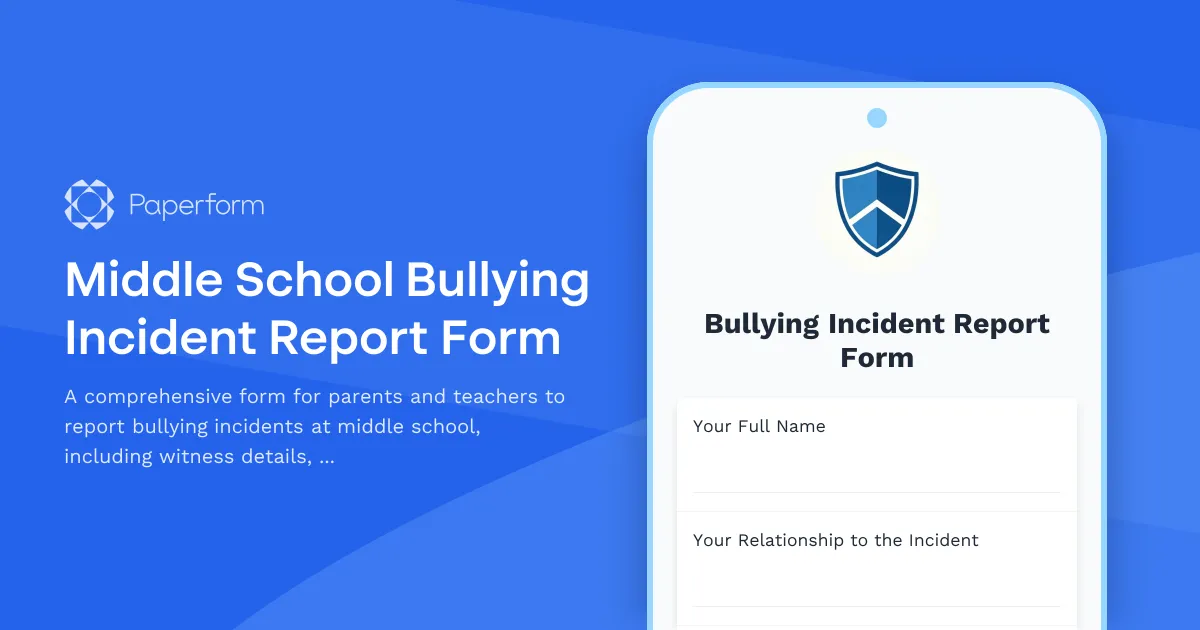
Middle School Bullying Incident Report Form
A comprehensive form for parents and teachers to report bullying incidents at middle school, including witness details, incident descriptions, and immediate action requests to ensure student safety.
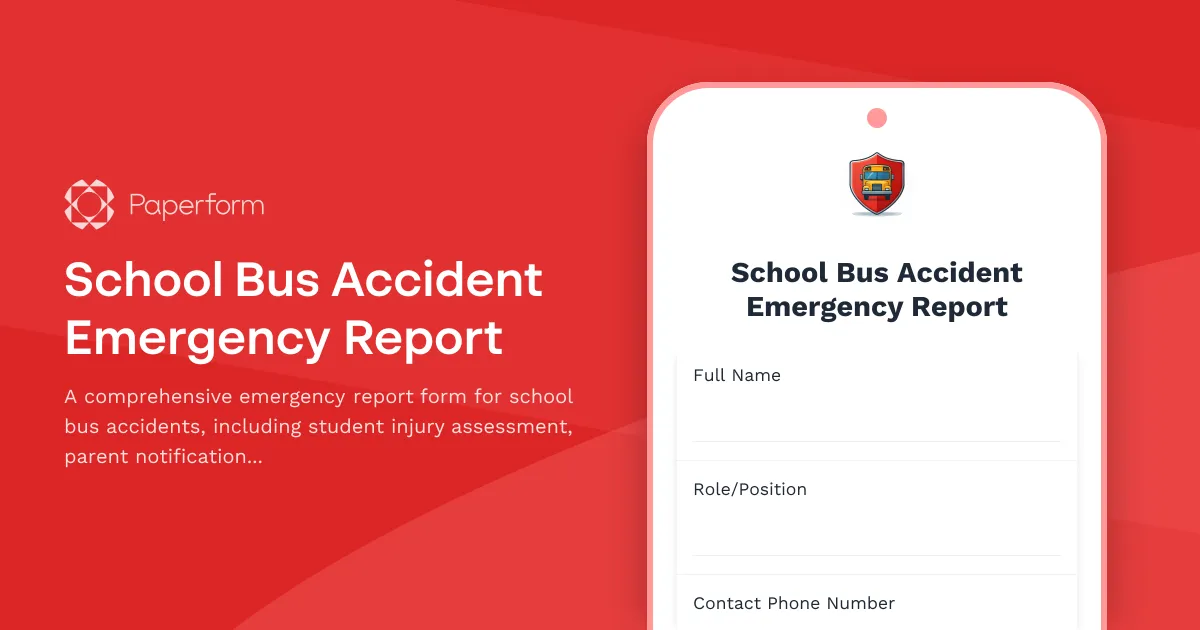
School Bus Accident Emergency Report
A comprehensive emergency report form for school bus accidents, including student injury assessment, parent notification tracking, and automated transportation department alerts.
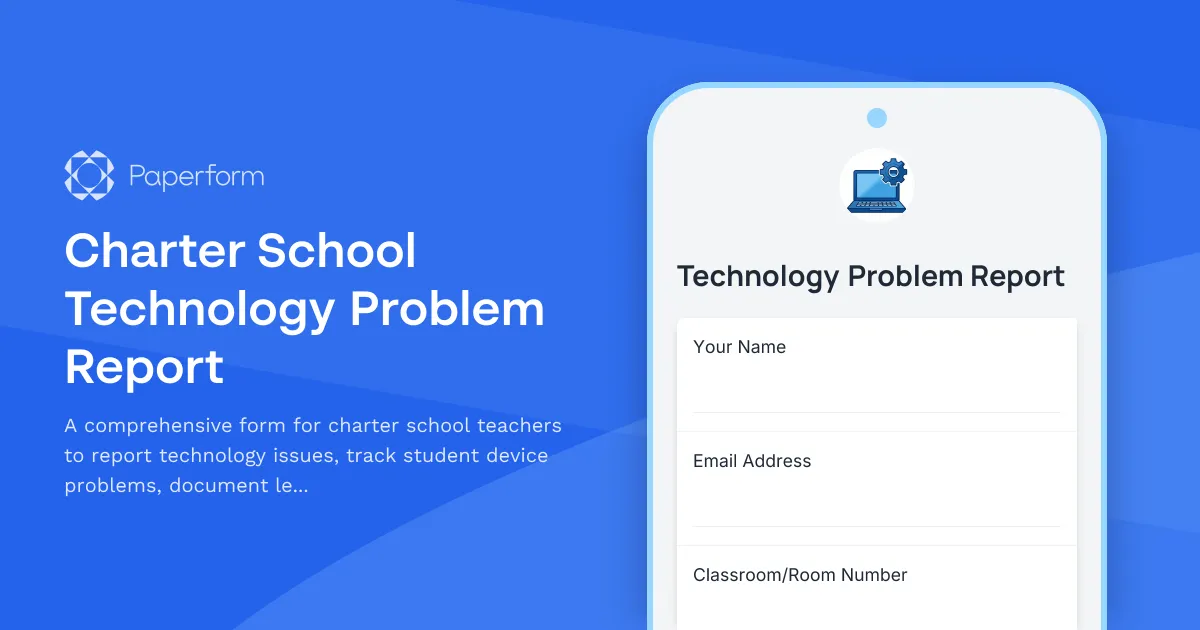
Charter School Technology Problem Report
A comprehensive form for charter school teachers to report technology issues, track student device problems, document lesson plan impacts, and monitor IT response times to ensure smooth classroom operations.
Restraint and Seclusion Incident Report Form
A comprehensive incident report form for documenting restraint and seclusion events in special education settings, including antecedent behaviors, interventions, duration, and follow-up protocols.
School Safety Threat Assessment Form
Comprehensive threat assessment form for K-12 schools to evaluate safety concerns, initiate lockdown protocols, notify law enforcement, and trigger parent communications during critical incidents.
School Technology Acceptable Use Policy and Internet Safety Consent Form
A comprehensive consent form for students and parents acknowledging school technology policies, internet safety guidelines, device responsibilities, and digital citizenship expectations.
504 Plan Accommodation Request Form
A comprehensive form for parents and guardians to request Section 504 accommodations for students with disabilities, including documentation uploads and professional recommendations.
Abolition Education Pledge Form
A comprehensive pledge form for educators, institutions, and community members committed to transforming education through abolitionist principles, advocating for police-free schools, and implementing restorative justice practices.