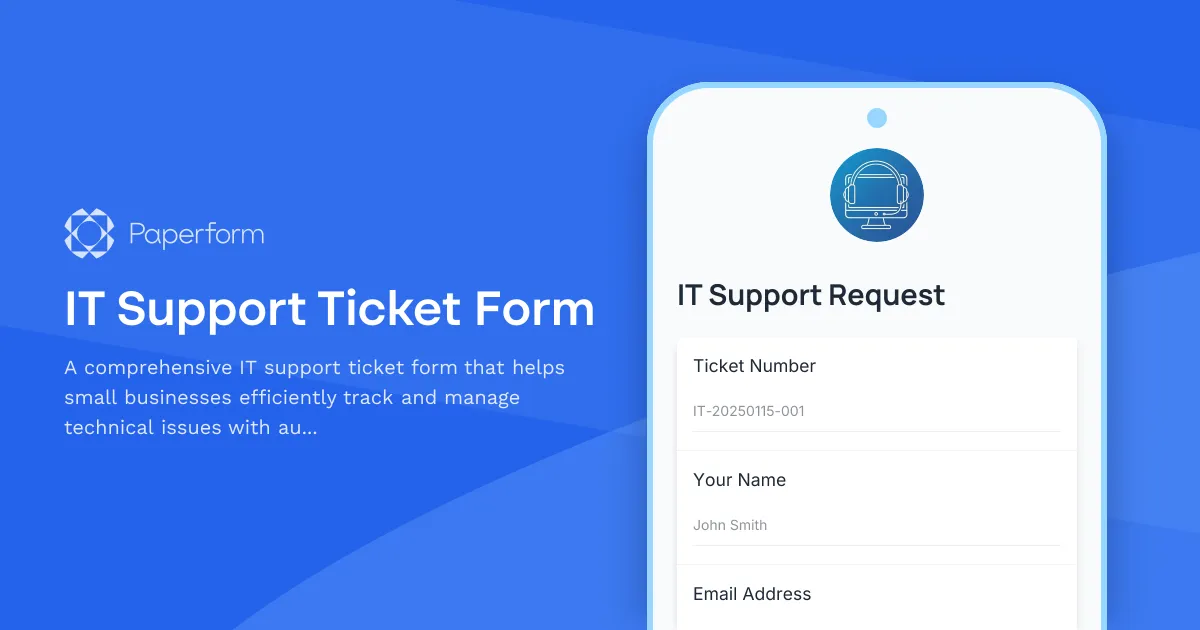
Streamline Your IT Support with Professional Ticket Management
Managing IT support requests doesn't have to be chaotic. This IT Support Ticket Form gives small businesses a centralized, professional way to log technical issues, prioritize urgent problems, and ensure nothing falls through the cracks.
Whether you're running an in-house IT team or working with external support providers, this form captures all the essential details upfront—device information, issue category, urgency level, and visual evidence through screenshots. Every submission automatically generates a unique ticket number, making it easy to track, reference, and resolve issues systematically.
Perfect for small business IT teams and managed service providers
This template is ideal for small to medium businesses that need to bring order to their tech support process without investing in expensive helpdesk software. It works equally well for internal IT departments, remote support teams, and MSPs managing multiple clients.
The form's conditional logic adapts to each situation: select "Hardware Issue" and you'll be prompted for device-specific details; choose "Software Problem" and the form asks about the affected application. This smart branching ensures your IT team gets exactly the information they need to diagnose and fix problems faster.
Automate your support workflow with Stepper
Take your IT support to the next level by connecting this form to Stepper. When a high-priority ticket comes in, automatically notify your IT team via Slack or email, create a task in your project management tool, and update your ticketing system—all without manual data entry. For routine issues, Stepper can route tickets to specific team members based on category, ensuring the right expert tackles each problem.
Built for efficiency, designed for clarity
The form balances thoroughness with user-friendliness. Staff members can quickly submit support requests without technical knowledge, while your IT team receives structured, actionable information. Screenshot uploads let users show exactly what they're seeing, dramatically reducing back-and-forth clarification emails.
With Paperform's clean, professional design and mobile-friendly layout, this IT support form integrates seamlessly into your existing workflows—whether embedded in your intranet, shared via email, or accessed from a bookmarked link. Start managing your tech support like a pro, without the enterprise-level complexity or cost.



More templates like this
Workplace Collaboration Tool Support Request
Submit technical support requests for workplace collaboration tools, including access issues, file sharing errors, integration problems, and bot configuration assistance.
IT Helpdesk Problem Report Form
A comprehensive IT problem reporting form with asset tracking, priority assessment, and automatic SLA routing to streamline technical support workflows.
IT Helpdesk Ticket Submission Form
Submit IT support requests with issue details, urgency level, and screenshots. Track your tickets and get faster resolutions with our streamlined helpdesk form.
Project Management Software Technical Support Request
Submit technical support requests for project management software issues including task assignment errors, Gantt chart problems, resource allocation bugs, time tracking integration issues, and escalation to the PMO team.
Server Warranty Registration Form
Register your business server hardware for warranty coverage, priority support, and proactive monitoring. Capture detailed specifications, rack location, environmental data, and backup verification in one streamlined form.
Backup and Recovery Request Form
Submit backup and data recovery requests with detailed specifications including data location, retention requirements, recovery objectives, and priority levels for IT support teams.
Business Intelligence Tool Support Request
Streamline BI support requests with this comprehensive form for data connection errors, dashboard issues, report scheduling problems, and analytics escalations.

Collaboration Workspace Admin Access Request
Request administrative access to collaboration workspaces including member management, content moderation, and archive permissions for project teams.

Corporate VPN Access Request Form
Streamline remote access requests with this corporate VPN access form. Collect employee details, device information, security clearance levels, and route for manager approval—all in one secure workflow.
Cybersecurity Awareness Training Quiz
Test employee knowledge on phishing detection, password security, and data protection with this comprehensive cybersecurity awareness quiz designed for workplace training programs.
ERP System Customization Meeting Cancellation Form
A professional form for managing ERP implementation meeting cancellations and rescheduling requests, with tracking for module activations, UAT schedules, and workflow approvals.
Hardware Upgrade Request Form
Request hardware upgrades for aging workstations with performance issue tracking and automated budget impact calculations.