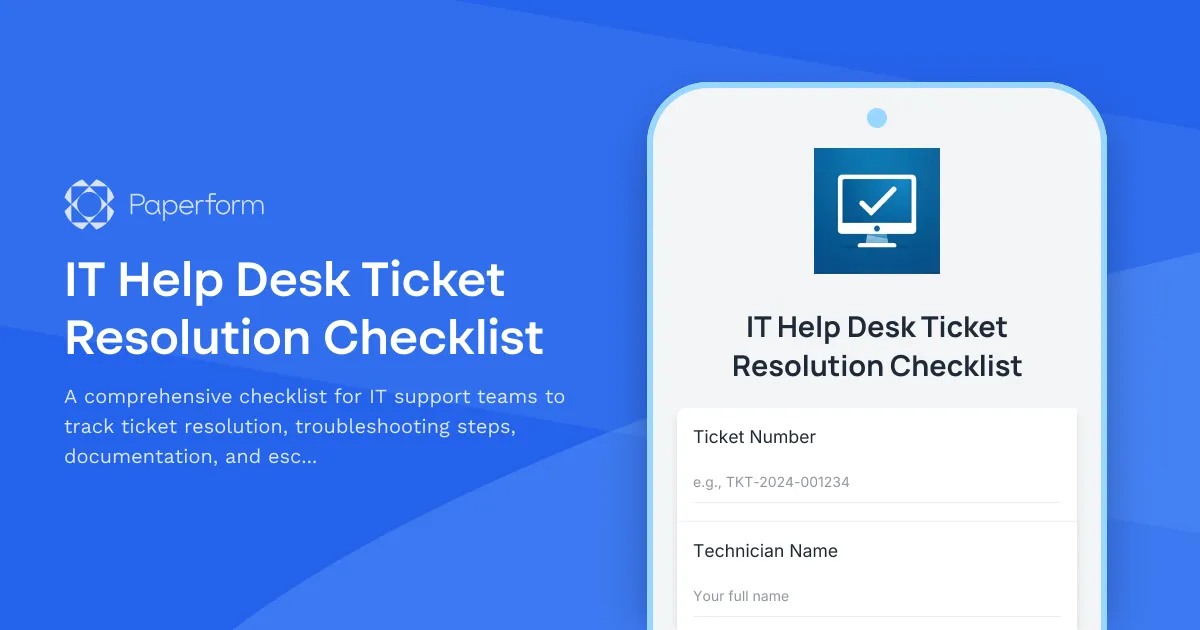
Streamline Your IT Support with a Professional Ticket Resolution Checklist
For IT managers, help desk technicians, and support teams, maintaining consistent service standards across every ticket can be challenging. This IT Help Desk Ticket Resolution Checklist template provides a structured framework to ensure nothing falls through the cracks—from initial troubleshooting through to final resolution and documentation.
Why IT Teams Choose This Template
Whether you're managing a small internal help desk or supporting hundreds of users across multiple locations, this checklist helps your team:
- Standardize troubleshooting procedures so every technician follows best practices
- Document resolution steps for knowledge base building and training purposes
- Track escalation criteria to ensure tickets reach the right specialists at the right time
- Maintain accountability with clear sign-offs and completion tracking
- Reduce resolution times by providing structured workflows for common issues
Built specifically for IT professionals, this template covers hardware issues, software troubleshooting, network diagnostics, access requests, and system maintenance—adaptable to your team's specific needs.
Automate Your IT Workflows with Stepper
Once your checklist is complete, take it further with Stepper—Paperform's AI-native workflow automation tool. Connect your ticket resolution checklist to your IT service management platform (like Jira Service Desk, Freshservice, or ServiceNow), automatically notify team leads when escalation criteria are met, update asset management systems, or trigger follow-up surveys for closed tickets. With Stepper, every completed checklist becomes the starting point for intelligent, automated workflows that keep your IT operations running smoothly.
Professional, Secure, and Scalable
This template is built on Paperform's secure, SOC 2 Type II compliant platform—trusted by IT teams worldwide. Customize the checklist to match your organization's specific troubleshooting protocols, integrate with your existing tools, and scale as your support team grows.



More templates like this
Incident Response Team On-Call Rotation Management Form
Streamline your incident response team's on-call rotations with skill coverage tracking, escalation contact verification, and burnout prevention monitoring to ensure your security operations run smoothly.
Data Center Server Room Access Request Form
Request secure access to data center server rooms with two-factor authentication setup, equipment authorization, and compliance acknowledgment for IT professionals and technicians.
Disaster Recovery Site Setup Request Form
Request form for disaster recovery infrastructure setup with RTO/RPO requirements, replication methods, failover testing schedules, and runbook documentation for business continuity planning.
Emergency IT Change Request Form
Streamline critical IT change approvals with this emergency change request form. Submit urgent infrastructure, security, or system changes with expedited approval workflows and post-implementation tracking.
Emergency VPN Access Request Form
Fast-track urgent VPN access for after-hours incidents and critical system issues. Streamline emergency approvals with incident tracking and manager authorization.
IT System Decommissioning Change Request
Submit and track IT system decommissioning requests with data retention, asset disposal, and access revocation management for secure infrastructure changes.
Monitoring System Alert Configuration Change Request
Submit and manage change requests for monitoring system alert configurations, including threshold adjustments, escalation procedures, and on-call rotation updates.

Project Management Software Technical Support Request
Submit technical support requests for project management software issues including task assignment errors, Gantt chart problems, resource allocation bugs, time tracking integration issues, and escalation to the PMO team.
Remote Desktop Service Configuration Change Request Form
A professional IT change request form for managing remote desktop service configurations, including access policies, performance settings, and security controls with approval workflow.
Remote Support Software Request Form
Request access to screen sharing and remote support software with configurable session limits, file transfer capabilities, and recording options for IT support teams.
Server Downtime Incident Report
Professional incident report form for documenting server downtime events, analyzing root causes, tracking resolution steps, and scheduling post-incident reviews.
Server Provisioning Request Form
Streamline server provisioning with this comprehensive request form for IT infrastructure teams. Capture OS requirements, hardware specs, storage needs, backup policies, and application installations in one organized workflow.