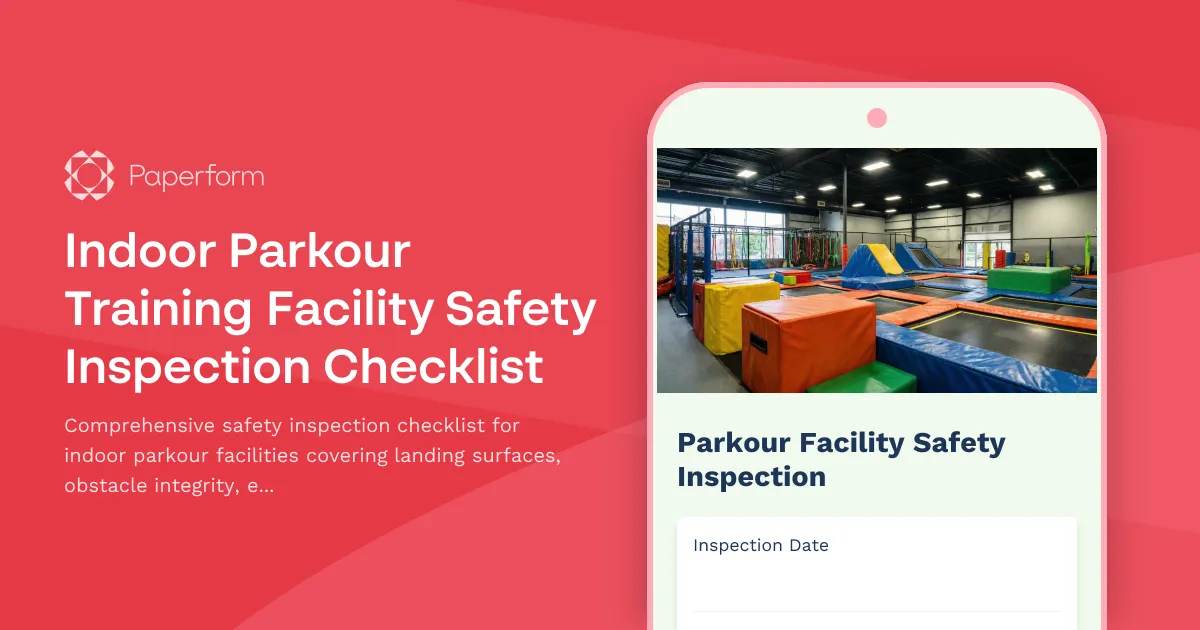
Keep Your Parkour Facility Safe with Structured Safety Inspections
Running an indoor parkour training facility means managing constant movement, progressive challenges, and athletes pushing their limits. Safety isn't just a checkbox—it's the foundation that lets your members train with confidence and helps you operate with peace of mind.
This Indoor Parkour Facility Safety Inspection Checklist template gives you a structured, repeatable way to document daily, weekly, and monthly safety checks. Instead of scattered notes or mental checklists, you'll have a centralized record of landing surface conditions, obstacle integrity, equipment wear, instructor readiness, and participant skill assessments—all in one place.
Built for Parkour Gyms, Movement Centers, and Training Facilities
Whether you're running a dedicated parkour gym, a CrossFit box with parkour elements, a ninja warrior training center, or a multi-discipline movement facility, this checklist helps you stay on top of the unique safety considerations that come with high-impact, dynamic training environments.
It's designed for:
- Facility owners and managers who need consistent documentation for insurance, liability protection, and operational standards
- Head coaches and safety officers responsible for daily walk-throughs and equipment condition monitoring
- Instructor teams who need to log spotting protocols, participant readiness, and session-specific safety notes
- Maintenance staff tracking repair schedules, surface degradation, and structural integrity over time
What Makes This Template Work for Parkour Safety
Parkour training involves unique risks: high-impact landings, complex obstacle progressions, structural loads on custom-built equipment, and participants with widely varying skill levels. This checklist is purpose-built around those realities.
Landing Surface Impact Rating
You'll document the condition of foam pits, crash mats, spring floors, and landing zones with specific impact ratings. Note compression levels, surface wear, exposed seams, and any areas that need rotation, replacement, or additional padding. This section helps you catch degradation before it becomes a safety issue.
Obstacle Progression Setup
Check that obstacles are arranged in proper progression order, that beginner and advanced zones are clearly separated, and that high-risk elements (walls, rails, vaults) are positioned with appropriate run-up space and landing zones. You'll verify setup matches your facility's progression maps and that newer athletes aren't inadvertently accessing advanced obstacles.
Vault Box and Equipment Structural Integrity
Log the condition of vault boxes, wall structures, balance rails, climbing holds, and custom-built obstacles. Check for loose bolts, splintered wood, cracked welds, unstable mounting points, and load-bearing integrity. You'll note which items need immediate repair, scheduled maintenance, or replacement, keeping a clear audit trail for warranty and liability purposes.
Instructor Spotting Protocols
Document that instructors are following proper spotting techniques, positioning themselves correctly for high-risk skills, maintaining appropriate student-to-instructor ratios, and communicating clearly about progression readiness. This section reinforces your training standards and provides evidence of duty-of-care in the event of an incident.
Participant Skill Assessment Documentation
Record skill level checks for new members, progression sign-offs for athletes moving to advanced zones, and any concerns about participants attempting skills beyond their current ability. This creates a baseline for individualized training plans and helps prevent injury from premature progression.
Why Paperform for Safety Checklists?
You could use a clipboard and paper forms, but then you're stuck with filing cabinets, illegible handwriting, and no way to spot trends over time. Paperform gives you a digital checklist that's just as fast to fill out, but with built-in tracking, photo uploads, conditional logic, and automatic record-keeping.
Mobile-friendly inspections: Walk your facility with a phone or tablet, checking items and uploading photos of equipment damage or surface wear as you go. No need to return to a desk or transcribe notes later.
Conditional logic for follow-ups: If you flag an item as "needs immediate repair," the form automatically prompts you for details, photos, and assigned repair dates. If everything passes, those sections stay hidden and don't slow you down.
Photo documentation: Attach images directly to inspection line items, creating a visual record of equipment condition over time. This is invaluable for tracking degradation, proving maintenance diligence to insurers, and comparing "before and after" on repairs.
Timestamped records with easy search: Every submission is automatically timestamped and stored in your Paperform account. Filter by date, inspector, or flagged issues to review trends, prepare for insurance audits, or demonstrate compliance during facility inspections.
Notifications and accountability: Set up email notifications so that when an inspection is submitted with critical issues flagged, your maintenance lead or facility manager gets an instant alert. You can route different issue types to different people, keeping everyone in the loop without manual forwarding.
Automate Follow-Ups with Stepper
Once you've logged an inspection, you can use Stepper to turn flagged issues into action items automatically. If your checklist identifies equipment needing repair, Stepper can:
- Create a task in Asana, ClickUp, or Monday.com assigned to your maintenance team
- Add a row to a Google Sheet or Airtable base tracking open safety issues
- Send a Slack message to your ops channel with photos and priority level
- Schedule follow-up inspections based on the severity of issues found
This keeps safety concerns from falling through the cracks and gives you a closed-loop system from inspection to resolution.
Compliance, Insurance, and Liability Protection
Consistent safety documentation isn't just good practice—it's often required by your insurance carrier and can be critical in the event of an incident or lawsuit. This checklist helps you:
- Demonstrate due diligence with timestamped records showing regular inspections and proactive maintenance
- Satisfy insurance requirements for documented safety protocols and equipment condition logs
- Protect against liability claims by proving that unsafe conditions were identified and addressed promptly
- Track equipment lifecycles to justify replacement costs and budget for capital improvements
Paperform is SOC 2 Type II compliant and offers data residency controls, so your records are stored securely and meet professional standards for data protection.
Designed for Fitness Facilities, Recreation Centers, and Sports Training Venues
While this template is built specifically for parkour facilities, it's easily adaptable for:
- Ninja warrior gyms and obstacle course training centers
- Climbing gyms with bouldering and training areas
- CrossFit boxes with gymnastic equipment and plyometric zones
- Trampoline parks and aerial training facilities
- Youth sports centers with agility and movement training equipment
The structure works for any environment where impact surfaces, custom obstacles, and progressive skill development create unique safety inspection needs.
Get Started in Minutes
You can launch this template, customize the checklist items to match your facility layout, and start logging inspections today. Add or remove sections, adjust rating scales, include your facility's specific obstacle names, and set up notification rules—all without needing a developer.
Because Paperform works like editing a document, making changes is as simple as typing. Need to add a new section for a recently installed obstacle? Just type a heading, add the relevant questions, and you're done.
Whether you're a new facility establishing safety protocols or an established gym looking to tighten up documentation and compliance, this template gives you a professional, efficient way to keep your members safe and your operation protected.
Start using the Indoor Parkour Training Facility Safety Inspection Checklist today and build a culture of safety that supports bold training and confident progression.



More templates like this
Swimming Pool Facility Safety Checklist
Comprehensive safety inspection checklist for swimming pool facilities covering water chemistry, lifeguard equipment, deck hazards, emergency preparedness, and AED functionality to ensure compliance and swimmer safety.
Gym Equipment Safety Inspection Checklist
Comprehensive equipment safety inspection form for gyms and fitness centers. Track machine functionality, weight plate integrity, cable wear, emergency stops, and floor conditions to ensure member safety and compliance.
Indoor Aerial Silks Studio Safety Inspection Checklist
Comprehensive safety inspection checklist for aerial silks studios covering rigging point load testing, fabric integrity, crash mat positioning, instructor certification, and participant health screening procedures.
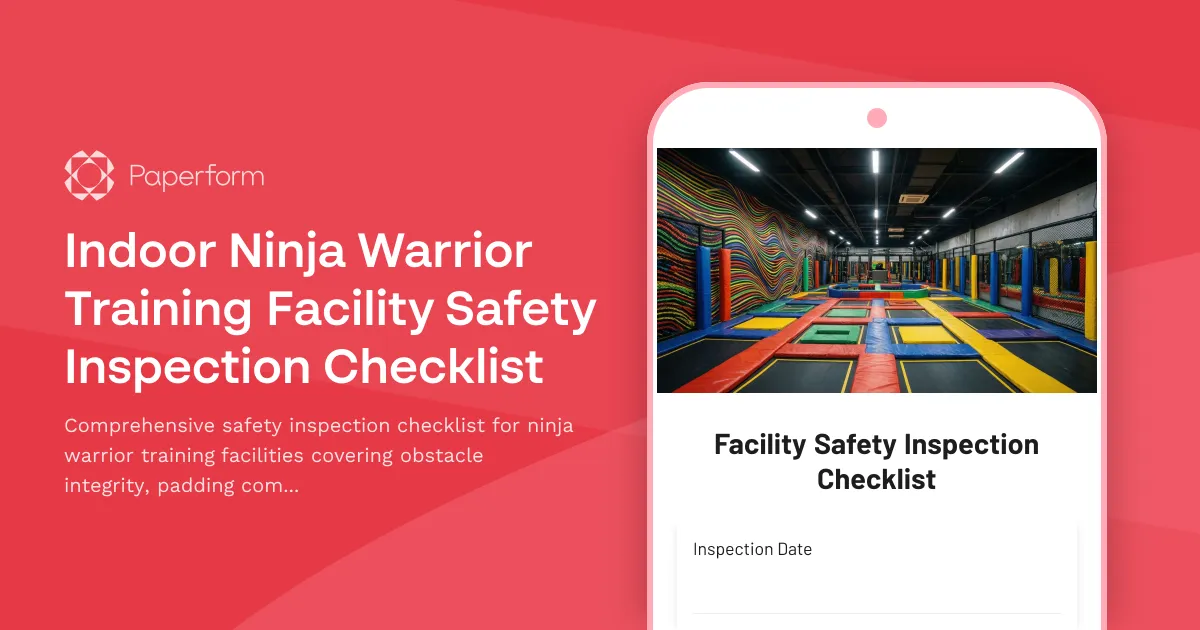
Indoor Ninja Warrior Training Facility Safety Inspection Checklist
Comprehensive safety inspection checklist for ninja warrior training facilities covering obstacle integrity, padding compliance, supervision ratios, and waiver documentation to maintain safe training environments.
Indoor Rock Climbing Route Setting Quality Control Checklist
Comprehensive quality control checklist for indoor climbing route setters to verify difficulty ratings, test hold security, document routes, and ensure safety standards are met before opening routes to climbers.
Martial Arts Dojo Emergency Evacuation Form
A comprehensive emergency evacuation check-in form for martial arts dojos to account for instructors, students by belt level, secure weapons storage, and manage post-evacuation class schedule adjustments.
Aerial Arts Studio Equipment Inventory & Inspection Checklist
Complete inventory management system for aerial arts studios to track equipment, inspect silks and hoops, test rigging points, monitor student progression, and organize performance costumes.

Indoor Climbing Gym Bouldering Area Safety Inspection Checklist
Comprehensive bouldering area safety inspection form for climbing gyms to verify crash pad coverage, wall hold integrity, route markings, and compliance protocols.

Indoor Climbing Gym Staff Training Checklist
Comprehensive staff training checklist for climbing gym employees covering belay certification, safety procedures, customer service standards, and equipment maintenance protocols.
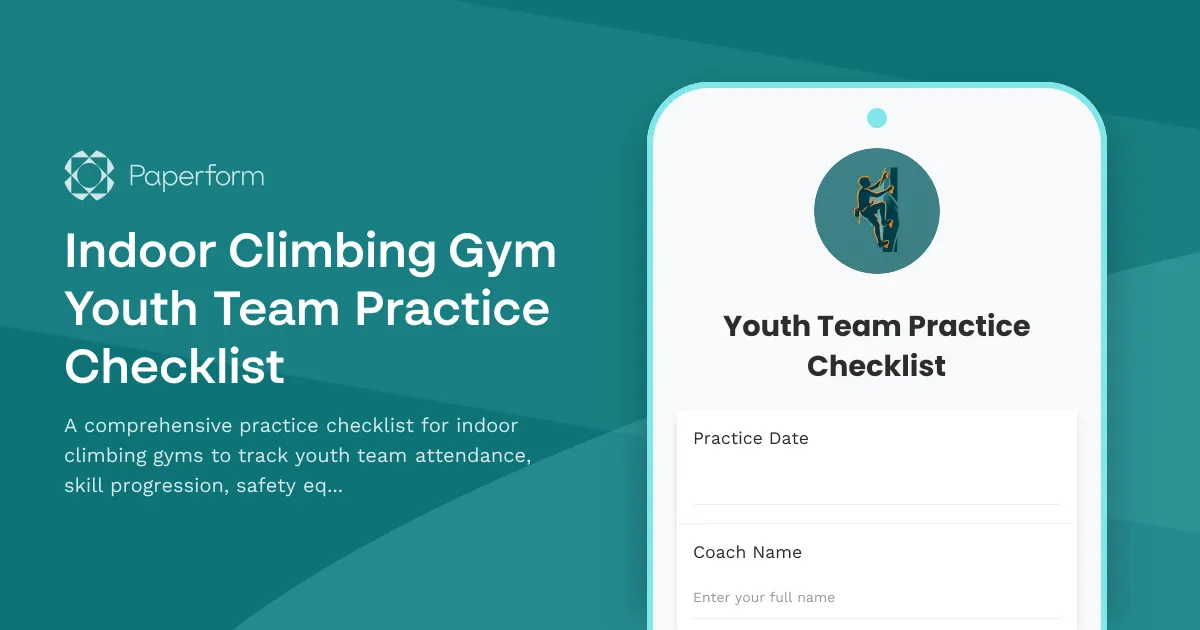
Indoor Climbing Gym Youth Team Practice Checklist
A comprehensive practice checklist for indoor climbing gyms to track youth team attendance, skill progression, safety equipment, and parent communication in one streamlined form.

Indoor Surfing Wave Pool Safety Inspection Checklist
Comprehensive safety inspection checklist for indoor wave pool facilities covering wave generator systems, emergency controls, lifeguard compliance, padding integrity, and participant verification.

Indoor Trampoline Fitness Studio Safety Inspection Checklist
Complete safety inspection checklist for indoor trampoline fitness studios covering equipment integrity, landing zones, spacing protocols, instructor certifications, and emergency procedures.