
Indoor Flight Simulation Training Center Safety Inspection Checklist
Flight simulation training centers rely on sophisticated motion platforms, electrical systems, and safety protocols to deliver immersive experiences while keeping participants and staff completely safe. Whether you're running a commercial pilot training facility, entertainment simulation center, or aerospace training operation, regular safety inspections aren't just best practice—they're essential for compliance, insurance, and protecting everyone who walks through your doors.
This Indoor Flight Simulation Training Center Safety Inspection Checklist gives you a structured, repeatable way to document every critical safety check across motion platforms, emergency systems, electrical components, communication equipment, and health screening protocols. Built with Paperform, this template turns paper-based safety logs into a streamlined digital workflow that's easier to complete, track, and audit.
Why flight simulation centers need dedicated safety checklists
Flight simulators create unique safety considerations. Motion platforms can generate significant forces, electrical systems power complex equipment, and participants may have health conditions that require screening. A missed inspection or incomplete documentation can lead to equipment failure, injury, regulatory violations, or insurance claims.
This checklist helps simulation center managers, safety officers, maintenance technicians, and training coordinators ensure that:
- Motion platform emergency stops are tested and functional before every session
- Evacuation procedures and routes are clearly marked and accessible
- Electrical safety systems including grounding, circuit protection, and backup power are verified
- Instructor communication equipment is working reliably for safety monitoring
- Participant health screening identifies potential risks before simulation begins
By digitizing your safety inspection process with Paperform, you create permanent records, enable faster reporting, and make it easy to identify patterns or recurring issues that need attention.
What's included in this template
This comprehensive checklist is organized into logical sections that match the natural flow of a safety inspection:
Facility and inspector information captures who's conducting the inspection, which simulation unit is being checked, the date, and time of inspection.
Motion platform safety checks cover emergency stop button functionality, hydraulic/mechanical system operation, motion limit calibration, platform warning systems, and physical barriers around the platform.
Emergency systems verification ensures evacuation routes are clear, emergency lighting works, fire suppression systems are current, first aid kits are stocked, and emergency contact information is posted.
Electrical safety inspection validates circuit breakers, grounding systems, backup power, cable management, and electrical panel access.
Communication equipment testing confirms instructor-to-participant intercom systems, emergency broadcast capability, headset functionality, and backup communication methods.
Participant health screening protocols verify that pre-flight health questionnaires are current, medical condition screening is documented, and waiver forms are signed.
General facility safety checks lighting, floor conditions, ventilation, temperature controls, and accessibility compliance.
Action items and follow-up provides space to document any issues found, assign corrective actions, set deadlines, and note re-inspection requirements.
The checklist uses a mix of yes/no responses for quick compliance checks, multiple choice for condition ratings, and text fields for detailed notes, making it fast to complete while capturing all necessary detail.
How Paperform makes safety inspections better
Traditional paper checklists get lost, damaged, or filed away where nobody can find them when you need proof of inspection. Paperform transforms your safety inspection process into a modern, auditable workflow:
Mobile-friendly completion means inspectors can complete checklists on tablets or smartphones right on the simulation floor, with photos of any issues uploaded directly from their device.
Conditional logic shows or hides follow-up questions based on responses—if an emergency stop test fails, additional fields appear to capture what went wrong and what immediate action was taken.
Automatic timestamps document exactly when each inspection was completed, creating an auditable trail for insurance and regulatory compliance.
Instant notifications can alert facility managers or safety officers the moment a critical failure is reported, enabling immediate response.
Centralized records mean all your inspection data lives in one secure location, making it easy to pull reports for audits, track trends over time, or prove compliance history.
Perfect for aviation and simulation industry professionals
This template is designed for:
- Flight simulation training center managers conducting daily or weekly safety checks
- Safety officers and compliance managers ensuring regulatory standards are met
- Maintenance technicians performing pre-session equipment verification
- Training coordinators managing participant safety protocols
- Aviation training facilities operating FAA or EASA certified simulators
- Entertainment simulation centers providing motion-based experiences to the public
- Aerospace training operations maintaining military or commercial pilot simulators
Whether you're operating full-motion Level D simulators for airline training or entertainment VR motion platforms for the public, this checklist adapts to your specific equipment and safety requirements.
Automate what happens after inspection with Stepper
Paperform doesn't just collect your inspection data—it can trigger the workflows that keep your operation safe and compliant. With Stepper, Paperform's AI-native workflow automation platform, you can automatically:
- Route failed inspections to maintenance teams for immediate attention
- Create work orders in your facility management system when issues are identified
- Update equipment maintenance logs in Airtable or Google Sheets
- Send summary reports to safety committees or management weekly
- Escalate critical safety failures to senior leadership instantly
- Schedule follow-up re-inspections based on identified issues
This means your safety inspection process doesn't end with form submission—it kicks off the corrective actions and documentation updates that keep your center operating safely and compliantly.
Built for compliance, designed for ease of use
Safety checklists shouldn't be a burden to complete—they should be fast, intuitive, and thorough. This template is structured so inspectors can complete a full safety check in 10-15 minutes while still capturing all the detail you need for insurance, regulatory compliance, and operational excellence.
Paperform's SOC 2 Type II compliance and secure data handling mean your inspection records are protected, while customizable permissions ensure only authorized personnel can access or modify safety data.
Whether you're conducting pre-session checks before every flight, weekly facility inspections, or monthly comprehensive safety audits, this template gives you a professional, consistent process that protects your participants, staff, and business.
Get started with Paperform today and transform your flight simulation center safety inspections from paperwork into a proactive, automated safety management system.



More templates like this

Stage Rigging & Theatrical Production Safety Checklist
Comprehensive safety inspection checklist for theatrical venues covering stage rigging, load-bearing points, counterweight systems, fire curtains, emergency lighting, and fall protection compliance to ensure performer and crew safety.
Theater Stage Equipment Maintenance Log
Track comprehensive maintenance records for theater stage equipment, including rigging inspections, lighting systems, curtain motors, and safety certifications to ensure performer safety and optimal performance.
Zip Line Course Safety Inspection Checklist
Comprehensive safety inspection checklist for zip line courses covering cable tension testing, brake system verification, harness equipment certification, and full course compliance.
Zoo Animal Enclosure Safety Inspection Checklist
A comprehensive safety inspection checklist for zoo animal enclosures covering barrier integrity, locking mechanisms, emergency equipment, keeper protocols, and visitor protection measures to ensure compliance and safety standards.
Aircraft Maintenance Hangar Evacuation Form
A comprehensive emergency evacuation and headcount form for aircraft maintenance facilities that tracks personnel, equipment status, and safety protocols during evacuations.
Amusement Park Ride Daily Safety Inspection Checklist
A comprehensive daily safety inspection checklist for amusement park rides covering restraint systems, emergency stops, structural integrity, operator certification, and maintenance logs to ensure compliance and guest safety.
Aquarium Emergency Evacuation & Safety Checklist
A comprehensive evacuation form for aquariums to track staff locations, visitor headcount, critical life support systems, backup power status, and marine biologist verification during emergency situations.
Aviation Ground Operations Safety Checklist
Comprehensive safety inspection checklist for aviation ground operations including aircraft parking verification, fueling protocols, equipment inspection, FOD walkdown, and weather assessment.
Compressed Gas Cylinder Storage Safety Checklist
A comprehensive safety inspection checklist for compressed gas cylinder storage areas, covering securing mechanisms, valve caps, separation protocols, ventilation, and gas compatibility.
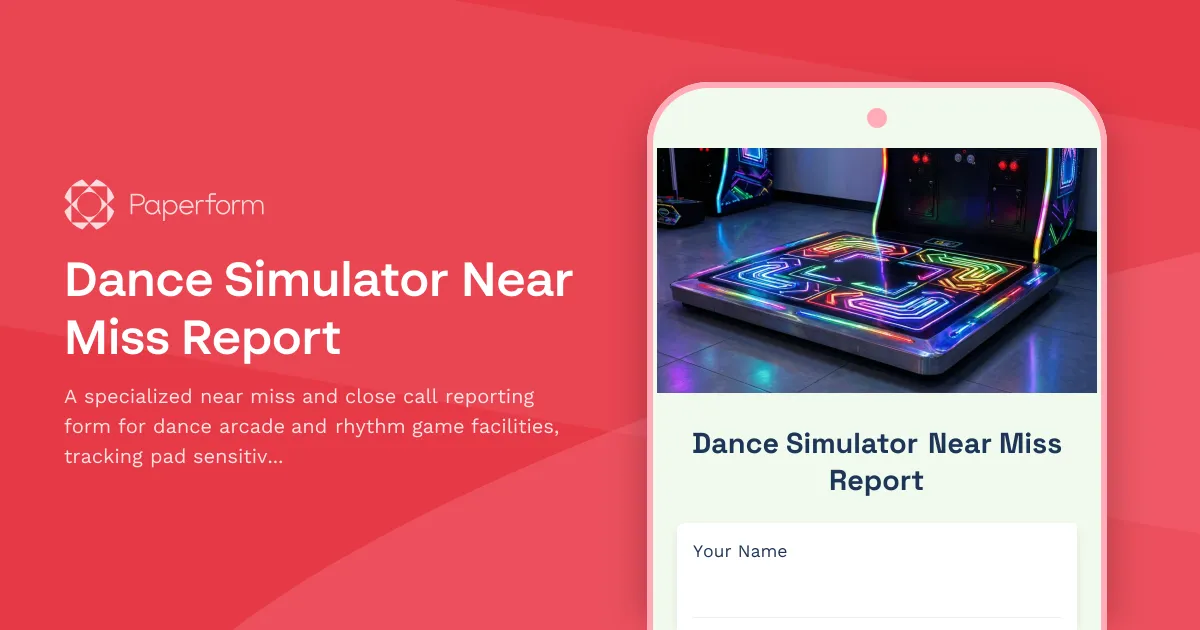
Dance Simulator Near Miss Report
A specialized near miss and close call reporting form for dance arcade and rhythm game facilities, tracking pad sensitivity issues, player collisions, and facility safety concerns to prevent future incidents.

Elevator & Lift Safety Inspection Checklist
Comprehensive elevator and lift safety inspection form covering cable wear, emergency brakes, phone systems, weight capacity signage, and annual certification compliance for buildings and facilities.
Escape Room & Entertainment Venue Safety Equipment Inventory Checklist
A comprehensive safety equipment inventory and compliance checklist for escape rooms and entertainment venues, covering emergency exits, first aid supplies, fire safety equipment, and crowd capacity verification.