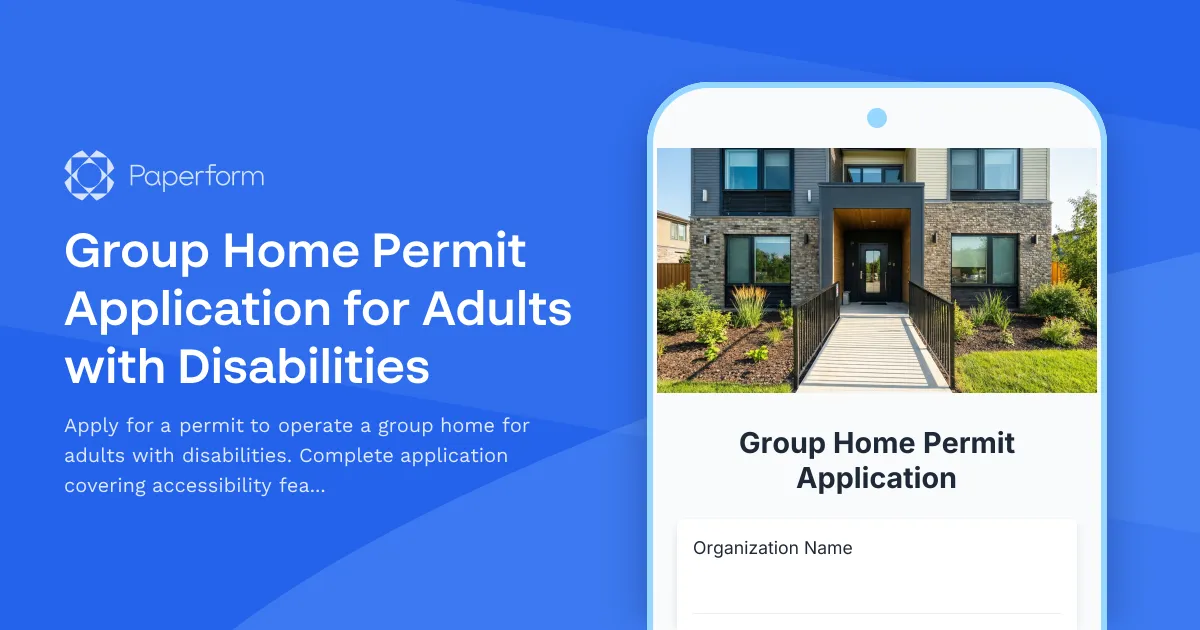
Streamline Your Group Home Permit Application with Paperform
Operating a group home for adults with disabilities requires careful navigation of regulatory requirements, detailed documentation, and a commitment to providing safe, accessible care. Whether you're establishing a new facility or renewing your permit, our Group Home Permit Application template simplifies the entire process—turning a complex, multi-page paper form into a professional digital experience that meets state compliance standards.
Built for Healthcare Providers and Social Services Organizations
This template is designed specifically for organizations in the healthcare and social services sectors who need to apply for permits to operate residential group homes. It's ideal for:
- Nonprofit directors establishing new care facilities
- Healthcare administrators managing residential programs
- Social workers coordinating housing services
- Property managers converting properties to group homes
- Consultants helping clients navigate the permitting process
Instead of juggling PDF forms, email chains, and missing documentation, Paperform gives you a single, organized application that guides applicants through every required section—from facility information and accessibility features to staffing ratios and emergency protocols.
Comprehensive Application Coverage
This form template captures all the critical information regulatory bodies need to evaluate group home applications:
Facility Information: Property details, ownership structure, capacity limits, and physical address verification ensure officials can properly assess your location.
Accessibility Compliance: Detailed questions about wheelchair access, bathroom modifications, doorway widths, ramps, and assistive technology help demonstrate ADA compliance from day one.
Staffing Requirements: Document your staffing ratios, qualifications, training programs, and 24/7 coverage plans to show you can provide appropriate supervision and care.
Emergency Preparedness: Outline evacuation plans, fire safety systems, emergency contacts, and disaster response protocols that protect residents in crisis situations.
Medication Management: Describe your medication storage, administration procedures, training protocols, and record-keeping systems to ensure resident safety.
State Certification: Upload required licenses, certificates of insurance, background check documentation, and facility inspection reports—all in one place.
Why Use Paperform for Permit Applications?
Professional, accessible design: Create an application that looks official and trustworthy while remaining easy to navigate. Choose fonts, colors, and layouts that align with your organization's branding, or keep it clean and government-standard.
Conditional logic for complex requirements: Different states and municipalities have varying requirements. Use conditional fields to show or hide specific questions based on facility type, capacity, or location—ensuring applicants only see relevant questions.
File upload fields for documentation: Applicants can attach floor plans, licenses, insurance certificates, inspection reports, and staff certifications directly within the form, eliminating the need for separate email attachments or postal submissions.
Calculation fields for staffing ratios: Automatically calculate required staff numbers based on resident capacity and care levels, helping applicants verify they meet minimum requirements before submission.
Multi-page layout or guided mode: Break the lengthy application into logical sections—facility details, accessibility, staffing, safety, and certification—making it less overwhelming and improving completion rates.
Secure submissions and data storage: Handle sensitive information about residents, staff, and facilities with confidence. Paperform is SOC 2 Type II compliant, offering encryption, SSO, and data residency controls that meet regulatory standards.
Automate Your Review and Approval Workflow
Once applications are submitted, Stepper (stepper.io) can transform your review process from manual to magical:
- Route applications to different reviewers based on facility type or location
- Automatically notify applicants of received applications and estimated review timelines
- Create tasks for inspectors to schedule site visits
- Update your internal tracking system (Airtable, Monday.com, Smartsheet) with new applications
- Send conditional approval or request-for-information emails based on application completeness
- Generate summary reports for board or committee review
This automation means your team spends less time on administrative coordination and more time on meaningful evaluation and support.
Professional eSignatures for Compliance
Many permit applications require signed attestations from property owners, facility directors, or medical directors. With Papersign (papersign.com), you can automatically generate signature documents from form submissions—whether that's owner consent forms, staff attestations, or regulatory compliance statements. Each signature is legally binding, timestamped, and securely stored, creating a complete audit trail that regulators appreciate.
Integrations That Keep Your Systems in Sync
Paperform connects seamlessly with the tools social services and healthcare organizations already use:
- CRM systems like Salesforce or HubSpot to track applicant organizations
- Google Sheets or Airtable for application tracking dashboards
- Slack or Microsoft Teams to alert review teams of new submissions
- Document storage like Google Drive or Dropbox to organize supporting documentation
- Email platforms like Mailchimp to communicate with applicants throughout the process
Mobile-Friendly for On-the-Go Applications
Facility managers and consultants often work from multiple sites. This template is fully responsive, meaning applicants can start their application on a laptop, save progress, and finish on a tablet or smartphone—perfect for gathering information during property visits or staff meetings.
A Template That Grows With Your Program
Start with this template and customize it to match your state's specific requirements, add your organization's logo and branding, or include additional sections for special populations (veterans, individuals with specific diagnoses, or youth transitioning to adult services). The flexible, document-style editor makes modifications simple—no developer required.
Who This Template Is For
This group home permit application template is ideal for:
- State and county health departments accepting permit applications
- Social services agencies managing residential programs
- Nonprofit organizations operating disability services
- Healthcare providers expanding into residential care
- Property developers converting facilities to group homes
- Consulting firms specializing in disability services compliance
Get Started Today
Whether you're a public agency modernizing your permitting process or an organization preparing to apply, this template gives you a professional, compliant foundation. With Paperform's intuitive editor, you can launch your application form in hours, not weeks—and with Stepper and Papersign integrations, you can automate everything that follows.
Transform your group home permitting process from paper-based chaos to digital clarity with Paperform.



More templates like this
Accessible Housing Application for Adults with Fibromyalgia
A specialized housing application designed for adults with fibromyalgia seeking low-stimulation living environments with access to pain management and rheumatology care.
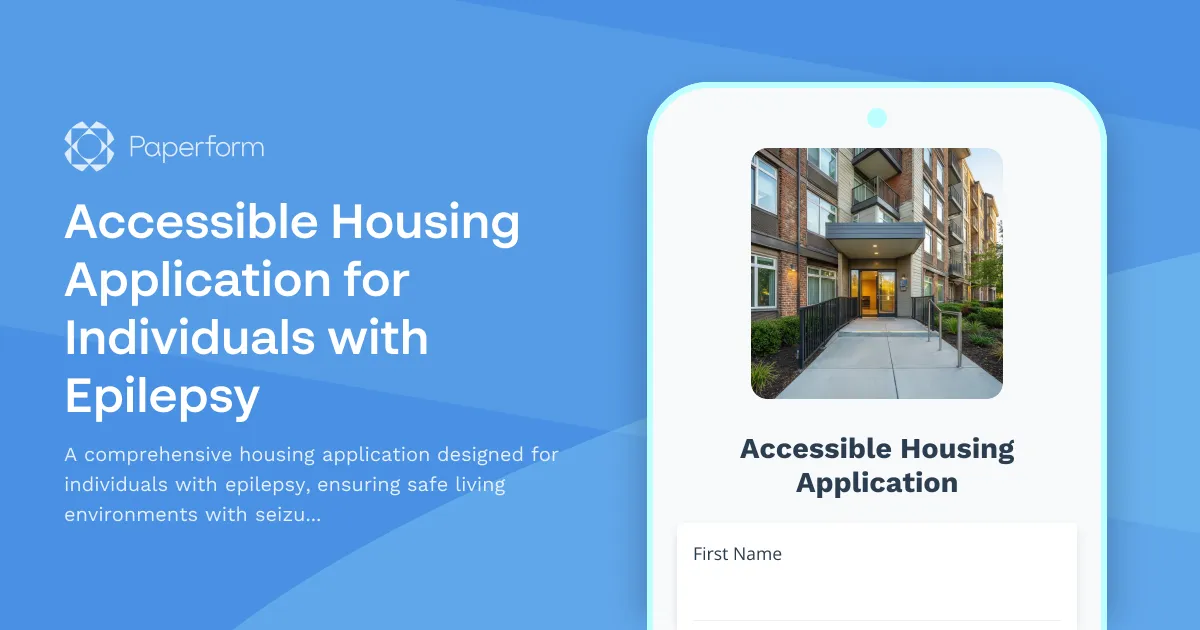
Accessible Housing Application for Individuals with Epilepsy
A comprehensive housing application designed for individuals with epilepsy, ensuring safe living environments with seizure-safety features, secure medication storage, and accessible transportation to medical appointments.
Accessible Housing Modification Application
A comprehensive application for accessible housing modifications, including occupational therapist evaluations, contractor approvals, and funding coordination.
Domestic Violence Shelter Permit Application
A comprehensive permit application for establishing a domestic violence shelter with confidential location protocols, security systems, counseling services, child programming, legal advocacy, and 24-hour crisis support.
Housing Application for Adults Aging with HIV
A comprehensive housing application designed for adults aging with HIV, featuring medication adherence support, stigma reduction, and medical care transportation assistance.
Sober Living Home Application Form
A comprehensive application for individuals seeking admission to a sober living home, including recovery program verification, sponsor information, and house meeting commitments.
Sober Living House Permit Application
Professional permit application for establishing and operating a sober living house, including facility details, house manager qualifications, resident rules, drug testing protocols, and substance-free environment verification.
Supportive Housing Application for Individuals with Disabilities
A comprehensive housing application designed for individuals with disabilities seeking supportive housing, including detailed accessibility requirements and care coordination information.
Accessible Housing Application for Adults with Autism Spectrum Disorder
A comprehensive, inclusive housing application designed specifically for adults with autism spectrum disorder, covering sensory needs, routine preferences, and communication support requirements.
Accessible Housing Application for Adults with Muscular Dystrophy
Comprehensive housing application designed for adults with muscular dystrophy, covering accessibility needs, medical equipment requirements, progressive disease planning, and care coordination.
Accessible Housing Application for Adults with Myasthenia Gravis
Specialized housing application for individuals with myasthenia gravis, featuring accessibility assessments, energy conservation needs, medication management support, and healthcare proximity requirements.
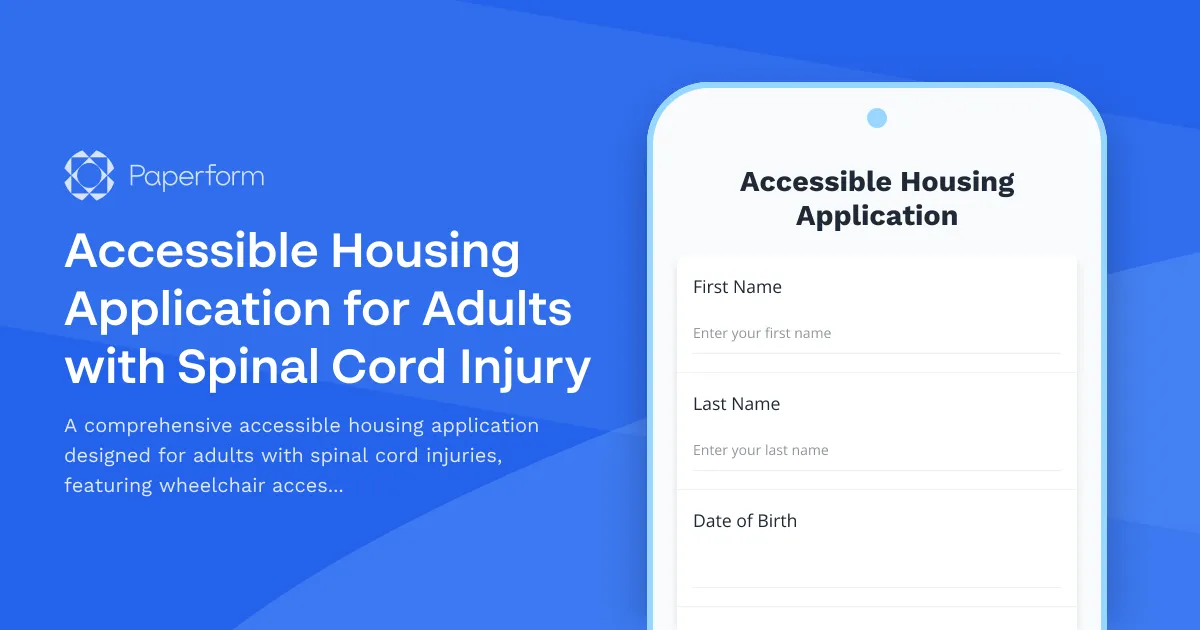
Accessible Housing Application for Adults with Spinal Cord Injury
A comprehensive accessible housing application designed for adults with spinal cord injuries, featuring wheelchair accessibility requirements, adaptive equipment needs, and personal care assistance coordination.