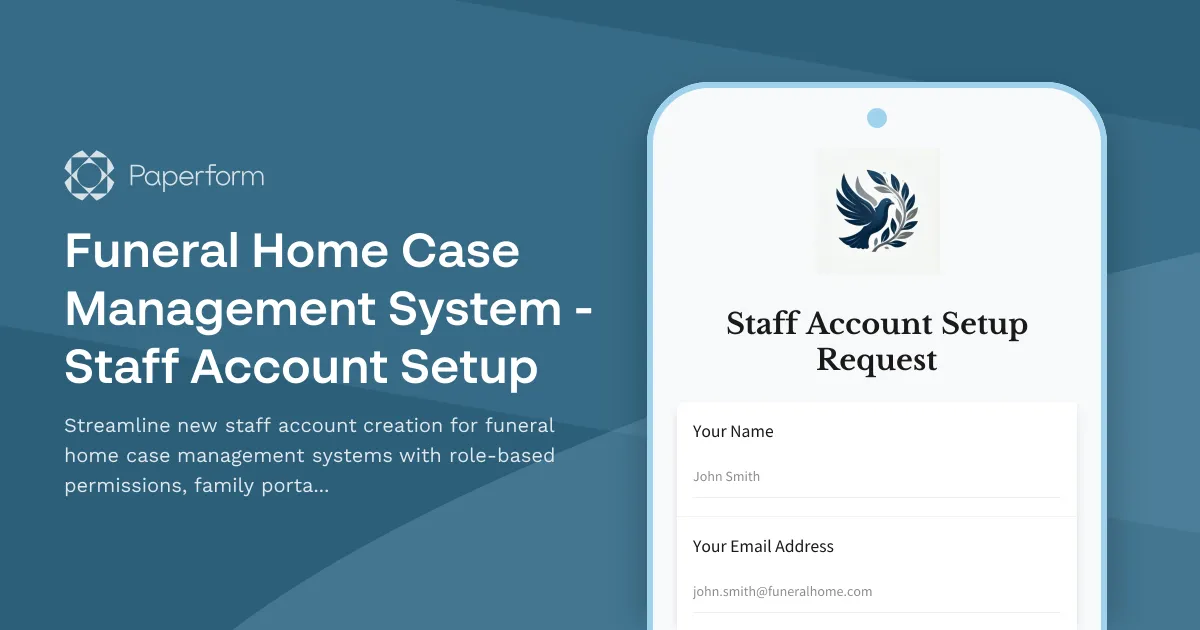
Funeral Home Case Management System Staff Account Setup
Managing a modern funeral home requires seamless coordination across multiple systems—from family portals and service scheduling to vendor management and payment processing. This Funeral Home Case Management System Staff Account Setup Form is designed specifically for funeral service professionals who need to efficiently onboard new staff members while maintaining strict access controls and operational security.
Whether you're bringing on a new funeral director, administrative staff, or support personnel, this template ensures every team member receives the appropriate system permissions from day one. The form captures essential employee information, assigns role-based access to your case management platform, and configures permissions for family portal oversight, service scheduling, vendor coordination, and payment processing—all critical components of contemporary funeral home operations.
Built for Funeral Service Operations
Funeral homes operate in a sensitive environment where discretion, accuracy, and compassion are paramount. This account provisioning form reflects those values by:
- Role-specific access control that ensures staff only see what they need for their responsibilities
- Family portal management settings that determine who can communicate with grieving families through your digital platform
- Service scheduling permissions that control calendar access and arrangement coordination
- Vendor coordination tools access for managing florists, caterers, clergy, and other service providers
- Payment processing capabilities with appropriate approval levels and financial oversight
Streamline Onboarding with Paperform
Built with Paperform's intuitive form builder, this template can be customized to match your funeral home's specific case management system, brand identity, and operational workflows. The conditional logic ensures that permission settings adjust based on the staff member's role, reducing administrative burden and eliminating manual configuration errors.
Once submitted, you can connect this form to Stepper (stepper.io) to automatically trigger your complete onboarding workflow—sending welcome emails, creating accounts in your case management system, scheduling training sessions, and notifying department heads. This automation ensures new staff members are ready to serve families with minimal delay and maximum preparation.
Who This Template Is For
This form template is ideal for:
- Funeral home owners and managers who need consistent, secure staff onboarding processes
- IT administrators responsible for case management system access and permissions
- HR personnel coordinating new employee setup across multiple platforms
- Funeral service chains requiring standardized account provisioning across multiple locations
With Paperform's SOC 2 Type II compliance and robust security features, you can trust that sensitive staff information and system access details are handled with the same care and professionalism your families expect from your services.



More templates like this
Collaboration Tool Guest Access Request Form
Streamline external partner access to your collaboration tools with automated permissions, project assignments, and built-in confidentiality agreements.

Corporate VPN Access Request Form
Streamline remote access requests with this corporate VPN access form. Collect employee details, device information, security clearance levels, and route for manager approval—all in one secure workflow.
CRM System User Access Request Form
Request user access to your CRM system with role-based permissions, data visibility controls, and sales territory assignments for efficient team management.
Cybersecurity SOC Analyst Account Provisioning Form
Streamline the onboarding of new SOC analysts with comprehensive account provisioning for SIEM dashboards, incident response systems, threat intelligence platforms, and vulnerability scanning tools.
Distributed Engineering Team Onboarding Form
A comprehensive remote onboarding form for distributed engineering teams covering cloud access, repository permissions, sprint preferences, documentation standards, and on-call rotation availability.

Employee Offboarding IT Access Revocation Checklist
Comprehensive IT offboarding checklist to systematically revoke employee system access, track equipment returns, and ensure secure account closure across all platforms.
IT System Access Request Form
Request access to IT systems and applications with manager approval. Streamline access provisioning with clear justification and approval workflows.
Remote DevOps Engineer Onboarding Form
A comprehensive onboarding form for remote DevOps engineers covering personal details, technical setup, CI/CD pipeline access, infrastructure monitoring tools, incident response procedures, and on-call scheduling.
Remote Penetration Tester Onboarding Form
Comprehensive onboarding form for remote penetration testers including environment access, tool provisioning, certification verification, and rules of engagement acknowledgment.
Security Guard Management System - Officer Account Setup Form
Streamline security officer onboarding with account provisioning for patrol routes, incident reporting access, client site permissions, and certification tracking in your security management system.
South Korea Access Control Request Form
Professional access control request form for South Korean organizations. Manage authorization levels, track approval workflows, and maintain comprehensive audit trails for regulatory compliance.
Active Directory Access Modification Request Form
Request changes to Active Directory access, group memberships, and permission levels with built-in approval workflows and audit trail logging.