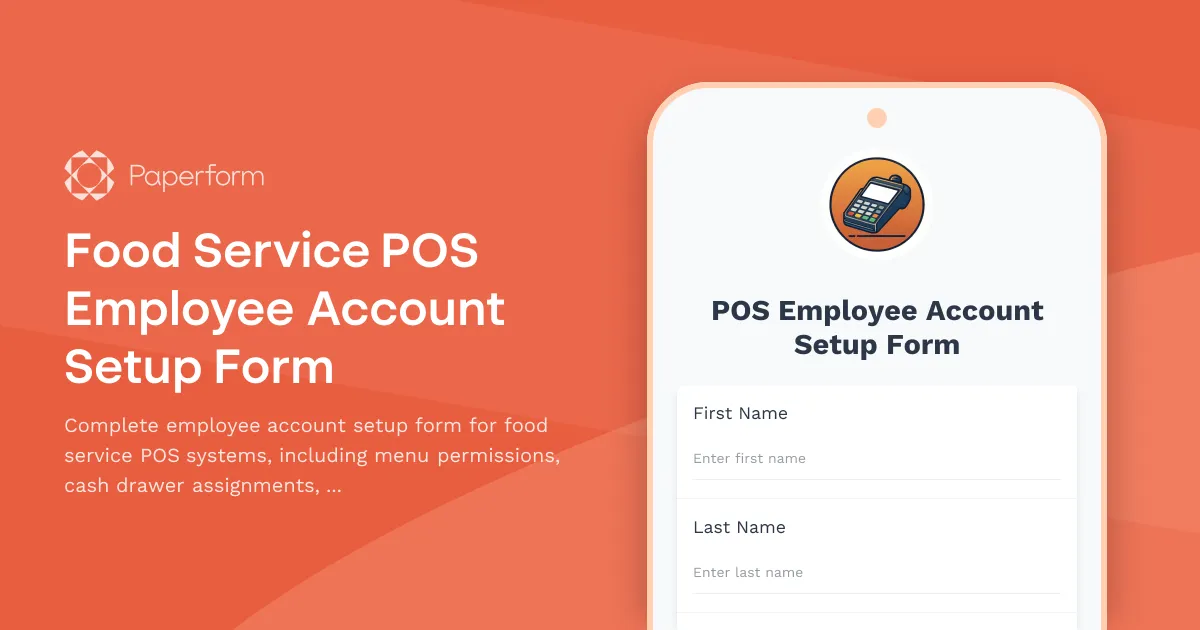
Setting up employee accounts in your restaurant or food service POS system doesn't need to be a manual, error-prone process. This Food Service POS Employee Account Setup Form streamlines new hire onboarding by capturing all the essential permissions, certifications, and access levels in one centralized form—ensuring your team is ready to serve from day one.
Whether you're managing a quick-service restaurant, full-service dining establishment, cafe, or catering operation, this template helps you standardize employee provisioning while maintaining security and compliance. The form collects employee details, assigns appropriate menu item permissions, designates cash drawer access, sets discount authorization levels, and verifies critical alcohol service certifications—all before the employee's first shift.
Designed for restaurants, cafes, bars & food service operators
This template is purpose-built for food service managers, restaurant owners, IT administrators, and HR teams who need to provision POS accounts quickly and accurately. It eliminates the back-and-forth of incomplete paperwork and ensures every new employee has the right access from the start, reducing training time and minimizing security risks.
Collect complete employee information and permissions
The form captures essential employee details including full name, employee ID, position, department, hire date, and contact information. It then walks through critical access permissions: which menu categories the employee can modify or void, whether they require cash drawer assignment, their discount authorization level, and any special system permissions like refund processing or manager overrides.
For establishments serving alcohol, the form includes dedicated fields for alcohol service certification verification, license numbers, expiration dates, and file uploads for credential copies—helping you stay compliant with local regulations.
Automate onboarding with Stepper workflows
Once submitted, this form becomes the trigger for your entire POS provisioning workflow. Using Stepper, Paperform's AI-native workflow builder, you can automatically route account setup requests to your POS administrator, send welcome emails with login credentials, update your employee directory, notify managers when new team members are ready to work, and create follow-up tasks for certification renewals.
Stepper keeps your HR, IT, and operations teams in sync without manual handoffs, turning a 30-minute setup process into a few clicks.
Secure, compliant, and ready to scale
Built on Paperform's SOC 2 Type II compliant platform, this form template ensures employee data is handled securely from submission to provisioning. You can embed it in your employee portal, share it via link during onboarding, or integrate it directly with your HRIS, POS system, or scheduling software through native integrations or Stepper workflows.
Whether you're onboarding one new hire or scaling up for a busy season, this template gives you a consistent, professional process that protects your business and empowers your team.



More templates like this
Restaurant Staff Skills Gap Analysis Form
Assess training needs and identify skill gaps across your restaurant team, from POS proficiency to food safety compliance, allergen awareness, and customer service excellence.
Chef Performance Review Form
A comprehensive performance review form for evaluating restaurant chefs across menu innovation, kitchen management, food cost control, and team leadership capabilities.
Ghost Kitchen Franchise Operator Account Creation Form
Create operator accounts for ghost kitchen franchises with menu management access, multi-brand coordination, delivery platform integration, and food cost tracking capabilities.
Restaurant Employee Recognition Dinner Nomination Form
Nominate outstanding restaurant team members for recognition at your annual awards dinner. Highlight achievements, team impact, and celebrate excellence in hospitality.
Restaurant Food Safety Certification Request Form
A comprehensive form for restaurant employees to request food safety certification training, schedule ServSafe courses, and track compliance with health department requirements.
Restaurant POS Technical Support Request
A technical support request form designed for restaurants to report and resolve POS system issues including order routing failures, kitchen display problems, payment terminal issues, and online ordering integration.
Thanksgiving Staff Appreciation Meal Signup
Coordinate your restaurant team's Thanksgiving appreciation meal with shift coverage, seating times, guest allowances, and gratitude messages in one seamless form.
Board Game Cafe Supplies Request Form
A comprehensive form for board game cafes to manage game library expansion, food service integration, damaged component replacement, tournament hosting supplies, and reservation system needs.
Buffet Restaurant Large Group Booking Form
A comprehensive booking form for buffet restaurants to manage large group reservations, including headcount, buffet station preferences, beverage packages, and event scheduling.
Catering Staff Allergen Awareness Training Completion Form
A comprehensive training completion form for catering staff to confirm allergen awareness training, cross-contamination prevention protocols, and ingredient disclosure procedures for health department compliance.

Champagne Bar Celebration Package Booking Form
Book your celebration at our champagne bar with bottle selections, curated small bites, and personalized table reservations for any special occasion.
Commercial Kitchen Employee Handbook Acknowledgment
A comprehensive acknowledgment form for ghost kitchen employees covering food safety protocols, delivery platform procedures, inventory management, and equipment maintenance standards.