Flight School Visitor Registration Made Simple & Safe
Running a flight school means balancing warm hospitality with strict safety protocols. Whether you're welcoming prospective students, family members observing lessons, aviation enthusiasts, or industry visitors, this Flight School Visitor Registration & Safety Briefing Form ensures everyone who steps onto your facility understands the unique hazards of an active aviation environment.
Why Flight Schools Need Specialized Visitor Forms
Unlike standard facility visitor logs, flight schools operate in environments where a momentary lapse in safety awareness can have serious consequences. This template goes beyond basic check-in to provide a structured aviation safety briefing that covers propeller danger zones, tarmac movement rules, aircraft inspection observation protocols, and emergency procedures—all captured in a single, streamlined digital form.
Built for Aviation Operations
This form handles everything from initial visitor details and purpose of visit through to comprehensive safety acknowledgments. Visitors learn about active runway awareness, wingtip clearances, never approaching aircraft unescorted, propeller and jet blast danger zones, and proper behavior during pre-flight inspections. The form can be completed on a tablet at your front desk or sent ahead via email, with automatic record-keeping for compliance and insurance purposes.
Seamless Integration with Your Operations
Paperform makes it easy to embed this form on your flight school website, display it on an iPad kiosk at reception, or send it as a pre-visit link. Submissions automatically log to your preferred system—whether that's Google Sheets, Airtable, or your CRM—and you can trigger instant notifications to instructors or operations staff when visitors arrive. Need to print guest passes? Set up automated PDFs with visitor details and access permissions.
For schools managing regular tours, discovery flights, or FAA inspections, you can use Stepper to create workflows that route different visitor types to different staff, send follow-up emails with tour feedback surveys, or automatically add prospective students to your nurture campaigns.
This form template is perfect for Part 61 and Part 141 flight schools, pilot training academies, aviation maintenance training facilities, and any organization that combines public access with active aircraft operations. It helps you maintain professional safety standards while creating a welcoming experience that reflects your commitment to aviation excellence.



More templates like this
Co-Manufacturing Food Facility Visitor Form
A comprehensive visitor registration form for co-manufacturing food facilities with allergen awareness training, GMP observation requirements, lot traceability protocols, and recipe confidentiality agreements.
Coding Bootcamp Campus Visitor Registration Form
Welcome visitors to your coding bootcamp campus with a professional check-in form that captures contact details, visit purpose, curriculum interests, and partnership opportunities while protecting student privacy.
Fire Extinguisher Warranty Registration Form
Register your commercial fire extinguisher warranty and set up inspection schedules, training access, and recharge service reminders to maintain compliance and safety.
University Research Lab Visitor Registration Form
Comprehensive visitor registration form for university research labs with safety protocols, IP agreements, equipment restrictions, and faculty sponsor approval workflows.
Aircraft Maintenance Hangar Evacuation Form
A comprehensive emergency evacuation and headcount form for aircraft maintenance facilities that tracks personnel, equipment status, and safety protocols during evacuations.
Airport Terminal Evacuation Check-In Form
A comprehensive emergency evacuation form for airport terminals to track passengers, airline staff, retail workers, security personnel, and ensure safe headcount verification during emergency situations.
Airport Terminal Restricted Area Visitor Badge Request Form
Secure visitor badge request form for airport terminal restricted areas with TSA background check, airline sponsor verification, escort requirements, and SIDA badge compliance.
Makerspace Laser Cutter Certification & Safety Form
A comprehensive visitor certification form for makerspace laser cutter access, including equipment safety testing, material compatibility training, ventilation requirements, and booking system registration.
Makerspace Laser Cutter Visitor Certification Form
Certify visitors to use laser cutting equipment with safety testing, material compatibility training, and booking system access registration for makerspaces and creative workshops.
Office Accessibility & ADA Compliance Audit Form
Comprehensive accessibility assessment form for office spaces, covering wheelchair access, restroom accommodations, assistive technology, emergency procedures, and reasonable accommodation requests.
Office Relocation Emergency Procedures Update Form
Update emergency procedures, evacuation routes, and safety information for employees following an office move or relocation. Ensure everyone knows new exit routes, muster points, and emergency contacts.
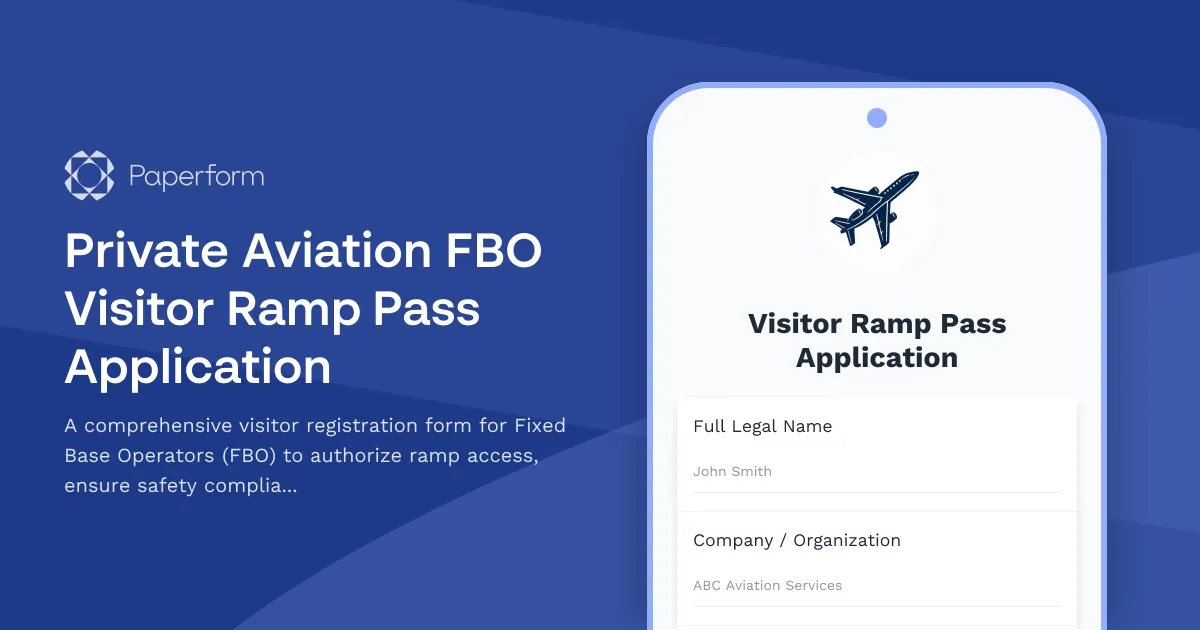
Private Aviation FBO Visitor Ramp Pass Application
A comprehensive visitor registration form for Fixed Base Operators (FBO) to authorize ramp access, ensure safety compliance, and manage guest movement near aircraft operations and restricted areas.