Fencing Club Field Trip Permission Form: Streamlined Consent for Unique Athletic Experiences
Organizing field trips to specialty sporting venues like fencing clubs or Olympic sport demonstrations requires clear parental consent, detailed student information, and careful attention to safety protocols. This Fencing Club Field Trip Permission Form template is designed for physical education teachers, school administrators, coaches, and youth sports coordinators who want to provide students with exposure to unique athletic disciplines while maintaining proper documentation and duty of care.
Why This Template Works for Schools and Sports Organizations
Whether you're a K-12 school planning an educational outing to a local fencing academy or a youth sports organization arranging an Olympic sport demonstration, this template captures all essential information in one professional, easy-to-complete form. It includes sections for student details, emergency contacts, medical information, athletic skill observation consent, and parental acknowledgment of sportsmanship education opportunities.
The form is structured to meet school district requirements while remaining accessible for busy parents filling it out on mobile devices. With conditional logic built in, you can customize questions based on participation level, collect dietary restrictions only when needed, and ensure all liability waivers are properly acknowledged.
Paperform Makes Permission Slips Simple
With Paperform's document-style editor, you can quickly adapt this template to match your school's branding, add your logo, and customize fields for specific trip requirements. The form works beautifully on any device, so parents can complete and submit permission slips from their phones while on the go.
Use Stepper to automate what happens after submission—automatically send confirmation emails to parents, add student names to trip rosters in Google Sheets or Airtables, notify teachers when forms are completed, and trigger reminders for outstanding permissions. You can even set up workflows that flag students with special medical needs or dietary requirements for staff attention.
For schools collecting trip fees or deposits, Paperform's built-in payment processing lets parents pay the participation fee right in the same form, eliminating the need for cash or check collection. And if your district requires signed consent, Papersign can turn each submission into a formal eSignature document for an additional layer of legal compliance.
Built for Education Professionals
This template is ideal for PE teachers, school administrators, camp directors, and youth sports coordinators who need reliable, compliant permission forms that parents will actually complete. Trusted by schools and education organizations worldwide, Paperform is SOC 2 Type II and GDPR compliant, giving you peace of mind that student data is handled securely and professionally.



More templates like this
Airport & Aviation Museum Field Trip Permission Form
A comprehensive permission slip for school field trips to airports or aviation museums, including security checkpoint procedures, flight simulation opportunities, and aerospace career introductions.
Aquatic Center Field Trip Permission Form
A comprehensive permission form for school field trips to aquatic centers and marine biology facilities, covering touch tank participation, wet environment preparation, and ocean conservation education activities.
Archery Range Field Trip Permission Form
A comprehensive permission form for school archery range field trips that includes safety acknowledgments, discipline development information, and historical sport education details.

Beekeeping Farm Field Trip Permission Form
A comprehensive permission slip for school field trips to beekeeping farms and honey production facilities, including safety protocols, allergy information, and educational activity consent.
Bowling Field Trip Permission Slip
A permission form for school bowling field trips that includes emergency contacts, shoe rental fees, skill level information, and participation preferences for both competitive and casual activities.
Children's Museum Field Trip Permission Form
A comprehensive permission slip for school field trips to children's museums, covering consent for interactive exhibits, hands-on learning stations, supervised exploration, and emergency procedures.

Coal Mine & Mining Museum Field Trip Permission Form
A comprehensive permission slip for school field trips to coal mines and mining museums, covering safety considerations, educational objectives, and parental consent for industrial history learning experiences.
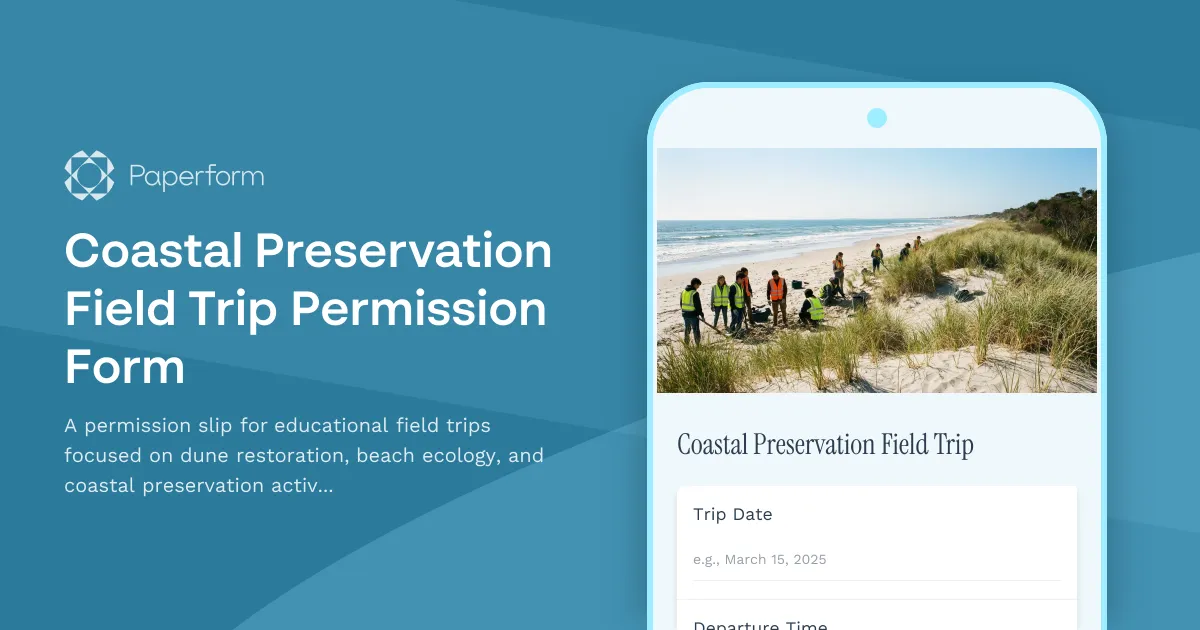
Coastal Preservation Field Trip Permission Form
A permission slip for educational field trips focused on dune restoration, beach ecology, and coastal preservation activities with student safety information and program details.
Coding Bootcamp Field Trip Permission Form
A comprehensive permission form for school coding bootcamp and tech company field trips, including computer lab safety rules, software demonstration schedules, and digital literacy learning objectives.
College Campus Visit Permission Form
A comprehensive permission form for high school students attending college campus visits, including emergency contacts, photo ID requirements, and campus tour details.

Comic Book Store & Pop Culture Convention Field Trip Permission Form
Permission slip for educational field trips to comic book stores and pop culture conventions, focusing on graphic novel literacy, artistic expression, and creative industry career exploration.
Community Garden Field Trip Permission Form
A permission slip for students to participate in a community garden field trip, including consent for gardening activities, tool safety, and local food system education.