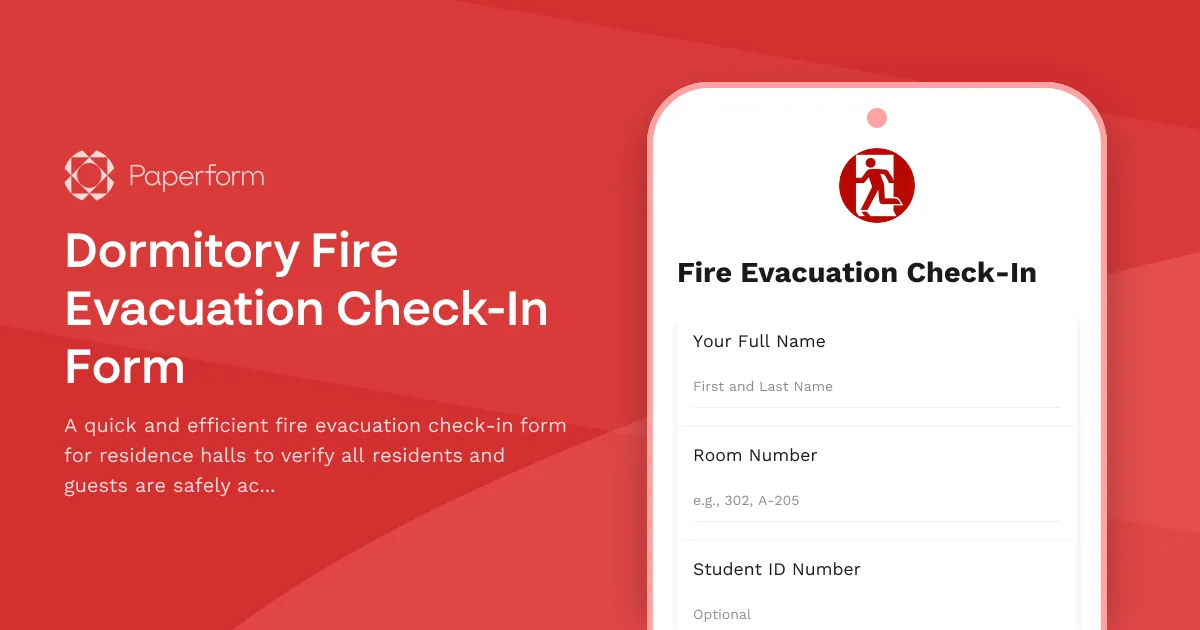
Dormitory Fire Evacuation Check-In Form
When a fire alarm sounds in a residence hall, every second counts—and so does every person. This Dormitory Fire Evacuation Check-In Form is designed to help Resident Assistants (RAs), Residence Directors, and campus safety teams quickly verify that all students and overnight guests have safely evacuated during fire drills or real emergencies.
Built for Fast, Accurate Headcounts in High-Pressure Moments
Fire evacuations require speed, clarity, and accountability. This template streamlines the check-in process by collecting essential information—student name, room number, roommate status, overnight guests, and RA confirmation—all in one mobile-friendly form that can be filled out in under a minute.
Whether you're coordinating a routine fire drill or responding to an actual emergency, this form gives RAs and housing staff a reliable way to account for every resident and visitor in the building. The form can be submitted from a smartphone at the evacuation assembly point, with responses instantly logged and accessible to emergency coordinators.
Perfect for Higher Education Housing and Campus Safety Teams
This template is ideal for:
- Residence life coordinators managing multiple dorms and RAs
- Campus safety and emergency management teams overseeing evacuation protocols
- Resident Assistants who need a fast, mobile-friendly way to conduct headcounts
- University housing departments looking to digitize paper-based evacuation logs
- Student affairs offices responsible for student safety and accountability
With Paperform's conditional logic, the form adapts based on responses—only asking about roommates if the student has one, and only collecting guest details if overnight visitors are present. This keeps the form fast and focused when it matters most.
Integrate with Your Campus Safety Stack
Paperform integrates seamlessly with the tools your team already uses. Send evacuation check-in data to Google Sheets for real-time dashboards, trigger Slack alerts to emergency coordinators, or connect to your campus safety management system via Stepper (stepper.io) to automatically escalate missing person reports or notify campus police.
You can also use Papersign (papersign.com) to collect signed acknowledgments from students after evacuation drills, ensuring everyone understands emergency procedures and assembly points.
Trusted by over 500K teams worldwide and SOC 2 Type II compliant, Paperform helps higher education institutions handle emergency accountability with the speed, reliability, and security that student safety demands.



More templates like this
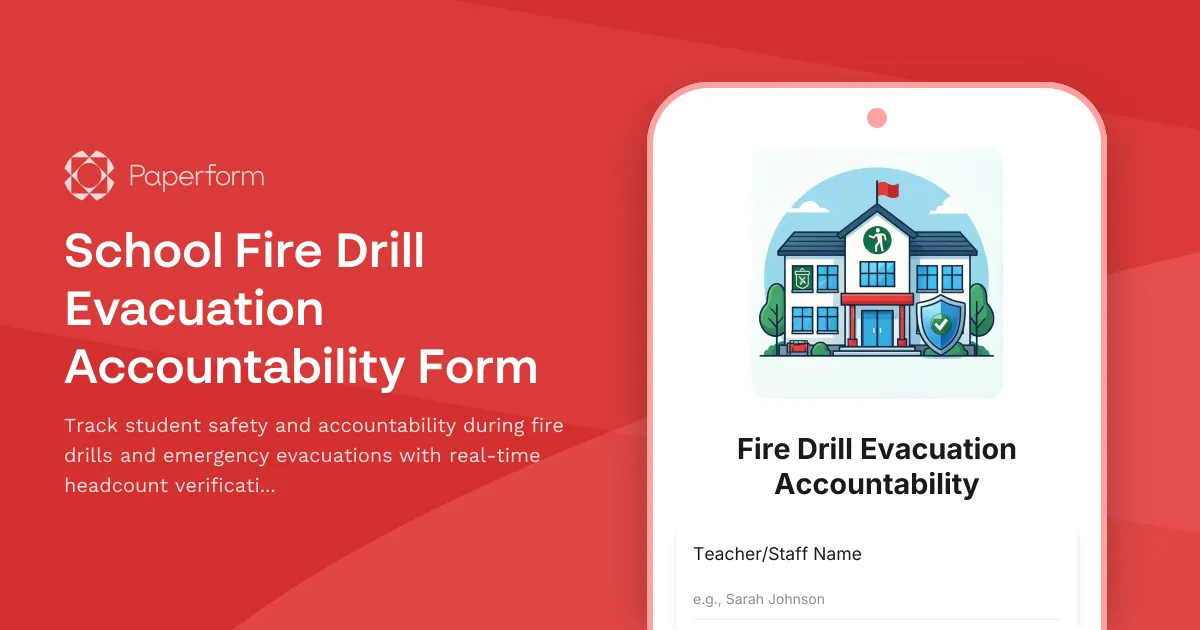
School Fire Drill Evacuation Accountability Form
Track student safety and accountability during fire drills and emergency evacuations with real-time headcount verification and parent notification status.
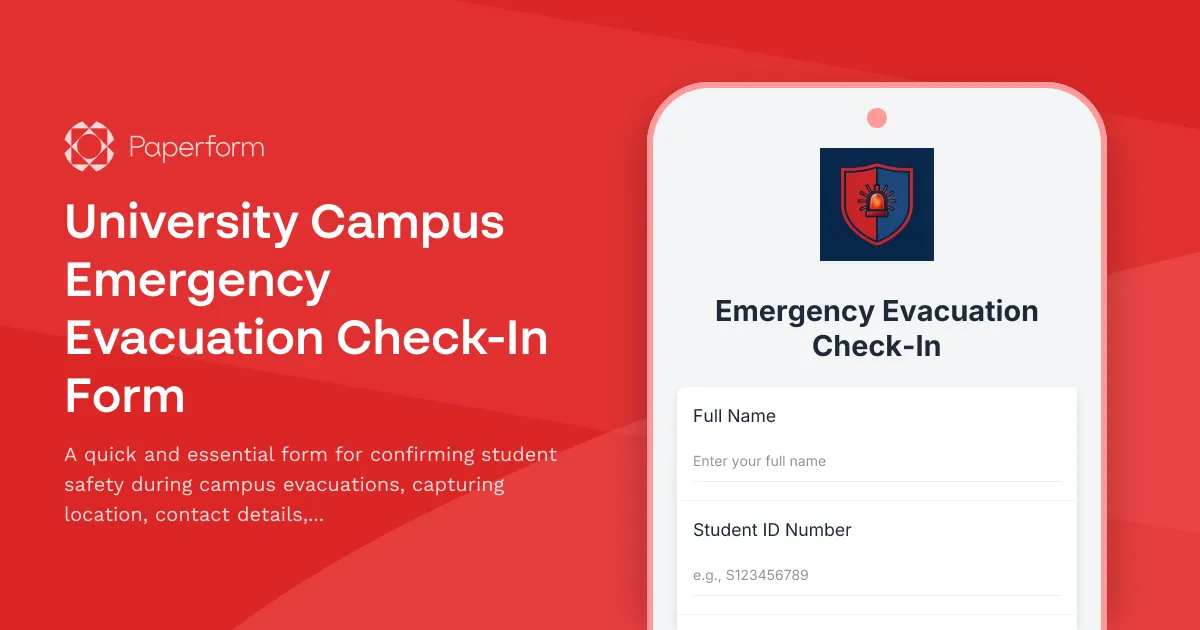
University Campus Emergency Evacuation Check-In Form
A quick and essential form for confirming student safety during campus evacuations, capturing location, contact details, and any immediate medical needs.
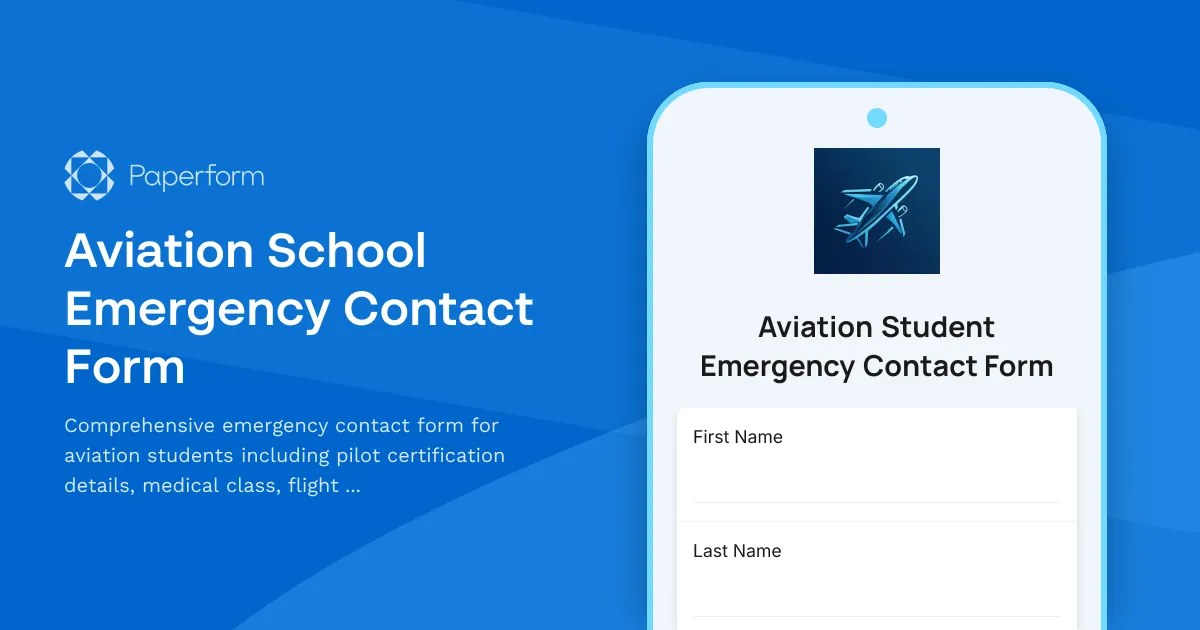
Aviation School Emergency Contact Form
Comprehensive emergency contact form for aviation students including pilot certification details, medical class, flight instructor information, and FAA notification consent.
Campus Closure Decision & Continuity Form
Comprehensive form for educational institutions to assess emergency situations, make campus closure decisions, coordinate student safety measures, and plan academic continuity with structured parent communication protocols.
College Campus Missing Student Welfare Check Request
Report a missing student or request a welfare check on campus with detailed information for campus security, including roommate details, class schedule, and mental health concerns.
Planetarium Emergency Evacuation Check-In Form
Track staff, visitors, and equipment status during planetarium evacuations with show attendance, projection system shutdown, theater clearance, and group chaperone verification.
School Bus Accident Emergency Report
A comprehensive emergency report form for school bus accidents, including student injury assessment, parent notification tracking, and automated transportation department alerts.
School Missing Student Emergency Report Form
A comprehensive emergency form for reporting missing students, documenting parent contact information, student schedules, known associates, and activating emergency response protocols to ensure swift and coordinated action.
School Safety Threat Assessment Form
Comprehensive threat assessment form for K-12 schools to evaluate safety concerns, initiate lockdown protocols, notify law enforcement, and trigger parent communications during critical incidents.

University Faculty Account Provisioning Form
Streamline new faculty account creation with access to course management systems, research databases, grant portals, and academic calendars.

Academic Advising Appointment Scheduler
Schedule one-on-one academic advising appointments with personalized support for degree planning, course selection, graduation timelines, and transcript reviews.
Academic Curriculum Development Phase Completion Form
A comprehensive milestone approval form for curriculum development phases, covering learning outcomes review, accreditation compliance, faculty approval, and dean authorization in higher education institutions.