Court Technology Assistance Request Form: Ensuring Access to Justice Through Remote Hearings
As courts nationwide continue to embrace virtual proceedings, ensuring every participant can access and navigate remote hearing technology is essential to justice. This Court Technology Assistance Request Form empowers court administrators, IT support teams, and judicial staff to efficiently identify and resolve technical barriers before they impact scheduled hearings.
Whether you're managing a small municipal court or a large regional courthouse, this Paperform template streamlines the process of collecting technology needs, troubleshooting issues, and coordinating support for attorneys, litigants, witnesses, and jurors participating remotely.
Who This Form Is For
This template is designed for:
- Court administrators managing remote hearing logistics and ensuring all participants have the technical means to attend
- IT support staff in judicial systems who need to triage and resolve technology issues quickly
- Judges and judicial assistants coordinating virtual proceedings and identifying participants who need accommodation
- Legal aid organizations helping clients navigate court technology requirements
- Public defenders and court-appointed counsel ensuring their clients can participate fully in remote hearings
Common Use Cases
The Court Technology Assistance Request Form addresses real-world scenarios including:
- Pre-hearing technology checks: Participants can request assistance testing their connection, audio, and video before a scheduled court appearance
- Equipment loan requests: Parties without adequate devices can request tablets, laptops, or headsets from the court's technology lending program
- Platform-specific troubleshooting: Users struggling with Zoom, Microsoft Teams, CourtCall, or other platforms can describe their issues and receive targeted support
- Internet connectivity solutions: Individuals with poor internet access can request alternative participation methods or be directed to public access points
- Accessibility accommodations: Participants with disabilities can request captioning, interpretation, screen reader compatibility, or other assistive technology
- Emergency technical support: Last-minute technical failures can be reported for rapid response to avoid hearing delays
Key Features of This Template
Built specifically for the unique requirements of court systems, this form includes:
- Case and hearing information collection to match assistance requests with specific proceedings
- Technology assessment questions to quickly identify whether issues are related to hardware, software, internet, or user knowledge
- Conditional logic that routes users to relevant troubleshooting steps or support resources based on their specific issue
- Equipment request functionality allowing courts to manage lending programs for devices and accessories
- Urgency indicators to prioritize requests based on hearing dates and critical timelines
- Contact preference collection ensuring support staff can reach participants through their preferred communication channel
- Accessibility needs assessment to ensure compliance with ADA and equal access requirements
How Paperform Enhances Court Technology Support
Paperform brings professional-grade capabilities to court administration without requiring technical expertise:
Streamlined intake and routing: The form's conditional logic automatically directs requests to the appropriate IT support team member or department based on issue type and urgency. This means fewer delays and faster resolution for participants facing technology barriers.
Professional, accessible design: Courts can customize the form with their official branding, seals, and accessibility features, ensuring the technology assistance process reflects the dignity and professionalism of the judicial system. The mobile-responsive design ensures participants can request help from any device.
Secure data handling: With SOC 2 Type II compliance and robust security features, Paperform protects sensitive case information and participant details according to court confidentiality requirements.
Integration with case management: Through Stepper (stepper.io), your AI-native workflow builder, you can automatically create support tickets in your help desk system, update case management software with technology accommodations, send calendar invitations for tech check appointments, and trigger follow-up reminders—all without manual data entry.
AI-powered insights: Use Paperform's AI Insights to identify common technology pain points, track resolution rates, analyze equipment loan demand, and generate reports that help courts allocate technology resources effectively and identify areas for staff training.
Workflow Automation with Stepper
Transform each technology assistance request into a coordinated support process:
- Automatic ticket creation: Route requests to IT support ticketing systems with all relevant case and contact information
- Conditional email notifications: Send different support resources based on whether the issue is Zoom-related, equipment-related, or connectivity-related
- Calendar integration: Schedule technology check appointments and send video conference test links automatically
- Equipment tracking: Log loaned devices in your inventory system and trigger return reminders after the hearing date
- Follow-up sequences: Send post-hearing surveys to assess whether technology support was adequate and identify improvement opportunities
Built for Court Systems of All Sizes
Whether you're a small district court handling dozens of virtual hearings monthly or a large urban courthouse coordinating hundreds of remote proceedings daily, this template scales to your needs. The form works seamlessly as an embedded widget on your court's website, as a standalone page on your court domain, or shared directly via link or QR code posted in courthouse public areas.
For multi-court jurisdictions, Paperform's Agency+ features allow centralized management of technology support across multiple courthouses and jurisdictions while maintaining separate submission routing and branding for each location.
Supporting Access to Justice
Technology should never be a barrier to justice. This Court Technology Assistance Request Form ensures that every individual—regardless of technical skill, equipment access, or connectivity—can participate fully in remote court proceedings. By proactively identifying and resolving technical challenges, courts demonstrate their commitment to equal access and fair process in the digital age.
Ready to modernize your court's technology support? This Paperform template provides the professional, secure, and user-friendly foundation your judicial system needs to support remote hearings effectively. Get started today and ensure technology enhances, rather than hinders, access to justice.



More templates like this
Court Appearance Confirmation Form
Confirm your court appearance, provide attorney information, and select attendance method for your scheduled hearing. Streamline court communication with this professional confirmation form.
Grand Jury Candidate Screening Form
A comprehensive screening form for prospective grand jury candidates including background check authorization, availability verification, and confidentiality agreements required for jury service.
Jury Duty Bereavement Postponement Request
Request a postponement of jury duty service due to the death of a family member or loved one, with documentation of funeral arrangements and grieving period.
Ontario Coroner's Inquest Jury Summons Response Form
Respond to an Ontario coroner's inquest jury summons and provide employer verification. Required form for citizens summoned for coroner's jury duty in Ontario.
Court Fee Waiver Application
Apply for a waiver of court fees and costs by demonstrating financial hardship through income verification, asset declaration, and proof of public assistance eligibility.
Court Reporter Transcript Request Form
Professional form for requesting court transcripts with hearing details, page range selection, and expedited delivery options. Streamlines transcript orders for attorneys, legal professionals, and parties to legal proceedings.
Jury Duty Address Verification Form
Verify your residency and address for jury duty eligibility with this comprehensive verification form that includes employer confirmation and utility documentation.
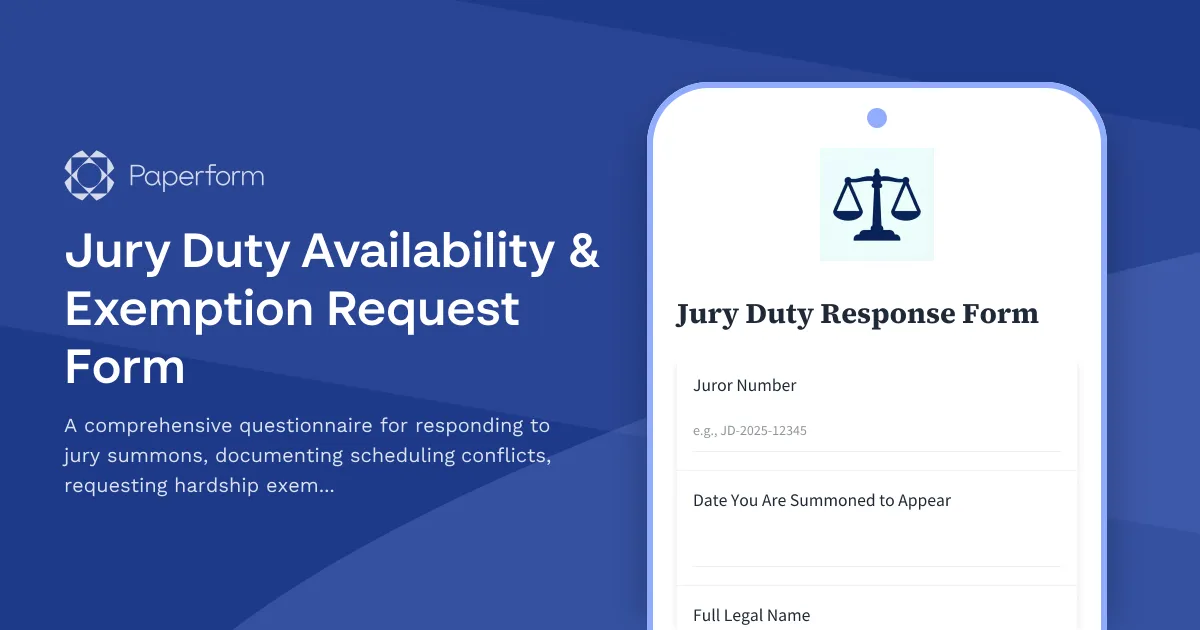
Jury Duty Availability & Exemption Request Form
A comprehensive questionnaire for responding to jury summons, documenting scheduling conflicts, requesting hardship exemptions, and confirming availability for jury service.
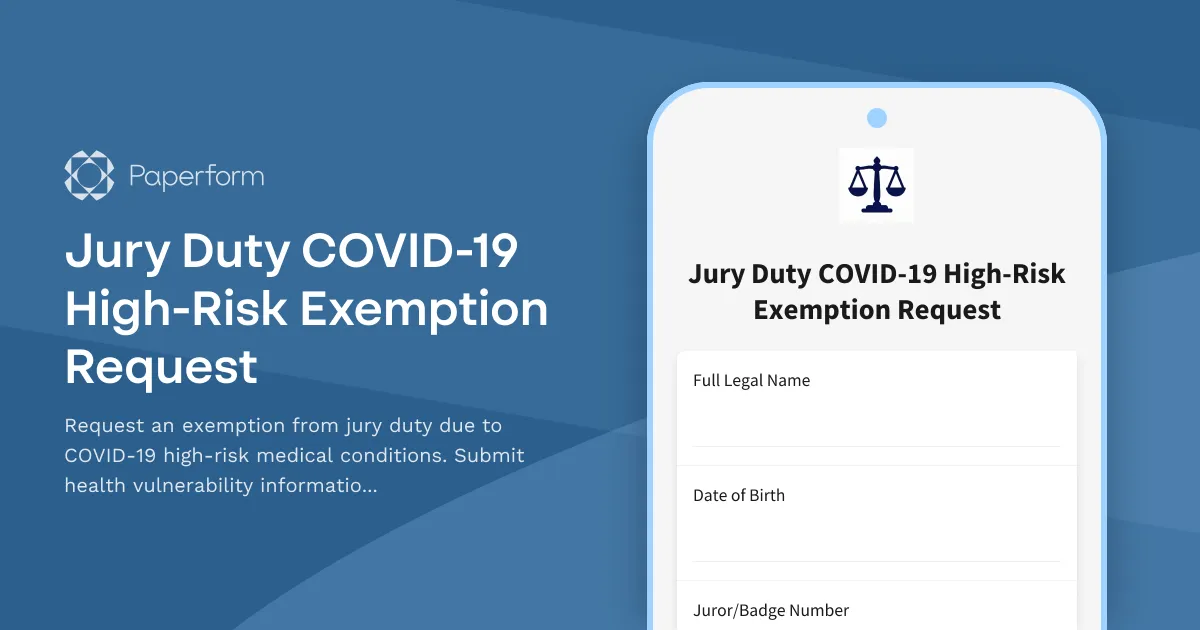
Jury Duty COVID-19 High-Risk Exemption Request
Request an exemption from jury duty due to COVID-19 high-risk medical conditions. Submit health vulnerability information, vaccination status, and physician recommendations for court review.
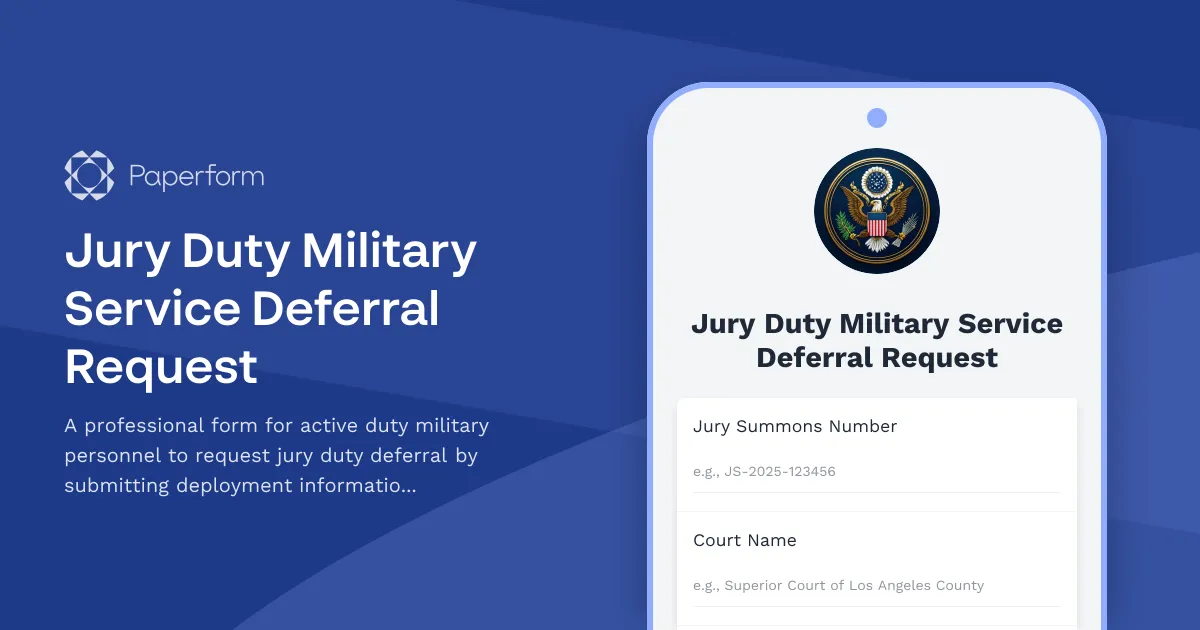
Jury Duty Military Service Deferral Request
A professional form for active duty military personnel to request jury duty deferral by submitting deployment information, duty station details, and commanding officer authorization.
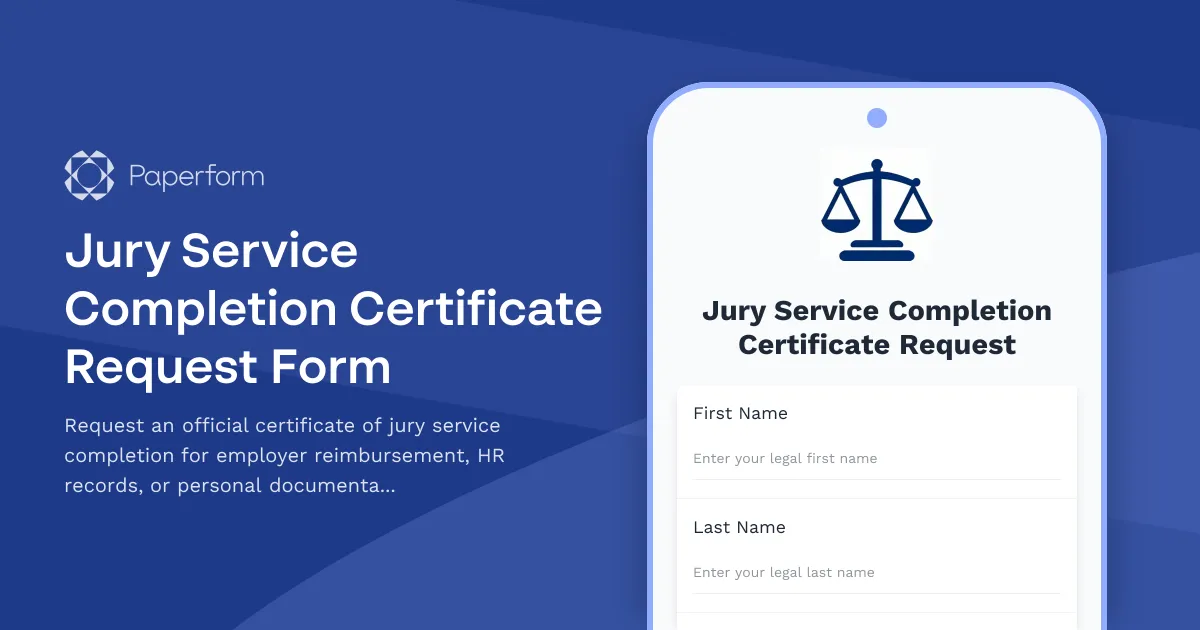
Jury Service Completion Certificate Request Form
Request an official certificate of jury service completion for employer reimbursement, HR records, or personal documentation with case details and service dates.
Ontario French Language Services Complaint Form
Submit a complaint to the French Language Services Commissioner regarding the availability or quality of French-language government services in Ontario.