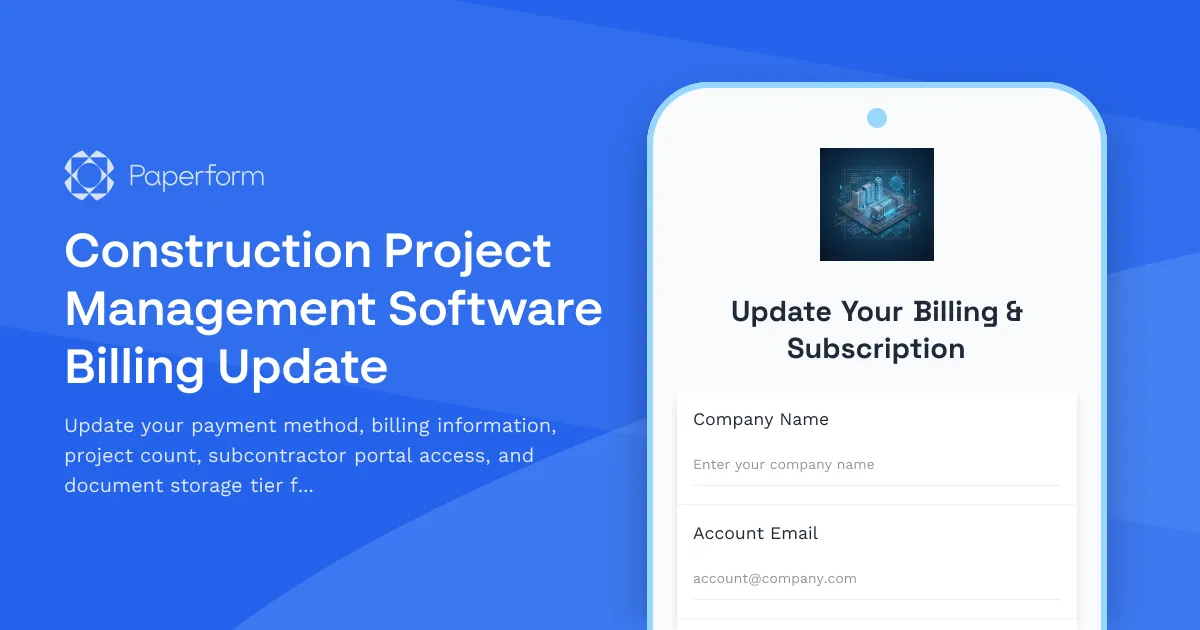
Construction Project Management Software Billing Update Form
Managing construction projects means juggling multiple teams, documents, and timelines—and your project management software needs to scale right alongside your business. Whether you're taking on more projects, bringing new subcontractors into the fold, or need additional document storage for plans and permits, this Construction Project Management Software Billing Update form makes it simple to adjust your subscription and payment details without picking up the phone.
Why construction firms need flexible billing management
Construction businesses are dynamic. One quarter you might be managing three residential builds; the next you could be overseeing a dozen commercial fit-outs. Your software should adapt to your workload, not lock you into a rigid plan. This form template lets your team update:
- Payment methods when cards expire or you switch business accounts
- Billing contact details as your finance team evolves
- Project count limits to match your current pipeline
- Subcontractor portal access so trade partners can view schedules, submit progress updates, and access drawings
- Document storage tiers for blueprints, permits, contracts, photos, and RFIs that pile up fast on active job sites
By keeping billing and subscription management self-service, you reduce admin bottlenecks and keep your team focused on delivering projects on time and on budget.
Built for construction workflows
This Paperform template is designed specifically for construction project management platforms. It includes conditional logic that shows relevant upgrade options based on your current plan, calculates prorated charges for mid-cycle changes, and routes different request types to the right department—whether that's billing, technical support, or account management.
The form captures everything from credit card details (securely processed via Stripe, Square, or PayPal) to billing address updates, purchase order numbers, and optional fields for adding subcontractor emails in bulk. You can even request document storage upgrades by gigabyte tier, with pricing that adjusts in real time as users select their needs.
Automate billing updates with Stepper
Once a billing update is submitted, Stepper (stepper.io) can take over the workflow: update your CRM or subscription management platform, send confirmation emails, notify your finance team, generate a new invoice, and update the customer's portal access—all without manual data entry. If a payment method fails, Stepper can trigger reminder emails or pause access until the issue is resolved, keeping your revenue operations smooth and your customer experience professional.
Who this form is for
This template is ideal for:
- Construction project management SaaS providers who need a self-service billing portal
- General contractors and builders subscribed to platforms like Procore, Buildertrend, CoConstruct, or similar tools
- Finance and operations managers responsible for software subscriptions and vendor payments
- IT and admin teams managing user access for subcontractors, architects, and consultants
Paperform makes billing updates simple and secure
With Paperform's document-style editor, you can customize this form to match your brand, add your company logo, and embed it directly on your billing or account settings page. Conditional logic ensures users only see fields relevant to their plan, and secure payment processing means sensitive card details never touch your inbox.
If you're running a construction software platform or managing subscriptions for your firm, this template gives you a professional, automated way to keep billing information current and scale access as your projects grow. Pair it with Papersign (papersign.com) if you need customers to eSign updated terms or service agreements, and use Stepper to connect everything to your billing stack—Stripe, QuickBooks, Xero, or your custom admin panel.
No more back-and-forth emails, no more expired cards slipping through the cracks. Just a clean, conversion-friendly form that keeps your construction software subscriptions and payments running as smoothly as your best job site.



More templates like this
Franchise Management Software - Payment Method Update Form
Update your payment method and billing information for your franchise management software subscription, including location tier details and compliance access preferences.
Manufacturing Inventory Software Payment Update Form
A professional payment method and billing update form for manufacturing inventory software subscriptions, with SKU tier selection, warehouse add-ons, and barcode scanning integration options.
Trade Compliance Automation Platform Payment Method Update Form
Update your payment method, billing information, and transaction volume tier for your trade compliance platform subscription. Manage add-ons including denied party screening and export license management.
Construction Equipment Rental Checkout
Professional equipment rental checkout form for construction machinery with operator certification checks, delivery scheduling, and maintenance agreements.

Construction Materials Wholesale Quote Request
Request bulk pricing and delivery quotes for construction materials with project timelines, site specifications, and flexible payment terms.

Food Delivery App Restaurant Onboarding Form
Streamline restaurant partner onboarding for your food delivery platform with this comprehensive form covering menu setup, pricing, delivery zones, commissions, and integration requirements.
HOA Management Software Payment Update Form
Update your payment method, billing information, and manage subscription add-ons for your HOA management software account.
HVAC Service Membership Billing Update Form
A professional form for HVAC service members to update payment methods, modify billing information, adjust maintenance frequency, and add priority service or energy audit options.
Legal Research Platform Payment Method Change Form
Update your payment method, adjust user licenses, modify practice area database access, and customize case alert preferences for your legal research platform subscription.
Medical Billing Service Payment Method Change Form
Update your payment method, billing information, and service tier for your medical billing subscription. Manage your claim volume tier, add-on services, and patient portal integration in one simple form.
Membership Payment Update Form
A secure form for members to update their payment method, confirm recurring billing details, and manage their membership tier preferences.

Product Launch Readiness Assessment
Comprehensive pre-launch checklist to ensure your product is ready for market with inventory confirmation, marketing materials approval, team training verification, and risk assessment.