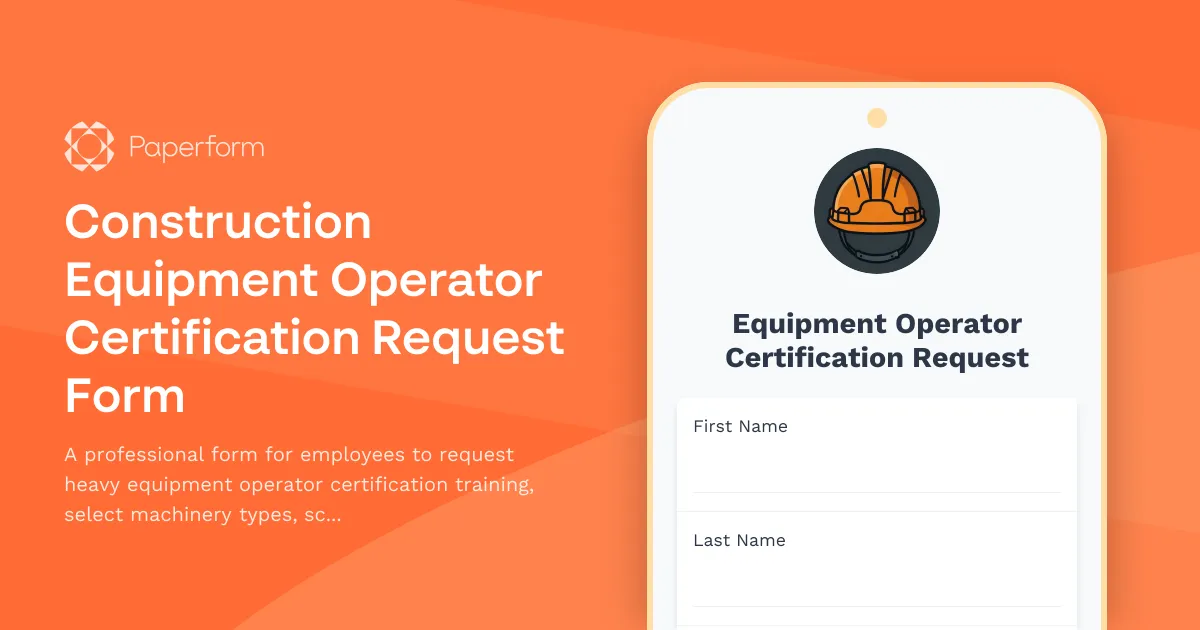
Managing construction equipment operator certifications doesn't have to mean juggling paperwork, phone calls, and spreadsheets. This Construction Equipment Operator Certification Request Form is designed for construction companies, contractors, and training providers who need a streamlined way to handle certification requests from start to finish.
Whether you're managing a fleet of heavy machinery or coordinating training across multiple job sites, this template helps you capture all the essential details—from machinery type and experience level to scheduling preferences and insurance verification—in one centralized, professional form.
Built for construction teams and training coordinators
This form is tailored for construction companies, general contractors, safety officers, and equipment training providers who need to:
- Track certification requests by machinery type and operator experience
- Schedule hands-on training sessions around active job sites
- Verify insurance coverage and safety documentation before training begins
- Maintain compliance records for OSHA and industry regulations
- Coordinate between HR, safety teams, and external training providers
By replacing email chains and paper forms with a single digital workflow, you can reduce administrative time, improve safety compliance, and get operators certified faster.
What makes Paperform perfect for certification requests
With Paperform's conditional logic, you can show relevant questions based on the machinery type selected—for example, asking about load capacity experience only for crane operators, or confined space training for excavator operators. The form adapts to each request, keeping it focused and relevant.
The built-in appointment scheduling field lets operators pick available training slots directly in the form, syncing with your team's calendar to prevent double-bookings. And because Paperform integrates with tools like Google Sheets, Airtable, Slack, and popular HR systems, every certification request can automatically flow into your existing training management workflow.
Automate follow-ups and approvals with Stepper
Once a certification request is submitted, you can use Stepper—your AI-native workflow builder—to automate what happens next. Route requests to the appropriate safety officer or training coordinator based on machinery type, send automatic confirmation emails with pre-training materials, update your training database, and trigger calendar invites for hands-on sessions. Stepper keeps everything moving without manual handoffs, so your team can focus on safe, effective training rather than chasing paperwork.
Why construction companies trust Paperform
Paperform is SOC 2 Type II compliant and offers the security, flexibility, and integrations that growing construction firms need. You can embed this form on your company intranet, share it via link, or add it to your safety portal—and because it's mobile-friendly, operators can submit requests from the job site, office, or home.
With custom branding, conditional workflows, and powerful automation, this template helps you run a certification program that's as solid as the equipment your team operates.



More templates like this
Environmental Compliance Officer Hazardous Materials Training Request
Request specialized training in hazardous materials management, RCRA certification, emergency response procedures, and environmental regulatory compliance for compliance officers and safety personnel.
HAZWOPER Training Request Form
A comprehensive training enrollment form for environmental remediation technicians seeking OSHA 40-hour HAZWOPER certification, decontamination procedures, and hazardous waste site safety training.

Industrial Hygienist Certification Training Request
Request form for industrial hygiene certification training programs covering OSHA compliance, air quality monitoring, and workplace safety assessments.
Pipeline Welding Certification Training Request Form
Professional training request form for pipeline welding certification programs including API standards, x-ray qualification, and specialty procedure testing enrollment.
Arborist ISA Certification Training Enrollment Form
Streamline ISA certification training enrollment for arborists with this professional form. Track tree risk assessment courses, pruning techniques, and continuing education units while managing course registrations efficiently.
Construction Fall Protection Training Acknowledgment Form
A comprehensive form for documenting fall protection training completion, harness inspection procedures, anchor point identification skills, and safety coordinator competency verification for construction crews.
Construction Safety Training Completion Form
A comprehensive construction safety training completion form for tracking OSHA certifications, trade-specific modules, and contractor compliance requirements.
Construction Safety Training Registration Form
Register attendees for OSHA-compliant construction safety training programs with company billing, equipment tracking, and credential verification.
Construction Site Supervisor Safety Competency Assessment
Comprehensive safety competency evaluation for construction site supervisors, including OSHA regulation knowledge, hazard identification scenarios, and emergency response procedures.

Electrician Apprenticeship Program Training Request
A comprehensive training request form for electrician apprentices to enroll in courses, track journeyman hours, and secure contractor sponsorship for certification programs.
Forklift Operator Certification Enrollment Form
Streamline forklift certification training enrollment with equipment-specific course selection, practical exam scheduling, and automated insurance compliance tracking for warehouse operations.
Insurance Restoration & CAT Adjuster Training Acknowledgment
A comprehensive training acknowledgment form for insurance restoration professionals and catastrophe adjusters to certify emergency response readiness, expedited claims handling procedures, and CAT team deployment protocols.