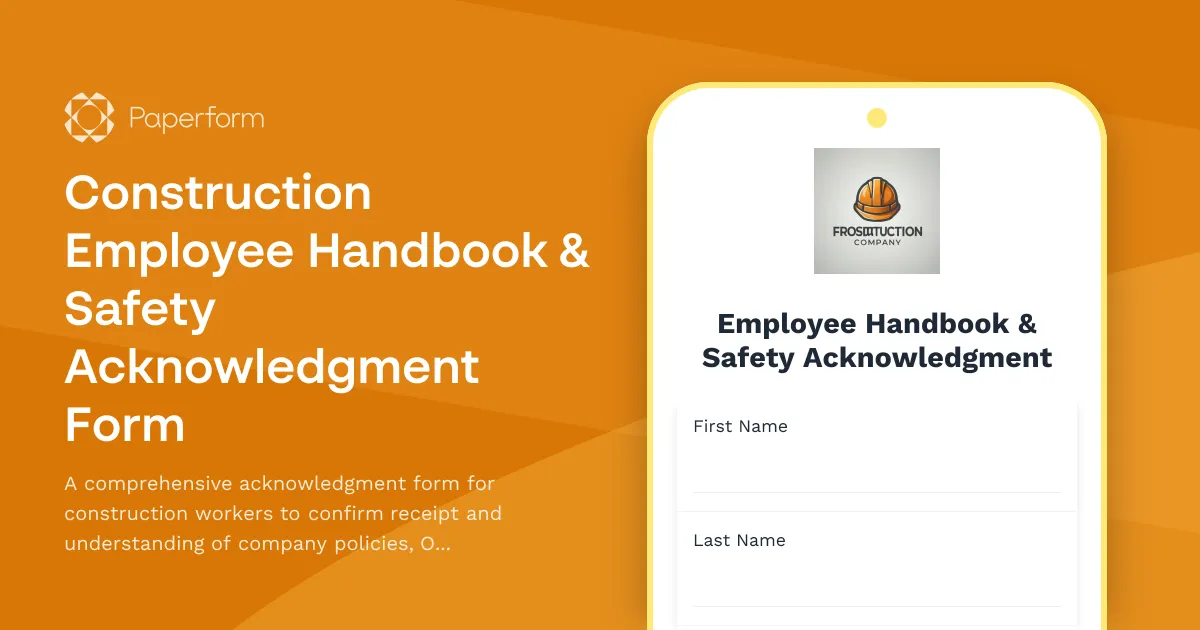
Construction Employee Handbook Acknowledgment Form
Construction companies face unique workplace safety and compliance challenges. From OSHA regulations to site-specific hazards, ensuring every employee understands and acknowledges company policies isn't just good practice—it's essential for safety, liability protection, and regulatory compliance.
This Construction Employee Handbook & Safety Acknowledgment Form gives construction firms a professional, trackable way to document that workers have received, read, and understood critical workplace policies and safety protocols. Built with Paperform's flexible form builder, this template covers everything from PPE requirements to equipment certifications, creating a clear audit trail that protects both your team and your business.
Who this form is for
This template is designed for construction companies, general contractors, trades professionals, site managers, and HR teams in the construction industry who need to onboard new hires, document annual policy reviews, or ensure compliance with safety training requirements.
What makes Paperform ideal for construction safety acknowledgments
Unlike paper forms that get lost in filing cabinets or basic survey tools that can't handle complexity, Paperform lets you build professional acknowledgment forms that feel like branded documents. With conditional logic, you can show equipment certification sections only to operators who need them, or display site-specific safety protocols based on the worker's assigned location.
Every submission is automatically timestamped and securely stored, giving you instant proof of compliance during audits or investigations. Use Papersign to collect legally binding eSignatures on critical acknowledgments, keeping signed contracts linked to the original form submission for a complete compliance record.
Connect your form to your HR software via Stepper to automatically trigger next steps—add the new hire to your payroll system, assign them to orientation workflows, notify site supervisors, or update training records without manual data entry.
Key features of this template
- OSHA safety compliance sections covering fall protection, PPE, hazard communication, and more
- Equipment operation certifications to document operator qualifications
- Site-specific hazard acknowledgments that can be customized per project
- Policy receipt confirmation for employee handbook, code of conduct, and company policies
- eSignature capability via Papersign for legally binding acknowledgments
- Mobile-friendly design so workers can complete forms on-site from any device
Whether you're onboarding a new crew, rolling out updated safety policies, or preparing for an OSHA audit, this template gives you a professional starting point that you can customize to match your company's specific requirements. With Paperform, you get the flexibility to adjust policies, add new sections, and maintain brand consistency across all your construction company forms—no developers required.



More templates like this
Construction Fall Protection Training Acknowledgment Form
A comprehensive form for documenting fall protection training completion, harness inspection procedures, anchor point identification skills, and safety coordinator competency verification for construction crews.
Construction Site Code of Conduct Form
A comprehensive code of conduct form for construction workers covering safety protocols, equipment usage rules, and substance abuse policies to maintain a safe work environment.
Auto Repair Shop Safety Acknowledgment Form
A comprehensive safety acknowledgment form for auto repair shop employees covering lift operation, compressed air use, hazardous waste disposal, and fire prevention protocols.
Call Center Workplace Safety & Ergonomics Training Acknowledgment
Comprehensive safety training acknowledgment for call center employees covering ergonomics, workstation setup, break schedules, emergency procedures, and workplace violence prevention protocols.

Construction Safety Leadership Training Acknowledgment
A comprehensive training acknowledgment form for construction project managers covering jobsite safety leadership, toolbox talk delivery, incident investigation procedures, and contractor prequalification requirements.

Insurance Restoration & CAT Adjuster Training Acknowledgment
A comprehensive training acknowledgment form for insurance restoration professionals and catastrophe adjusters to certify emergency response readiness, expedited claims handling procedures, and CAT team deployment protocols.
Manufacturing Facility Safety Policy Acknowledgment Form
A comprehensive safety acknowledgment form for manufacturing facilities covering machine-specific training, lockout/tagout procedures, and annual recertification requirements.
Axe Throwing League Employee Handbook Acknowledgment Form
Comprehensive acknowledgment form for axe throwing league employees covering handbook policies, tournament safety protocols, scoring procedures, alcohol management, and participant code of conduct.

Commercial Drone Operator Employee Handbook Acknowledgment Form
Comprehensive acknowledgment form for commercial drone operators covering FAA compliance, safety protocols, equipment maintenance, and footage delivery standards.

Construction Jobsite Security and Theft Prevention Training Certificate
Comprehensive training completion form for construction workers covering jobsite security protocols, tool accountability, after-hours procedures, and theft prevention measures with certification sign-off.
Construction Site OSHA Safety Training Certificate
A comprehensive OSHA safety training completion form with photo ID verification, equipment authorization, and site-specific hazard acknowledgments for construction workers.

Corporate Compliance Training Attestation Form
Comprehensive compliance training attestation for law firms to document training completion, policy acknowledgment, reporting obligations, and annual certification for regulatory compliance.