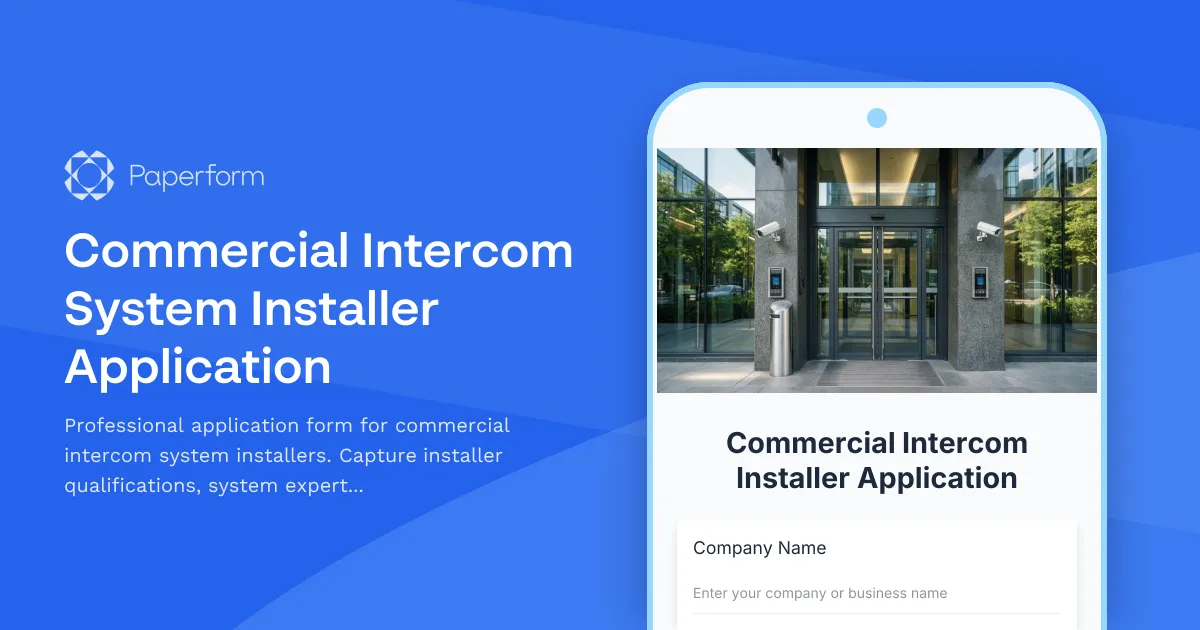
Commercial Intercom System Installer Application Form Template
Finding qualified commercial intercom system installers who understand modern video integration, access control connectivity, and enterprise-grade deployment is challenging. Whether you're a property management company, commercial real estate firm, security systems provider, or facilities management business, you need a streamlined way to vet and onboard installer partners who can deliver reliable, professional installations.
This Commercial Intercom System Installer Application template helps you evaluate contractor expertise across critical technical areas—from the specific intercom brands they work with to their experience with smartphone app integration, multi-location deployments, and legacy system replacements.
Why property managers and security companies choose Paperform
Paperform gives commercial real estate teams, security integrators, and facilities managers a professional, no-code solution for contractor applications that looks polished and actually gets completed. Unlike rigid survey tools or static PDFs that live in email chains, Paperform's document-style editor lets you build forms that match your brand and capture exactly the information you need—technical certifications, insurance documentation, references, and portfolio photos—all in one submission.
For businesses managing vendor networks across multiple properties or locations, this means faster onboarding, better-qualified installers, and a cleaner audit trail when compliance matters.
What makes this template work for installer applications
This template is specifically designed for commercial intercom installer vetting, with fields that help you quickly assess:
- System brand expertise: Which manufacturers they're certified or experienced with (Aiphone, 2N, ButterflyMX, Avigilon, Brivo, etc.)
- Technical capabilities: Video integration, access control connectivity, network configuration, PoE deployment
- Smartphone app experience: Installation and setup of mobile-first intercom systems
- Multi-location capability: Whether they can handle deployments across multiple buildings or campuses
- Legacy system replacement: Experience migrating clients from older analog systems to IP-based solutions
- Licensing and insurance: Ensuring they meet your compliance requirements
- Portfolio and references: Collecting project photos and client contacts for verification
The form uses conditional logic to adapt based on responses—so if an installer indicates experience with access control integration, you can ask follow-up questions about specific platforms (Genetec, CCURE, Lenel, etc.). This keeps the form streamlined while capturing deep technical detail where it matters.
Built-in workflows for faster contractor onboarding
Once an installer submits their application, Paperform helps you move quickly:
- Papersign integration: Turn approved applications into service agreements or master contractor agreements and send them for eSignature—keeping everything connected to the original application for a complete record.
- Stepper automation: Use Stepper to automatically route applications to your operations team, notify your compliance officer to verify licenses, create tasks in your project management tool, or add approved installers to your CRM or contractor database.
- Custom success pages: Redirect applicants to a "next steps" page with instructions on background checks, training requirements, or portal access.
This means your facilities or procurement team can go from application to onboarding in hours instead of weeks, without toggling between five different tools.
For property managers, security integrators, and commercial teams
This template is ideal for:
- Commercial property management firms building a vetted network of intercom installers across a portfolio of buildings
- Security systems integrators evaluating subcontractors for large-scale access control and intercom projects
- Commercial real estate companies standardizing installer qualifications for tenant improvement work
- Facilities management teams maintaining a roster of qualified technicians for upgrades and service calls
- General contractors subcontracting intercom installation on new construction or renovation projects
Whether you're managing one high-rise or a national portfolio, this form helps you consistently evaluate technical expertise, compliance, and service quality.
Customizable to your brand and requirements
Paperform's doc-style editor makes it easy to adjust this template to your exact needs. Add your company logo, adjust the theme colors to match your brand, include specific certifications or insurance minimums, or embed technical diagrams showing your typical system architecture. You can also add file upload fields for resumes, proof of insurance, manufacturer certifications, or project photos—all stored securely with the submission.
If you operate in multiple regions, you can use conditional logic to show location-specific licensing questions (e.g., California C7 or C10 license, city-specific permits) based on where the installer operates.
Trusted by teams who need compliance and speed
Paperform is SOC 2 Type II compliant, meaning your applicant data and uploaded documents are handled with enterprise-grade security. With role-based permissions, you can let your procurement team review applications while your compliance officer verifies licenses—without sharing access to everything.
And because Paperform syncs with the tools you already use (Google Sheets, Airtable, Slack, HubSpot, and thousands more via Stepper, Zapier, or webhooks), approved installers can flow directly into your contractor management system, no manual data entry required.
Get started in minutes
This template is ready to use out of the box—just customize the fields, add your branding, and share the link with prospective installers. Start collecting professional applications, vetting technical expertise, and onboarding qualified contractors faster with Paperform.
For more complex workflows—like multi-step approval processes or automated background check requests—Stepper can turn each submission into a complete onboarding workflow, keeping your team and contractors in sync without the back-and-forth.



More templates like this
Commercial Locksmith Service Provider Application
Professional application form for commercial locksmith companies offering security systems, access control, master key design, and emergency services.

Commercial Painting Contractor Application
A comprehensive application form for commercial painting contractors to showcase their expertise, certifications, and service capabilities for vendor qualification and project bidding.
Demolition Contractor Application
A comprehensive application form for demolition contractors to showcase their capabilities, certifications, equipment inventory, safety protocols, and experience with selective and complete demolition projects.
Electrical Contractor Application Form
A professional application form for electrical contractors to apply for projects. Captures licensing, experience, insurance, safety records, and service capabilities.
Epoxy Flooring Contractor Application Form
Professional application form for epoxy flooring contractors to showcase their system types, preparation methods, finish capabilities, and service specifications.
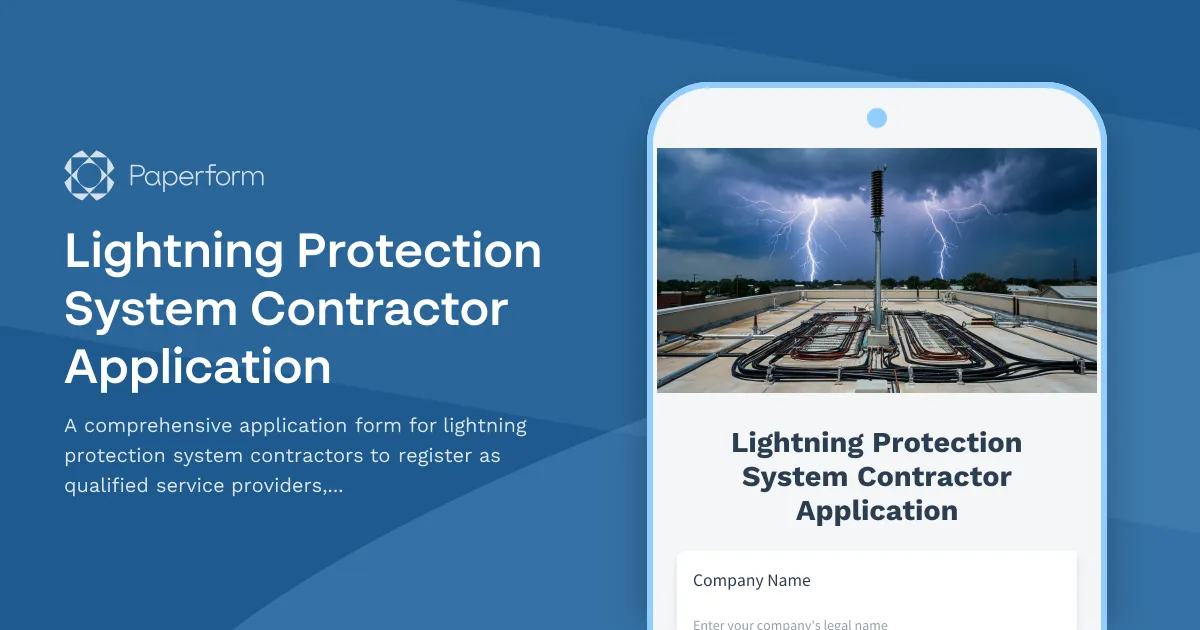
Lightning Protection System Contractor Application
A comprehensive application form for lightning protection system contractors to register as qualified service providers, including certification verification, risk assessment methodology, and system design expertise.
Roofing Contractor Application Form
A comprehensive application form for roofing contractors to submit their qualifications, specializations, insurance details, and service capabilities for potential projects.
Asphalt Paving Contractor Application
A comprehensive application for asphalt paving and sealcoating contractors to showcase their services, equipment, bonding, and warranty capabilities.
Commercial Awning Service Provider Application
Professional application form for commercial awning contractors to showcase custom fabrication, motorization, structural engineering capabilities and maintenance programs.
Commercial Insulation Contractor Application Form
A comprehensive application form for commercial insulation contractors to showcase their expertise, certifications, specializations, and service capabilities including spray foam, fireproofing, and energy audits.
Commercial Radon Mitigation Contractor Application
A comprehensive application form for radon mitigation contractors to register their services, certifications, and system capabilities for commercial properties.
Fire Alarm Monitoring Service Application
Professional application form for fire alarm monitoring service providers seeking certification. Captures UL certification, central station capabilities, response protocols, testing procedures, and building management system integration details.