Simplify Colombian Health Insurance Enrollment with Paperform
Enrolling employees and their families in Colombia's EPS (Entidad Promotora de Salud) system requires careful attention to regulatory details, beneficiary information, and contribution calculations. This Colombian Health Insurance (EPS) Enrollment Form template helps HR departments, payroll administrators, and insurance brokers collect all required information in one organized, compliant workflow.
Whether you're onboarding new employees, adding dependents, or processing changes to existing coverage, this template captures everything from basic identification (including NIT and RUT details) to salary information for contribution base calculations, plus a comprehensive medical history questionnaire that helps the EPS assess coverage and pre-existing conditions.
Designed for Colombian HR and Benefits Teams
This form is built specifically for businesses operating in Colombia that need to manage EPS enrollments efficiently. It includes fields for Colombian identification documents, contribution tier selection, beneficiary relationships, and health declarations—all formatted to match local regulatory expectations from DIAN and the Ministry of Health.
The conditional logic automatically shows or hides beneficiary sections based on family composition, and calculates approximate monthly contributions based on salary information. This means less back-and-forth with employees and faster processing times with your chosen EPS provider.
Automate Your EPS Enrollment Workflow
Once an employee submits their enrollment form, you can use Stepper to automatically route the information to your payroll system, send confirmation emails to the employee, create records in your HRIS, and even generate the required documentation for DIAN reporting. This eliminates manual data entry and ensures every enrollment is processed consistently.
For forms that require employee signatures on consent statements or data processing agreements, Papersign lets you convert submissions into legally binding documents that employees can sign electronically, keeping your entire enrollment process digital and audit-ready.
Professional, Compliant, and Easy to Customize
This template provides a solid foundation that you can adapt to your company's specific EPS provider requirements, internal approval workflows, or additional data collection needs. The clean, professional design works perfectly whether embedded on your HR portal or sent as a standalone link to new hires.
Paperform's SOC 2 Type II compliance, data residency options, and secure submission handling give you peace of mind that sensitive employee health and salary information is protected throughout the enrollment process. Plus, with instant notifications and integration options for tools like Google Sheets, Airtable, or your existing HR software, your team stays in sync without manual updates.
Get started with this template today and transform your Colombian health insurance enrollment from a paper-heavy process into a streamlined digital workflow that saves time and reduces errors.



More templates like this
URSSAF Employee Savings Plan (PEE/PERCO) Establishment Form
Establish your company's employee savings plan (PEE/PERCO) with employer matching, investment options, and early withdrawal conditions in compliance with French URSSAF regulations.
Argentina Employee Termination AFIP Notification Form
A comprehensive AFIP-compliant form for documenting employee terminations in Argentina, including severance calculations, final payment documentation, and regulatory notifications required by Argentine labor law.
Canadian Employment Insurance Special Benefits Application
Apply for EI special benefits including sickness, maternity, and parental leave. Securely submit your application for Employment Insurance benefits in Canada.
Dutch Pension Fund Participation Election Form
A comprehensive pension election form for employees in the Netherlands to choose between defined benefit and defined contribution pension schemes, set contribution levels, and complete regulatory requirements.
Employee Benefits Cost Transparency Calculator
Calculate and compare your total compensation package with detailed breakdowns of employer subsidies, employee contributions, and industry benchmarks to understand your full benefits value.
Employee Wellness Program Participation Consent Form
A comprehensive consent form for employee wellness program enrollment, including health screening authorization, biometric testing consent, incentive acknowledgment, and HIPAA privacy protections.
Home Office Document Scanning & Digitization Equipment Reimbursement Form
Request reimbursement for home office document scanning equipment, OCR software, and digitization tools to support paperless workflow transition.

Japanese Pension Enrollment Form for Foreign Workers
A comprehensive enrollment form for foreign workers joining the Japanese pension system (年金), including contribution calculations and beneficiary designation.
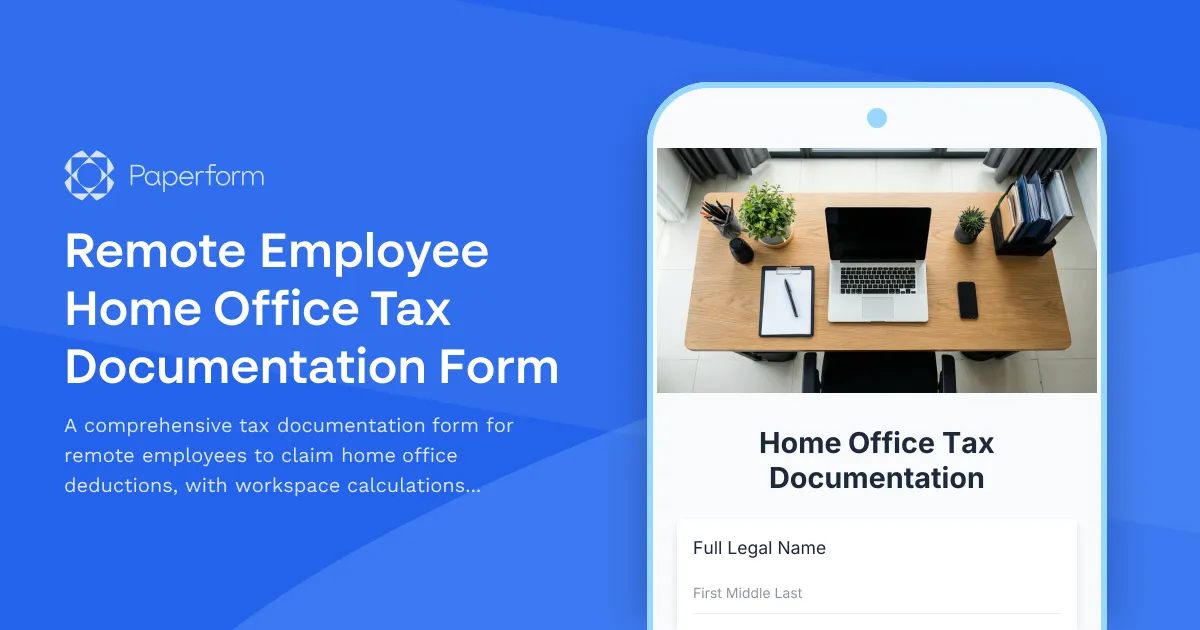
Remote Employee Home Office Tax Documentation Form
A comprehensive tax documentation form for remote employees to claim home office deductions, with workspace calculations, utility tracking, and international compliance support for dual citizenship situations.
Swedish Sickness Benefit Application Form (Sjukpenning)
Apply for Swedish sickness benefit (sjukpenning) from Försäkringskassan. Submit your personnummer, employment details, doctor's certificate, and bank information for processing.
URSSAF Partial Unemployment Application (Chômage Partiel)
French partial unemployment application form for URSSAF with employee details, activity reduction justification, and automatic subsidy calculations for businesses facing temporary workforce reductions.
Adult Learner Tuition Reimbursement Request Form
A comprehensive tuition reimbursement request form for employees seeking educational assistance. Streamlines course approval, grade verification, and expense reimbursement in one professional workflow.