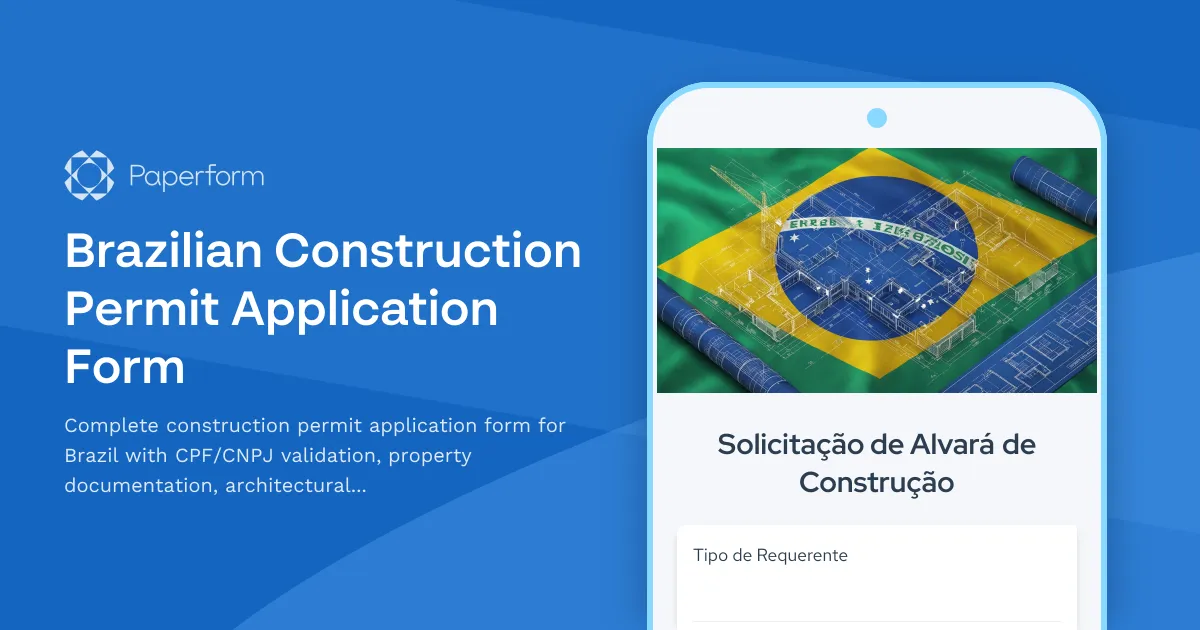
Streamline Your Brazilian Construction Permit Applications with Paperform
Navigating Brazil's construction permit process can be complex, with multiple documentation requirements, regulatory submissions, and coordinating between property owners, architects, engineers, and municipal authorities. This Brazilian Construction Permit Application Form template helps construction companies, architectural firms, property developers, and municipal building departments collect all necessary information in one organized, professional submission.
Why Brazilian Construction Projects Need Digital Permit Forms
Traditional paper-based permit applications create bottlenecks in Brazil's construction approval process. Incomplete submissions, missing CPF or CNPJ documentation, unclear architectural plans, and lost paperwork can delay projects by weeks or months. Digital forms ensure every required piece of information is captured upfront, with conditional logic that adapts to different project types—whether you're handling residential construction, commercial developments, renovations, or infrastructure projects.
This template is specifically designed for Brazilian regulatory requirements, capturing essential identifiers like CPF (Cadastro de Pessoas Físicas) for individual property owners and CNPJ (Cadastro Nacional da Pessoa Jurídica) for corporate entities, along with property documentation, architectural drawings, engineering certifications, and environmental compliance declarations.
Who Benefits from This Template
Construction Companies & General Contractors can submit permit applications on behalf of clients with all documentation organized in a single submission, reducing back-and-forth with municipal offices and keeping projects on schedule.
Architectural & Engineering Firms use this form to gather client information, upload technical drawings, structural calculations, and professional certifications required by CREA (Conselho Regional de Engenharia e Agronomia) and CAU (Conselho de Arquitetura e Urbanismo).
Property Developers & Real Estate Companies managing multiple construction projects benefit from standardized permit applications across their portfolio, with proper CPF/CNPJ documentation and property registration details automatically captured.
Municipal Building Departments & Prefeituras can deploy this form as their official digital permit application channel, reducing in-person submissions, improving application quality, and creating searchable digital records of all permit requests.
Legal Professionals & Despachantes specializing in construction permits can use this form to collect comprehensive information from clients before preparing regulatory submissions.
Key Information Captured in This Template
This comprehensive form collects everything Brazilian authorities require for construction permit evaluation:
- Applicant identification with validated CPF or CNPJ numbers
- Property owner information including full legal documentation
- Property details with registration numbers, cadastral information, and location data
- Project classification distinguishing between new construction, renovation, expansion, or demolition
- Construction specifications including built area, number of floors, intended use, and timeline
- Architectural documentation with file uploads for floor plans, elevations, sections, and site plans
- Engineering certifications including structural project approvals and professional registrations (CREA/CAU)
- Environmental compliance declarations and documentation where required
- Utility connections information for water, sewage, electrical, and gas infrastructure
- Contractor information with proper registration and licensing documentation
- Declaration of accuracy with digital signature capturing
How Paperform Enhances Brazilian Regulatory Compliance
Paperform's flexibility makes it perfect for Brazil's detailed regulatory environment. Conditional logic shows different fields based on whether the applicant is an individual (requiring CPF) or a company (requiring CNPJ), the type of construction project, and the municipality's specific requirements.
File upload fields accept architectural drawings in PDF, DWG, or image formats, engineering calculations, environmental impact assessments, and property documentation—all organized by category for easy review by permit officers. You can set file size limits and allowed formats to ensure submissions meet technical specifications.
Required field validation ensures no application is submitted incomplete, dramatically reducing the rejection rate and resubmission cycles that plague traditional paper processes.
Automating Post-Submission Workflows with Stepper
Once a permit application is submitted, Stepper can automate your entire approval workflow. Route applications to the appropriate department based on project type and location, send notifications to engineers for technical review, update your project management system with new permit requests, and trigger follow-up emails when additional documentation is needed.
For municipal departments, Stepper can create application tracking numbers, log submissions in government databases, assign cases to specific inspectors based on workload, and send status updates to applicants as their permit moves through the approval process—all without manual data entry.
Secure Document Management with Papersign
For projects requiring formal agreements, liability declarations, or neighbor consent forms, Papersign integrates seamlessly to turn form submissions into legally binding documents. After initial application submission, automatically generate consent forms with pre-filled property and owner information, then route them for electronic signature by all required parties. This is especially valuable for projects affecting shared walls, building facades, or requiring homeowner association approvals.
Integration with Brazilian Construction & Real Estate Tools
Connect your permit applications to the tools Brazilian construction professionals already use. Send submissions to Google Sheets or Airtable for tracking, sync with project management platforms, update CRM systems with new project leads, ping Slack or WhatsApp when high-priority applications arrive, and push data to accounting systems for permit fee processing.
For firms managing multiple projects, integrate with document management systems to automatically organize architectural plans, engineering reports, and correspondence by property address and permit number.
Customizing for Your Municipality or Firm
Every Brazilian municipality has slightly different permit requirements, and this template is fully customizable. Add fields for local regulations, adjust the list of required documents, include municipality-specific declarations or environmental assessments, modify the project classification options, or add payment fields for permit fees using Paperform's integrated payment processing.
You can apply your organization's branding, use custom domain names for official municipal forms, and adjust the language and terminology to match local practice. Conditional logic allows one form to serve multiple purposes—simple residential repairs might need minimal documentation while commercial construction triggers comprehensive environmental and traffic impact sections.
Why Construction Professionals Choose Paperform
Construction companies and architectural firms across Brazil trust Paperform because it provides enterprise-grade security with SOC 2 Type II compliance for sensitive property and financial information, while remaining accessible to non-technical users. No coding or IT department is needed to launch or modify your permit application process.
The platform's doc-style editor means you can explain requirements in plain Portuguese, embed example images of required documents, include links to CREA or CAU registration portals, and format your form to feel less like a bureaucratic obstacle and more like a helpful guide through the permit process.
With Paperform's AI-powered form builder, you can describe specific permit requirements in natural language and have fields, logic, and structure generated automatically, then refine everything to match your exact needs.
Getting Started with Digital Permit Applications
This template is ready to deploy immediately for construction permit applications, or can serve as the foundation for related Brazilian regulatory forms—habite-se certificates, demolition permits, provisional occupancy requests, renovation approvals, or environmental licensing applications.
Whether you're a construction firm tired of permit delays, an architectural practice streamlining client intake, a property developer managing multiple projects, or a municipal building department modernizing your application process, this template provides the structure, validation, and professional presentation Brazilian construction regulations demand.
Start collecting organized, complete permit applications today and keep your construction projects moving forward through Brazil's regulatory requirements with confidence.



More templates like this
Polish Construction Permit Application Form
Complete construction permit application for Poland with NIP, REGON, and KRS verification, land registry details, and architectural plans upload for building authority submission.
Basement and Cellar Conversion Regulation Public Hearing Form
Submit public comments on proposed basement and cellar conversion regulations, including ceiling height requirements, egress standards, and affordable housing unit creation guidelines.
Building Permit Dispute Form
Submit a formal dispute regarding building permit decisions, code interpretations, or inspector findings to the building appeals board for review and resolution.
Chilean Municipal Construction Completion Certificate Application
Apply for a municipal construction completion certificate with final inspection scheduling and habitability approval. Complete this form to request final verification of completed construction projects in Chile.
Colombian Construction Permit Application Form
A comprehensive construction permit application form for Colombia, featuring cadastral information, environmental compliance documentation, and municipal approval workflow requirements.
Czech Construction Completion Certificate Request
Comprehensive form for requesting a construction completion certificate (kolaudační souhlas) from Czech building authorities, including final inspection scheduling and technical documentation submission.
Egyptian Construction Permit Application Form
A comprehensive construction permit application form for Egypt, including building code compliance verification, architect seal requirements, and neighboring property owner consent documentation.
Finnish Municipal Heritage Building Alteration Permit Application
A comprehensive permit application for alterations to heritage-protected buildings in Finland, including architectural board review and cultural-historical documentation requirements.
Irish Architectural Heritage Protection Area Development Proposal Form
A comprehensive planning application form for proposed developments within Architectural Conservation Areas (ACAs) in Ireland, including mandatory conservation officer consultation requirements and heritage impact assessment.
Lagos State Building Permit Application Form
Official LABSCA building permit application form for Lagos State. Submit architectural plans, engineer certifications, and property documents for construction approval.
Thailand Construction Permit Application Form
Apply for construction permits in Thailand with this comprehensive application form covering building plans, engineer certifications, and municipal compliance requirements.
Vietnam Construction Permit Application Form
Comprehensive construction permit application form for Vietnam, featuring architectural drawing uploads, land use certificate verification, and contractor registration details to streamline regulatory compliance.