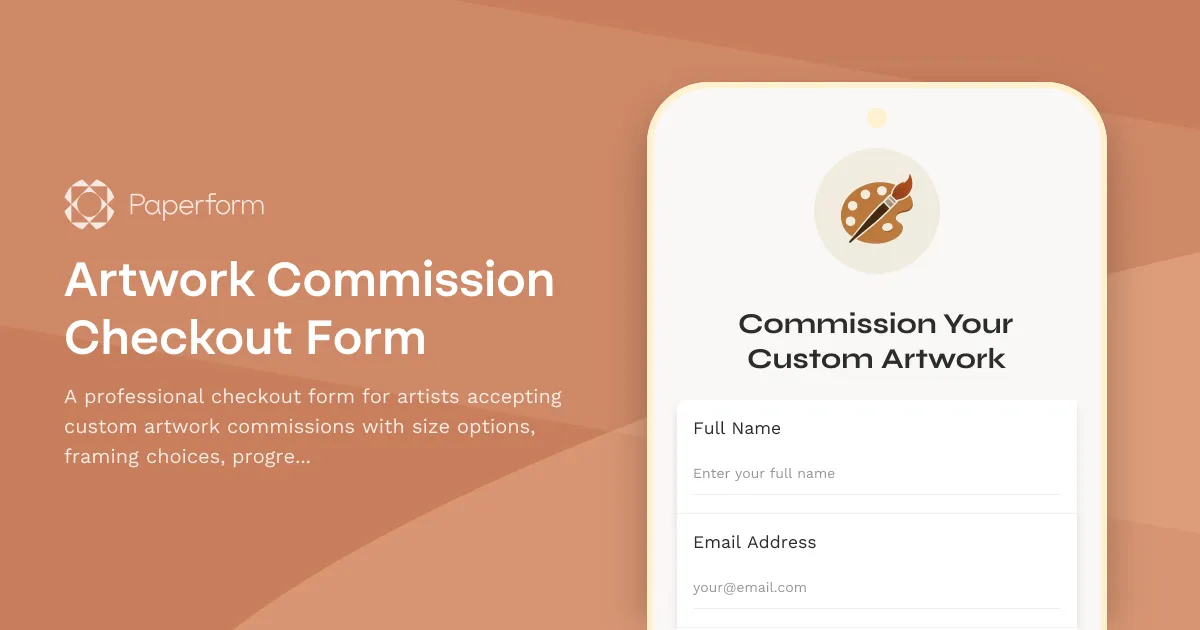
Custom Artwork Commission Checkout Made Simple
Taking commissions is one of the most rewarding ways for artists to connect with clients—but managing quotes, options, and payments can quickly get messy. This Artwork Commission Checkout Form streamlines the entire process, from initial brief to final payment, so you can focus on creating instead of chasing details.
Built for artists and creative professionals
Whether you're a painter, illustrator, digital artist, or sculptor, this template is designed to capture everything you need upfront: canvas or print size, framing preferences, subject matter, style notes, and delivery timelines. Clients can choose from preset options or request custom specifications, and your pricing updates live as they build their order.
Paperform's calculation engine lets you set dynamic pricing rules—charge by size, add framing costs, apply rush fees, or offer discounts for repeat clients—all without spreadsheets or back‑and‑forth emails. Clients see their total in real time, so there are no surprises at checkout.
Flexible payment options that work for high‑ticket art
Commissioned artwork often costs hundreds or thousands of dollars, and asking for full payment upfront isn't always realistic. This form supports installment payments via Stripe, so you can request a deposit now and schedule the balance for later, or split the total across multiple milestones.
You can also toggle between one‑time payments, subscriptions, or custom schedules depending on your business model. Payments are processed securely through Paperform's native Stripe, PayPal, or Square integrations, with no code required.
Keep clients in the loop with progress photo updates
Clients love seeing their commission come to life. This form collects preferences around progress updates—whether they want work‑in‑progress photos at key stages, check‑ins before finalising details, or a single reveal at the end. You can use this information to set expectations and build excitement, turning one‑time buyers into long‑term supporters.
After the form is submitted, you can use Stepper to automate follow‑up emails, send calendar reminders for each milestone, or even trigger a request for approval before moving to the next phase. Everything stays organised, and your client feels involved without slowing you down.
E‑sign agreements with Papersign
Commissions often involve creative briefs, licensing terms, or usage rights. Instead of printing, scanning, or emailing PDFs, use Papersign to turn your form submission into a commission agreement and send it for secure eSignature. The signed contract links back to the original form, so you have a clean audit trail from brief to delivery.
This is especially useful for commercial commissions, collaborative projects, or any scenario where you need sign‑off before starting work.
Who this template is for
This form is perfect for:
- Independent artists and illustrators selling custom paintings, portraits, murals, or digital artwork
- Graphic designers and calligraphers taking on branding, wedding signage, or hand‑lettered pieces
- Sculptors and makers offering bespoke furniture, ceramics, or metalwork
- Tattoo artists collecting design briefs and deposits for custom tattoos
- Agencies and studios managing multiple commission‑based projects for clients
With Paperform, you get a checkout experience that feels as professional as your portfolio—fully branded, mobile‑friendly, and built to convert. Start taking commissions with confidence, and let Paperform handle the details.



More templates like this
Photography Print Sales Checkout
A professional checkout form for photography print sales with customizable print sizes, paper types, framing options, and automatic bulk order discounts.
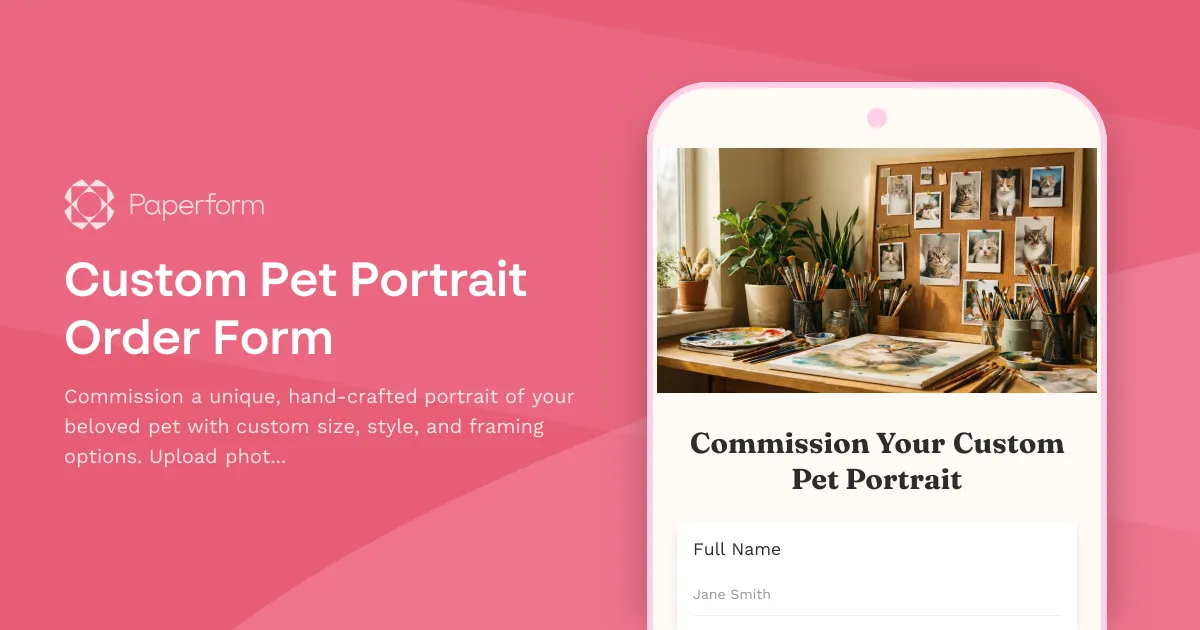
Custom Pet Portrait Order Form
Commission a unique, hand-crafted portrait of your beloved pet with custom size, style, and framing options. Upload photos, choose your artistic style, and receive a beautiful keepsake.
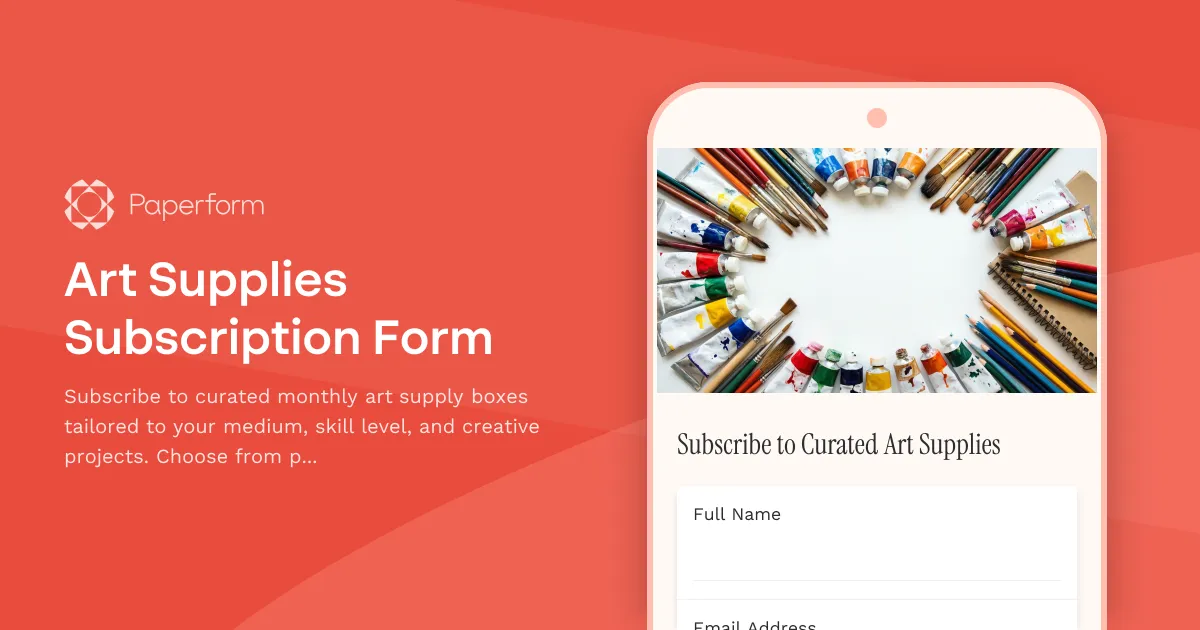
Art Supplies Subscription Form
Subscribe to curated monthly art supply boxes tailored to your medium, skill level, and creative projects. Choose from painting, drawing, printmaking, and mixed media subscriptions with optional tool rental.
Band Merchandise Design Brief
A comprehensive design brief form for bands and musicians to brief merchandise designers on custom apparel, accessories, and product design projects.
Bespoke Stationery Set Design Order Form
A professional order form for custom stationery sets, capturing paper quality, envelope style, personalization options, color schemes, and presentation preferences for made-to-order luxury stationery.
Calligraphy Practice Sheet Bundle
A beautiful sales form for calligraphy artists to sell practice sheet bundles with style options, instructional videos, exemplars, and optional personalized feedback.
Custom Comic Book Printing Order Form
A comprehensive order form for custom comic book printing with options for page count, paper quality, binding, cover finishes, sizes, print quantities and distribution services.
Custom Enamel Mug Design Brief
A comprehensive design intake form for custom enamel mug projects, capturing artwork specifications, color requirements, capacity preferences, and packaging details to ensure your creative vision translates perfectly to the final product.
Custom Invitation Design Order Form
A professional order form for custom invitation designs with event details, paper stock selection, printing methods, envelope options, and automatic quantity pricing calculations.
Custom Puzzle Order Form
Create your own personalized puzzle with custom images, size, piece count, and material options. Perfect for gifts, special occasions, or preserving memories.
Custom Song Lyrics Art Gift Order Form
Order personalized song lyrics art featuring your favorite song, meaningful names, and special date. Choose from various frame styles and sizes for a unique, heartfelt gift.

Digital Art Stock Photo Bundle Sales Form
Sell digital art and stock photo bundles with commercial license options, resolution selection, and automated download delivery. Perfect for photographers, digital artists, and content creators.