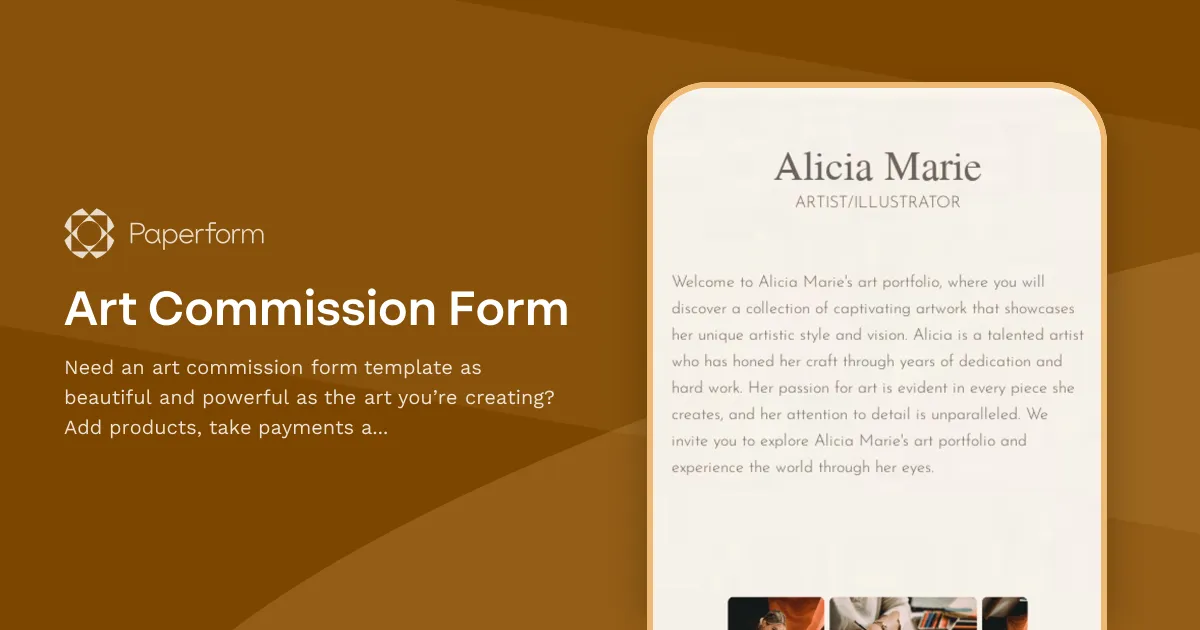
Art Commission Form Template
Our art commission form template is perfect for artists looking to transform and simplify their business with smart forms, so they can dedicate more time to their passion—creating art.
Add custom pricing, seamlessly process payments through Stripe, Braintree, or Square and add customized success pages for a more personalized experience. Paperform's versatile SaaS platform helps you create flexible, powerful solutions tailored to your unique specifications.
Power your workflows even further by adding your existing products to the form template, generating automatic invoices, and building custom email sequences based on the commission type and other form responses.
[FAQ]
How do you structure art commission sheets?
An art commission sheet template depicts the artist's offered services, T&C, and prices. Here are some key elements that you can include in an art commission sheet:
- Contact Information: Note your business details, full name and email, as well as your customer's details.
- Commission Details: Include any other specifics of the project and also the deadline for the commission.
- Pricing and Payment: Specify the payment process, schedule, and any deposits or upfront payments required.
- Process and Communication: You can include how you'll communicate with the client throughout the project. This can include updates on progress, sending drafts for approval, and final delivery.
- Terms and Conditions: Include any T&Cs that apply to the commission, such as copyright ownership and usage rights.
- Signatures: Include spaces for the artist and client to sign and date the commission sheet, indicating an agreement to the terms and conditions.
How to create a commission form?
There are some general steps to create a commission form:
- Identify the purpose and scope of the commission.
- Decide on the format: Will it be an online or physical art form? Will it be a web form or a product landing page?
- Choose the information to include: You may ask for the commission requestor's name, contact details, commission prices and deadline and the terms and conditions.
- Use the form template: With the most crucial questions already added, including any custom questions and personal touches you want. Include existing products, images, and explainer videos, or change the colour palette and typography to match your brand.
- Input necessary information about your products: Include information on your stock levels and SKUs, add custom pricing rules and generate custom receipts.
- Test the form: Test the commission form to ensure that all the fields are clear and that the form is easy to understand and fill out.
- Share the form: Share the commission form with the intended recipients by going to Share -> Social & URL. You can share it via social media, a link or QR code, or embed it on your website.
- Collect and review submissions: Paperform offers a variety of features to help you analyze and report on form results. These include providing a dashboard for your submissions, product management, and detailed analysis and reporting utilities, to name a few.
Can I accept payments through my form?
Paperform integrates with Stripe, PayPal Business, Square, and Braintree for quick, safe online payments. Sell your art without the hassle, and even collect payment in multiple currencies.
We also support authorizing payments with Stripe and PayPal, so you can capture payments first and process or reject them manually later.
You can start accepting payments on your form with these simple steps: Connect a payment source to your account. You can do this in your Paperform Account Services.
Navigate to Configure → Payments in the form editor and connect your new payment account using the dropdown menu provided.
That's it! You're all set. Here are a few getting-started tips:
- Explore Custom Pricing Rules to modify the total price based on certain conditions.
- Add Price fields to modify the total price of your form manually.
- Configure Product fields to offer services on your form. These will be billed through your chosen payment account.
What is the best payment method for art commissions?
There isn't a single "best" payment method for art commissions, as the ideal choice depends on various factors, such as the artist's location, client preferences, fees, and ease of use. However, some popular and widely-used payment methods for art commissions include:
- PayPal: A well-known and widely-accepted platform, PayPal offers buyer and seller protection, easy invoicing, and currency conversion. However, it does charge transaction fees.
- Stripe: Stripe is another popular option with a user-friendly interface and seamless integration with various platforms. It's an excellent choice for artists with an online store or website, but it also charges transaction fees.
- Square: Square is a convenient option for in-person transactions, allowing artists to accept payments via credit and debit cards through their mobile device. It offers invoicing and recurring payments as well. Transaction fees apply.
- Venmo: A popular choice for smaller transactions, Venmo is a mobile app that allows users to send and receive money quickly and easily. It's free for personal use but charges fees for business transactions.
- Bank Transfer: Bank transfers or wire transfers can be a secure and direct way to receive payments, especially for larger sums. However, fees and processing times can vary depending on the banks involved and may not be ideal for international transactions.
- Cryptocurrency: For artists open to accepting digital currency, cryptocurrency can offer low transaction fees and instant transfers. However, it may not be widely accepted by clients and can be subject to market fluctuations.
Each payment method has its pros and cons, and the best choice depends on the artist's specific needs and preferences. It's essential to research and compare the available options to find the most suitable method for your art commissions.
Key Features
This template is designed to help you collect information efficiently and professionally. It includes carefully crafted questions and fields that gather all the essential details you need.
Why Use This Template
- Save time: Start with a pre-built structure instead of creating from scratch
- Professional design: Looks polished and trustworthy to respondents
- Easy customization: Modify fields, colors, and branding to match your needs
- Mobile-friendly: Works seamlessly on all devices
How to Use This Template
- Click "Use this template" to import it into your Paperform account
- Customize the questions and fields to match your specific requirements
- Adjust the design and branding to reflect your organization
- Share the form link or embed it on your website
- Start collecting responses and managing submissions
Customization Options
Paperform's visual editor makes it easy to:
- Add or remove questions
- Change colors, fonts, and images
- Set up conditional logic to show/hide fields
- Configure email notifications and integrations
- Accept payments if needed
Get started today and create a professional form in minutes.



More templates like this
Request For Quote Form
Create an online request for quote (RfQ) form with this template.
Custom Phone Case Order Form
Use Paperform to create your ecommerce store selling custom phone cases.
Florist Order Form
Use this form template to collect flowers delivery orders online.
Fractional CFO Services Pricing Calculator
Calculate the cost of fractional CFO services based on your company's revenue, service requirements, and complexity. Get an instant custom quote tailored to your business needs.
Merchandise Order Form
Use this form to sell merchandise online.
Pasteleria Order Form
Use this online form to collect orders and accept online payments at your pasteleria.

Product Recommendation Quiz
Enhance and personalise your customer’s experience with a Paperform’s Product Recommendation Quiz. Tailor suggestions and make shopping a breeze.
Purchase Order Form
Your customers can easily request to purchase goods and services with this form.
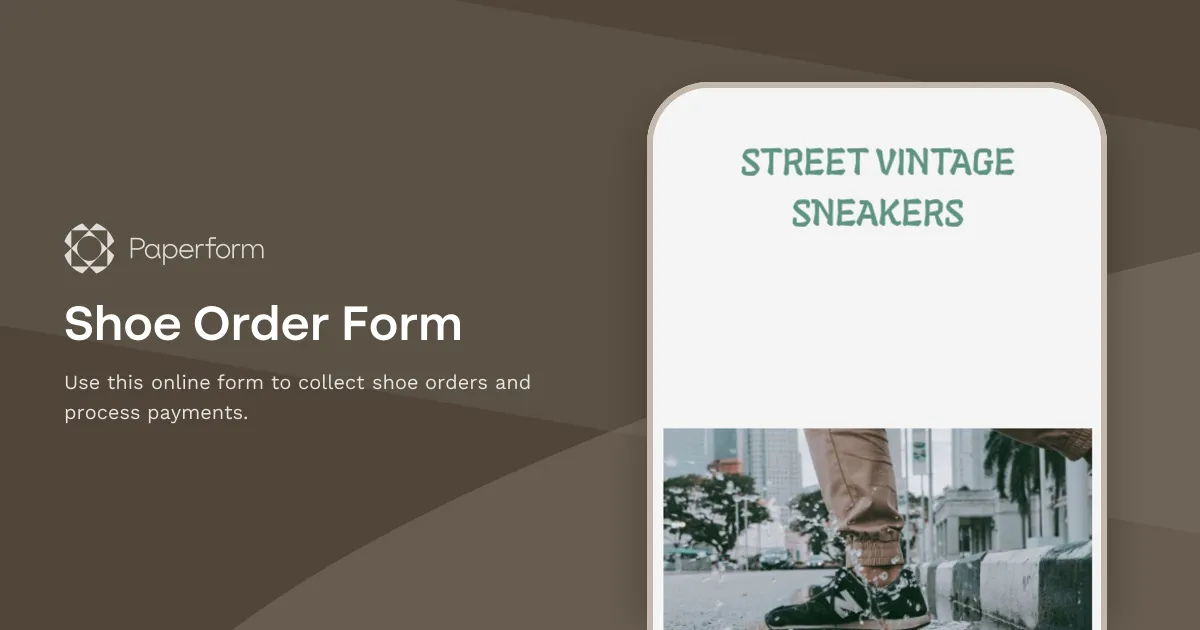
Shoe Order Form
Use this online form to collect shoe orders and process payments.

Skin Care Products Order Form
Use this form to sell skin care products online.

Social Media Content Request Form
Enable your customers to quickly commission social media posts via this online form.
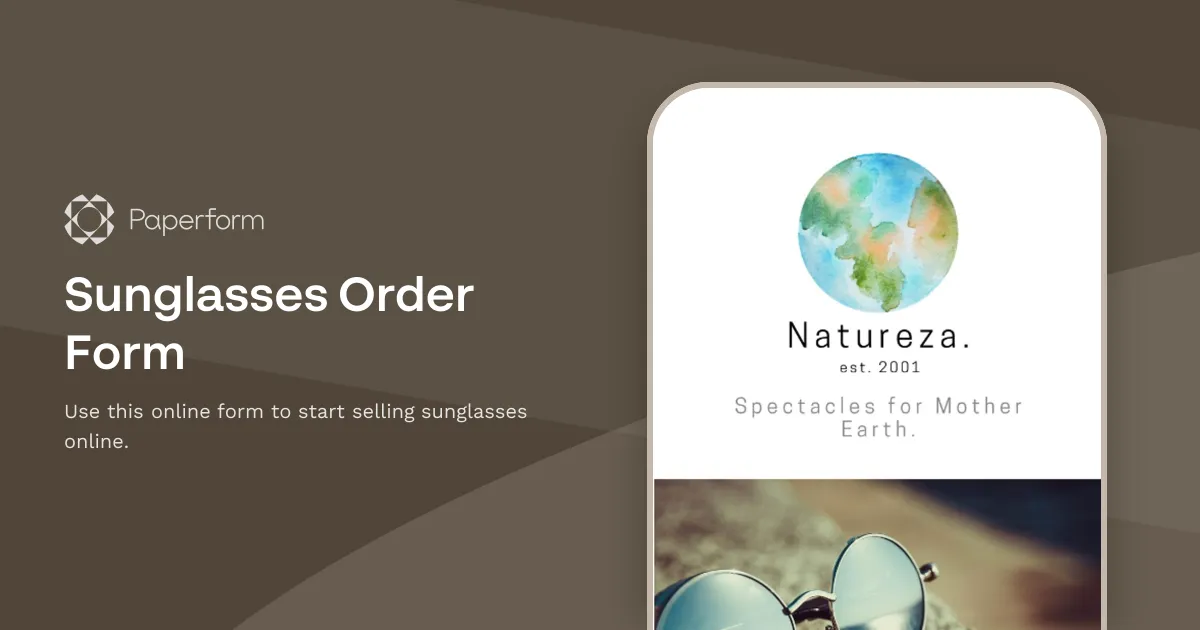
Sunglasses Order Form
Use this online form to start selling sunglasses online.