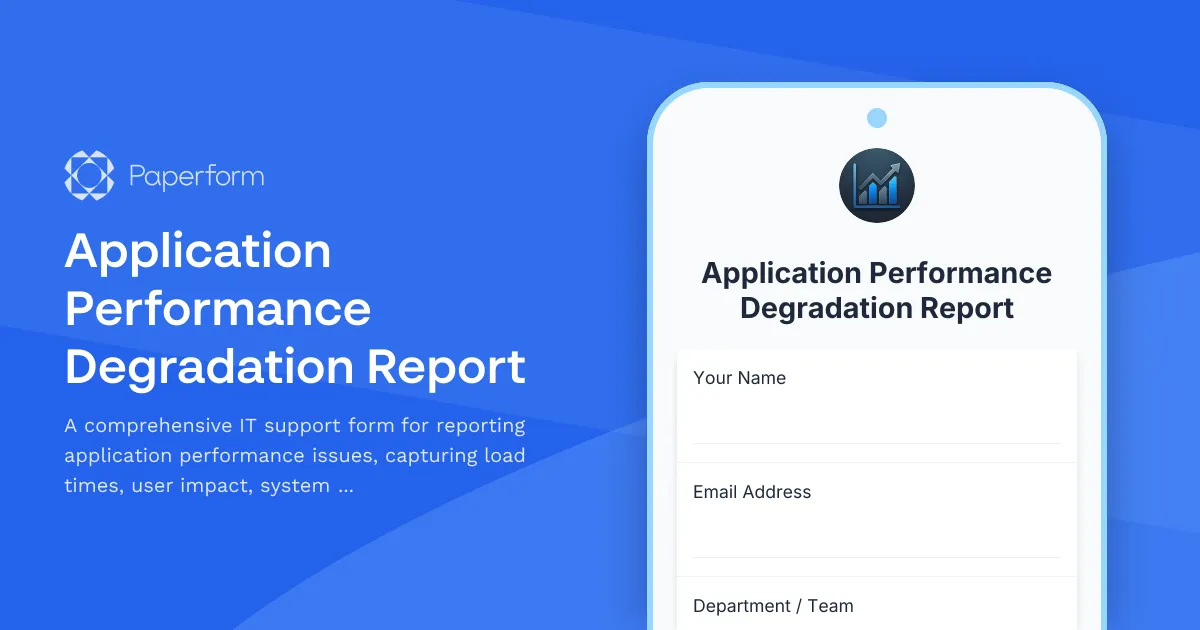
Streamline Performance Issue Reporting with Paperform
When applications slow down, every second counts. This Application Performance Degradation Report template gives IT support teams a structured way to capture the critical information needed to diagnose and resolve performance bottlenecks quickly.
Designed for IT departments, SaaS companies, and technical support teams, this form collects detailed performance metrics including load times, affected user counts, browser and device specifications, error messages, and steps to reproduce the issue. The conditional logic ensures responders only see relevant questions based on their situation, making the reporting process faster and more accurate.
Built for IT teams that need accurate diagnostics
Rather than chasing down incomplete bug reports via email or chat, this template standardizes how performance issues are reported. It captures quantitative data (actual load times, number of affected users) alongside qualitative context (what changed recently, workarounds attempted), giving your technical team everything they need to triage and prioritize effectively.
The form integrates seamlessly into your existing IT workflow. Use Paperform's native integrations to automatically route high-severity issues to your ticketing system, ping your team in Slack when critical applications are affected, or log reports directly into Airtable or Google Sheets for trend analysis.
Automation that connects to your monitoring stack
For teams using application monitoring tools, this template is designed to complement (not replace) your automated alerts. When users report issues that haven't triggered automated monitoring, or when you need human context around metrics that look unusual, this form bridges the gap between user experience and backend telemetry.
Connect this form to Stepper to build automated workflows that create tickets, notify on-call engineers, update status pages, or trigger diagnostic scripts based on the severity and application reported. You can route desktop vs. mobile issues to different teams, escalate reports affecting multiple users, or automatically attach relevant logs from your monitoring platform.
Professional, on-brand and embeddable
Like all Paperform templates, this form can be customized to match your company's design system, embedded directly in your support portal or intranet, or shared via link. The clean, logical flow works equally well for technical and non-technical users reporting issues.
Whether you're an IT manager at a growing company, a DevOps lead managing internal tools, or a support team handling customer-facing applications, this template helps you collect better data, respond faster, and build a knowledge base of performance issues over time. With Paperform's reporting and AI Insights, you can spot patterns across reports and identify recurring bottlenecks before they become critical.
Trusted by IT teams worldwide, SOC 2 Type II compliant, and ready to integrate with your existing stack, this template turns messy performance reports into actionable technical intelligence.



More templates like this
Document Management System Support Request
Submit technical support requests for document management system issues including version control, search functionality, permissions, workflow automation, and content services.
Email Security Gateway Support Request
Report and resolve email security issues including spam detection errors, phishing simulation problems, encryption failures, and messaging security concerns with streamlined IT support escalation.
Microsoft 365 Technical Support Request Form
A comprehensive technical support form for Microsoft 365 issues, capturing service-specific problems, tenant details, and admin permissions to streamline resolution and Microsoft ticket integration.
Monitoring & Observability Platform Support Request
Submit technical support requests for monitoring platform issues including metric collection errors, alerting problems, dashboard configuration, and incidents requiring SRE escalation.
Remote Support Software Request Form
Request access to screen sharing and remote support software with configurable session limits, file transfer capabilities, and recording options for IT support teams.
Cache System Technical Support Request
Submit technical support requests for cache system issues including invalidation errors, performance degradation, cluster failover problems, and escalations to backend engineering teams.
Cloud Computing Proficiency Self-Assessment
Evaluate your cloud computing skills across AWS, Azure, migration planning, and security implementation. Perfect for IT professionals looking to identify strengths and development areas.
Cloud Data Warehouse Access Request Form
A professional form for requesting access to cloud data warehouse resources with role-based permissions, cost center allocation, and streamlined approval workflow.
Cybersecurity Incident Report Form
Report and document cybersecurity incidents with threat classification, affected systems tracking, and automatic escalation to security leadership.
Data Center Server Room Access Request Form
Request secure access to data center server rooms with two-factor authentication setup, equipment authorization, and compliance acknowledgment for IT professionals and technicians.
Data Warehouse Technical Support Request Form
Streamline data warehouse support with a comprehensive form for ETL failures, query performance issues, schema changes, and escalations to data engineering teams.
Database Optimization Service Request
Request professional database optimization services to improve performance, resolve bottlenecks, and enhance query efficiency for your database systems.