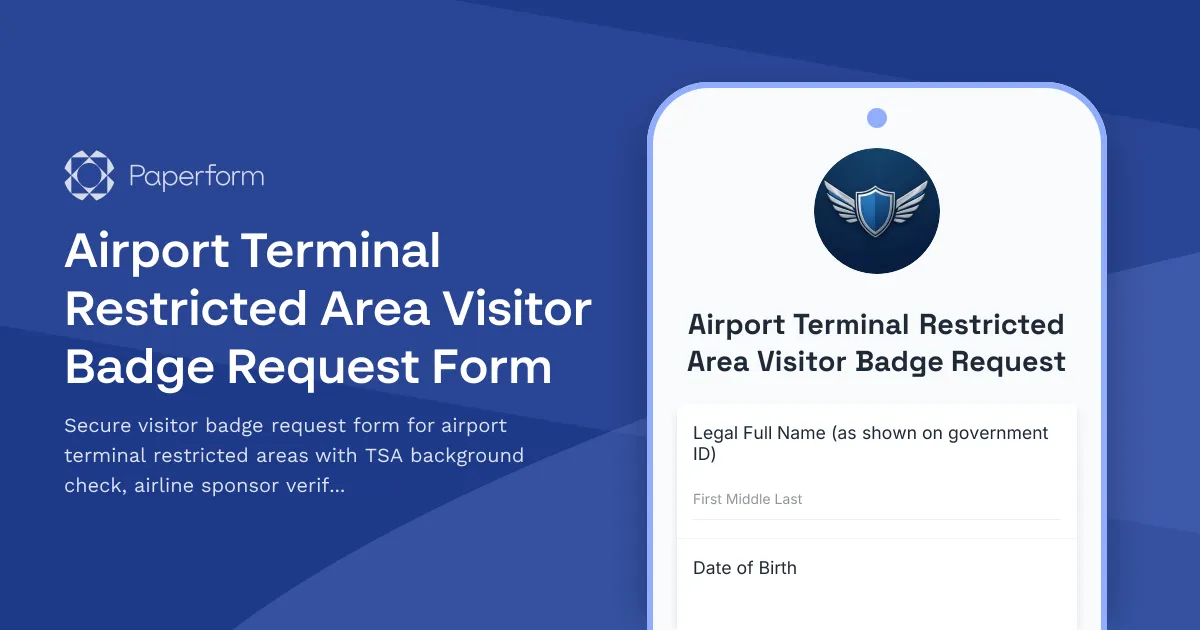
Streamline Airport Restricted Area Access with a Professional Visitor Badge Request Form
Managing restricted area access in airport terminals requires precision, security compliance, and careful coordination between multiple stakeholders. Whether you're an airport operations manager, airline security coordinator, or facilities administrator, processing visitor badge requests for SIDA (Security Identification Display Area) access demands a systematic approach that meets TSA regulations while maintaining operational efficiency.
This Airport Terminal Restricted Area Visitor Badge Request Form template is purpose-built for aviation industry professionals who need to process, verify, and approve temporary access to secure areas of airport terminals. From ramp access to airline operations centers, this form ensures every visitor is properly vetted, sponsored, and escorted in compliance with federal security requirements.
Why Airport Security Teams Choose Paperform
Airport security is non-negotiable, and your visitor management process needs to reflect that. Paperform gives you a professional, secure solution that handles the complexity of restricted area access requests without requiring IT support or extensive training.
Security-first design: Collect sensitive information like driver's license numbers, employment verification, and TSA background check consent with confidence. Paperform is SOC 2 Type II compliant with robust data encryption, ensuring visitor information is protected from submission through approval.
Conditional logic for complex requirements: Different access levels require different documentation. Use Paperform's powerful conditional logic to show escort requirements only when needed, request additional information for extended access periods, or display airline-specific requirements based on the sponsoring carrier.
Multi-step approval workflows: Connect this form to Stepper (stepper.io) to create automated approval chains—route requests to airline sponsors for verification, send to airport security for background check initiation, and notify badge issuance staff when all requirements are met. No more email chains or lost requests.
Digital signature capture: Collect required acknowledgments, security briefing confirmations, and escort agreements with built-in signature fields, creating a complete audit trail for every visitor access request.
Who Benefits from This Template
This form template is designed specifically for:
Airport Operations Teams managing day-to-day visitor access requests for terminals, ramps, and secure areas while maintaining TSA compliance and safety standards.
Airline Security Coordinators sponsoring contractor visits, vendor access, and inter-airline personnel who need temporary access to restricted areas for maintenance, operations, or special projects.
Fixed Base Operators (FBOs) processing visitor requests for private aviation terminals and handling coordination between general aviation clients and airport security requirements.
Airport Authority Security Departments centralizing visitor badge requests, tracking background check status, and maintaining comprehensive records of all restricted area access.
Facilities Management Companies at airports who need to credential maintenance contractors, cleaning crews, and service providers requiring SIDA badge access.
Key Features Built for Aviation Security
This template includes aviation-specific fields and logic:
- Comprehensive visitor information capture including full legal name, date of birth, citizenship status, and government-issued ID details required for TSA background checks
- Airline sponsor verification with sponsor employee ID, contact information, and authorization confirmation
- Access purpose and duration with specific area access requests (SIDA, AOA, sterile areas) and visit date/time parameters
- Escort requirement collection including escort name, badge number, and acknowledgment of escort responsibilities
- TSA background check consent with clear legal language and signature capture
- Security briefing confirmation acknowledging restricted area rules, escort requirements, and compliance obligations
- Vehicle information for visitors requiring ramp or airfield driving access
- Emergency contact information required for all visitors accessing secure areas
The form uses multi-page organization to guide requestors through the process logically: visitor details, sponsor information, access requirements, compliance acknowledgments, and final review.
Automate Post-Submission Workflows with Stepper
Once a visitor badge request is submitted, the real work begins—verification, background checks, approvals, and badge issuance coordination. Stepper (stepper.io), Paperform's AI-native workflow automation platform, transforms your form submissions into complete processes:
- Route to airline sponsors for verification and authorization approval with automated reminder emails if response times lag
- Trigger background check initiation by sending visitor details to your TSA-approved screening provider or internal security team
- Create visitor records in your airport security database, badge management system, or access control platform
- Send conditional notifications based on access level—alert escort coordinators for high-security areas or notify parking for vehicle permits
- Generate temporary badge documents with QR codes, access levels, and expiration dates ready for printing at security checkpoints
- Schedule follow-up actions like badge return reminders, access expiration notifications, and sponsor check-ins for extended visits
This end-to-end automation means visitor requests move smoothly from submission through approval to badge issuance without manual handoffs or delays.
Designed for Compliance and Audit Readiness
Airport security audits require comprehensive documentation of who accessed restricted areas, when, under whose authorization, and for what purpose. Every Paperform submission creates a timestamped, immutable record with all supporting documentation—ID copies, sponsor authorizations, security briefing acknowledgments, and background check consents.
Export submission data to Google Sheets or Airtable for ongoing tracking, or push records directly into your airport's security management system via Stepper workflows or webhooks. When auditors ask for visitor access documentation, you'll have complete records at your fingertips.
Professional, On-Brand Experience for Visitors and Sponsors
Even security forms should feel professional and polished. Customize this template with your airport authority or airline branding, add your logo, and adjust colors to match your organization's visual identity. The result is a visitor badge request process that feels cohesive with your brand while maintaining the seriousness that security requires.
Embed the form on your airport operations portal, share direct links with airline security coordinators, or distribute to frequent sponsors who regularly request visitor access. The mobile-responsive design works perfectly on tablets at security checkpoints or on smartphones for last-minute access requests.
Get Started in Minutes
This template is ready to deploy immediately or customize to your airport's specific requirements. Add fields for additional security questions, modify access area options to match your terminal configuration, or integrate with your existing badge management systems.
With Paperform's doc-style editor, you can make changes as easily as editing a document—no coding, no complex configuration, just type and adjust. Preview your changes instantly and publish when ready.
Trusted by aviation professionals worldwide, Paperform provides the security, flexibility, and reliability that airport operations demand. Start processing visitor badge requests more efficiently while maintaining the rigorous security standards that keep airports safe.



More templates like this
Airport Terminal Evacuation Check-In Form
A comprehensive emergency evacuation form for airport terminals to track passengers, airline staff, retail workers, security personnel, and ensure safe headcount verification during emergency situations.
Corporate After-Hours Access Request Form
A professional form for employees to request weekend and after-hours building access with manager approval workflow and employee verification.
Air Force One Maintenance Security Incident Report
Secure incident reporting form for Air Force One maintenance facility security breaches, enabling coordinated response across Secret Service, Air Force, and federal agencies with flight schedule impact assessment.
Air Traffic Control Radar Maintenance Request Form
Comprehensive radar maintenance request form for air traffic control facilities with FAA coordination, flight pattern rerouting protocols, and backup system certification tracking.
Airport Operations Supplies Request Form
A comprehensive form for airport operations staff to request supplies, equipment, and materials with terminal location tracking, security clearance verification, and emergency stock monitoring.
Confidential Document & Secure Materials Relocation Form
Securely relocate confidential documents and materials with chain of custody tracking, security clearance verification, and transportation method selection for office moves and space changes.
Federal Reserve Bank Vault Maintenance Request Form
A secure maintenance request form for federal reserve bank vault operations, coordinating armored car logistics, security protocol compliance, and monetary inventory verification for high-security facility maintenance.
Military Base Visitor Pass Application
Comprehensive visitor pass application for military base access with security clearance verification, vehicle registration, sponsor confirmation, and restricted area designation.
Office Guest WiFi & Visitor Access Request Form
Request secure WiFi access and building entry for clients visiting your office. Ideal for hybrid teams hosting external visitors with time-limited network access and security clearance tracking.
Office Move Competitive Intelligence & Confidentiality Protection Form
Comprehensive security assessment form for office relocations covering competitive intelligence risks, sensitive document handling, secure disposal verification, and information security protocols during moves.
Presidential Protection Facility Maintenance Request
A secure maintenance request form for presidential protection facilities with Secret Service clearance verification, threat assessment integration, and continuity of operations protocols.
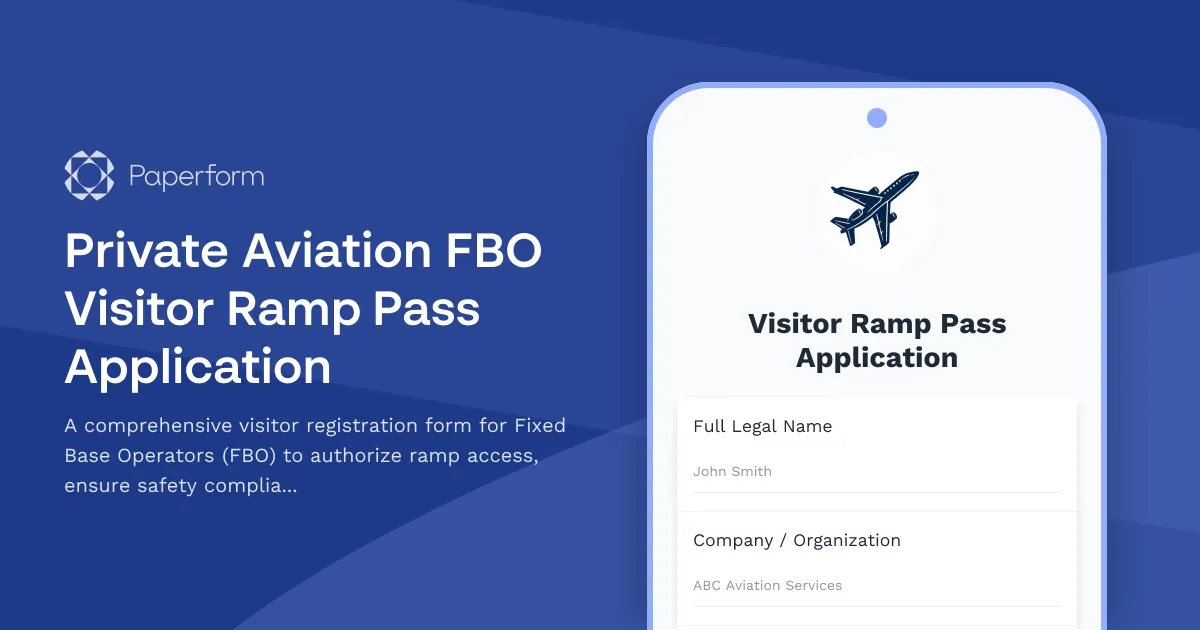
Private Aviation FBO Visitor Ramp Pass Application
A comprehensive visitor registration form for Fixed Base Operators (FBO) to authorize ramp access, ensure safety compliance, and manage guest movement near aircraft operations and restricted areas.