How Tom Wrench Scaled SmileBox to 30,000 Orders — and Why Paperform Was Core to the Journey
When Tom Wrench and his wife Hannah started SmileBox in 2018, they weren’t looking to build a high-growth eCommerce machine. They just wanted to send a small gift to make someone smile.
“We wanted to send a little gift to someone, just something to make them smile… and we found that here in New Zealand, at least there was nothing in the market. You couldn’t really send anything for under $100 plus the delivery fee on top of that.”
So they founded SmileBox and built their own solution from their bedroom.
And over the next few years, that small idea grew into a nationwide gifting business that processed close to 30,000 orders and nearly NZD $850,000 in revenue through a single Paperform order flow.
Paperform helped them:
- Increase completed orders
- Personalize gifting at scale
- Automate fulfillment
- Grow without hiring developers
This is the story of how they did it — and why the right form engine mattered more than they expected.
About Tom

Tom Wrench lives in Hāwea, near Queenstown, New Zealand, with his wife Hannah and their two young boys. Mountains, lakes, and ski fields are part of everyday life.

He holds degrees in Music and Finance, then built his career across finance and tech roles in the UK and New Zealand. In 2018, he and Hannah bootstrapped SmileBox from their bedroom, grew it into one of New Zealand’s leading gift box brands, and exited in March 2023.
Today, Tom works at New Zealand’s largest tourism operator, RealNZ, managing business-critical systems including CRMs and eCommerce platforms. He’s passionate about practical, well-designed systems that help businesses run smoothly.
Founder: Tom Wrench
Business: SmileBox
Industry: eCommerce / Gifting
Location: New Zealand
Founded: 2018
Exited: March 2023
LinkedIn: https://www.linkedin.com/in/tomwrench/
Finding eCommerce tools to build trust
Tom and Hannah launched SmileBox on a basic WordPress site with a free form extension. It was a good starting place, but it didn’t feel like a real business at first.
“It worked, but it didn’t look too professional. We realized we needed to make our presence online just a little bit more professional than what it was.”
For a gifting company, that’s a problem. Customers are entering payment details. They are trusting you with a surprise for someone they care about. If the checkout feels clunky or amateur, they hesitate.
And SmileBox had a more complex flow than a typical online store. Customers weren’t just buying a single product. They were:
- Choosing from around 50 card designs
- Filtering by occasion
- Uploading optional photos
- Writing personalized messages
- Entering a different delivery address
- Customizing add-ons
Tom explored platforms like Shopify early on, but nothing quite fit.
“Shopify is built for sending something to yourself. So when you’re trying to send something to someone else, it doesn’t make sense.”
He didn’t want to hack together a system that wasn’t designed for gifting. He wanted something guided. Something that felt intentional.
Within 15 Minutes of using Paperform, it just clicked
“I started doing a bit of research on what was out there. Because our checkout flow was quite unique, it wasn't just a matter of selecting a product and then adding to cart and checking out,” explains Tom.
“So we realized that rather than hacking an existing e-commerce system, that we wanted to do this with a form tool. We really wanted to build something that was easy and clear for the customer.
“So I played around with a few of them out there. But I found most of them were either functional, but they just didn't look great. Or looked great but didn’t have the power I needed. So when I came across Paperform, I instantly found what I’d been needing.”
Tom can still remember the moment he opened Paperform.
“I believe I saw a comment about Paperform on Reddit. So I went to the site, did the trial. And within 15 minutes of using it, it was like, hey, this is pretty cool.”
He built a basic version of the SmileBox order form in about an hour. What stood out wasn’t just the functionality, it was the experience.
“Paperform doesn’t just feel like a form. It feels more human.”
That mattered. SmileBox wasn’t transactional, it was emotional. So the form had to feel like part of the brand.
This Form Builder’s logic made it an eCommerce powerhouse
But Tom needed the form to do more than simply look good.
Tom used Paperform’s conditional logic to build a powerful form that didn’t overwhelm his customers, filtering all 50 card designs. They chose a category first, like birthdays or anniversaries, and then saw a filtered set of options. This flow guided them to their purchase.
 Setting up a product in Paperform
Then Tom used Paperform’s logic to also handle pricing changes, coupons, add-ons, and shipping. For example, if someone chose to include a printed photo in their gift, an upload field appeared and the total price updated automatically.
“It was just that sort of logic in the back end, making it appear really user-friendly to the customer, that was really important to us.”
The direct Stripe integration made checkout simple. No unnecessary billing friction, just what was required.
“Once we implemented Paperform, there was definitely an uptick in sales.”
The result was a meaningful and easy-to-use shopping experience. Orders increased after the new checkout went live. The business looked more credible and more customers completed their purchases.
For a small business, credibility compounds.
Paperform became key To scaling without breaking the system
From 2019 SmileBox grew steadily.
“Just the sheer number of orders coming in, the financials, and everything else made it make sense for us to quit our jobs and just go all in. So we rented some commercial space in Wanaka, got more staff members, and took a calculated risk.”
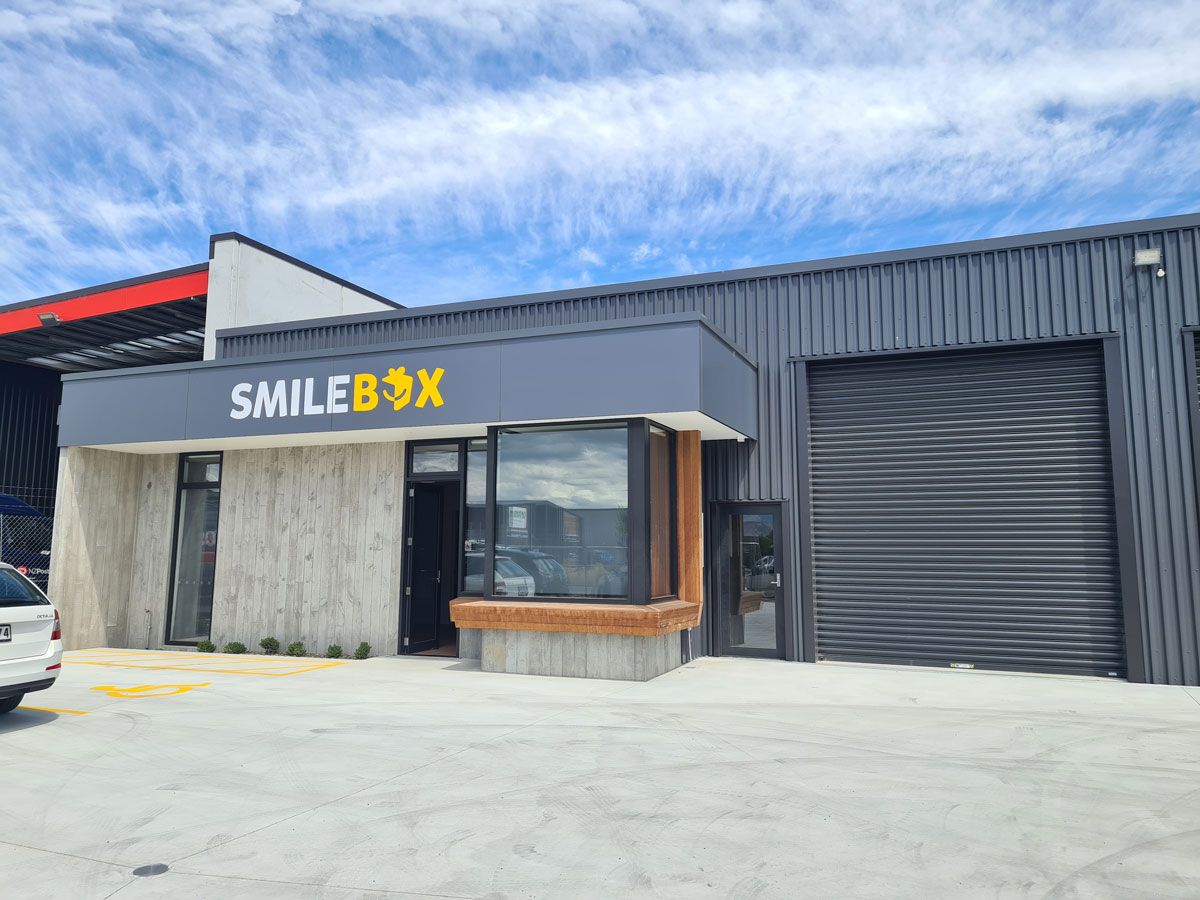
Then COVID hit. And for many businesses, it was devastating. But for SmileBox, demand surged.
During a time when companies couldn’t host events, many shifted their budgets into gifting. SmileBox became a tangible way to maintain connection when people couldn’t meet in person.
But then SmileBox was faced with a new challenge: logistics.
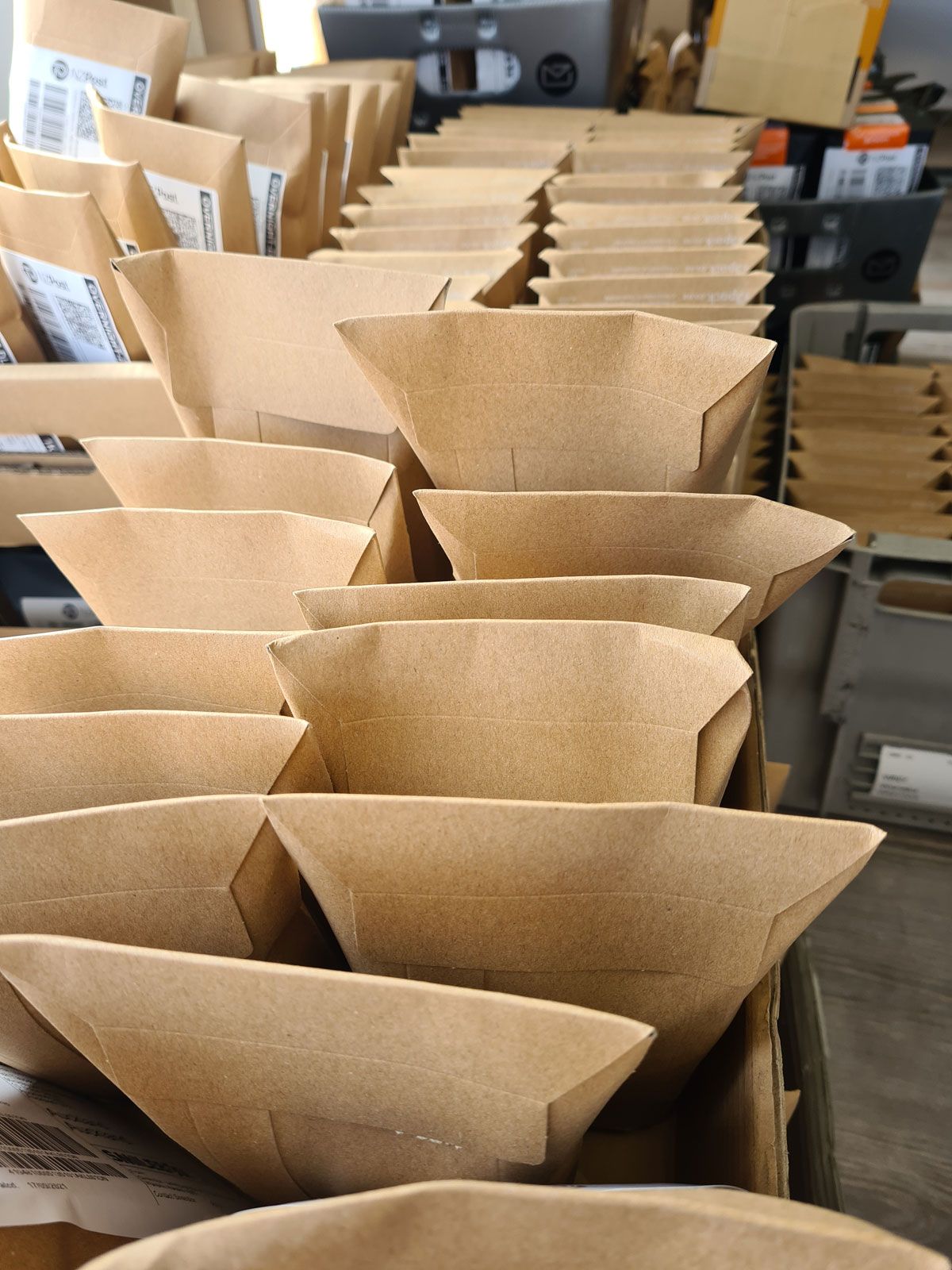
“The biggest struggles was actually just getting our packages out. At our busiest time, we had a good number of team members, but the postal system was just so overwhelmed. So we ended up with a backlog of trying to send things out.”
Postal companies would only accept a portion of what SmileBox tried to send. And that was hard for customers, especially around Christmas. But through all of that, SmileBox’s order system held steady.
“I could just sleep easy knowing that Paperform was doing its thing and getting those orders through.”
Over the next three to four years, their main Paperform order form processed close to 30,000 gifts and around NZD $850,000 in revenue.
“That’s not including the bulk orders.”
For a business that began in a bedroom, those numbers are significant.
Form builder automation that removed manual work
Paperform didn’t just collect payments. It became the front door to SmileBox’s operations.
When someone submitted an order, automations kicked in.
“A user would submit a form in Paperform. Using the direct Paperform integration with Make we would add a card to a Trello board, which would create an invoice in Xero, and then automatically send an email out to the customer.”
Each Trello card represented an order to fulfil, accounting stayed up to date, and customers received confirmations instantly.
Having a tool like Paperform that could route data and trigger those workflows was huge for SmileBox because it meant no custom development and no engineering team.
For SMB owners like Tom, that kind of automation means fewer late nights doing admin.
Product support that felt different
Tom also highlighted something that rarely makes headlines in case studies.
Support.
“The support I found with Paperform was next level.”
When faced with technical issues or questions, he often found himself speaking directly with a person, even sometimes Paperform’s founders.
“I was actually chatting to the makers of the tool. That made me feel special, and shows how much they believe in Paperform as well and believe in their customers.”
As a founder himself, that human connection mattered. It reinforced that the product wasn’t just software. It was built by people who cared about the outcome and about his success.
Scaling with Paperform powered growth
In 2022, as SmileBox matured, inventory management became more complex. They decided to transition to Shopify to handle deeper eCommerce logistics. Shopify solved inventory challenges that SmileBox needed to grow and meet demand.
“Still to me, the whole checkout flow wasn’t really geared up for gifting. And to be honest, I still preferred how Paperform had it.”
The guided, personalized checkout experience Paperform supported was elegant and human. Paperform helped SmileBox get from idea to scale. And that’s the point, it didn’t hold them back.
“Paperform allowed us to scale to a point where we didn't need Paperform anymore. And that's a really good compliment for Paperform, it can do that.”
Paperform enabled SmileBox to grow to the stage where they needed something more specialized for inventory operations. That’s what good infrastructure does. It supports growth without forcing premature complexity.
Why Tom recommends Paperform to other SMB founders
When Tom talks about Paperform, he doesn’t frame it as a “nice-to-have” tool. For him, it was infrastructure.
"Paperform helped us so much in the early days...without Paperform, who knows where SmileBox might be."
If you’re starting a small business, especially in eCommerce, the pressure to have a smooth checkout process and to look established is real. Customers won’t give you grace because you’re new. It has to feel legitimate from day one.
That’s one of the main reasons Tom recommends Paperform.
“It’s intuitive and flexible, so you can make the front end look super nice, super easy for the user, but in the back end, there could be a whole bunch of back end logic doing really cool stuff.”
For a founder without a developer, that combination matters. You can build something that feels custom without paying for custom development. That shortens the distance between idea and launch.
Paperform’s flexibility is what allowed SmileBox to create a guided gifting experience. Customers saw a simple, friendly flow. Behind the scenes, conditional logic handled pricing, add-ons, filtering, and automation.
For SMB operators, that’s powerful. It means you can:
- Personalize offers
- Add upsells
- Route different responses
- Trigger operational workflows
All without adding complexity to the user experience.
Tom is also clear that Paperform isn’t just for one use case.
“It’s just a great tool to have in your toolbox. Whether it’s e-commerce like what we did or whether it’s just getting a lead or anything else that Paperform can do.”
That range matters for growing businesses. Today you might need a checkout. Tomorrow you might need a bulk enquiry form. Next month you might need an onboarding flow or internal request system. Using one platform across those workflows reduces friction inside your business.
For SMBs starting out, that combination is hard to overstate.
You don’t need to build the perfect system on day one. You need something that works, feels trustworthy, and grows with you. Paperform gave SmileBox that foundation.
The exit and the lesson
Tom and Hannah exited SmileBox in March 2023. Looking back, Tom’s advice to founders is simple, based in real-world experience.
“You don’t have to worry about starting scrappy, it’s very easy to over engineer an idea. You can get things out super quick and actually test the market.”
They didn’t overbuild and they didn’t hire developers too early. They used tools that let them move fast and look professional from day one.
Paperform gave them a checkout that felt custom without being custom-built. It scaled with them through thousands of orders and the most chaotic years of modern business.
For small and growing businesses, that’s what a form engine should do. Not just collect data, but run part of the business.
If you’re building something today, you don’t need to engineer everything from scratch. Start simple and make it feel real. Let your systems grow with you.
FAQ
What is Paperform used for in eCommerce?
Paperform can power guided checkout flows, personalized order forms, subscription payments, and product customization. It supports Stripe, PayPal, Square and live pricing calculations, making it ideal for SMB eCommerce use cases that need flexibility without heavy infrastructure.
Can Paperform handle high order volumes?
Yes. SmileBox processed close to 30,000 orders and ~NZD $850,000 in revenue through a single Paperform order flow over several years. Paperform scaled alongside the business.
Is Paperform better than Shopify?
They serve different purposes. Shopify excels at inventory-heavy retail operations. Paperform excels at flexible, guided workflows, especially when personalization, conditional logic, or custom flows matter in your checkout. Many businesses use Paperform before or alongside Shopify.
Can Paperform automate workflows after a form submission?
Yes. You can connect Paperform to tools like Trello, Xero, Slack, HubSpot and more using native integrations, such as Stepper, Zapier or Make. SmileBox used automation to create fulfillment tasks and invoices automatically.
Is Paperform good for small businesses?
Paperform is built for small and growing businesses that rely on forms to run their operations. It helps teams create branded forms, take payments, automate workflows and scale without needing developers.
Further reading and templates
10 Ways to Use Conditional Logic for Smarter Forms