
Keep Your Voter Registration Accurate with Our Simple Correction Form
Your right to vote depends on accurate voter registration records. If your name is misspelled, your date of birth is incorrect, or you've legally changed your name, you need a straightforward way to update your information before election day. This Voter Registration Correction Form template provides election offices and civic organizations with a professional, compliant solution for processing voter registration updates.
Why Accurate Voter Records Matter
Incorrect voter registration information can lead to delays at polling places, rejected absentee ballot applications, or even being turned away on election day. Common issues include:
- Spelling errors in first, middle, or last names that don't match your ID
- Incorrect dates of birth that cause mismatches with state databases
- Outdated names following marriage, divorce, or legal name changes
- Typographical errors from original registration forms
This template streamlines the correction process, ensuring voters can quickly update their records and maintain their voting eligibility.
Built for Election Offices and Civic Organizations
Whether you're a county election board, Secretary of State office, nonprofit voter registration drive, or civic engagement organization, this form template is designed for your needs:
County and State Election Offices can replace paper-based correction forms with a modern digital experience. Collect corrections online, receive instant notifications, and reduce processing time while maintaining strict data security and compliance standards.
Nonprofit Organizations and Voter Registration Groups working to ensure every eligible citizen can participate in elections will find this template helps remove barriers to voting. Share the form through community outreach programs, voter education campaigns, and assistance centers.
Government Services Teams can embed this form on official websites, making it easier for citizens to access and complete corrections without visiting an office in person. The professional, accessible design builds trust and increases completion rates.
Key Features for Voter Registration Corrections
This template includes all the essential fields election administrators need while keeping the experience simple for voters:
- Current registration information fields to identify the existing voter record
- Correction type selection to route spelling fixes, DOB updates, and name changes appropriately
- Supporting documentation upload for name change certificates, marriage licenses, court orders, and government-issued IDs
- Conditional logic that shows only relevant fields based on the correction type
- Declaration and signature capture for legal verification of information accuracy
- Automatic confirmation emails that provide voters with submission receipts and next steps
The form's conditional logic is particularly valuable here—voters selecting "Name Change" will see fields for uploading supporting documentation like marriage certificates or court orders, while those correcting spelling errors follow a simpler path.
Streamline Your Workflow with Automation
Paperform's built-in automation capabilities help election offices process corrections efficiently:
Use Stepper (stepper.io) to automatically route submissions based on correction type—send spelling errors to data entry staff, name changes to verification specialists, and DOB corrections to the appropriate review queue. Set up automatic record updates in your voter registration database, trigger follow-up emails when documentation is approved, and create audit trails for compliance.
For offices that need signatures on correction requests, integrate Papersign (papersign.com) to send affidavits or verification documents for legally binding eSignatures, keeping everything connected to the original submission for a complete record.
Accessibility, Security, and Compliance
Voter registration forms must meet strict accessibility and security standards. This template is built with:
- Clear, readable language that meets plain language guidelines
- Mobile-responsive design so voters can submit corrections from any device
- SOC 2 Type II compliance and secure data handling to protect sensitive voter information
- Conditional logic that reduces confusion and errors by showing only relevant fields
- File upload capabilities for required documentation with appropriate file type restrictions
The professional design maintains the serious, trustworthy tone appropriate for government services while remaining approachable and easy to use.
Integration with Existing Systems
Connect this form to your existing voter registration systems and workflows:
- Database integration to automatically update voter files in systems like VoteWorks or other registration databases
- Notification systems to alert staff when corrections require review or verification
- Document management to store supporting documentation alongside voter records
- Reporting tools to track correction volumes, types, and processing times
Paperform integrates with Google Sheets, Airtable, and thousands of other tools through Stepper, Zapier, or webhooks, making it easy to fit into your current infrastructure.
Empower Voters and Reduce Administrative Burden
By digitizing voter registration corrections, election offices can:
- Reduce in-person visits and phone inquiries about correction procedures
- Speed up processing times with structured, complete submissions
- Minimize data entry errors from hard-to-read handwritten forms
- Improve voter satisfaction with faster turnaround and email confirmations
- Build public confidence in election administration through modern, accessible services
This template is perfect for Secretary of State offices, County Clerks, Boards of Elections, and any civic organization working to ensure every eligible voter can participate without unnecessary barriers.
Get Started Today
This Voter Registration Correction Form template is ready to customize with your jurisdiction's specific requirements, branding, and workflows. Add your seal or logo, adjust field labels to match local terminology, and configure notifications to route to the right departments.
With Paperform's intuitive editor, you can launch a professional voter registration correction system in minutes—no coding required, no complex software procurement, just a straightforward tool that works for both election administrators and the voters they serve.
Make voter registration corrections simple, secure, and accessible with Paperform.



More templates like this
Absentee Ballot Application Form
Apply for an absentee ballot with voter registration verification, reason selection, and secure signature upload. Simple online submission for voters unable to vote in person.
Accessible Format Voter Registration Request Form
Request voter registration materials in accessible formats including braille, large print, or audio to ensure equal access to the electoral process.
Accessible Voter Registration Form
A fully accessible voter registration form designed for all voters, featuring screen reader optimization, clear language, and straightforward navigation to ensure everyone can exercise their right to vote.
Automatic Voter Registration Opt-Out Form
Opt out of automatic voter registration in states with AVR programs. Submit your decision to decline voter registration and confirm your choice.
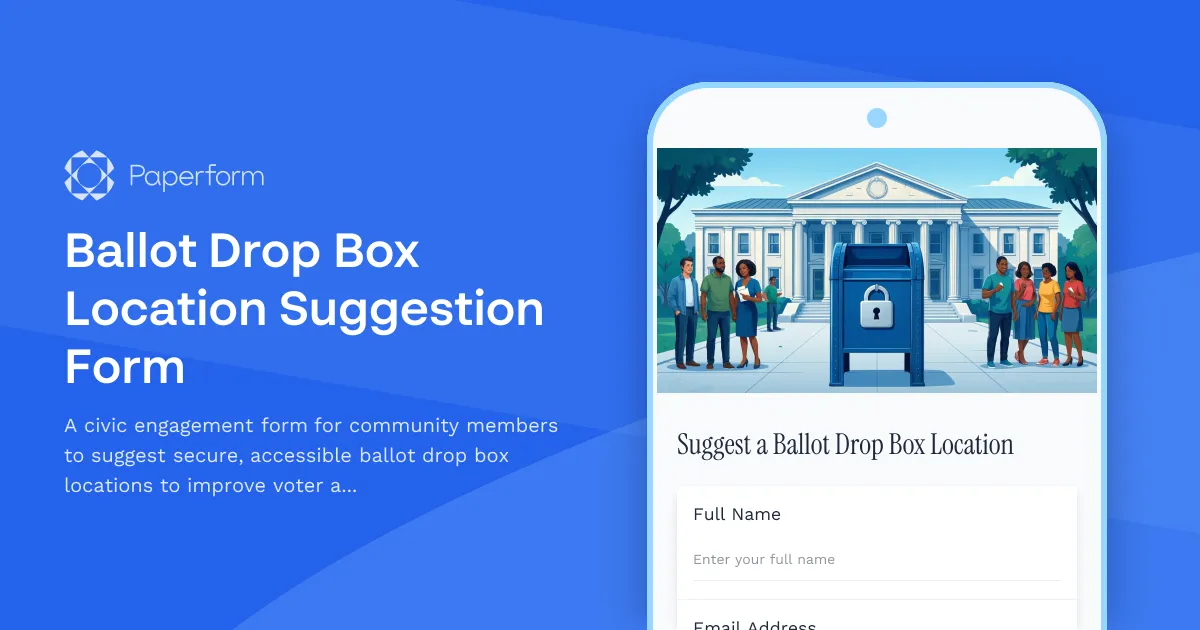
Ballot Drop Box Location Suggestion Form
A civic engagement form for community members to suggest secure, accessible ballot drop box locations to improve voter access and participation.
College Campus Voter Registration Coordinator Application
Apply to become a voter registration coordinator on your campus. Help students register to vote, organize registration drives, and promote civic engagement.
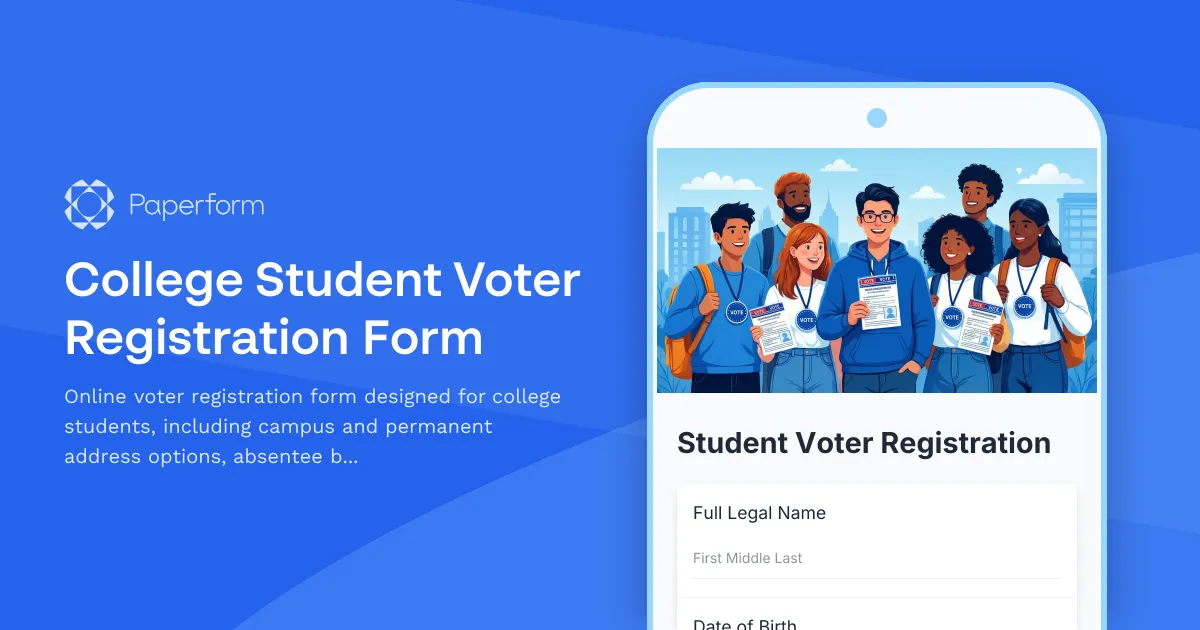
College Student Voter Registration Form
Online voter registration form designed for college students, including campus and permanent address options, absentee ballot requests, and election information.

Confidential Address Program Enrollment Form for Domestic Violence Survivors
Secure enrollment form for domestic violence survivors seeking confidential address protection through the state's Address Confidentiality Program (ACP).
County Voter Registration Transfer Form
Update your voter registration when moving within the state. Automatic precinct reassignment ensures your information is current for upcoming elections.
Crossover Voter Registration Form for Primary Elections
Change your party affiliation for upcoming primary elections. This form allows registered voters to update their party registration to participate in a different party's primary election, subject to state deadlines and eligibility requirements.
Curbside Voter Registration Assistance Request
A streamlined form for voters with mobility limitations to request curbside assistance for voter registration, with appointment scheduling and accessibility accommodation documentation.
Early Voting Site Worker Registration Form
Register to work at early voting sites with shift preferences, location assignments, and equipment training tracking for poll workers and election officials.