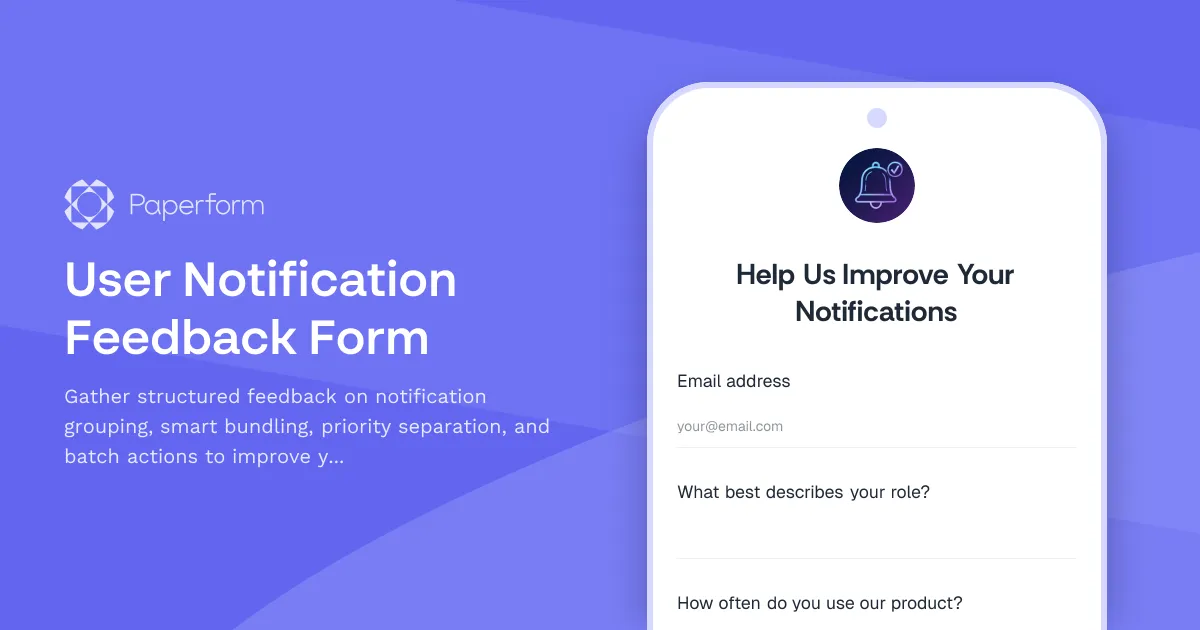
Optimize Your Notification System with User-Driven Feedback
Notification fatigue is real. When your SaaS product sends too many alerts, users tune out—or worse, churn. But when notifications are intelligently grouped, prioritized, and actionable, they become a powerful engagement tool instead of an annoyance.
This User Notification Feedback Form template is designed for SaaS and startup teams who want to improve their notification system based on real user insights. Whether you're building smart bundling logic, testing priority separation, or rolling out batch actions, this form captures the feedback you need to iterate confidently.
Why Paperform for SaaS Product Feedback?
Paperform gives SaaS teams a no-code way to create on-brand feedback forms that feel native to your product experience. Instead of dropping users into a generic survey tool, you can embed this form directly into your app, send it via in-app messages, or share it as a landing page that matches your design system.
The form includes conditional logic to route users down different paths based on their notification preferences and experiences, ensuring you collect relevant, actionable data without overwhelming respondents. Use the built-in rating and scale fields to measure satisfaction, urgency, and feature importance—then let AI Insights summarize hundreds of responses into clear themes and priorities for your product roadmap.
Automate Your Feedback Loop with Stepper
Once feedback rolls in, you can use Stepper (stepper.io) to automate what happens next. Route high-priority bug reports straight into Linear or Jira, send feature requests to your product backlog in Notion or Airtable, notify your product team in Slack when someone reports notification overload, and trigger follow-up emails to users who want updates on their suggestions.
With Paperform and Stepper working together, you're not just collecting feedback—you're turning it into a structured, automated workflow that keeps your product team moving fast and your users feeling heard.
Built for Product Teams Who Ship Fast
This template is ideal for product managers, founders, UX researchers, and growth teams at SaaS companies and startups who want to validate notification features, reduce user friction, and make data-informed decisions. It's flexible enough to adapt as your product evolves, and powerful enough to replace clunky survey tools with a seamless, branded experience.
Start gathering smarter feedback today with Paperform—trusted by over 500K teams worldwide, SOC 2 Type II compliant, and ready to scale with your product.



More templates like this
Browser Extension Feedback Form
Gather detailed feedback on your browser extension including performance impact, feature completeness, and compatibility issues. Perfect for SaaS teams building browser-based tools.
CSV Import Mapping Feedback Form
Help us improve our CSV import tool by sharing your experience with column mapping, data type detection, and data preview features.
Keyboard Shortcut Feedback & Discovery Form
Gather user feedback on keyboard shortcuts, discover customization needs, and identify shortcut conflicts to improve your product's accessibility and user experience.
Product Collaboration Features Feedback Form
Gather detailed feedback on collaboration features including real-time sync, conflict resolution, and team workflow integration to improve your product experience.
Product Copy & Sharing Feedback Form
Collect detailed feedback on copy-to-clipboard functionality, deep linking accuracy, format options, and social preview generation for your SaaS product.

Product Icon & Visual Language Feedback Form
Gather user feedback on product icons, visual design language, and accessibility. Perfect for SaaS teams evaluating icon recognizability, brand consistency, and colorblind-friendly design.
Product Search Feedback Form
Gather actionable feedback on your product search functionality, including relevance scoring, filter effectiveness, and result ranking accuracy to improve user experience.
Product Undo/Redo Functionality Feedback Form
Gather user feedback on undo/redo features, including history depth preferences, granularity requirements, and cross-session persistence needs for your SaaS product.
SaaS Custom Report Builder Feedback Form
Gather user feedback on your custom report builder feature, including metric selection preferences, grouping options, and scheduled delivery needs to improve your SaaS product.
User Activity Feed Feedback Form
Gather detailed feedback on your activity feed with questions about event filtering, time grouping, and relevance ranking to improve user experience.
Data Visualization Feature Request Form
Capture detailed feature requests for data visualization capabilities, including chart types, interactivity requirements, and embedding options to prioritize your product roadmap.
Feature Complexity Feedback Survey
Gather actionable insights on feature usability, learning curves, and complexity challenges. Help your product team identify friction points and prioritize simplification efforts.