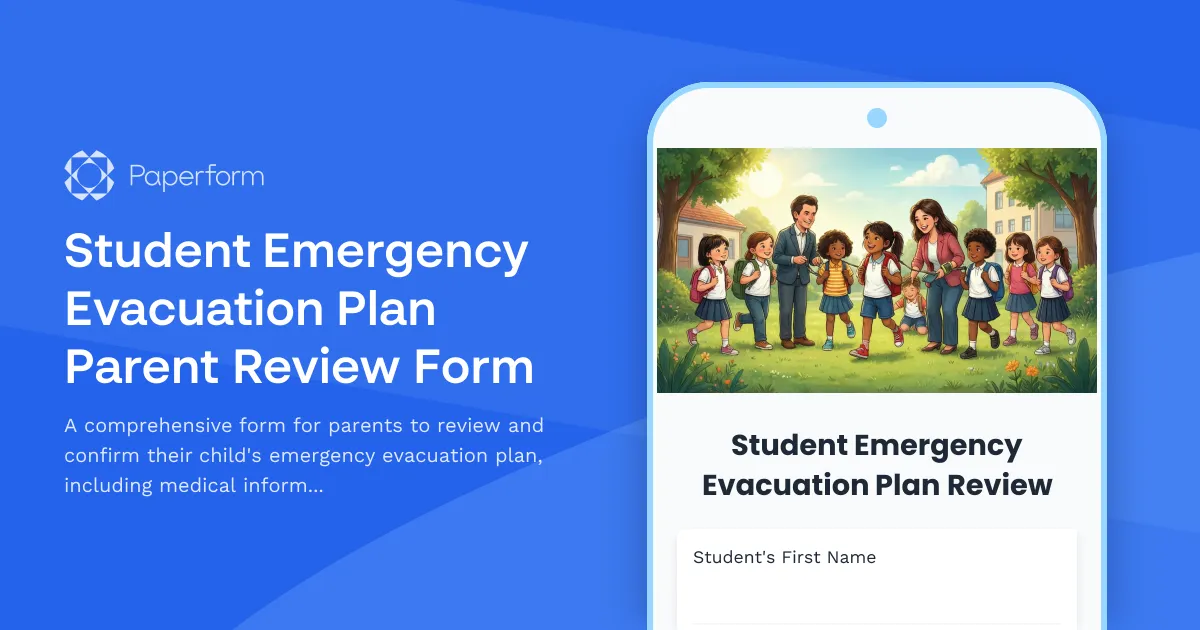
Keep Your Child Safe During School Emergencies
When an emergency strikes at school, every second counts. This Student Emergency Evacuation Plan Parent Review Form helps schools and parents work together to ensure every child has a clear, personalized safety plan that accounts for their unique medical needs, mobility considerations, and family circumstances.
Whether you're a K-12 school administrator, safety coordinator, or principal, this template streamlines the critical process of collecting and confirming emergency information from parents. Instead of managing paper forms that get lost or outdated, you can use Paperform to create a secure, accessible digital form that parents can complete from any device.
Why Schools Choose This Template
This form template is designed specifically for educational institutions that need to maintain up-to-date emergency evacuation plans for students with medical conditions, allergies, mobility challenges, or other special considerations. It covers everything from medication requirements and medical equipment needs to communication preferences and authorized pickup persons.
The form's conditional logic ensures parents only see relevant questions based on their child's specific needs—if a student doesn't have medical considerations, parents won't wade through unnecessary sections. This makes the review process faster and more accurate for everyone involved.
Built-In Features for School Safety Teams
With Paperform's calculation and conditional logic capabilities, you can automatically route submissions to the right staff members based on grade level, special needs status, or building location. Set up email notifications so your nurse, counselors, and administrators receive the information they need immediately.
You can also use Stepper workflows to automate follow-up tasks after a parent submits their review—such as updating your student information system, sending confirmation emails, creating printed evacuation cards for teachers, or flagging incomplete submissions for your front office to follow up on.
For schools that need parent signatures on emergency plans, Papersign integration lets you automatically generate a formal acknowledgment document from the form responses and collect legally binding eSignatures—keeping your compliance documentation organized and audit-ready.
Trust and Security for Sensitive Student Information
Student safety information requires the highest level of data protection. Paperform is SOC 2 Type II compliant and GDPR-ready, giving schools the security standards they need to handle sensitive medical and family information. You can control who has access to submissions with role-based permissions, ensuring only authorized staff can view student emergency plans.
With 30,000+ templates trusted by educational institutions worldwide, Paperform helps schools modernize their emergency preparedness while maintaining the care and attention every student deserves. Whether you're preparing for fire drills, lockdowns, severe weather, or other emergencies, this template gives you a professional starting point that you can customize to match your district's specific protocols and requirements.



More templates like this
504 Plan Accommodation Request Form
A comprehensive form for parents and guardians to request Section 504 accommodations for students with disabilities, including documentation uploads and professional recommendations.
Child Abuse Mandatory Reporter Form
A confidential reporting form for educators and school staff to document suspected child abuse or neglect and fulfill mandatory reporting obligations to state agencies.
Homework Modification Request Form
A parent request form for homework accommodations and modifications to support students with learning differences, disabilities, or special circumstances requiring adjusted workloads, extended deadlines, or alternative assignments.
Middle School Bullying Incident Report Form
A comprehensive form for parents and teachers to report bullying incidents at middle school, including witness details, incident descriptions, and immediate action requests to ensure student safety.
Missing Student Report - Special Needs & Autism Support
A specialized missing student report form for special needs schools, designed to capture critical information about students with autism including sensory triggers, communication preferences, safe spaces, and behavioral support contacts.
Parent School Violence Threat Assessment Cooperation Form
A confidential form for parents and guardians to provide critical information during school safety assessments, including behavioral concerns, home environment details, and intervention coordination to support student wellbeing and school safety.
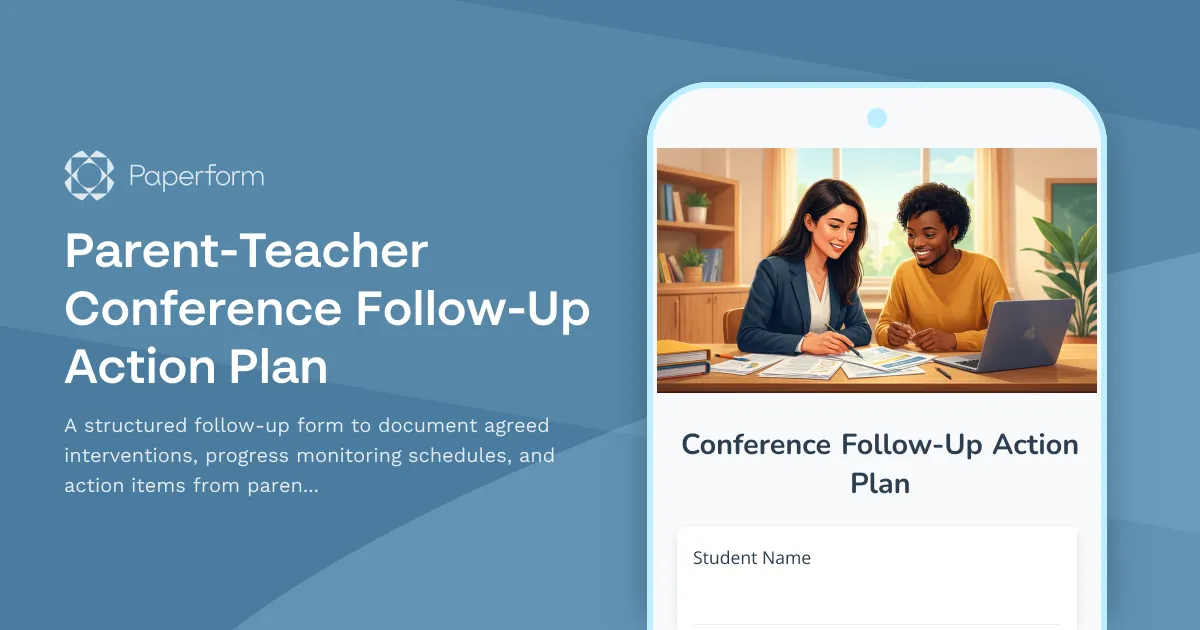
Parent-Teacher Conference Follow-Up Action Plan
A structured follow-up form to document agreed interventions, progress monitoring schedules, and action items from parent-teacher conferences, ensuring accountability and student success.
School Emergency Contact Form
A comprehensive emergency contact form for K-12 students that collects guardian information, authorized pickup contacts, medical conditions, allergies, and medication consent.
Special Education Evaluation Request Form
Request a formal special education evaluation for your child with documented learning concerns, intervention history, and assessment consent.
Back to School Immunization Record Submission Form
A comprehensive form for submitting student immunization records, vaccine documentation, exemption requests, and physician signatures to ensure compliance with school health requirements.
Campus Closure Decision & Continuity Form
Comprehensive form for educational institutions to assess emergency situations, make campus closure decisions, coordinate student safety measures, and plan academic continuity with structured parent communication protocols.
Chronic Absence Intervention Form
A comprehensive attendance intervention form that helps schools identify barriers to attendance, create truancy prevention plans, and connect families with support resources to improve student outcomes.