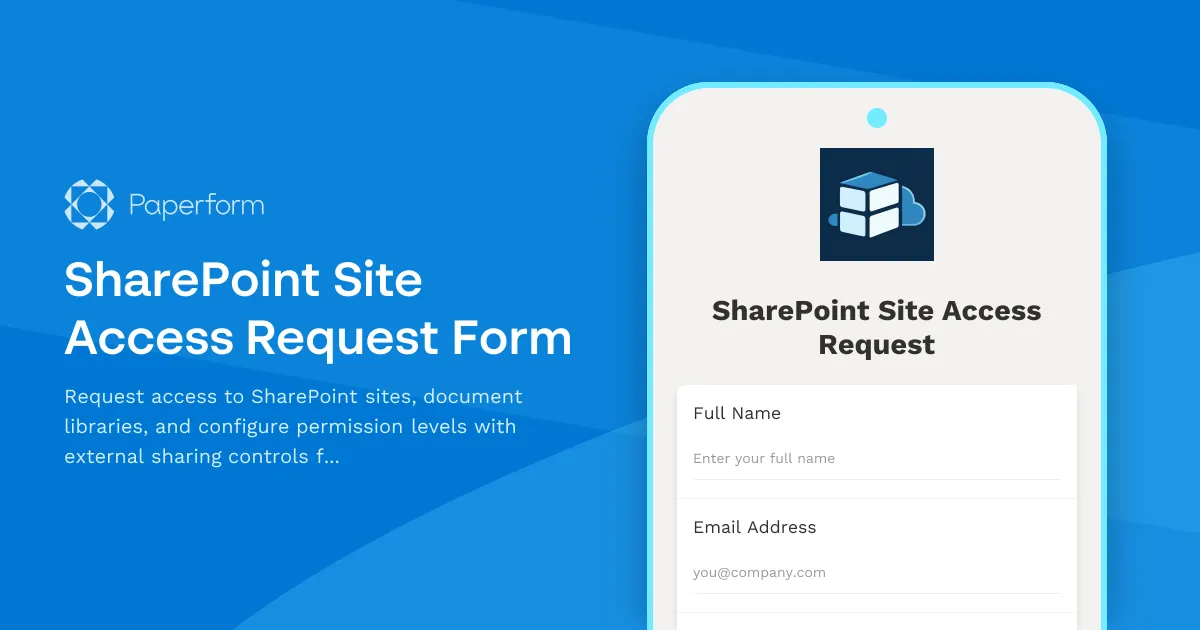
Streamline SharePoint Access Management with Paperform
Managing SharePoint site access requests doesn't have to mean endless email chains and manual permission updates. This SharePoint Site Access Request Form template helps IT teams, system administrators, and operations managers centralize access requests, standardize permission levels, and maintain security compliance—all from one professional, easy-to-use form.
Why IT teams choose this template
Whether you're managing a growing organization's SharePoint environment or handling routine access requests for multiple sites and document libraries, this template gives you a structured workflow that captures all the critical details upfront. You'll collect the requestor's information, the specific SharePoint resources they need access to, appropriate permission levels, business justification, and external sharing requirements—ensuring your IT team has everything needed to grant access quickly and securely.
The form uses conditional logic to show relevant fields based on access type and permission level, making the experience smooth for requestors while capturing comprehensive information for IT administrators. You can customize permission levels, add your organization's specific SharePoint sites, and tailor approval workflows to match your security policies.
Automate your access management workflow with Stepper
Once someone submits an access request, you can use Stepper to automatically route the request to the appropriate approver, send notifications to your IT team, update your access management tracking system, and even trigger follow-up actions when permissions are granted or expired. This transforms a manual, time-consuming process into a smooth, trackable workflow that keeps your SharePoint environment secure and well-managed.
Perfect for IT departments and operations teams
This template is ideal for IT professionals, system administrators, SharePoint administrators, and operations managers in mid-sized businesses and enterprises who need to maintain proper access controls, audit trails, and security compliance. With Paperform's SOC 2 Type II compliance and enterprise-grade security features, you can trust that sensitive access requests are handled securely from submission to approval.
Get started with this SharePoint Site Access Request Form template and bring order to your access management process today.



More templates like this
Password Reset Request Form
Secure password reset request form with identity verification, department routing, and automated IT ticket generation for streamlined support workflows.
Workstation Imaging Request Form
Request a new workstation image with standard builds, custom software, data migration, and flexible scheduling. Streamline IT provisioning for your team.
Business Intelligence Tool Support Request
Streamline BI support requests with this comprehensive form for data connection errors, dashboard issues, report scheduling problems, and analytics escalations.
Enterprise File Sync & Share Solution Request Form
Request enterprise file sync and share solutions with detailed requirements for user counts, storage quotas, external sharing controls, and mobile app features.
IT Helpdesk Ticket Submission Form
Submit IT support requests with issue details, urgency level, and screenshots. Track your tickets and get faster resolutions with our streamlined helpdesk form.
Workplace Collaboration Tool Support Request
Submit technical support requests for workplace collaboration tools, including access issues, file sharing errors, integration problems, and bot configuration assistance.
Active Directory Access Modification Request Form
Request changes to Active Directory access, group memberships, and permission levels with built-in approval workflows and audit trail logging.
Backup and Recovery Request Form
Submit backup and data recovery requests with detailed specifications including data location, retention requirements, recovery objectives, and priority levels for IT support teams.
Chat Operations Platform Admin Access Request
Request administrative access to chat operations platforms with bot configuration permissions, workflow automation capabilities, and integration management rights for your team.
Cloud Platform Access Request Form
Request access to AWS, Azure, or GCP with role-based permissions, cost center allocation, and security group assignment for your cloud infrastructure needs.
Cloud Service Access Request Form
Streamline cloud access provisioning with role-based permissions, data classification levels, and compliance acknowledgments. Perfect for IT teams managing secure cloud resource access.
Cloud Storage File Metadata & Access Request Form
Request file metadata, access logs, sharing permissions, and version history from your cloud storage service. Comprehensive data access request form for IT administrators and users.