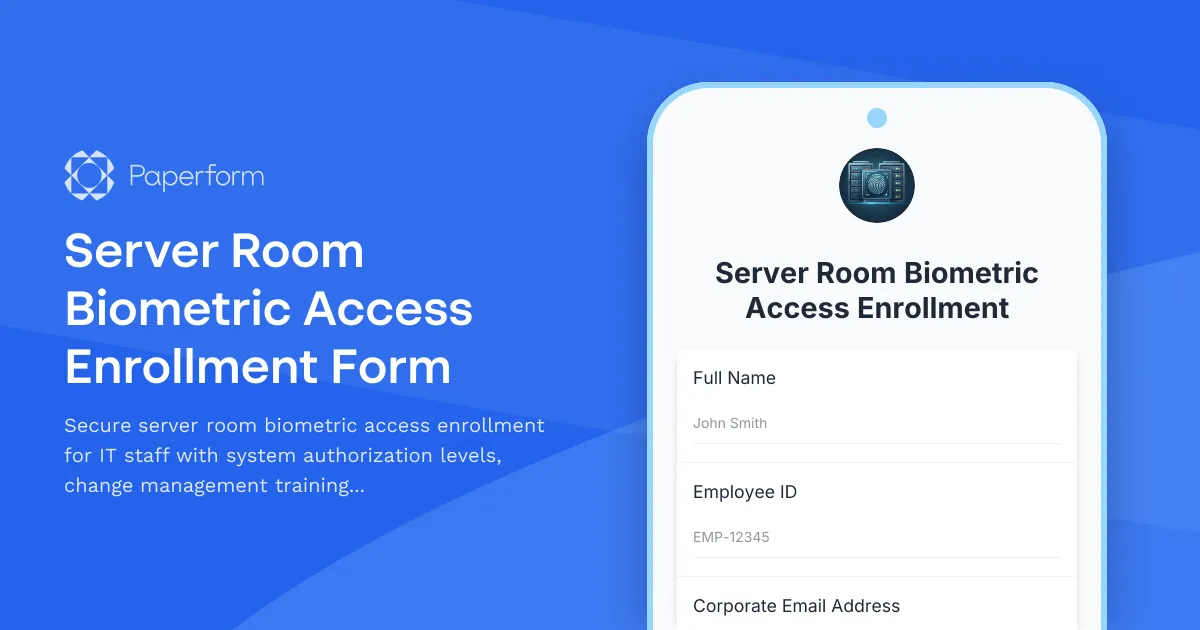
Professional Server Room Biometric Access Enrollment
Managing access to critical IT infrastructure requires more than just handing out keys. When it comes to server rooms and data centers, you need a robust enrollment process that verifies training, assigns appropriate authorization levels, and ensures executive oversight—all while maintaining a clear audit trail for compliance and security purposes.
This Server Room Biometric Access Enrollment Form template is designed specifically for IT departments, managed service providers, and technology companies that need to control and document who has access to their most sensitive physical infrastructure. Whether you're onboarding new system administrators, granting temporary access to contractors, or adjusting permissions for existing staff, this template streamlines the entire enrollment process from request to approval.
Why IT teams choose Paperform for access management
Traditional access request processes often involve a mess of email chains, manual spreadsheets, and disconnected approval workflows. Paperform transforms this into a single, secure digital form that collects all necessary information, routes approvals automatically, and integrates with your existing security and HR systems.
Key features of this template:
- Comprehensive applicant verification with employee details, department assignment, and manager information
- Multi-level authorization selection allowing granular control over system access permissions
- Training verification requirements ensuring all staff complete mandatory change management and security protocols
- Structured CTO approval workflow with conditional logic to route requests appropriately
- Emergency contact collection for security incident response procedures
- Clear terms acknowledgment covering acceptable use policies and security responsibilities
The form uses conditional logic to show different authorization options based on role and department, ensuring each request captures exactly the information needed without overwhelming users with irrelevant fields. This smart routing also helps security teams process requests faster by presenting information in a clear, standardized format.
Built for IT operations and security teams
Whether you're a CTO managing infrastructure access, an IT operations manager coordinating server room entries, or a security officer maintaining compliance documentation, this template adapts to your workflow. It's particularly valuable for:
- Enterprise IT departments managing multiple data centers and server rooms with varying security classifications
- Managed service providers coordinating access for technicians across different client sites
- Technology startups establishing formal access controls as they scale and implement security frameworks
- Cloud infrastructure teams managing physical access to hybrid environments and edge locations
- Compliance-focused organizations needing documented approval chains for SOC 2, ISO 27001, or similar frameworks
Streamline access management with workflow automation
Once someone submits their biometric access enrollment request, Paperform captures all the details in one place. But the real power comes when you connect it to Stepper (stepper.io), Paperform's AI-native workflow automation platform.
With Stepper, you can automatically:
- Route approval requests to the CTO or designated security officer via email or Slack with all relevant context
- Create tickets in your IT service management system (Jira, ServiceNow, Freshservice) to track physical badge creation
- Update your employee directory or access control system (Active Directory, Okta, Azure AD) with new authorization levels
- Send onboarding emails with server room protocols, emergency procedures, and security reminders
- Log all access requests and approvals in a central compliance database for audit trail purposes
- Schedule follow-up reviews for temporary access grants to ensure they're revoked when no longer needed
This automation eliminates manual handoffs, reduces processing time from days to hours, and ensures no access request falls through the cracks. IT teams using Stepper report 70% faster access provisioning and significantly fewer security incidents related to orphaned credentials.
Beyond enrollment: complete access lifecycle management
While this template focuses on the initial enrollment and approval process, Paperform can support your entire access management lifecycle. Create companion forms for:
- Access modification requests when staff change roles or need elevated permissions
- Emergency access logs for documenting after-hours server room entry
- Access certification reviews requiring managers to periodically verify their team's access is still appropriate
- Deprovisioning workflows triggered by HR systems when employees separate from the company
- Visitor escort requests for contractors and vendors who need supervised data center access
By standardizing these processes in Paperform, you create consistency across your security program while making it easier for authorized staff to get the access they need quickly.
Designed for security-conscious organizations
We understand that IT infrastructure access is a trust-zero environment. This form template includes built-in best practices like:
- Mandatory training verification ensuring compliance before access is granted
- Management acknowledgment fields requiring supervisors to confirm the business need
- Clear acceptable use statements that applicants must review and accept
- Comprehensive audit fields capturing request date, approver, and authorization level for compliance reporting
Paperform itself is SOC 2 Type II certified and GDPR compliant, meaning your access enrollment data is protected with enterprise-grade security controls. All submissions are encrypted in transit and at rest, with detailed activity logs showing exactly who accessed what information and when.
For organizations with more complex security requirements, Paperform's Enterprise plan offers SSO integration, data residency controls, and custom retention policies to align with your corporate security standards.
Easy to customize for your environment
Every IT environment is unique. You might have different authorization tiers, additional training requirements, or specific approval chains. The beauty of Paperform's document-style editor is how easy it is to adapt this template:
- Add or remove authorization levels to match your access control matrix
- Include additional training modules like OSHA compliance, electrical safety, or vendor-specific certifications
- Adjust approval routing with conditional logic based on access level, department, or employee classification
- Embed photos, diagrams, or videos showing server room layout and safety equipment locations
- Integrate additional fields for specific systems (rack access, KVM permissions, backup system access)
- Connect to your existing tools via Stepper, webhooks, or native integrations with Slack, Microsoft Teams, and more
Get started in minutes
Unlike complex identity and access management platforms that require months of implementation and IT resources to configure, you can deploy this Paperform template today. Simply customize the authorization levels and approval workflow to match your environment, share the form link with your IT team, and start processing enrollment requests immediately.
The intuitive interface means HR coordinators, security officers, and IT managers can make updates without involving developers—critical when you need to respond quickly to organizational changes or security incidents.
Trusted by IT teams worldwide
Over 500,000 teams use Paperform to manage everything from helpdesk tickets to compliance documentation, with IT and security professionals particularly valuing the platform's flexibility and automation capabilities. With 30,000+ templates covering every business workflow, Paperform has become the go-to solution for SMBs and growing enterprises that need professional forms without the enterprise software complexity.
Whether you're establishing your first formal access control program or upgrading from email-based request processes, this Server Room Biometric Access Enrollment Form template gives you a solid foundation for managing one of your organization's most critical security boundaries—who gets physical access to the systems that run your business.



More templates like this
Data Center Server Room Access Request Form
Request secure access to data center server rooms with two-factor authentication setup, equipment authorization, and compliance acknowledgment for IT professionals and technicians.
Cybersecurity Operations Desk Assignment Form
Streamline cybersecurity operations desk assignments with specialized workspace booking for SOC teams, threat response clusters, and classified security zones.
Office Guest WiFi & Visitor Access Request Form
Request secure WiFi access and building entry for clients visiting your office. Ideal for hybrid teams hosting external visitors with time-limited network access and security clearance tracking.
Software Development Office Desk Booking Form
A comprehensive desk and workspace booking system for software development teams, featuring hot desking, sprint rooms, code review spaces, and server deployment access requests.
Weekend & After-Hours Office Access Request
Request after-hours building access for your tech startup, including keycard activation, alarm codes, and liability acknowledgment for weekend and evening work.
Corporate Innovation Lab Weekend Access Request
Request weekend and after-hours access to the corporate innovation lab for prototype testing, with IP agreement, equipment insurance, and R&D director approval.
Cryptocurrency Trading Floor Room Booking Form
Professional booking form for cryptocurrency exchange trading floor rooms with security protocols, technical setup requirements, market data access, compliance notifications, and NDA signature.
Data Center Colocation Cage Viewing & Assessment Form
Schedule a secure facility tour of our data center colocation space with infrastructure assessment, power and cooling demonstrations, and SLA discussions with our technical team.
Data Center Technician 24-Hour Parking Access Request
Request 24-hour parking access for data center technicians with security clearance verification, emergency contact details, and call rotation schedules.
Office Move Competitive Intelligence & Confidentiality Protection Form
Comprehensive security assessment form for office relocations covering competitive intelligence risks, sensitive document handling, secure disposal verification, and information security protocols during moves.
Office Move Network Infrastructure Planning Form
Plan your office relocation's network infrastructure with detailed specifications for bandwidth, WiFi coverage, VoIP systems, printer placement, and redundancy requirements.
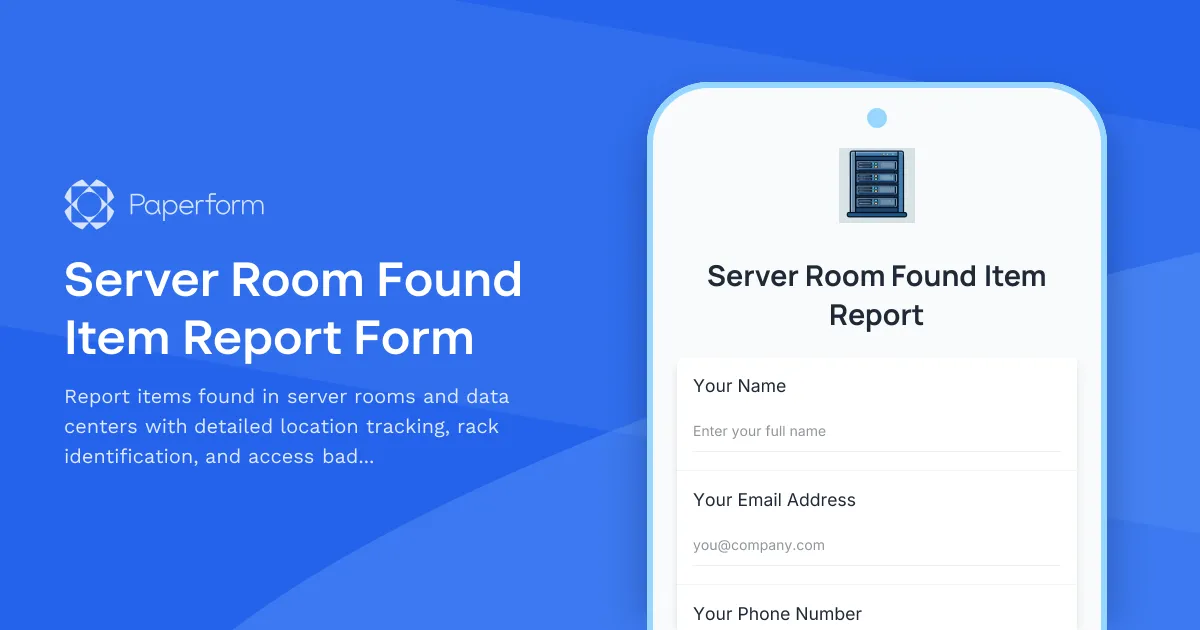
Server Room Found Item Report Form
Report items found in server rooms and data centers with detailed location tracking, rack identification, and access badge correlation for efficient return to owners.