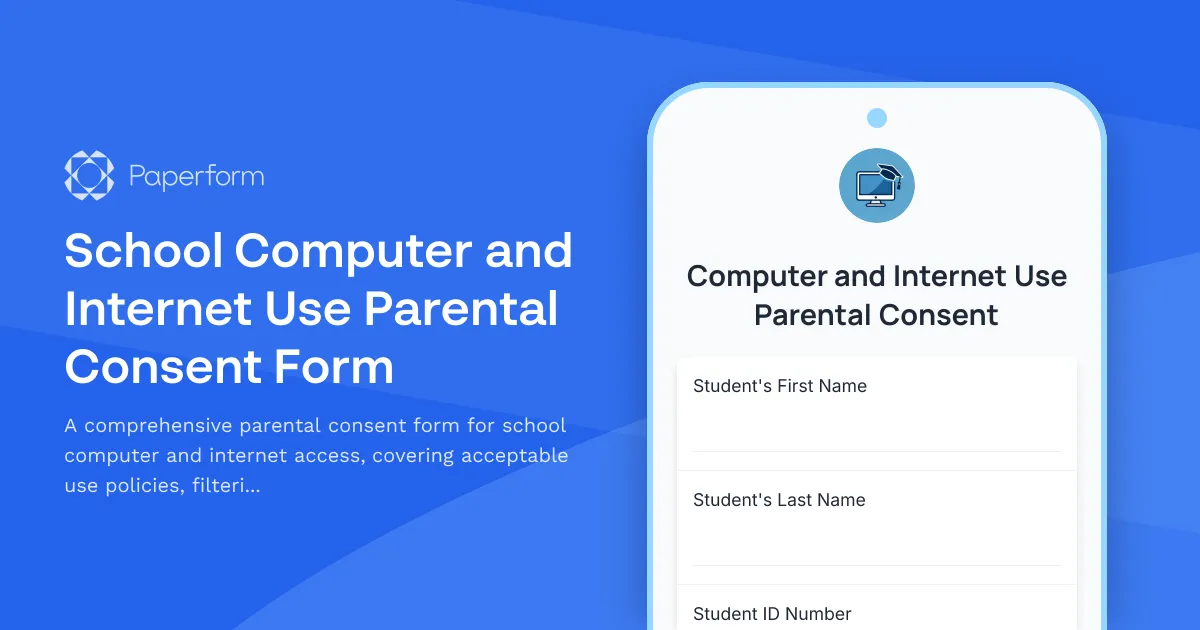
Keep Students Safe Online with a Clear Computer and Internet Use Consent Form
When it comes to student technology access, clear expectations and documented consent aren't just helpful—they're essential. This School Computer and Internet Use Parental Consent Form template helps K-12 schools, districts, and educational institutions establish transparent guidelines while ensuring parents understand and agree to acceptable use policies.
Why Schools Need This Form
Modern education relies on technology, from Chromebooks and iPads to learning management systems and online research. But with access comes responsibility. This template helps your school:
- Document informed consent from parents and guardians before students access school technology
- Communicate clear expectations around appropriate use, digital citizenship, and online behavior
- Establish accountability for device care, damages, and loss
- Address cyberbullying prevention and reporting procedures upfront
- Acknowledge filtering systems and their limitations
- Create a paper trail that protects both students and the institution
What Makes This Template Work
This form goes beyond a simple signature—it's built to educate families while gathering consent. You'll collect essential student information, walk parents through your acceptable use policy in clear language, confirm understanding of device responsibility, and ensure everyone knows how to report cyberbullying or inappropriate content.
The form is structured to be thorough without overwhelming parents, using conditional logic where appropriate and organizing content into digestible sections. Whether you're issuing 1:1 devices, opening computer labs, or managing BYOD programs, this template adapts to your needs.
Streamline with Paperform + Stepper
Use Paperform to create an on-brand consent form that parents can complete from any device—at home, on their phone during pick-up, or at back-to-school night. Embed it in your student portal, email it directly to families, or share via your school website.
Then connect Stepper to automate what happens next: route completed consents to student information systems, trigger welcome emails with technology resources, notify IT when device pickups are ready, or flag incomplete consents for follow-up. You can even set up different workflows based on grade level or device type.
Need signatures? Use Papersign to turn submitted forms into formal consent documents with legally binding eSignatures from both parents and students (for older grades), keeping everything traceable and audit-ready.
Perfect for K-12 Schools and Districts
This template is designed for public and private schools, charter networks, after-school programs, and any educational setting that provides students with technology access. It addresses the real concerns administrators, teachers, and parents face while keeping the language accessible and the process straightforward.
Start with this template, customize it to match your district's policies and brand, and give families the clarity they need while protecting your school from ambiguity.



More templates like this
National Honor Society Parent & Student Consent Form
A comprehensive parental consent form for students applying to join the National Honor Society, covering character requirements, service commitments, tutoring responsibilities, and leadership development expectations.
School Credit Recovery Program Parental Consent Form
A comprehensive parental consent form for enrolling students in credit recovery programs, covering online coursework expectations, pacing requirements, teacher check-ins, and graduation pathway planning.
School Drama Therapy Services Parental Consent Form
A comprehensive parental consent form for school-based drama therapy programs, covering therapeutic techniques including role-playing, improvisation, storytelling, and dramatic projection for student emotional exploration and wellbeing.
School Dyslexia Screening Parental Consent Form
A comprehensive parental consent form for school-based dyslexia screening, including assessment authorization, reading evaluation details, and intervention planning.
School English Language Learner Services Parental Consent Form
A comprehensive parental consent form for enrolling students in English language learner (ESL/ELL) programs, including language assessment authorization, class placement preferences, bilingual support options, and native language resource requests.
School Manifestation Hearing Parental Consent Form
A comprehensive consent form for parents/guardians to acknowledge and participate in manifestation determination reviews for students with disabilities facing disciplinary action.
School Peer Tutoring Program Parental Consent Form
A comprehensive parental consent form for school peer tutoring programs that includes session scheduling, academic subject selection, progress monitoring preferences, and confidentiality agreements.
School Positive Behavioral Interventions Parental Consent Form
A comprehensive parental consent form for implementing positive behavioral interventions and support plans for students, including reward systems, de-escalation techniques, and ongoing progress monitoring.
School Social Work Services Parental Consent Form
A comprehensive consent form for parents and guardians to authorize school social work services, including family support, community resource connections, attendance interventions, and wraparound service coordination.
School Standardized Testing Parental Consent Form
A comprehensive parental consent form for school standardized testing that includes accommodations requests, testing schedule preferences, opt-out options, and score release authorization.
School Vision Services Parental Consent Form
A comprehensive parental consent form for school vision services including acuity screening, functional vision assessment, orientation and mobility training, and braille instruction for students with visual impairments.
School Work-Based Learning Parental Consent Form
A comprehensive parental consent form for students participating in work-based learning programs, covering employer placement details, work schedules, transportation arrangements, and insurance coverage acknowledgment.