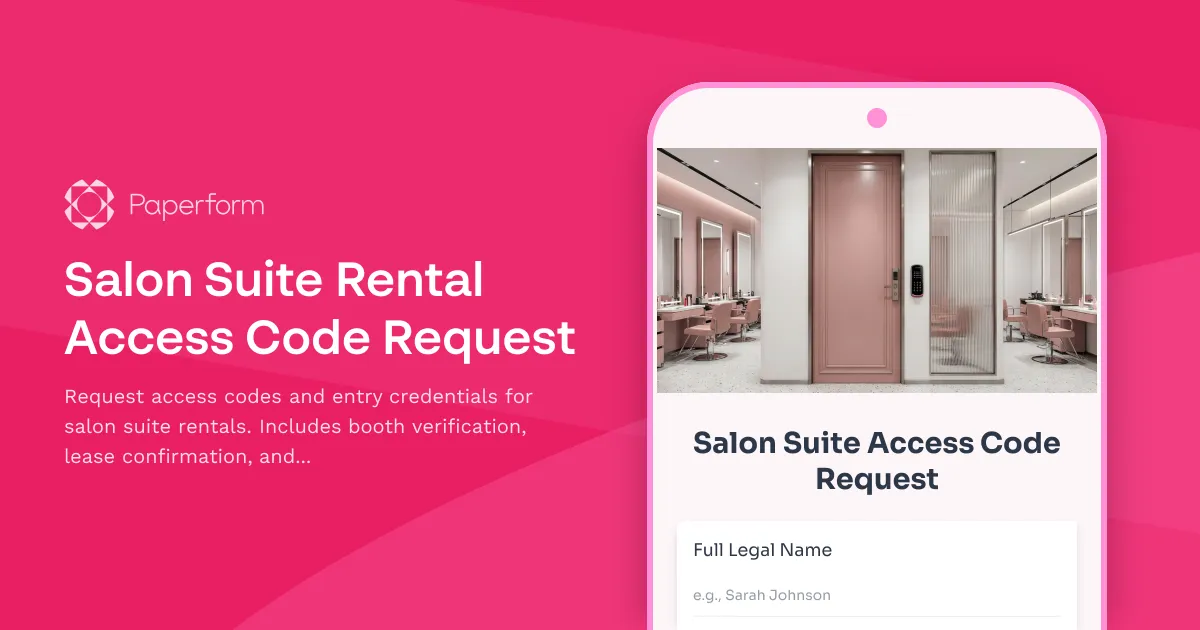
Simplify Salon Suite Access Management with Paperform
Managing access codes and security credentials for salon suite rentals doesn't have to be a constant headache. Whether you're running a multi-suite beauty facility, a shared salon space, or a full building of independent beauty professionals, this Salon Suite Rental Access Code Request form streamlines how tenants request, verify, and receive their entry credentials.
Why salon suite operators need dedicated access request forms
Traditional salon suite management often involves back-and-forth texts, lost emails, and manual verification of lease agreements before issuing access codes. This creates delays for new tenants eager to start working, security risks from unclear documentation trails, and administrative bottlenecks for property managers juggling dozens of beauty professionals.
This form template solves those challenges by creating a single, clear process where tenants submit their booth details, verify their lease status, and specify their access schedule—all in one submission that triggers your automated workflow.
Perfect for beauty industry property managers and operators
This template is designed specifically for:
- Salon suite landlords and property managers overseeing multiple independent beauty professionals
- Coworking beauty spaces with shared facilities and private treatment rooms
- Spa and wellness centers renting individual practitioner suites
- Barbershop collectives managing booth rentals with flexible access
- Beauty school facilities coordinating student and instructor access
What makes this form work for salon suite access
The form captures everything you need to issue access credentials securely:
- Booth and suite identification to match the request to the correct space and lease
- Lease verification details including lease agreement numbers and dates
- Tenant contact information for access code delivery and emergency contact
- Access schedule preferences so codes activate during appropriate hours
- Emergency contact requirements for security and after-hours situations
- Terms acknowledgment covering security policies and access responsibilities
The clean, professional design works perfectly embedded on your property website, sent via email to new tenants, or shared in your tenant portal.
Automate access management with Stepper workflows
While this form collects the critical information, the real magic happens when you connect it to Stepper—your AI-native workflow builder that turns submissions into automated processes.
After a tenant submits their access request, Stepper can:
- Verify lease status by checking your property management system or lease database
- Generate unique access codes through your smart lock or access control API
- Schedule code activation based on the requested access hours and lease dates
- Send credentials securely via SMS or email with setup instructions
- Log the request in your property management system with timestamp and tenant details
- Notify building security of the new authorized tenant with photo and suite number
- Create a welcome packet with building policies, WiFi passwords, and amenity access
This means your team spends less time manually processing requests and more time supporting your tenant community.
Built for the way beauty professionals work
Beauty industry professionals work non-traditional hours—early morning blowouts, evening color appointments, weekend bridal parties. This form accommodates those realities with:
- Flexible scheduling fields that capture varied access needs
- Mobile-friendly design so tenants can request access from their phones between clients
- Quick submission that respects their busy schedules
- Clear confirmation so they know exactly when access will be activated
Security and compliance you can trust
When you're managing building access, security isn't optional. Paperform provides:
- SOC 2 Type II compliance ensuring your tenant data is handled securely
- Detailed submission logs creating a clear audit trail of all access requests
- Conditional logic that can require additional verification for after-hours access
- File upload fields for lease documentation that stays connected to the request
- Role-based permissions so only authorized staff can view sensitive access information
Integrate with your existing property tech stack
This form plays nicely with the tools salon suite operators already use. Send submissions to:
- Property management platforms like Yardi or AppFolio
- Smart lock systems like Schlage, Kwikset, or August
- Access control systems for multi-tenant commercial buildings
- Google Sheets or Airtable for simple access logs
- Slack or email to alert your facilities team of new requests
With Paperform's native integrations and Stepper's workflow automation, you can connect this form to practically any system in your tech stack.
Streamline operations across multiple locations
If you manage salon suites across multiple buildings or cities, Paperform's Agency+ plan lets you:
- Create location-specific forms with pre-filled building addresses
- Route requests to the right property manager automatically
- Standardize access policies across all your properties
- Generate reports showing access patterns and security metrics
- Manage everything from one central dashboard
Get started in minutes, not hours
This template comes pre-built with all the fields, logic, and structure you need. Simply:
- Customize the booth/suite numbers to match your facility
- Update building and contact details with your information
- Connect your access control or notification systems via Stepper or integrations
- Share the form with new tenants or embed it on your website
No developer required. No complex setup. Just a professional, working form you can deploy today.
Why beauty professionals trust Paperform
Over 500,000 teams worldwide—including salon suite operators, beauty professionals, and property managers—rely on Paperform to handle their critical business processes. With designer templates, powerful automation, and a support team that actually responds, Paperform gives you the professional tools you need without the enterprise price tag or complexity.
Whether you're managing a single building with 20 suites or a portfolio of beauty coworking spaces, this access request form—powered by Paperform and Stepper—creates the streamlined, secure experience your tenants expect and your operations team deserves.



More templates like this
Warehouse Pop-Up Shop Space Rental Application
Streamline your warehouse pop-up event planning with this comprehensive space rental form. Capture booth dimensions, electrical needs, load-in schedules, insurance details, and calculate daily rates automatically.
Co-working Space Visitor Desk Booking Form
A professional desk booking form for co-working space visitors that includes host information, workspace preferences, duration selection, and building access badge requests.
Collaborative Workspace Security Recording Consent Form
A comprehensive consent form for coworking spaces and shared workspaces to obtain member permission for security camera and audio recording, ensuring theft deterrence and incident investigation compliance.
Coworking Space Carbon Footprint Assessment
Track and measure the environmental impact of your coworking facility with this comprehensive carbon assessment covering member commute patterns, energy usage, equipment sharing, and building efficiency metrics.
Coworking Space Inclusive Design Pledge
A comprehensive pledge form for coworking spaces committed to accessibility, inclusive design, and equitable community programming for all members.
Coworking Space Member Data Access Request Form
A comprehensive form for coworking space members to request access to their personal data including access logs, billing history, and amenity usage records in compliance with data protection regulations.
Coworking Space Member Data Consent Form
A professional consent form for coworking spaces to collect member permissions for space usage tracking, amenity preferences, event communications, mail handling, and community networking.
Electric Vehicle Charging Station Parking Reservation
Reserve EV charging station parking spots with estimated charging time and automated payment setup for workplace or facility charging access.
Executive Office & VIP Workspace Relocation Request Form
A comprehensive relocation request form for executive and VIP workspace moves, including privacy requirements, custom furniture specifications, secure storage, and priority scheduling.
Facilities Management Desk Booking & Workspace Reservation Form
Streamline desk reservations, hot desk bookings, and assigned seating while integrating building systems monitoring, vendor coordination, and emergency response protocols into your workspace management.
Janitorial Service Request Form
Professional janitorial service request form for office buildings to specify cleaning areas, frequency requirements, special needs, and obtain accurate service quotes.
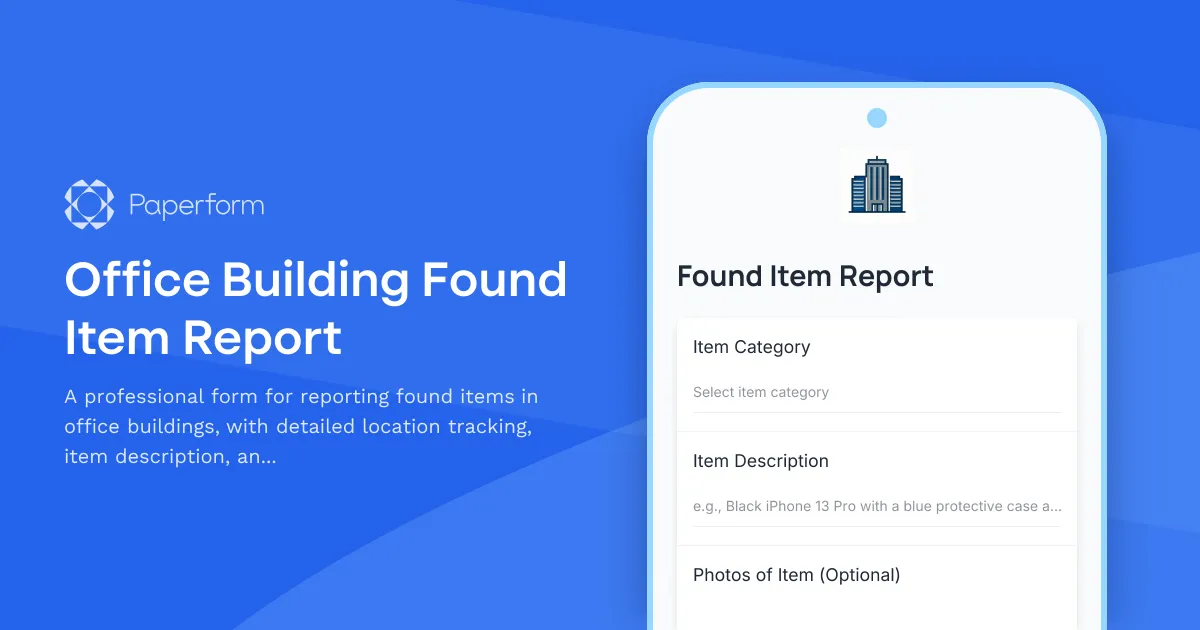
Office Building Found Item Report
A professional form for reporting found items in office buildings, with detailed location tracking, item description, and automated building management notification.