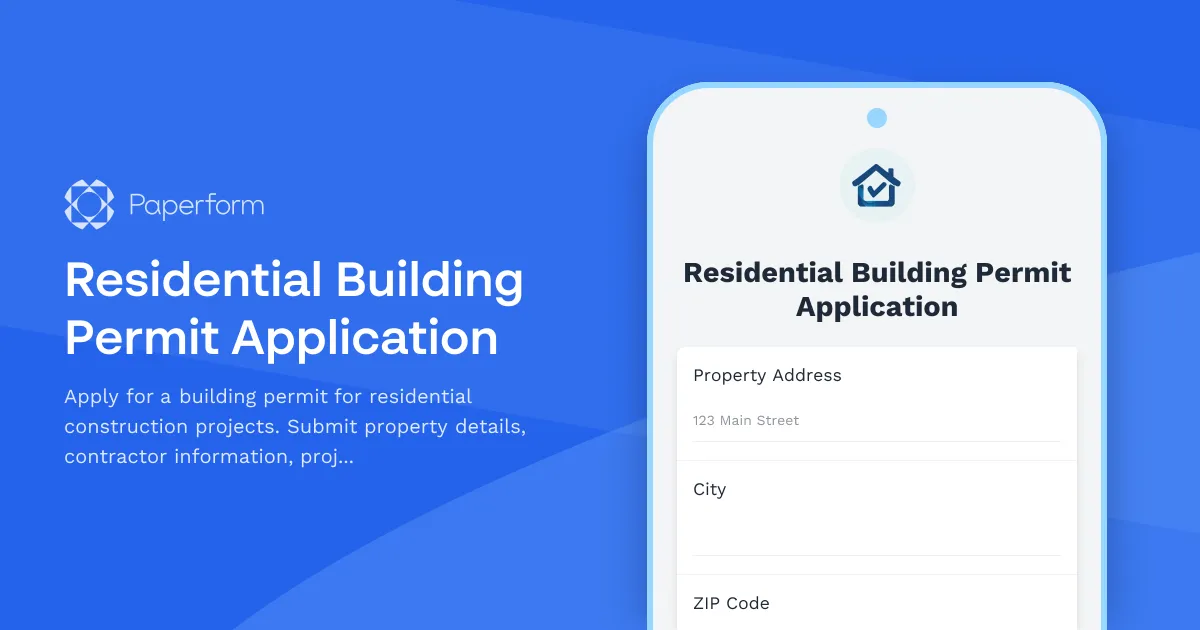
Streamline Your Residential Building Permit Applications with Paperform
For municipalities, planning departments, and local government offices, managing residential building permit applications can be a complex administrative challenge. Paper forms get lost, incomplete submissions slow down approvals, and tracking applications across multiple departments becomes overwhelming. This Residential Building Permit Application template transforms that process into a professional, digital workflow that serves both government staff and applicants.
Why Digital Building Permit Applications Matter
Moving building permit applications online isn't just about going paperless—it's about creating a better experience for property owners, contractors, and municipal staff alike. With Paperform's residential building permit template, applicants can submit complete applications with all required documentation in one go, while planning departments can review, process, and track permits more efficiently.
This template captures everything needed for residential construction permits: property details, owner and contractor information, detailed project scope, architectural plan uploads, and comprehensive zoning compliance checklists. Conditional logic ensures applicants only see questions relevant to their specific project type, reducing confusion and incomplete submissions.
Built for Municipal Workflows and Public Administration
Government offices and planning departments need tools that balance accessibility with security and compliance. This building permit application template is designed specifically for public administration, municipal services, and local government operations. Whether you're a small town planning office or a busy city building department, you can customize this template to match your jurisdiction's specific requirements, zoning codes, and permit fee structures.
The form works seamlessly for:
- Single-family home construction permits for new builds and major renovations
- Addition and extension projects requiring structural modifications
- Garage and accessory structure permits for sheds, carports, and outbuildings
- Deck, porch, and patio construction requiring foundation work
- Renovation permits involving electrical, plumbing, or structural changes
Collect Complete Applications with Required Documentation
One of the biggest challenges in permit processing is incomplete applications missing critical documents. This template includes dedicated file upload fields for architectural plans, site surveys, engineering reports, and contractor licenses—all marked as required so nothing gets overlooked.
Applicants can upload multiple files in common formats (PDF, JPG, DWG), and you can set file size limits appropriate for technical drawings and large plan sets. Every submission comes through with complete documentation attached, ready for your building inspector's review.
Zoning Compliance Built Into the Application
Rather than reviewing applications only to discover zoning violations later, this template includes an interactive zoning compliance checklist. Applicants confirm their project meets setback requirements, height restrictions, lot coverage limits, and other local zoning ordinances before submitting. This upfront verification reduces back-and-forth, speeds up approvals, and helps property owners understand requirements before they invest in detailed plans.
Smart Conditional Logic for Different Project Types
Not every residential project needs the same information. Using Paperform's conditional logic, this template adapts based on project type. A new home construction application shows different questions than a deck addition, and commercial contractors see different requirements than homeowner-builders. This intelligent branching creates a cleaner experience and ensures you collect exactly the right information for each permit type.
Automate Your Permit Workflow with Stepper
Once a building permit application is submitted, the real work begins: routing to inspectors, scheduling site visits, collecting fees, and communicating with applicants. With Stepper, Paperform's AI-native workflow automation tool, you can turn each submission into a complete multi-step process.
Automatically route different permit types to the appropriate inspector, send confirmation emails with application numbers and next steps, create tasks in your project management system, and trigger payment collection for permit fees. When inspectors approve or request changes, Stepper can notify applicants and update your internal tracking system—all without manual data entry.
For building departments handling dozens of permits monthly, these automations save hours of administrative work and ensure nothing falls through the cracks.
Secure, Compliant, and Accessible
Government forms handle sensitive information: personal details, property records, financial information, and proprietary architectural plans. Paperform is SOC 2 Type II certified and fully GDPR compliant, providing the security and data protection standards required for public sector applications.
The platform also supports accessibility requirements, ensuring applicants with disabilities can complete permit applications without barriers. Forms work perfectly on any device, so contractors can submit applications from job sites using mobile phones or tablets.
Payment Collection for Permit Fees
Building permits typically require application fees, inspection fees, or other charges. This template can be connected to Stripe, PayPal, Square, or other payment processors to collect fees directly within the application. Use Paperform's calculation fields to automatically compute fees based on project valuation, square footage, or permit type—ensuring accurate charges every time.
Applicants pay online as part of the submission process, eliminating the need for separate invoicing or in-person payment collection. All payment records link directly to the permit application for clean financial tracking.
Perfect for These Municipal Roles and Departments
This residential building permit template is ideal for:
- Building inspectors and code enforcement officers reviewing construction applications
- Planning department staff managing permit workflows and zoning compliance
- Municipal clerks and administrative assistants processing applications and collecting fees
- City planners and urban planners tracking development in their jurisdictions
- Public administration professionals modernizing government services
Integrations That Connect to Your Existing Systems
Building permit data often needs to flow into GIS systems, permitting software, financial systems, or public records databases. Paperform connects to thousands of tools via native integrations, Stepper workflows, Zapier, Make, and webhooks.
Push permit applications into your CRM or case management system, log submissions in Google Sheets or Airtable for tracking, send notifications to Slack when high-priority permits come through, or update your public-facing permit status portal automatically.
Get Started in Minutes, Not Months
Unlike complex permitting software that requires IT departments and months of implementation, Paperform's building permit template can be customized and deployed in less than an hour. Edit questions to match your local requirements, add your municipality's branding and colors, adjust the zoning checklist for your ordinances, and publish your form on your city website or share via direct link.
With over 500,000 teams worldwide relying on Paperform—including government offices, municipalities, and public agencies—you're joining a platform trusted for professional, secure, and user-friendly digital forms.
Whether you're a small town processing a few permits per month or a growing city handling hundreds of applications, this Residential Building Permit Application template gives you the foundation to modernize your permit process, reduce administrative burden, and provide better service to your community.



More templates like this
Coastal Development Permit Application
Apply for a coastal development permit for beachfront construction. Includes sea level rise assessment, beach access preservation, visual impact analysis, and erosion control planning.
Accessory Dwelling Unit (ADU) Permit Application
Apply for a permit to construct or convert an accessory dwelling unit (ADU) or backyard cottage on your property with size calculations, parking, utilities, and design review.
Dock & Pier Construction Permit Application
Apply for a waterfront construction permit for dock, pier, or marine structure with environmental impact assessment and navigational clearance documentation.
Helipad Construction Permit Application
Apply for a helipad construction permit with FAA compliance verification, noise impact assessment, lighting specifications, emergency access planning, and fuel storage safety requirements.
Historic Building Window Replacement Permit Application
Apply for a permit to replace windows in historic buildings. Submit architectural details, material specifications, energy efficiency ratings, and demonstrate compliance with historic preservation guidelines.
Indoor Gun Range Facility Permit Application
Apply for a permit to operate an indoor gun range facility with comprehensive safety systems including ventilation, lead containment, soundproofing, and ammunition storage.
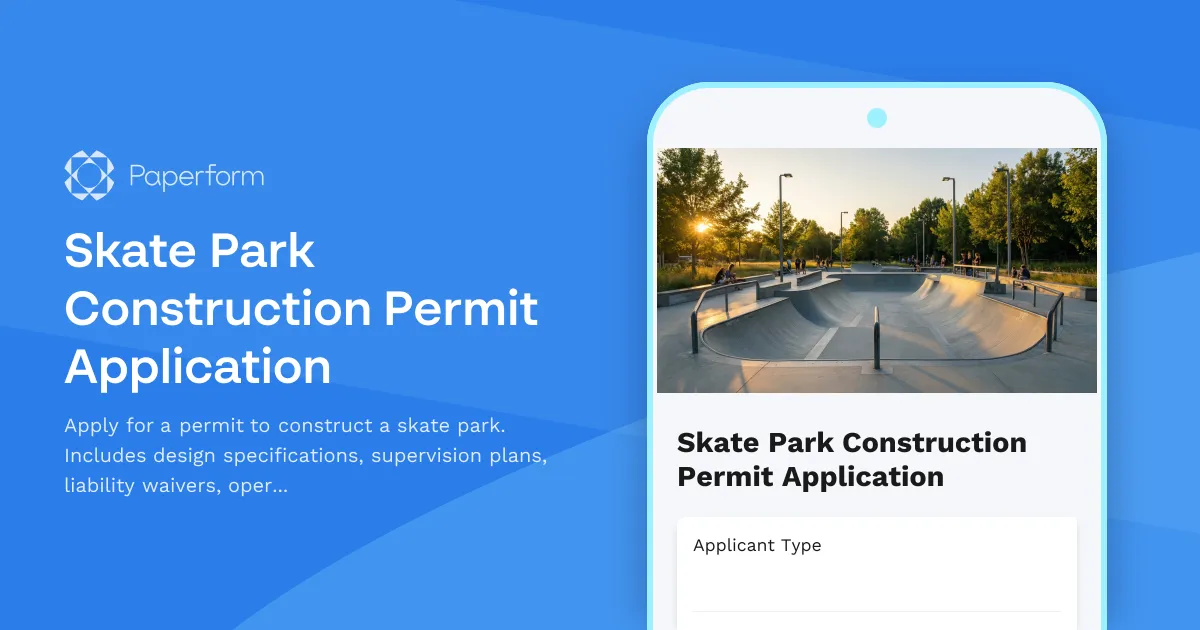
Skate Park Construction Permit Application
Apply for a permit to construct a skate park. Includes design specifications, supervision plans, liability waivers, operating hours, and maintenance schedules.
Tiny House Placement Permit Application
Apply for a permit to place a tiny house on your property. Submit details about foundation, utilities, size, parking, and zoning requirements.
Contractor License Application
Complete contractor license application form with trade specialty selection, insurance verification, bonding requirements, and exam scheduling for licensing authorities and contractors.
Deck or Patio Construction Permit Application
Apply for a permit to construct or modify a residential or commercial deck or patio. Includes structural details, load calculations, railing specifications, and building code compliance verification.
Demolition Permit Application
Apply for a demolition permit with asbestos inspection reports, utility disconnection confirmation, debris disposal plans, and comprehensive site safety measures.
Fence Installation Permit Application
Apply for a residential fence installation permit with property line verification, height specifications, neighbor notifications, and HOA approval documentation.