Building an addition to your home requires proper permits and documentation—but the application process doesn't have to be complicated. This Residential Addition Building Permit Application template is designed for homeowners, contractors, and municipal building departments who need a clear, professional way to collect all the essential information for residential addition projects.
Whether you're managing permit requests for a local government office or submitting an application as a contractor, this template streamlines the entire process. It captures property details, project scope, contractor credentials, architectural plans, and required documentation in one organized submission.
Built for Construction & Municipal Workflows
This form is purpose-built for the construction and trades industry, particularly for contractors, builders, architects, and building inspectors who handle residential permit applications regularly. The template includes:
- Property and owner information with address verification
- Detailed project specifications including square footage, scope of work, and estimated costs
- Licensed contractor information with credential verification
- Architectural plan and document uploads for blueprints, site plans, and engineering reports
- Project timeline and construction details
- Conditional logic that adapts questions based on project type and scope
How Paperform Makes Permit Applications Better
With Paperform's flexible editor, you can customize this template to match your municipality's specific requirements, add your local building code references, or include additional compliance questions. The form works beautifully on mobile devices, so contractors can submit applications from job sites.
Stepper workflows can automate what happens after submission—route applications to the right department, send confirmation emails with application numbers, trigger inspection scheduling, or update your permit tracking system automatically. This eliminates manual data entry and keeps everyone informed throughout the approval process.
Papersign integration means you can turn approved applications into formal permits that require signatures from building officials, property owners, and contractors—keeping your entire permit lifecycle digital and compliant.
The form includes file upload fields with support for PDFs, CAD files, and images, so applicants can attach architectural drawings, site plans, surveys, and engineering reports directly. Conditional logic ensures only relevant questions appear based on project type, making the experience faster for applicants while still capturing all necessary details for your review process.
Trusted by building departments, general contractors, and construction firms, this template helps reduce incomplete applications, speeds up processing times, and creates a better experience for everyone involved in the permitting process.



More templates like this
Commercial Stairway Construction Permit Application
A professional permit application for commercial stairway construction projects, including technical specifications, rise and run calculations, handrail requirements, and accessibility compliance verification.
Deck and Porch Construction Permit Application
Apply for a building permit for deck or porch construction with built-in structural calculations, frost line compliance checks, and safety requirement documentation.
Greenhouse Construction Permit Application
A comprehensive permit application form for greenhouse construction projects, covering foundation specifications, glazing systems, heating and environmental controls, and agricultural zoning compliance.
Parking Garage Repair Permit Application
A comprehensive permit application for parking structure repairs including concrete restoration, waterproofing, traffic coatings, structural assessments, and phasing plans for occupied facilities.
Residential Attic Conversion Permit Application
A comprehensive permit application for converting residential attic space into habitable living area, including structural, safety, and building code compliance requirements.
Residential Balcony Construction Permit Application
Apply for a residential balcony construction permit with detailed structural specifications, load calculations, and design requirements for safe installation.
Residential Carport Construction Permit Application
Apply for a residential carport construction permit with detailed specifications for foundation, structure, materials, and compliance requirements.
Residential Elevator Pit Construction Permit Application
A comprehensive permit application for residential elevator pit construction, covering waterproofing specifications, sump pump requirements, depth calculations, and accessibility code compliance.
Structural Reinforcement Permit Application for Seismic Retrofit
A comprehensive permit application form for seismic retrofitting projects including structural reinforcement details, anchor specifications, shear wall additions, and special inspection requirements.
Accessibility Ramp Construction Permit Application
A comprehensive permit application for constructing ADA-compliant accessibility ramps, including slope calculations, landing specifications, handrail requirements, and compliance verification.
Building Permit Dispute Form
Submit a formal dispute regarding building permit decisions, code interpretations, or inspector findings to the building appeals board for review and resolution.
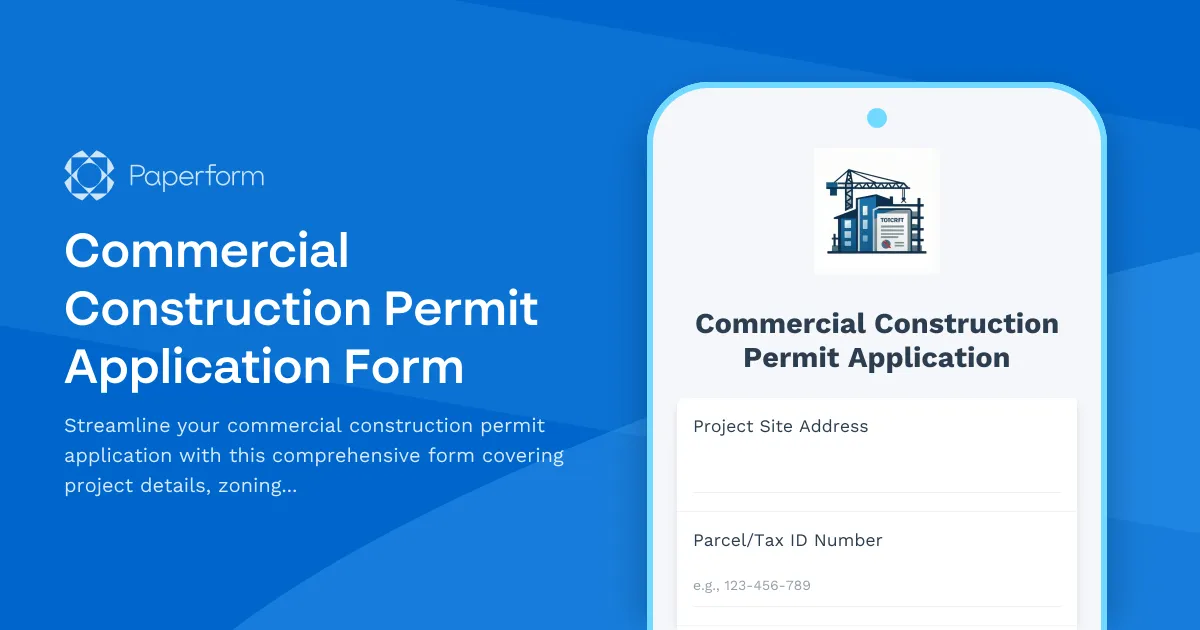
Commercial Construction Permit Application Form
Streamline your commercial construction permit application with this comprehensive form covering project details, zoning compliance, building code requirements, environmental impact, and automated fee calculation.