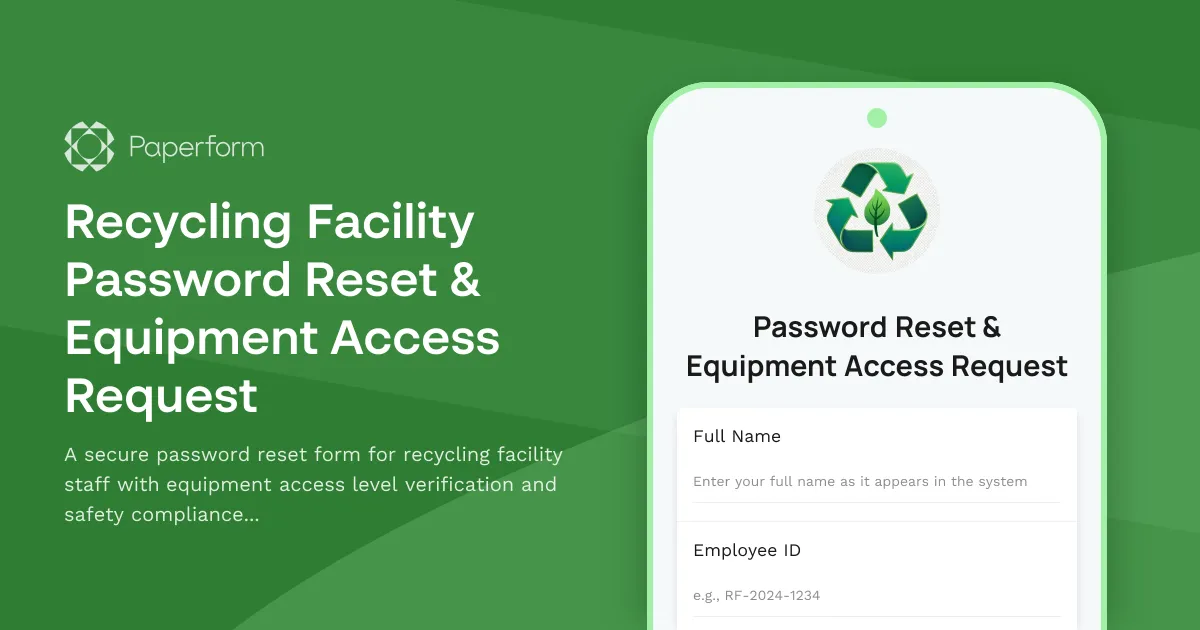
Managing secure access to recycling facility systems requires a streamlined approach that balances security with operational efficiency. This Recycling Facility Password Reset & Equipment Access Request template provides a comprehensive solution for waste management and recycling operations to handle password resets while maintaining strict equipment access controls and safety compliance standards.
Why recycling facilities need specialized password reset forms
Recycling facilities face unique challenges when managing IT access. Staff members need different permission levels based on their roles—from administrative systems to equipment control panels for balers, compactors, sorting machinery and material handlers. A simple password reset isn't enough; you need to verify safety certifications, equipment training status and compliance requirements before restoring access to potentially hazardous machinery controls.
Built for waste management operations
This template is designed specifically for recycling centers, MRFs (Material Recovery Facilities), waste transfer stations and composting facilities. It captures essential information including employee ID verification, department and shift details, specific equipment access requirements, and current safety certification status. The conditional logic automatically routes requests based on access level needs, ensuring supervisor approval for high-risk equipment access.
With Paperform's payment capabilities, you can even collect fees for expedited access restoration if your facility charges for after-hours IT support. The scheduling field lets employees book time with IT staff for in-person verification when biometric or physical access card updates are needed alongside password resets.
Automation that keeps operations running
Connect this form to Stepper (stepper.io) to automate your entire password reset workflow. When a submission comes in, Stepper can automatically create a ticket in your helpdesk system, notify the appropriate IT staff or supervisor based on equipment access levels, update your Active Directory or access management system, and send the employee confirmation once their access is restored. For high-clearance equipment requests, Stepper can route approval requests through multiple supervisors and safety officers, then trigger access provisioning only after all checks are complete.
The form integrates seamlessly with common tools used in industrial facilities—send notifications through Slack, log requests in Google Sheets or Airtable, update employee records in your HRIS, or trigger webhooks to your facility management software.
Safety-first design with compliance built in
This template includes safety compliance verification questions that ensure employees maintain current certifications before regaining access to equipment controls. The form asks about OSHA training, equipment-specific certifications, and the last safety audit date—critical information for facilities that must maintain strict regulatory compliance. You can customize these fields to match your facility's specific safety protocols and certification requirements.
With SOC 2 Type II compliance and robust security features, Paperform ensures that sensitive employee and facility access data remains protected throughout the reset process, giving your IT and operations teams confidence in the system's integrity.
Whether you're managing a small recycling center or a large-scale MRF with multiple shifts and hundreds of employees, this template provides the structure and automation needed to handle password resets efficiently while maintaining the safety and security standards your facility requires.



More templates like this
Recycling Facility VPN Access Request Form
Request secure VPN access to the recycling facility network for material tracking, equipment monitoring, and sustainability reporting systems.
Airport Security Staff Password Reset Form
Secure password reset request form for airport security personnel with TSA clearance verification and restricted area access review to ensure proper authentication and authorization.
Construction Foreman Password Reset Request
A secure password reset form designed for construction foremen to regain access to blueprint systems and daily reporting tools with proper verification and access level management.
Corporate E-Waste Collection Service Request Form
Request professional e-waste collection services for your organization with secure data destruction, equipment recycling, and compliance certification.
Electronic Recycling & Data Destruction Bid Submission Form
Submit your bid for electronic recycling and secure data destruction services. Include pricing, certifications, environmental compliance documentation, and accepted item details.
Environmental Health & Safety Software Request Form
Request EHS software for incident reporting, safety inspections, training tracking, and compliance management. Streamline your workplace safety operations with the right tools.
Infrastructure Environmental Sustainability Assessment Form
Assess your IT infrastructure's environmental impact with energy efficiency metrics, carbon footprint calculations, and tailored optimization recommendations for sustainable operations.
Security Guard Portal Password Reset Request
A secure password reset form for security guard portals with identity verification, account recovery options, and access restoration for incident reporting and patrol scheduling systems.
Utility Field Technician Password Reset Form
A secure password reset form for utility company field technicians requiring verification of work order system access and current safety training certification.
Waste Management Route Driver Account Setup Form
Streamline new route driver onboarding with account creation, truck assignment, access provisioning, and system integration setup for waste management operations.
Waste Management VPN Access Request for Route Supervisors
Request secure VPN access for waste management route supervisors to access GPS tracking systems, customer service portals, and environmental compliance reporting tools remotely.
Agriculture Cooperative Password Reset Request Form
A secure password reset and account recovery form designed for agriculture cooperative members to regain access to crop data, equipment sharing portals, and member resources.