Streamline Your Telecommunications Infrastructure Permitting with Paperform
Navigating the complex regulatory landscape of radio and cell tower installations requires meticulous documentation, multi-agency coordination, and thorough impact assessments. Whether you're a telecommunications provider, infrastructure developer, or municipal planning department, this Radio & Cell Tower Permit Application template from Paperform delivers a comprehensive, professional solution that guides applicants through every requirement—from RF emissions studies to FAA approvals.
Why Telecommunications Permit Applications Need a Better Solution
Traditional tower permitting involves scattered PDFs, email chains between multiple agencies, incomplete submissions, and weeks of back-and-forth clarification. Applicants struggle to know exactly what documentation is required, while planning departments face inconsistent applications that slow down review processes.
This Paperform template eliminates those friction points by consolidating all permit requirements into a single, intelligent application that ensures completeness before submission. With conditional logic, file upload capabilities, and structured data collection, you'll reduce processing time, improve application quality, and maintain clear audit trails for regulatory compliance.
Built for Telecommunications Infrastructure Projects
This template is specifically designed for:
- Telecommunications companies applying for new tower installations or modifications to existing infrastructure
- Municipal planning departments standardizing their tower permit intake and review processes
- Infrastructure developers and contractors managing applications across multiple jurisdictions
- Zoning boards and regulatory agencies requiring comprehensive impact assessments
- Engineering firms preparing permit packages for telecommunications clients
The form captures every critical element required for thorough tower permit review, including applicant information, site details, technical specifications, co-location analysis, RF emissions data, visual impact assessments, historic preservation considerations, and FAA coordination status.
Comprehensive Impact Assessment in One Workflow
Rather than collecting impact studies through separate submissions, this template integrates all required assessments directly into the application:
RF Emissions Study: Applicants provide detailed information about radio frequency emissions, including Maximum Permissible Exposure (MPE) calculations, power density measurements, compliance with FCC guidelines, and public exposure assessments. This ensures health and safety concerns are addressed upfront.
Co-location Assessment: The form evaluates whether the proposed tower can accommodate additional carriers or if existing nearby infrastructure could serve the coverage needs, promoting efficient use of resources and minimizing visual impact through shared facilities.
Visual Impact Analysis: Applicants describe the tower's appearance, height, lighting requirements, and visibility from surrounding areas. Photo simulations and viewshed analysis can be uploaded to demonstrate how the structure will appear in the landscape.
Historic Preservation Review: The template includes questions about proximity to historic districts, landmarks, or archaeologically sensitive areas, along with required documentation for Section 106 review under the National Historic Preservation Act.
FAA Approval Status: Since towers over certain heights require Federal Aviation Administration review, the form captures FAA registration numbers, determinations of no hazard, and lighting/marking requirements to ensure aviation safety compliance.
Intelligent Conditional Logic for Complete Applications
Paperform's conditional logic ensures applicants only see questions relevant to their specific project. If the proposed tower exceeds 200 feet, additional FAA documentation fields appear. If the site is within a historic district, preservation review requirements are triggered. This intelligent branching creates a tailored experience while ensuring no critical information is missed.
Calculations can be built in to automatically flag applications requiring additional review—for example, if RF power density exceeds certain thresholds or if the tower is within specified distances of residential areas, the form can route to specialized reviewers.
From Submission to Approval with Stepper Automation
Once an application is submitted, the real work begins—routing to multiple departments, tracking review status, requesting clarifications, and coordinating approvals. This is where Stepper, Paperform's AI-native workflow automation platform, transforms your permitting process.
Connect your Radio & Cell Tower Permit Application to Stepper to automatically:
- Route applications to the appropriate departments (planning, engineering, health, aviation) based on project characteristics
- Create review tasks in project management tools with all relevant documentation attached
- Send automated confirmation emails to applicants with application numbers and estimated timelines
- Notify neighboring property owners when tower applications are filed for their area
- Track review status across multiple agencies and send progress updates to applicants
- Trigger payment collection for permit fees based on tower height, type, or jurisdiction
- Generate approval letters or deficiency notices based on review outcomes
- Update GIS systems and tower databases when permits are issued
Stepper keeps your entire permit workflow connected and transparent, reducing processing time from months to weeks while maintaining rigorous compliance standards.
eSignatures for Applicant Certifications and Approvals
Tower permit applications require signed certifications from professional engineers, property owners, and applicant representatives. Rather than printing, signing, scanning, and emailing documents, integrate Papersign to handle all signature requirements digitally.
After form submission, automatically generate signature packets that include:
- Applicant certification of accuracy
- Professional engineer stamps for structural and RF engineering reports
- Property owner consent (if applicant is not the owner)
- Lease agreements for tower sites
- Contractor licenses and insurance certifications
Papersign maintains a complete audit trail of who signed what and when, creating legally binding documents that integrate seamlessly with your permit records. This eliminates delays caused by chasing down physical signatures and ensures your files are complete before review begins.
Designed for Regulatory Compliance and Transparency
Telecommunications permitting operates within a complex web of federal, state, and local regulations. This template helps ensure compliance with:
- FCC regulations on RF emissions and environmental assessment
- FAA Part 77 regarding structures affecting navigable airspace
- National Historic Preservation Act Section 106 review requirements
- National Environmental Policy Act (NEPA) documentation
- Local zoning ordinances and setback requirements
- Telecommunications Act Section 704 shot clock timelines for application review
By standardizing your intake process with Paperform, you create consistent documentation that demonstrates due diligence and supports defensible permitting decisions.
Integration with Planning and GIS Systems
Modern planning departments rely on connected systems to track permits, update maps, and maintain infrastructure inventories. Paperform integrates with the tools you already use:
- Push application data to Airtable or Google Sheets for permit tracking dashboards
- Update GIS databases with new tower locations and characteristics via webhook integrations
- Sync with Accela, Cityworks, or other permit management systems through Stepper workflows
- Notify Slack channels when high-priority applications are received
- Create project records in Monday.com, Asana, or other project management tools to track review progress
These integrations eliminate double data entry and ensure every department has real-time access to current application information.
Built for Both Applicants and Reviewers
This template serves dual purposes: it provides applicants with clear guidance on exactly what's required, while giving planning departments a standardized, complete dataset for efficient review. Custom success messages can provide next steps, expected timelines, and contact information for questions.
For jurisdictions managing multiple applications, the form can be embedded on your municipal website with custom branding, or sent as a link to pre-qualified applicants. File upload fields accept engineering drawings, photo simulations, environmental assessments, and other supporting documentation, consolidating everything in one organized submission.
Professional, Accessible, and Conversion-Optimized
Unlike generic form builders that create sterile, confusing experiences, Paperform lets you design applications that reflect the professionalism of your organization. Choose fonts, colors, and layouts that match your municipal branding or corporate identity. Add helpful descriptions, examples, and guidance text to improve completion rates and reduce errors.
The form automatically adapts to mobile devices, so applicants can work on applications from the field, upload photos directly from their phone, and submit from anywhere. Progress is saved automatically, allowing applicants to return and complete complex applications over multiple sessions.
Trusted by Government Agencies and Infrastructure Providers
Planning departments and telecommunications companies across the country rely on Paperform for critical permitting and compliance workflows. With SOC 2 Type II certification, data residency controls, and enterprise-grade security, your sensitive infrastructure data and application records are protected to the highest standards.
Role-based permissions let you control who can view, edit, and manage applications. Agency+ plans support multiple jurisdictions or project teams under one account, perfect for regional planning agencies or multi-market telecommunications providers.
Get Started in Minutes, Not Months
Traditional permit management software requires lengthy implementations, expensive customization, and ongoing IT support. With Paperform, you can deploy a professional tower permitting system today—no coding required.
Start with this template, customize fields to match your local requirements, add your branding, and publish. As your needs evolve, easily add new questions, update conditional logic, or connect additional automation workflows through Stepper.
Whether you're processing your first tower application or managing hundreds across multiple jurisdictions, Paperform scales with you—delivering the professional tools you need with the simplicity your team deserves.
Transform your radio and cell tower permitting process today with Paperform's comprehensive application template. Start free, scale as you grow, and bring order to complex infrastructure permitting.



More templates like this
Coastal Development Permit Application
Apply for a coastal development permit for beachfront construction. Includes sea level rise assessment, beach access preservation, visual impact analysis, and erosion control planning.
Helipad Construction Permit Application
Apply for a helipad construction permit with FAA compliance verification, noise impact assessment, lighting specifications, emergency access planning, and fuel storage safety requirements.
Dock & Pier Construction Permit Application
Apply for a waterfront construction permit for dock, pier, or marine structure with environmental impact assessment and navigational clearance documentation.
Indoor Gun Range Facility Permit Application
Apply for a permit to operate an indoor gun range facility with comprehensive safety systems including ventilation, lead containment, soundproofing, and ammunition storage.
Residential Building Permit Application
Apply for a building permit for residential construction projects. Submit property details, contractor information, project plans, and ensure zoning compliance in one streamlined application.
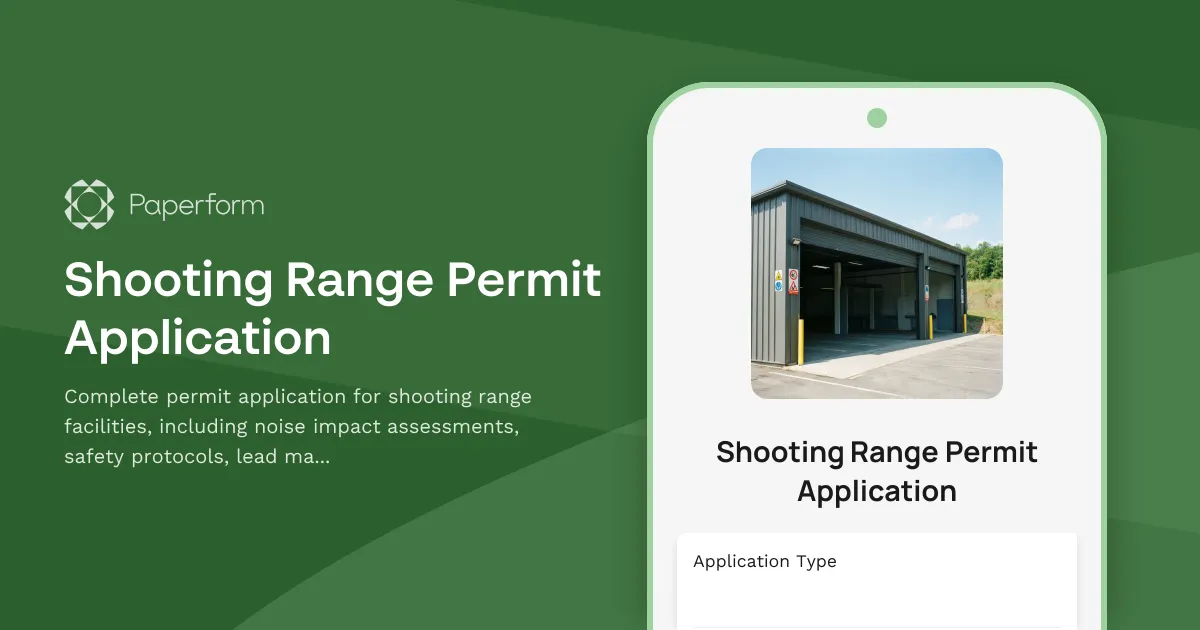
Shooting Range Permit Application
Complete permit application for shooting range facilities, including noise impact assessments, safety protocols, lead management, operating hours, and insurance documentation.
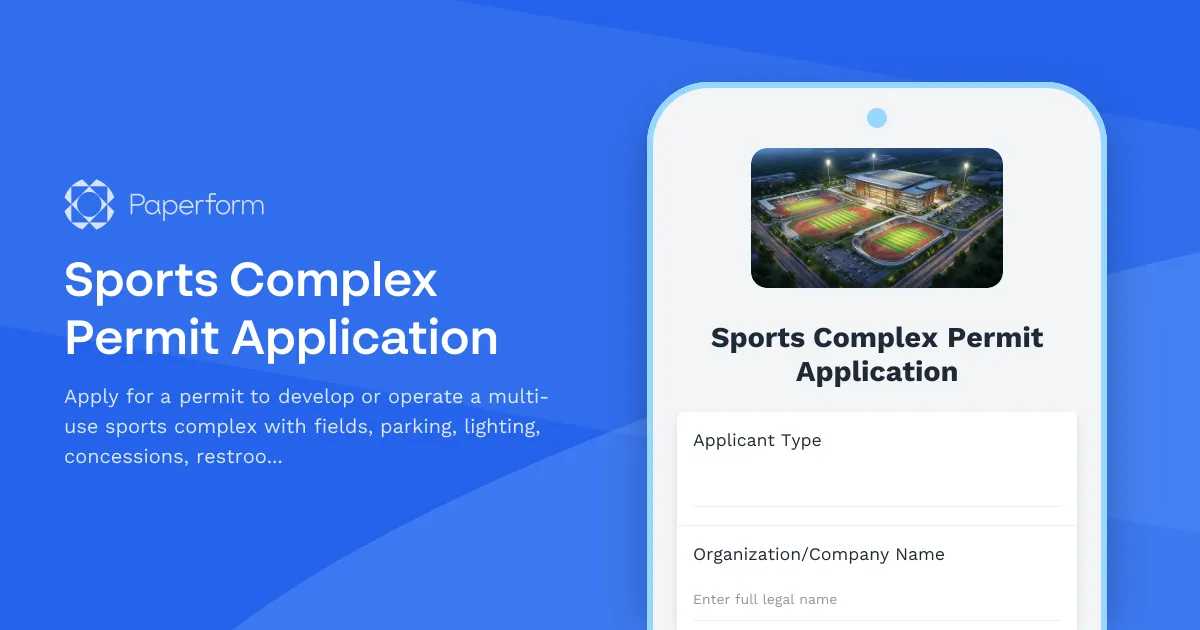
Sports Complex Permit Application
Apply for a permit to develop or operate a multi-use sports complex with fields, parking, lighting, concessions, restrooms, and tournament hosting capabilities.

Tiny House Placement Permit Application
Apply for a permit to place a tiny house on your property. Submit details about foundation, utilities, size, parking, and zoning requirements.
Well Drilling Permit Application
Comprehensive permit application for residential and commercial well drilling projects, including aquifer studies, spacing requirements, water quality testing plans, and geological surveys.
Accessory Dwelling Unit (ADU) Permit Application
Apply for a permit to construct or convert an accessory dwelling unit (ADU) or backyard cottage on your property with size calculations, parking, utilities, and design review.

Agricultural Building Permit Application
Apply for a permit to construct a barn or agricultural building with zoning verification, setback compliance, and manure management planning.

Brewery & Winery License Application
Complete application form for obtaining a brewery or winery license, including production details, facility specifications, tasting room plans, and tax registration requirements.