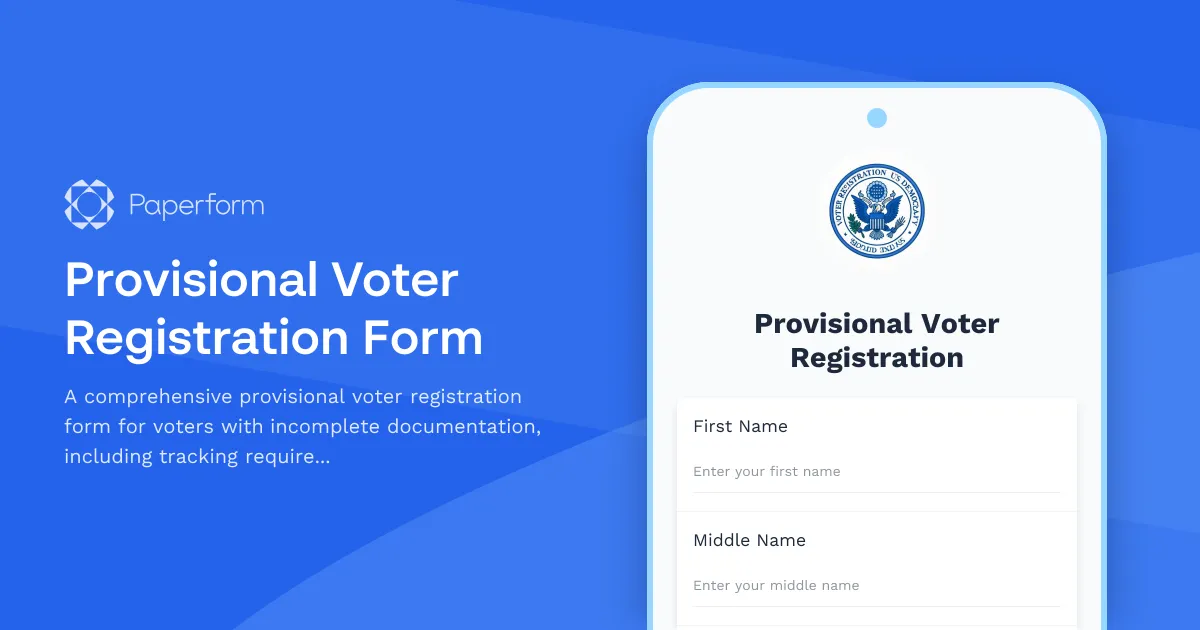
Register to Vote with Provisional Documentation
If you don't have all your documentation ready right now, you can still start your voter registration process today. This provisional voter registration form helps you submit your information and clearly outlines what documentation you'll need to provide to complete your registration before Election Day.
Why Use a Digital Provisional Voter Registration Form?
Traditional paper-based provisional registration processes can be confusing and lead to incomplete registrations when voters are unsure what documents they need or when to submit them. By using Paperform's provisional voter registration template, election offices can:
Streamline incomplete registrations: Clearly communicate what's missing and what steps voters need to take, reducing confusion and incomplete registrations.
Track follow-up requirements: Automatically identify which documents each provisional registrant needs to provide, making it easier for staff to follow up and ensure completion.
Improve accessibility: Allow voters to start the registration process from any device, even if they don't have all documents immediately available, increasing registration rates.
Reduce administrative burden: Collect structured data that's easy to process and automatically notify voters about their next steps, saving staff time on manual follow-up.
Who This Form Is For
This provisional voter registration form is designed for:
- County and local election offices managing voter registration with incomplete documentation
- Voter registration drives helping citizens register even when documents aren't immediately available
- Community organizations supporting underserved populations who may face documentation barriers
- Municipal clerks and registrars streamlining provisional registration workflows
How This Form Works
The form walks provisional registrants through:
- Personal information collection: Name, date of birth, contact details and current address
- Documentation status check: Identify which required documents the registrant currently has
- Missing documentation tracking: Automatically flag what documents still need to be provided
- Eligibility verification: Confirm citizenship, age and felony conviction status
- Follow-up instructions: Clear guidance on submission deadlines and acceptable documentation
- Contact preferences: How the registrant prefers to receive follow-up communications
Customize for Your Jurisdiction
Every state and locality has different voter registration requirements. This template provides a flexible foundation you can easily customize to match your jurisdiction's specific rules, including:
- State-specific acceptable ID types
- Residency verification requirements
- Registration deadlines and provisional timelines
- Felony conviction rules
- Proof of address requirements
Simply update the form fields and conditional logic to reflect your local regulations—no coding required.
Automate Follow-Up with Stepper
Take your provisional registration process further by connecting this form to Stepper, Paperform's AI-native workflow builder. You can automatically:
- Send personalized follow-up emails with document checklists based on what's missing
- Create calendar reminders for staff to check on incomplete registrations
- Update your voter registration database when provisional registrants become fully registered
- Generate completion reports showing which provisional registrations need attention
- Trigger SMS reminders as registration deadlines approach
Collect eSignatures with Papersign
For jurisdictions requiring sworn statements or affidavits as part of provisional registration, you can integrate Papersign to collect legally binding electronic signatures. This eliminates the need for in-person signature collection while maintaining compliance with your registration requirements.
Secure and Compliant
Voter registration data is sensitive and requires careful handling. Paperform is SOC 2 Type II certified and offers data residency controls, helping you maintain security standards appropriate for government data. The platform supports role-based access controls so only authorized staff can access provisional registration records.
Get Started Today
Whether you're modernizing an existing provisional registration process or creating one for the first time, this template gives you a professional, accessible starting point. The form is mobile-responsive, making it easy for voters to complete on any device, and you can embed it directly into your election office website or share it as a standalone link.
By removing barriers to registration and providing clear follow-up pathways, you'll help more eligible voters complete their registration and exercise their right to vote.



More templates like this
Absentee Ballot Application Form
Apply for an absentee ballot with voter registration verification, reason selection, and secure signature upload. Simple online submission for voters unable to vote in person.
Accessible Format Voter Registration Request Form
Request voter registration materials in accessible formats including braille, large print, or audio to ensure equal access to the electoral process.
Accessible Voter Registration Form
A fully accessible voter registration form designed for all voters, featuring screen reader optimization, clear language, and straightforward navigation to ensure everyone can exercise their right to vote.
Automatic Voter Registration Opt-Out Form
Opt out of automatic voter registration in states with AVR programs. Submit your decision to decline voter registration and confirm your choice.
Ballot Drop Box Location Suggestion Form
A civic engagement form for community members to suggest secure, accessible ballot drop box locations to improve voter access and participation.
College Campus Voter Registration Coordinator Application
Apply to become a voter registration coordinator on your campus. Help students register to vote, organize registration drives, and promote civic engagement.
College Student Voter Registration Form
Online voter registration form designed for college students, including campus and permanent address options, absentee ballot requests, and election information.

Confidential Address Program Enrollment Form for Domestic Violence Survivors
Secure enrollment form for domestic violence survivors seeking confidential address protection through the state's Address Confidentiality Program (ACP).
County Voter Registration Transfer Form
Update your voter registration when moving within the state. Automatic precinct reassignment ensures your information is current for upcoming elections.
Crossover Voter Registration Form for Primary Elections
Change your party affiliation for upcoming primary elections. This form allows registered voters to update their party registration to participate in a different party's primary election, subject to state deadlines and eligibility requirements.
Curbside Voter Registration Assistance Request
A streamlined form for voters with mobility limitations to request curbside assistance for voter registration, with appointment scheduling and accessibility accommodation documentation.
Early Voting Site Worker Registration Form
Register to work at early voting sites with shift preferences, location assignments, and equipment training tracking for poll workers and election officials.